





fireozzie
Members
-
Joined
-
Last visited
-
Hello, On deconz app i dont get any device connected. On zigbee home animation is can find directlye the products wat i have.
-
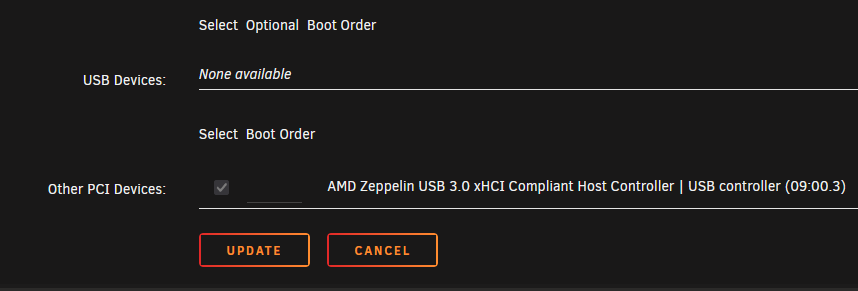
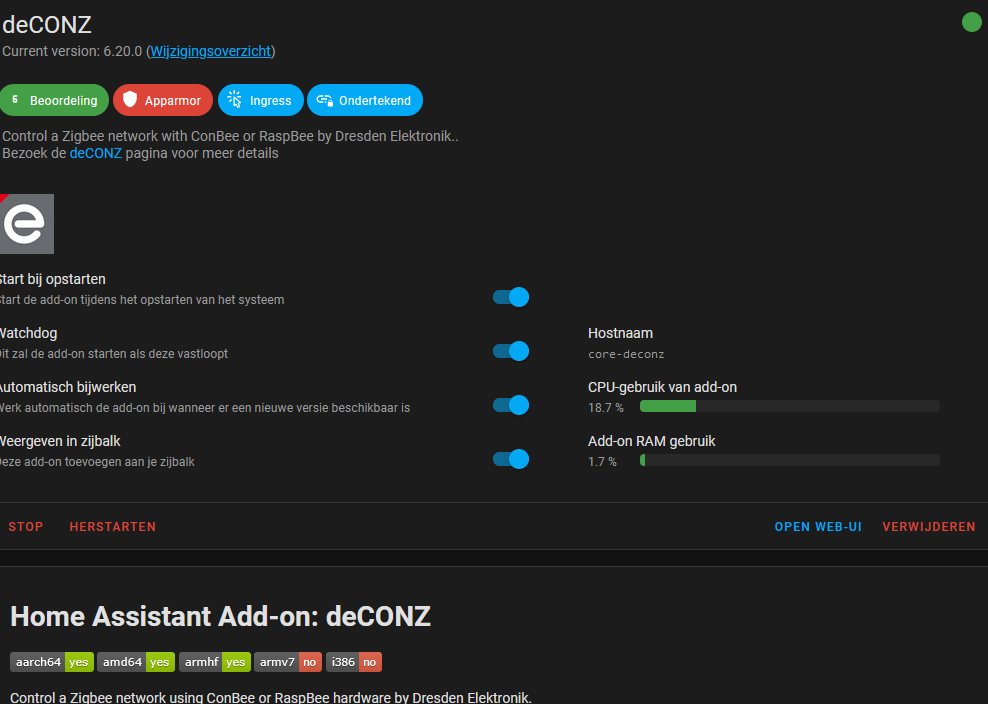
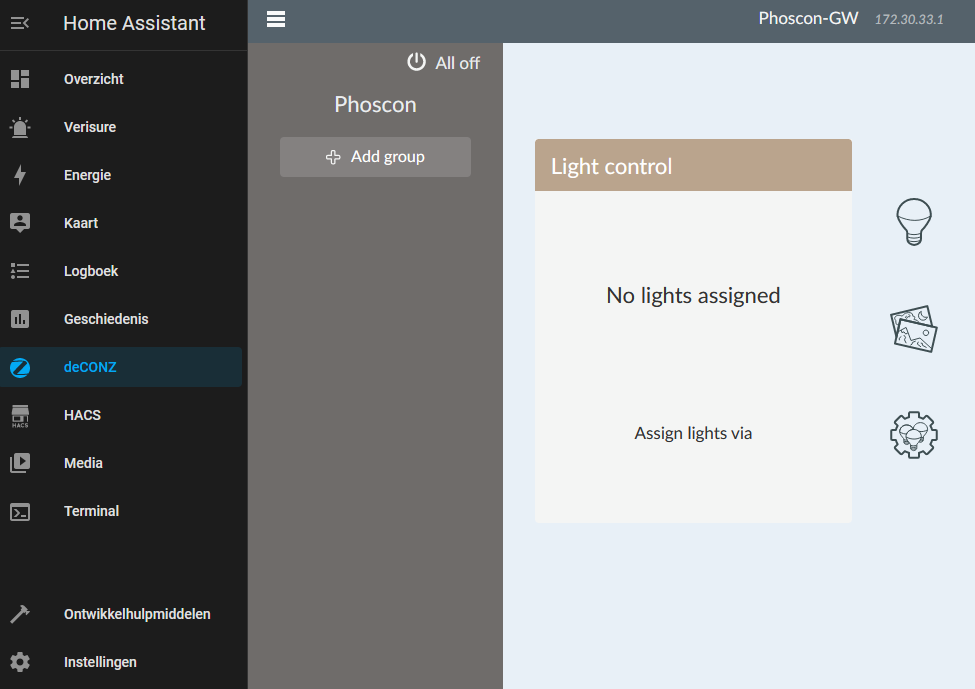
Hello, I have a problem with to connect conbee 2 for automations in homeassist. The passtrough i have done in unraid to the VM for Homeassist. In Homeassist i install de deconz for the communication with the stick - i can go to server from Deconz for finding motion sensor or door sensors. Only when i need to pair the stick dont find anyting. On my personal computer with installing the program for the conbee 2 stick i can connect with the devices it find it derecly. I dont know what i do wrong to make it working. Setting for the VM server Homeassist. Deconz ADon Third picture you see that the program is running from the VM server. Maybe you guys can help me.
-
Hello is there a video to check and install the conbee 2 to unraid and working with homeassistant. I run HA in a VM but i dont now how i can connect te conbee 2 to HA.
-
Hello, My Sabnzb is not starting any more. This is happend after the update to new Unraid server. When i click start servers its seems to start up but after a few seconds it is still red.
-
Hello, After i update from unraid 6.9.someting to 6.10.3 i have already two times a message that he tell me that the drive is verry hot about 84 c . Before i no problem with that. I have also check inmy server rack and feel the temp from the harddisck but is not so warm like 84 c. Around the 35 a 40 c. If you need some extra information i here it. greetings Fireozzei
