





Everything posted by Tom.KST
-
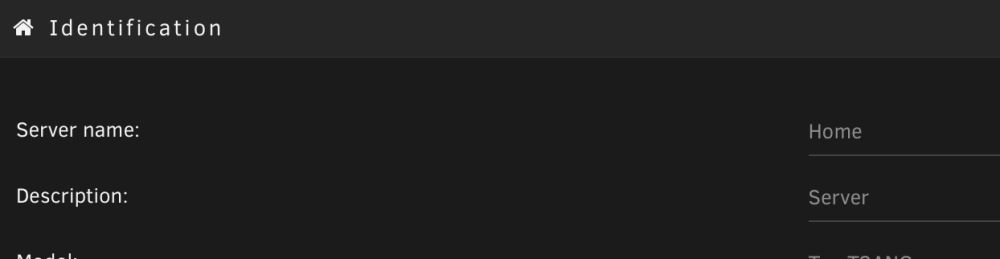
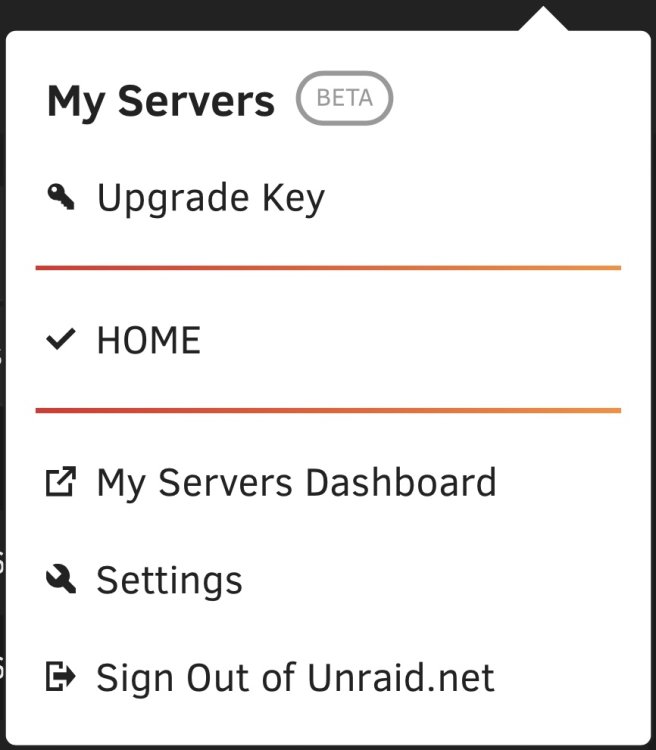
Screen Recording 2022-12-14 at 14.57.03.mov Hi, @ljm42 It's me again... Found an issue that at the right top corner where My Server plugin located, the 'Identification -> Server name' comes after 'Identification -> Description' would not be shown unless refreshing the webui page, then it's gone after that... I've tried restarting the api, reboot the server... not working, either. api report tells the status without errors.
-
先从Main页面停止阵列,然后去 Tools -> New Config -> Preserve current assignments: -> All disks -> Apply 然后回去 Main -> Array Devices -> Parity (选回原来的校验盘,顺序不能调,要记下原来的顺序) 再调数据盘顺序 Main -> Array Devices -> Disk (重新调Disk 1-6顺序) 最后在下面的 Array Operation -> Start 重新启动阵列即可
-
Update completed! Thanks for the hard working all the time.
-
Glad to know and thanks!
-
Sorry to jump in... I've reported a similar issue to my previous post a few days ago, but I met the same issue today as above, when I was looking into if there's anyone faces the same problem... I've upgraded to the latest 6.11.5 then rebooted today, but still got 0 of 0 (NaN%) until I ran 'unraid-api restart'. Any ideas?
-
-
1, Make sure your WAN can get public ip, but not private ip from ISP. 2, Make sure you’ve configured your router with correct port forwarding to your unRaid server.
-
My array status’ backkkk!!!🌹
-
I’ve tried rebooting my unRaid server, and restarting the api services before but still the same, this time it works… 🤩 thanks for the solution.
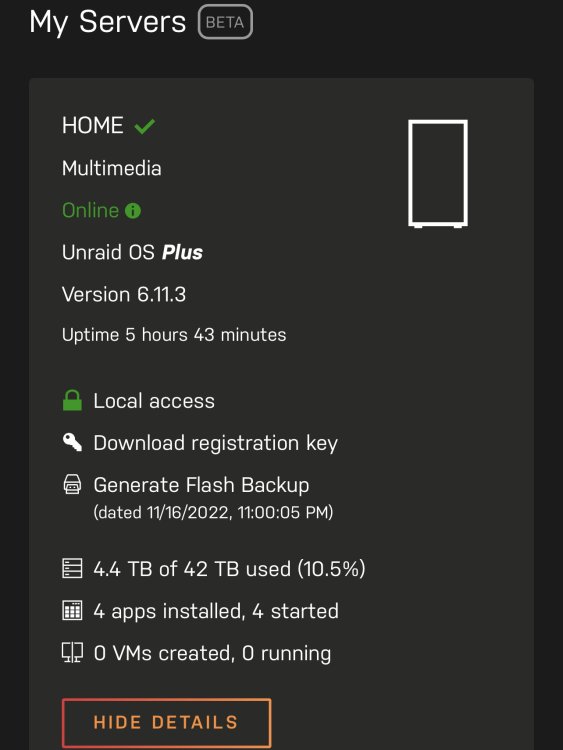
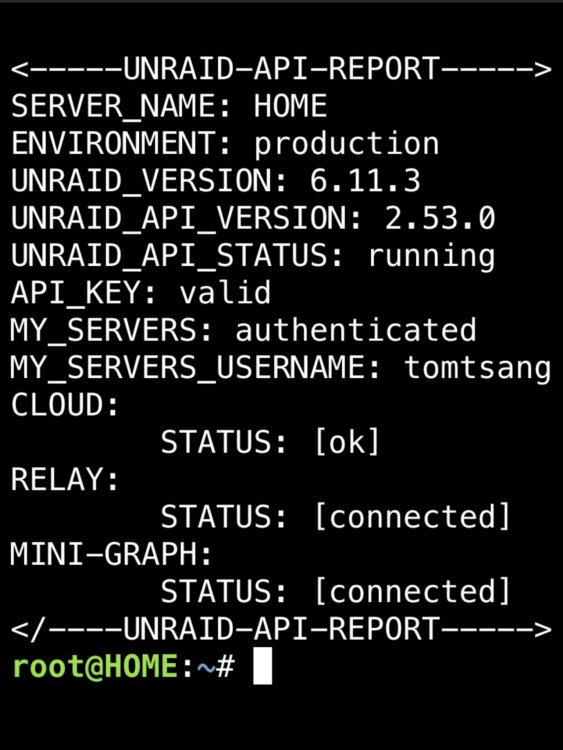
-
重新启动进入主板BIOS,重新设置启动介质顺序,更改第一启动介质为unRaid启动U盘。
-
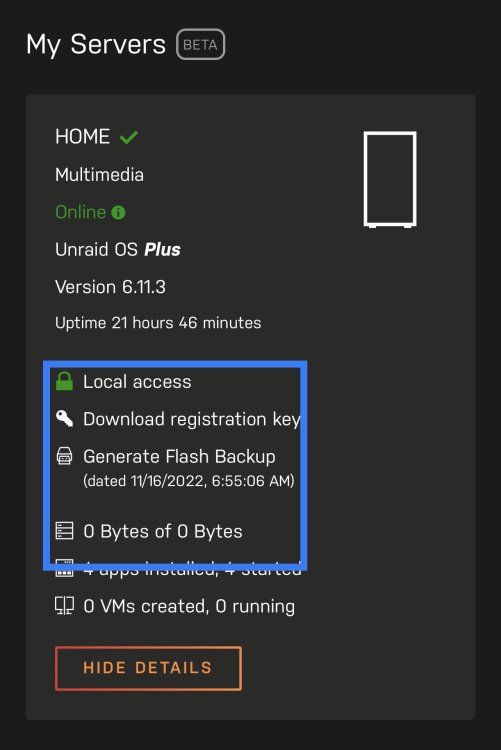
It’s been a while that I noticed ’my servers’ plug-in works quite well, no api issues. But when I get access to ’my servers’ dashboard, the array size is 0 bytes. It’s happened after I updated unRaid version to 6.11.3, my-servers plugin version to 2022.11.02.0859. Before that, all works good…
-
Done! Wish I could win the &50 gift cards, then I would upgrade my unRaid license from PLUS to PRO!!!
-
Same error to my unraid server today... 🙈🙈🙈







