





impenetrable-aviator2287
Members
-
Joined
-
Last visited
Everything posted by impenetrable-aviator2287
-
Shutdown and verified the bios saw the drive and booted up fully. Drive showed up and let it resilver. Will monitor it to see if it will drop out again. Thanks for the help Jorge! I'll let you know if I run into any snags.
-
I'll try that, but when it came back up after a reboot, the drive was no longer available to be selected. It just stated "no device".
-
Looks like it didn't come back after rebooting. So guessing it's blacklisted by the OS.
-
Thanks Jorge, will this bring the offline device back? Or has Unraid blocked it for good?
-
Diags as requested. fileserver-diagnostics-20251226-0023.zip
-
So I replaced 2 1TB Crucial T705 nvme drives for 2 4TB Crucial T710 drives and they both were in a ZFS mirror. Both 4TB drives failed within 2 weeks of being put in. Am I just unlucky or should I not be using these in a mirrored pool?
-
Hello, I have 2 nvme 1tb drives in a zfs mirrored pool. I'd like to replace them with 4tb drives. What would be the best way to go about that? They are where my docker and VMs reside. Is it just as simple as swapping one, let it rebuild then swapping the other? Thanks!
-
Apparently somebody got it working in their docker in this thread QSV with Intel Arc GPUs · automatic-ripping-machine/automatic-ripping-machine · Discussion #1391 · GitHub
-
Thanks Jorge! Opened a ticket.
-
I upgraded via the GUI from 7.1.4 to 7.2.0 rc1 and once it booted into the dashboard it said my USB was blacklisted. I figured, this is a good time to swap to another I've been meaning to anyway that uses a micro sd card. That came up fine, but it won't let me transfer the license key to it. I get a pop up that says "key replacement failed".
-
Thanks again Jorge for saving my bacon. So I found the issue being the Unraid connect app causing the issue. Also, my kernel panics came from upgrading my cpu from a 7950x to a 9950x with my b650e motherboard. I was getting MMIO issues. I resolved it by upgrading to a proart x870e creator motherboard.
-
Actually tried that, the usb tool doesn't like the guid of the drive anymore. Tried to use a new drive and the key wouldn't transfer over in the webui. It said to contact support. I'm assuming its time locked because I transferred it in October last year after building a new machine. If I create using a new drive and copy those files over would any of the files be coded to the GUID of the other drive or would I just be able to copy those over?
-
tower-diagnostics-20250716-0733.zip
-
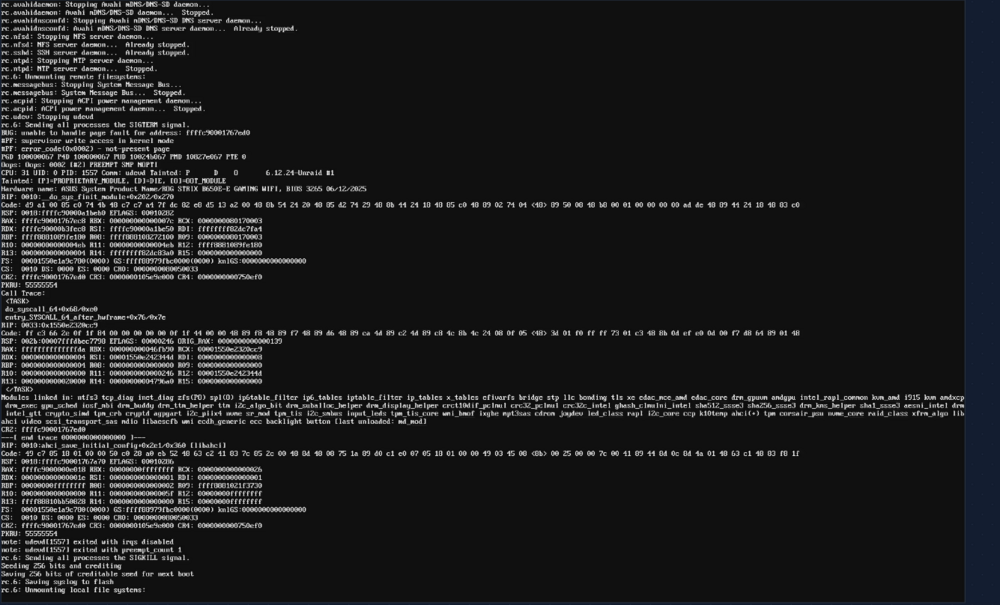
Don't know if this helps at all but I got this when rebooting the server from CLI and it hung here and won't shut down:
-
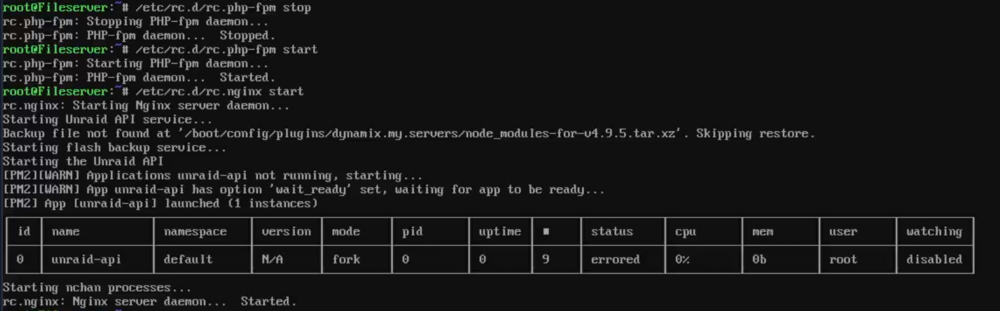
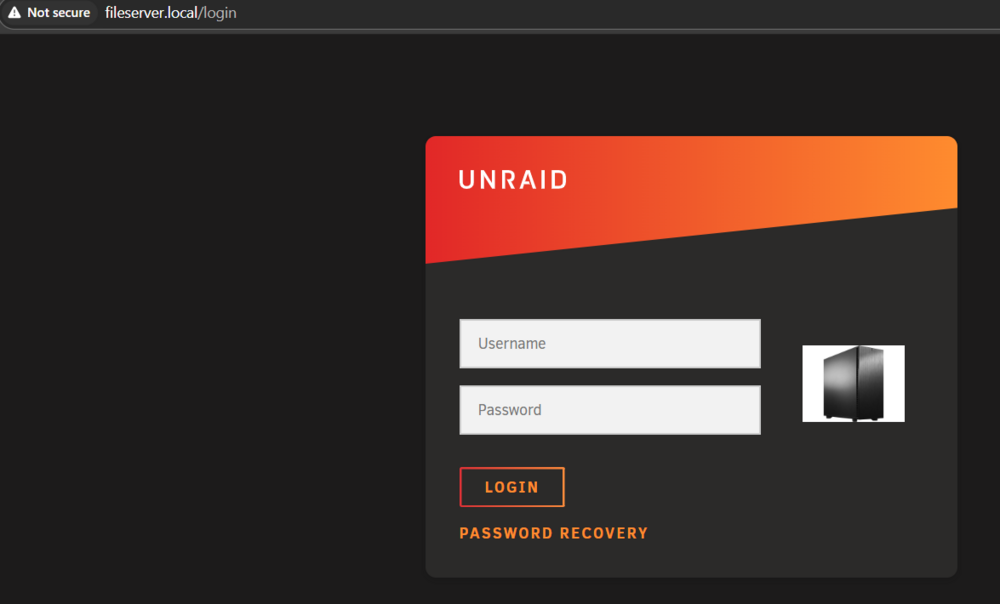
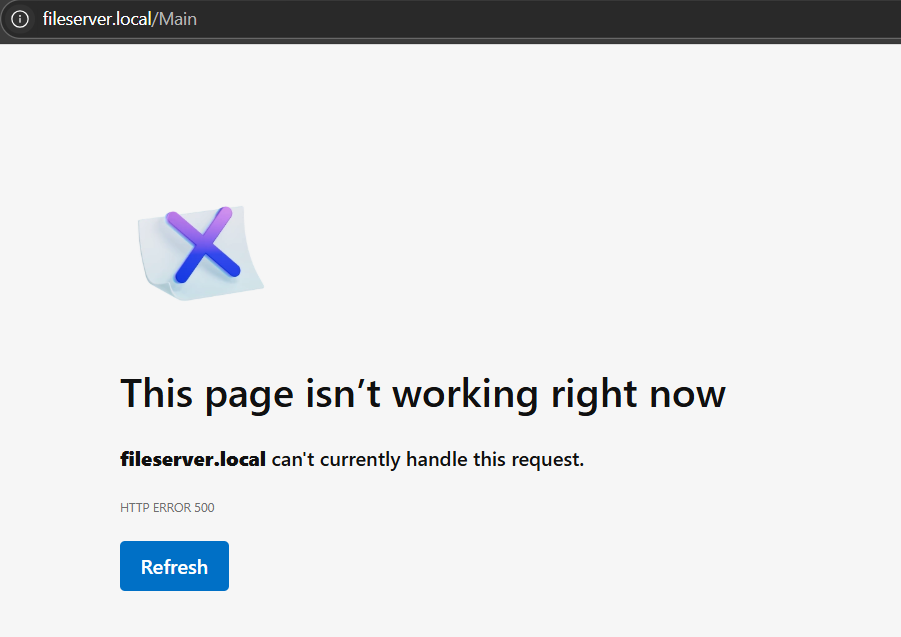
Hello, I am unable to get into my dashboard after rebooting. I've tried restarting nginx and php-fpm which will get me to the login page but after I log in the next screen I get is an error message that says "This page isn't working right now". Any help would greatly be appreciated.
-
Hello, all updates since April have caused my VM tab to not populate and when I attempt to access any other menu the GUI freezes. Has anyone else experienced this?
-
Hello, Is it possible to add an additional "/media" path to include another pool? I'd like to point my DVR/LiveTV to an NVMe drive vs my RAIDZ3 pool which causes stuttering until I rewind after 10 seconds and it's replaying what's already recorded to the pool.
-
I'm actually trying to transfer over the network. And I fixed the authlimit. I had a stale gui open on another box. What'll happen is I get up to 1.7Gbps transfer rate then after about 10 files it'll drop to nothing and I can't access any of my shares on any array at all. Funny thing is, if I copy from the share I'll get full 2.5Gbps the entire time with no issues. But if I were to copy that same data back the share crashes and all shares are inaccessible. Doesn't matter if it's on a different pool or the array. I can access and browse the shares from the WebUI and drill down into the directories as well. It's just the SMB over the network that just crashes.
-
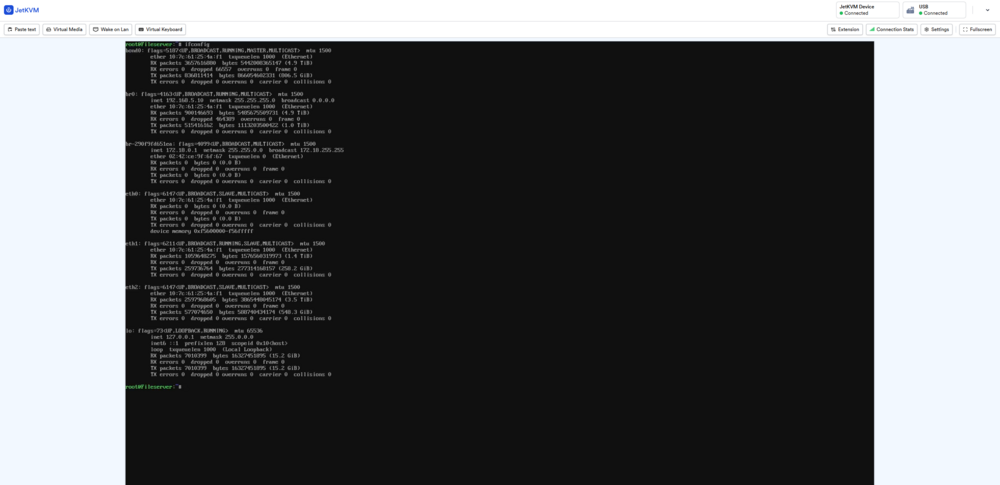
I have one and haven't changed anything out of the box.
-
Hello, I'm trying to recover from a backup and transferring data back to my server. However, in the middle of copying files over the SMB shares will lockup and I cannot access them via file browser. I can still access the sever via web browser. Any idea what could be the cause? I am using a Ryzen 7950x if that helps. (I did change power control to typical) fileserver-diagnostics-20250313-0713.zip
-
Is there a way to have this use Intel Arc GPUs instead of Nvidia?
-
I've resolved this. Just exported the arrays and then started them after putting the disks in order.
-
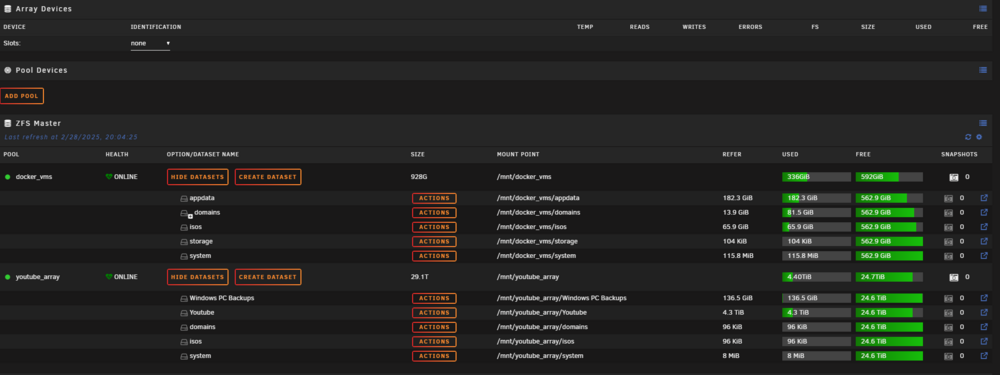
Hey Jorge! I'm sure you'll be the one that responds. So for whatever reason, the pools that are good aren't in the GUI but they are still there and showing online in the CLI. Any help to get that back in the GUI? root@Fileserver:~# zpool status pool: docker_vms state: ONLINE config: NAME STATE READ WRITE CKSUM docker_vms ONLINE 0 0 0 mirror-0 ONLINE 0 0 0 nvme1n1p1 ONLINE 0 0 0 nvme2n1p1 ONLINE 0 0 0 errors: No known data errors pool: youtube_array state: ONLINE scan: resilvered 1.85T in 02:52:57 with 0 errors on Mon Jan 20 22:22:29 2025 config: NAME STATE READ WRITE CKSUM youtube_array ONLINE 0 0 0 mirror-0 ONLINE 0 0 0 sdg1 ONLINE 0 0 0 sdh1 ONLINE 0 0 0 mirror-1 ONLINE 0 0 0 sdi1 ONLINE 0 0 0 sdj1 ONLINE 0 0 0 cache nvme3n1p1 ONLINE 0 0 0 errors: No known data errors fileserver-diagnostics-20250228-2006.zip
-
Since I really don't have any other options, going to try "pool import -fFX main_array" Nothing left to lose lol
-
cannot import 'main_array': I/O error Destroy and re-create the pool from a backup source. Looking pretty bad lol



