





Bmalone
Members
-
Joined
-
Last visited
-
I guess it's dead. Shame. It was a cool idea.
-
It's hard to take this OS seriously without this.
-
TOTP login. TrueNAS has it, Synology has it, Proxmox has it, etc. out of the box. It really needs to happen.
-
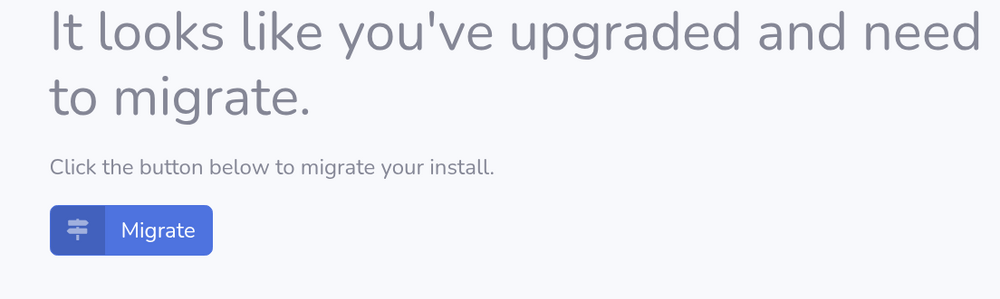
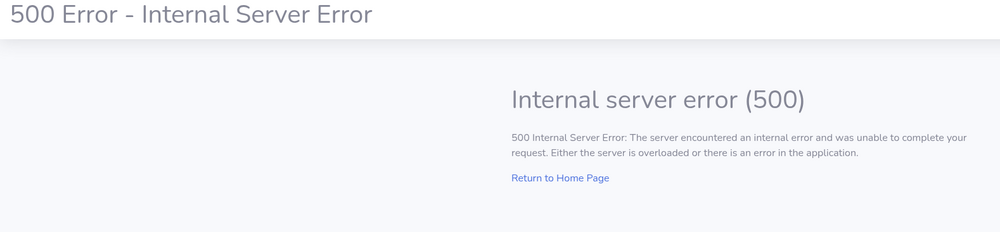
Not sure if this project is still being maintained or no, but when I install it for the first time, I'm getting this at first login. I added all the configs but to no avail. What is this about needing to migrate? It's a new install so what needs to be migrated from where to where? Something is preventing it from accessing the library despite having access using the default PGID PUID.
-
Yep, that was it. Never noticed that before. Thanks for the guidance.
-
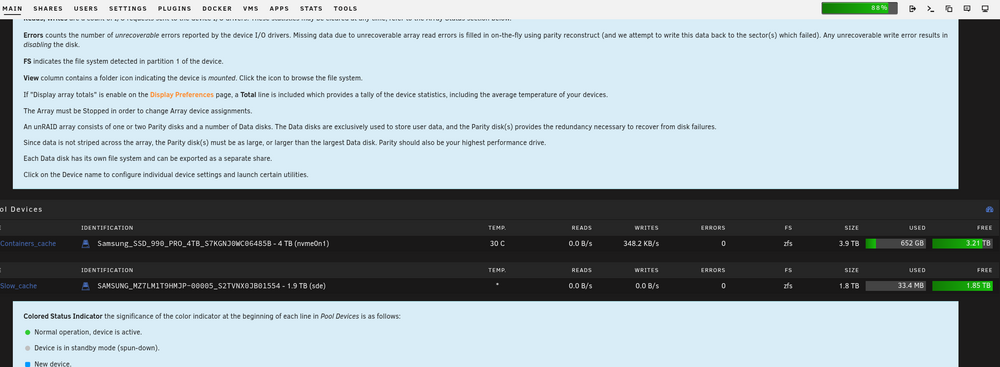
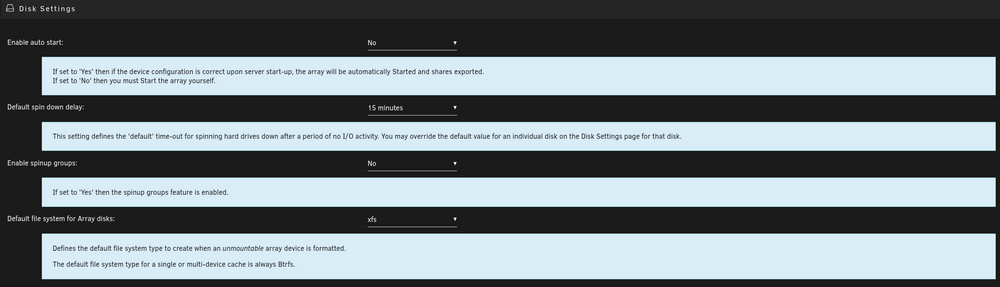
I just upgraded to Unraid 6.12.15 and it mostly went fine (remote SMB shares needed to be recreated). However, there is a global change that happened in all the menus. Normally, you can click on a setting to get a more verbose explanation of that setting. Previously the default was off and you had to click on the setting for a verbose description. That has now been reversed and the verbose shows up, even after I have clicked on the setting to close the verbose explanation, as soon as I open the menu again, the verbose description is there again. It takes up a huge amount of real estate and makes it more unusable on a phone. Is there any way to change this back to the way it was? Examples of what I'm referring to:
-
I've reinstalled it 30-40 times and sometimes it works, sometimes it doesn't, and sometimes it works for a little and then it just goes black. No issues with any other containers, just this one. I set up a backup and ran it, I can see that my destination is consuming the data because it's maxing out a 10GbE connection, but there is no way to get to a GUI unless I reinstall it 1-10 times. It's a bit strange this one is the only app that it's an issue and there definitely is no port conflict and I've tried to connect to the GUI from 4 different browsers, and also MacOS, Kubuntu, Bazzite, Windows, and iOS with most of those browsers(obviously not all are compatible with each other).
-
There isn't really much to check other than the config path going to my appdata folder and the data path mapped to /mnt. Is there something else I need to be adding for something specific to VNC?
-
Apologies, I missed this one. I do have another container using 8080 so I've been using port 8777 which is not used.
-
I did try all of that before posting. However, I did notice that there was no appdata folder when I went in to delete it.
-
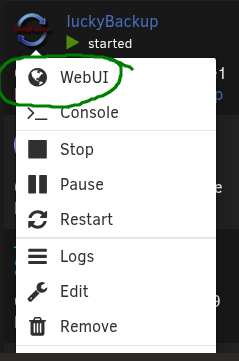
What's the trick to getting access to the Lucky Backup GUI? When I install it and select the WebUI, I just get a black screen. I'm running almost 30 containers and none of them have any issues like this. Is there a step I'm missing other than editing the properties in the container? Logs when starting: text error warn system array login WebSocket server settings: - Listen on :8080 - Web server. Web root: /usr/share/novnc - No SSL/TLS support (no cert file) - Backgrounding (daemon) WebSocket server settings: - Listen on :8080 - Web server. Web root: /usr/share/novnc - No SSL/TLS support (no cert file) - Backgrounding (daemon) ---Ensuring UID: 99 matches user--- ---Ensuring GID: 100 matches user--- ---Setting umask to 0000--- ---Checking for optional scripts--- ---No optional script found, continuing--- ---Checking configuration for noVNC--- Nothing to do, noVNC resizing set to default Nothing to do, noVNC qaulity set to default Nothing to do, noVNC compression set to default ---Starting cron--- ---Taking ownership of data...--- ---Starting...--- ---Preparing Server--- ---ssh_host_rsa_key keys found!--- ---ssh_host_ecdsa_key found!--- ---ssh_host_ed25519_key found!--- ---Starting ssh daemon--- ---Resolution check--- ---Checking for old logfiles--- ---Starting TurboVNC server--- ---Starting Fluxbox--- ---Starting noVNC server--- ---Starting ssh daemon--- ---Starting luckyBackup--- ---Ensuring UID: 99 matches user--- usermod: no changes ---Ensuring GID: 100 matches user--- usermod: no changes ---Setting umask to 0000--- ---Checking for optional scripts--- ---No optional script found, continuing--- ---Checking configuration for noVNC--- Nothing to do, noVNC resizing set to default Nothing to do, noVNC qaulity set to default Nothing to do, noVNC compression set to default ---Starting cron--- ---Taking ownership of data...--- ---Starting...--- ---Preparing Server--- ---ssh_host_rsa_key keys found!--- ---ssh_host_ecdsa_key found!--- ---ssh_host_ed25519_key found!--- ---Starting ssh daemon--- ---Resolution check--- ---Checking for old logfiles--- ---Starting TurboVNC server--- ---Starting Fluxbox--- ---Starting noVNC server--- ---Starting ssh daemon--- ---Starting luckyBackup---

-
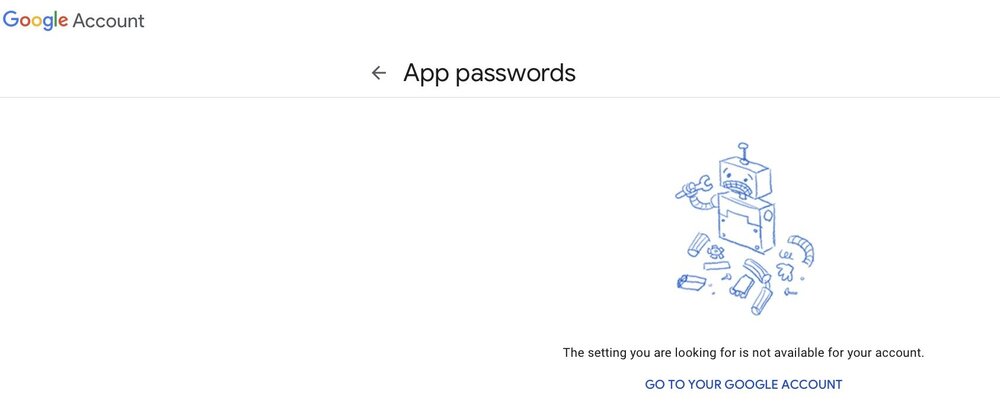
There must be something else to it because this is a personal account with 2FA.
-
App passwords are only available certain accounts it seems.
-
Even better. Thanks for your help and thanks for clarifying.
-
Use super.dat to open super.dat? I don't understand.


