Skip to content
View in the app

A better way to browse. Learn more.

Unraid

A full-screen app on your home screen with push notifications, badges and more.

To install this app on iOS and iPadOS
  1. Tap the Share icon in Safari
  2. Scroll the menu and tap Add to Home Screen.
  3. Tap Add in the top-right corner.
To install this app on Android
  1. Tap the 3-dot menu (⋮) in the top-right corner of the browser.
  2. Tap Add to Home screen or Install app.
  3. Confirm by tapping Install.

Artiom97es

Members
  • Joined

  • Last visited

Everything posted by Artiom97es

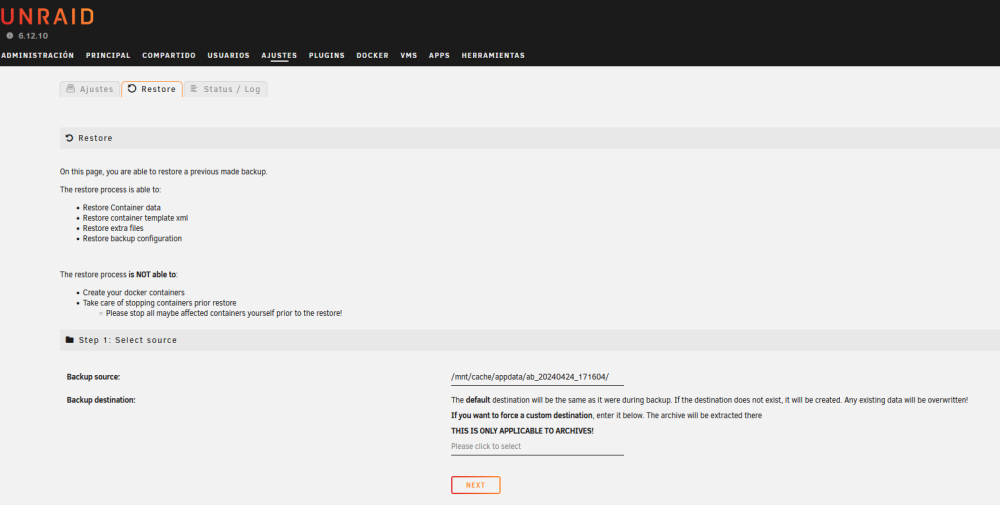
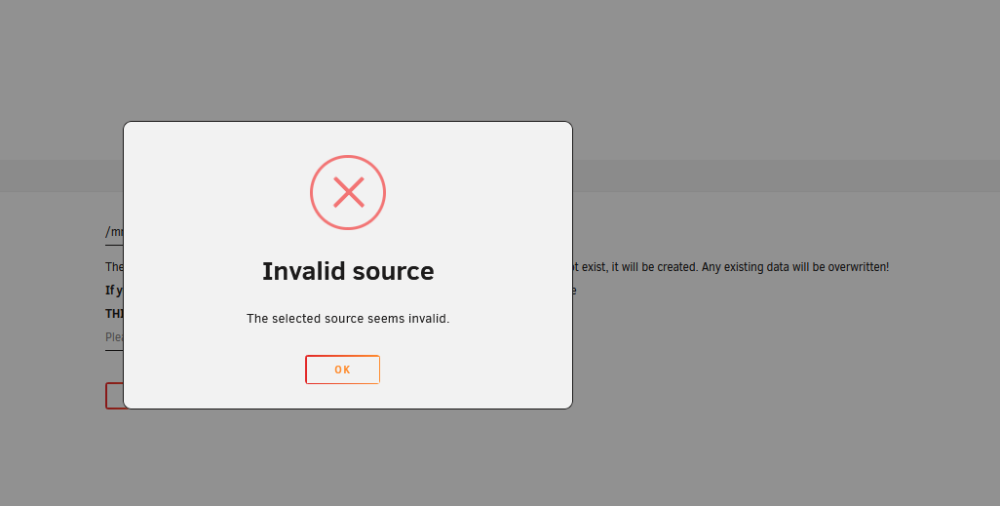
  1. i maded a backup, and now i created a ¨cache¨ as main storage, and i want to restore everything, its because the restore folder its in appdata? i need to move it outside from there?
  2. no idea what is that, im new with this
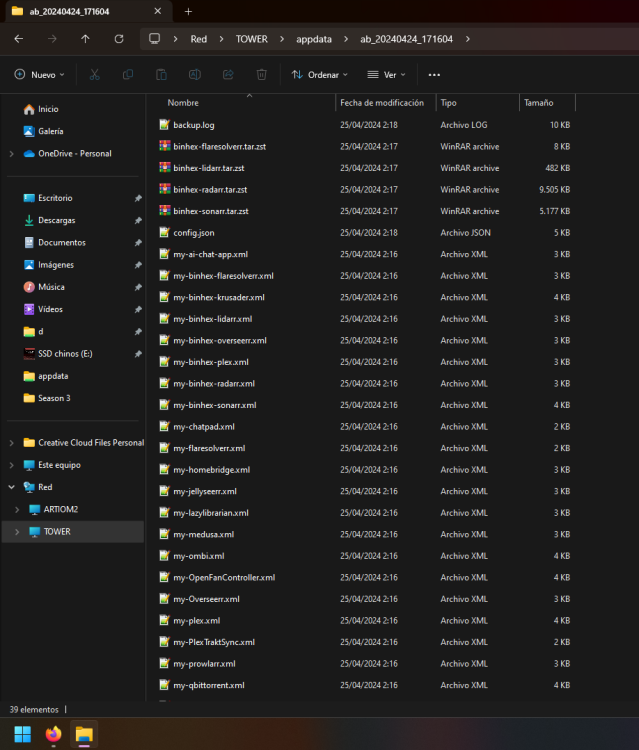
  3. no idea why, what im doing wrong
  4. yep, learned a few minutes ago i need to add the paths manually, thanks
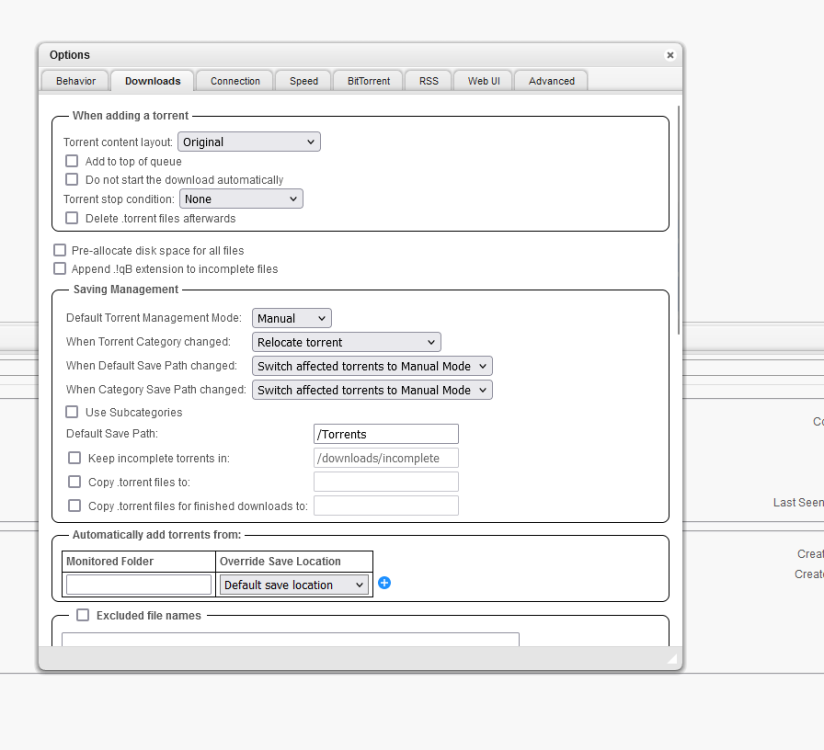
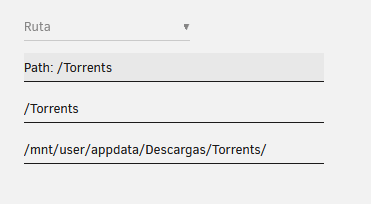
  5. hi, sorry im pretty new for all of this things i have a lil problem as first image, i tried to put torrents in ¨second photo of Path¨ and third photo how i write in qbittorent, yeah i dont know where to ask not sure if its releted at all, any help is welcome Thanks

Account

Navigation

Search

Search

Configure browser push notifications

Chrome (Android)
  1. Tap the lock icon next to the address bar.
  2. Tap Permissions → Notifications.
  3. Adjust your preference.
Chrome (Desktop)
  1. Click the padlock icon in the address bar.
  2. Select Site settings.
  3. Find Notifications and adjust your preference.