Artiom97es
Members
-
Joined
-
Last visited
Everything posted by Artiom97es
-
for dumbdrop would be awesome to see some examples / photos of how it looks like
-
(still happens on stable 7.0.0 need to reboot ¨again¨)
-
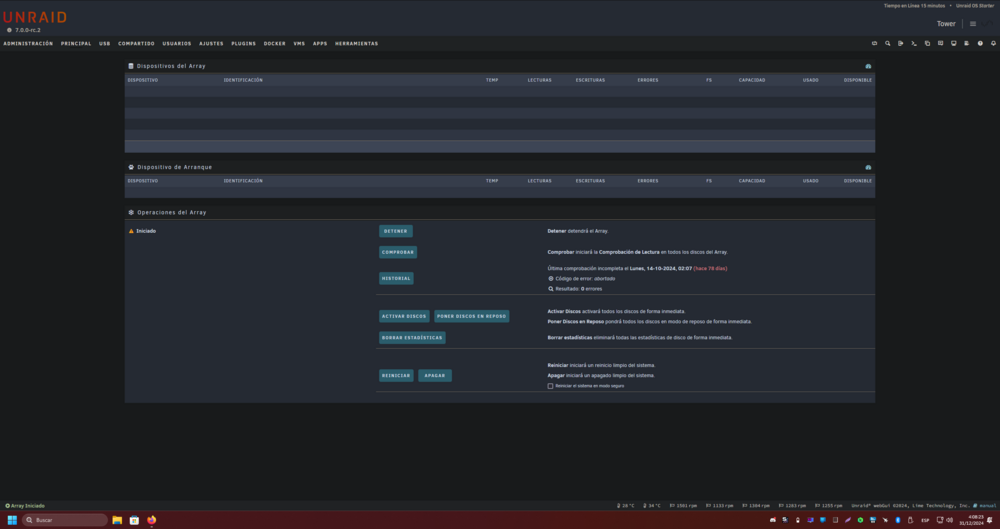
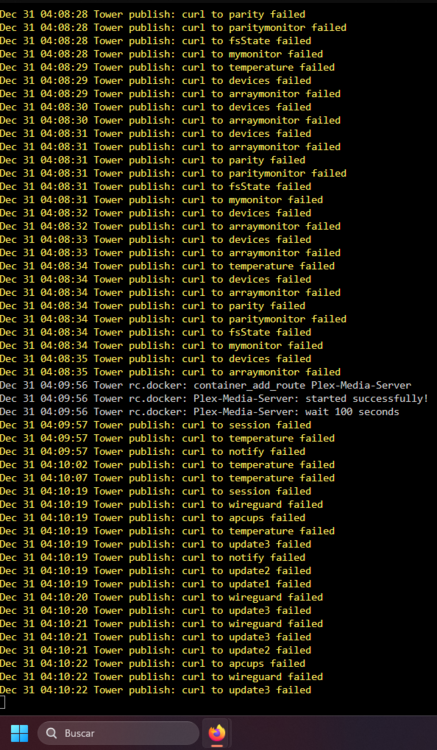
well after 5 reboots, it fixed it selfi updated and tried that command after update touch /boot/config/fastusr some things are broken no idea if same issue as most logs are like this:
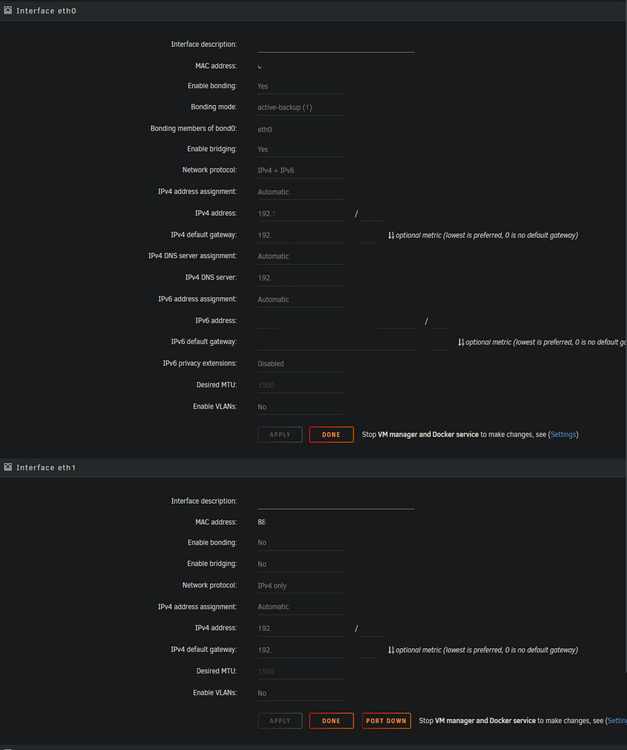
 does it compare only names? could it compare exactly same file size? on same foldercant even login on megasync, any way to see logs? ah well, my bad error 402, mega side thingpwm fan pluginhi, its there any way to know its working? also wich aditional requirements are?Could be a space before the uuidAs my opinion, some times it takes a while to load, just wait, your log missing "Loaded" If you're using HDD with a lot of items It can take +3h to loadi have vm, and i have 2 network cards A(eth0) 192.100.100.5 and B(eth1) 192.100.100.6 i want to assign exlusivly B to a VM but i cant, no idea why, everythig looks fine in config no idea if im doing something wrong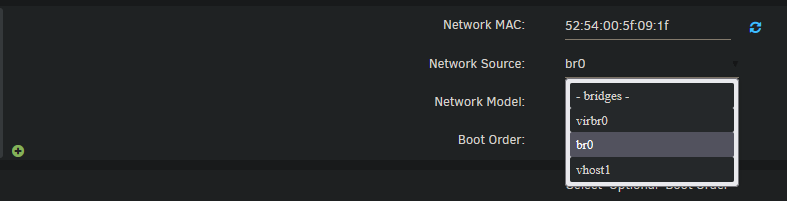
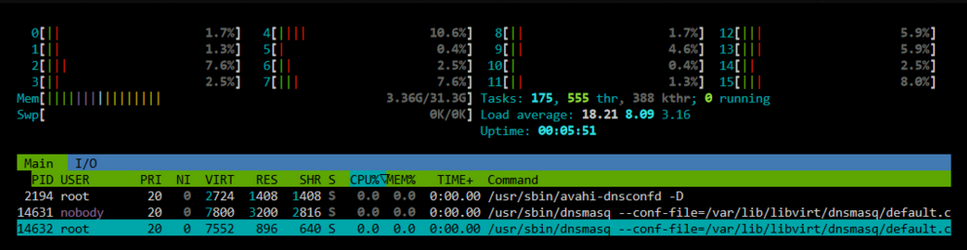
 also a small question, why not implement nvidia and amd to main fork?thanks alturismowhy? any plans to update nvidia one? it looks outdatesi installed adguard, i unistalled it, and now my internet explode every few seconds because of some service, i think its releated with (if i kill the process it fix everything)
 how i change PostgreSQL ip ?any logs about that?what i need to do to fix, my compose? if need some logs, or info, or whatever just say when i press go to web ui it moves to http://192.168.0.123/192.168.0.123:7011 instead of http://192.168.0.123:7011well nothing to do with mine problem?where is the file to edit the data? i cant find it, like every app in appdata with ¨config¨ file why i need that? want to do this because its using avx
 most of time when i explore it just stop loading, and sometimes kick me out from the server, so its server fault, mine? i tried to change view distance from 5 to 10 to 20 to 50 to 100, and same problem aswell tried forge/fabrica/vanilla no idea what to do, cpu never go more than 30%, ram never go more than 3gb there is plenty of space, the hdd its just for this server and its almost not used at all could add more info if needed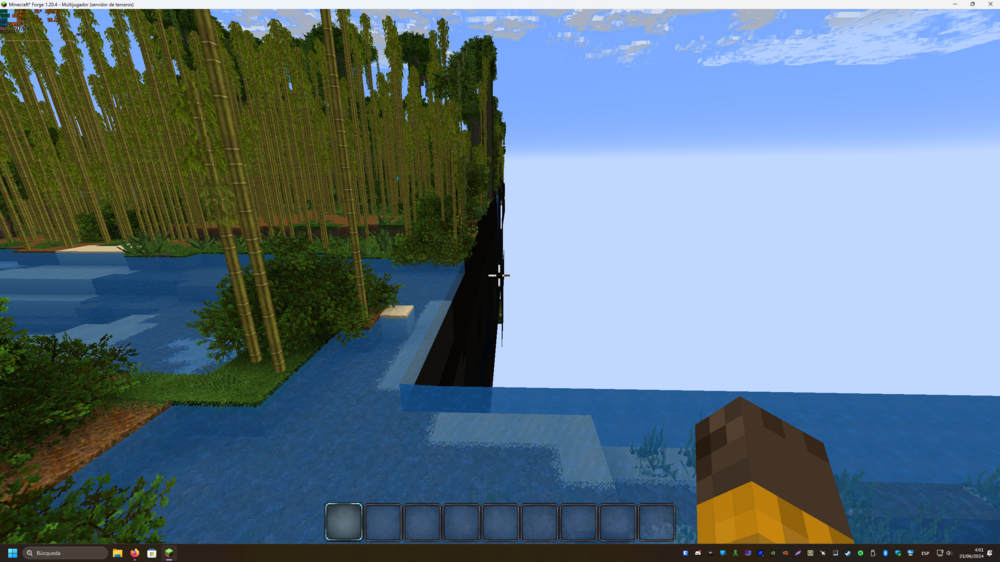
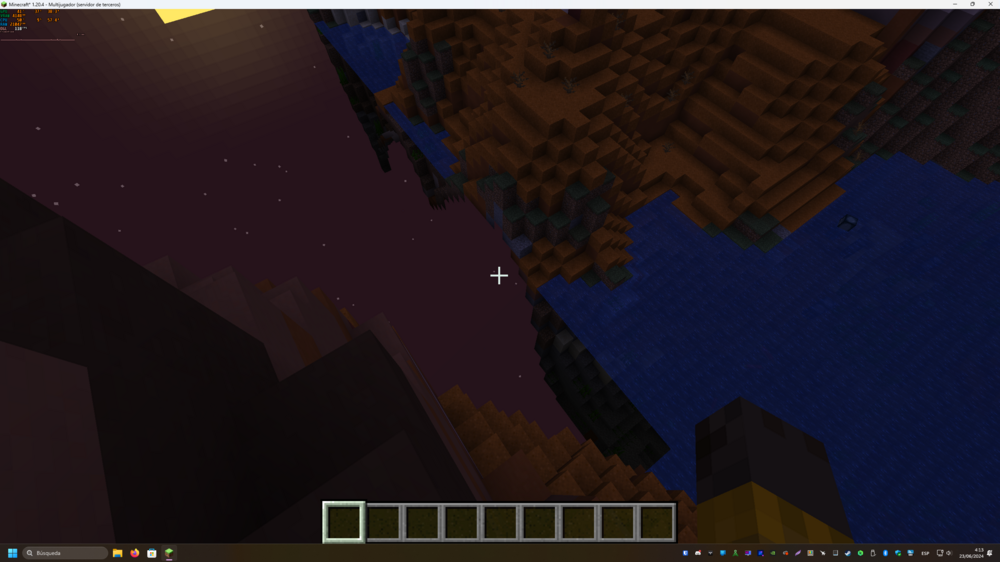 anything to do with my problem? need more logs or something?
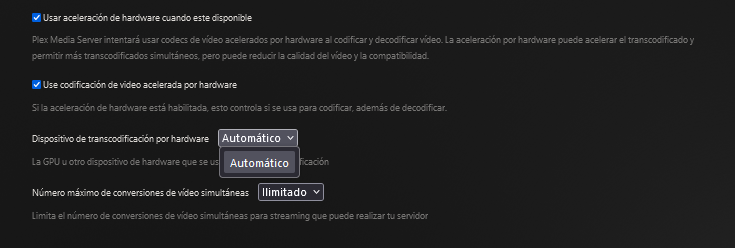
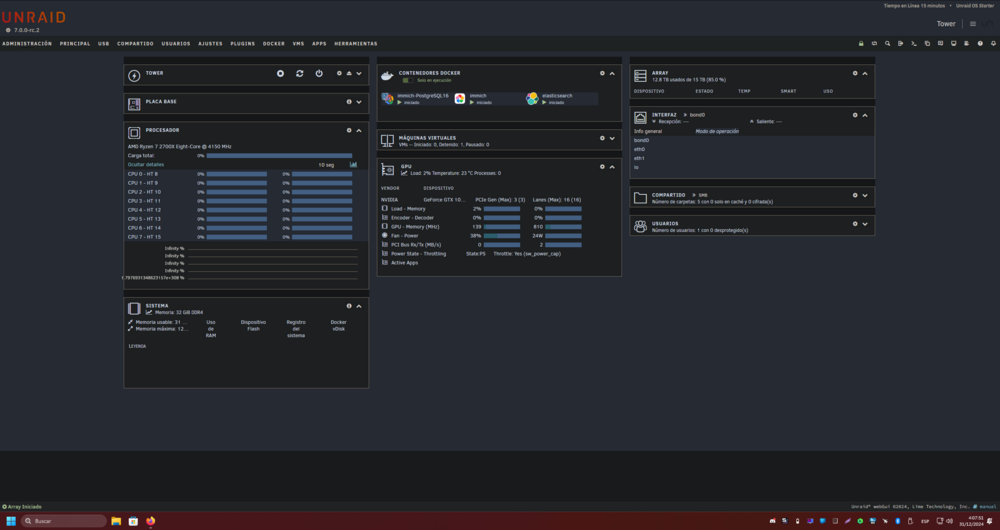
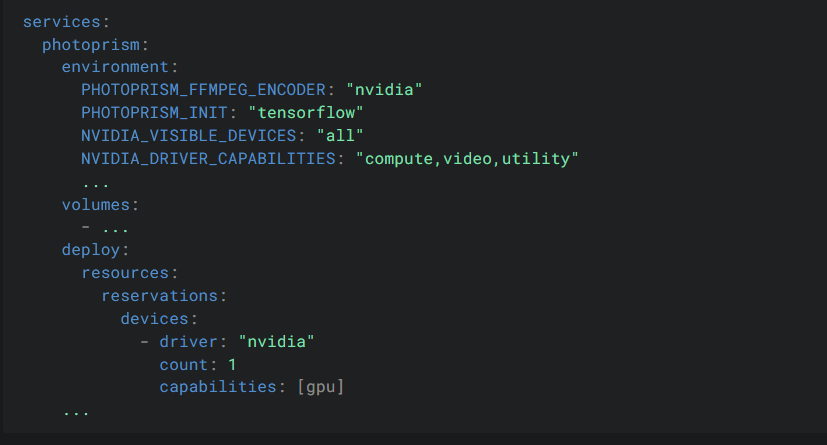
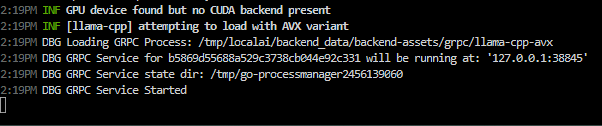 2:04PM INF Success ip=127.0.0.1 latency="42.181µs" method=GET status=200 url=/readyz 2:05PM ERR failed starting/connecting to the gRPC service error="rpc error: code = Unavailable desc = connection error: desc = \"transport: Error while dialing: dial tcp 127.0.0.1:36087: connect: connection refused\"" 2:05PM DBG GRPC Service NOT ready i writed port 8081 on install, because its was taked by Qbitorrent(8080) no idea if this info is needed also my xeon doesnt have avx2(that is correct) also it says no cuda present on my 1050ti, no idea why 3:59PM INF GPU device found but no CUDA backend presenthi, im using plex and nvidia driver, and cant make work nvidia thing to transcode/decode i tried to add that, not worked i have plex pass no option to select any gpu(and on charts of usage gpu is never used)