





sekrits
Members
-
Joined
-
Last visited
-
just set this up on my iPhone and the push notifications as well and the notifications disappear when opening the app on my iPhone and they aren't in the bell notification area.
-
that fixed it
-
Updated and still getting error after trying to back up again after initial backup Backup failed: [Errno 13] Permission denied: '/boot/config/plugins/dockerMan/templates-user' in the file guardian.log it says "/bin/sh: 1: python: not found" twice
-
Same error "Backup failed: [Errno 13] Permission denied: '/boot/config/plugins/dockerMan/templates-user'" and doesn't work after restart at all
-
follow the dockersocket part here https://forums.unraid.net/topic/193147-support-stephondoestech-unraidconfigguardian/#findComment-1577406 you need to fix the part in the container
-
This fixed my issues, thank you!
-
i still cant get passed this error Last backup failed: [Errno 1] Operation not permitted: '/output' I’ve done everything stated in this thread to end up with the same error. No matter what. And the logs say nothing about errors
-
I removed everything started from scratch and followed everything still getting the same Last backup failed: [Errno 1] Operation not permitted: '/output'
-
Two issues im having, Dashboard is reporting "Unraid Version: unknown" and I'm on current non beta release, Also This error which i cant seam to fix "Last backup failed: [Errno 1] Operation not permitted: '/output'"
-
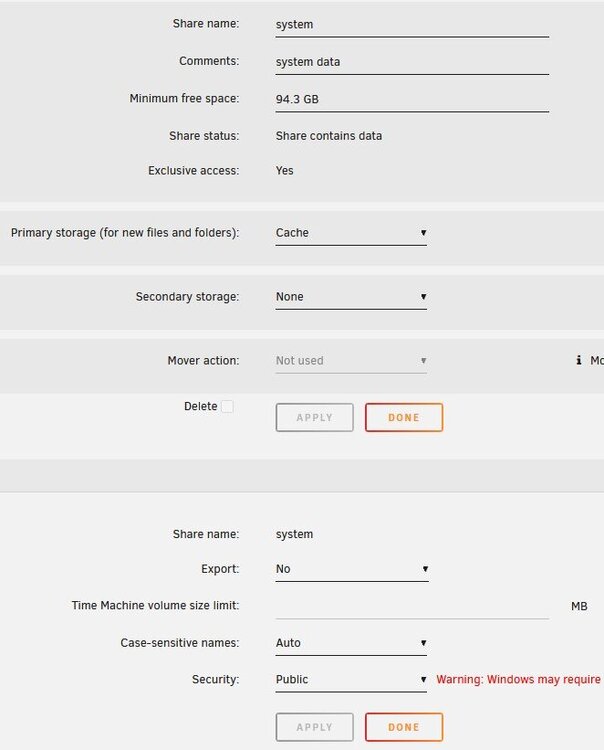
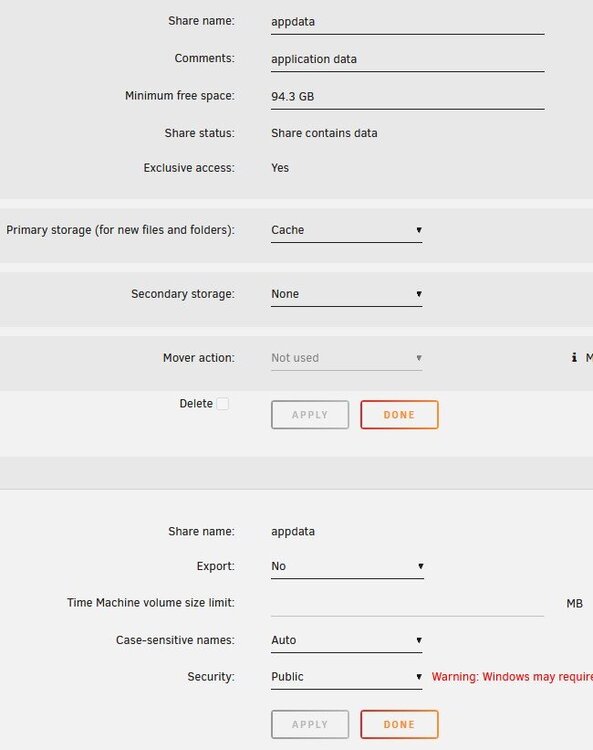
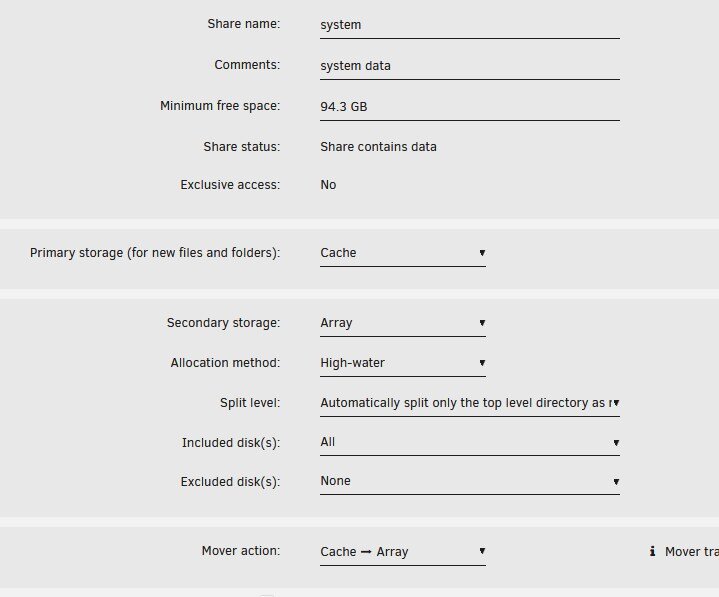
OK so i did this for changes and permit exclusive shares Should i change the docker /mnt/cache/system/docker.img back to /mnt/user/system/docker.img Edit: updated images
-
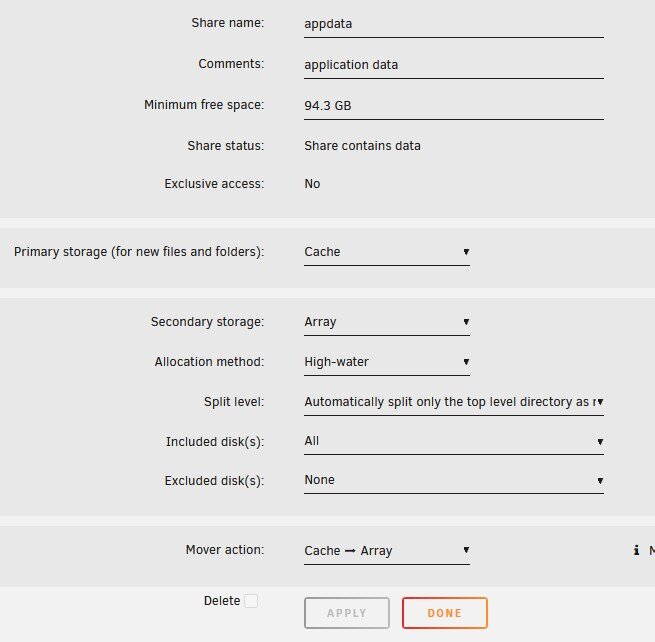
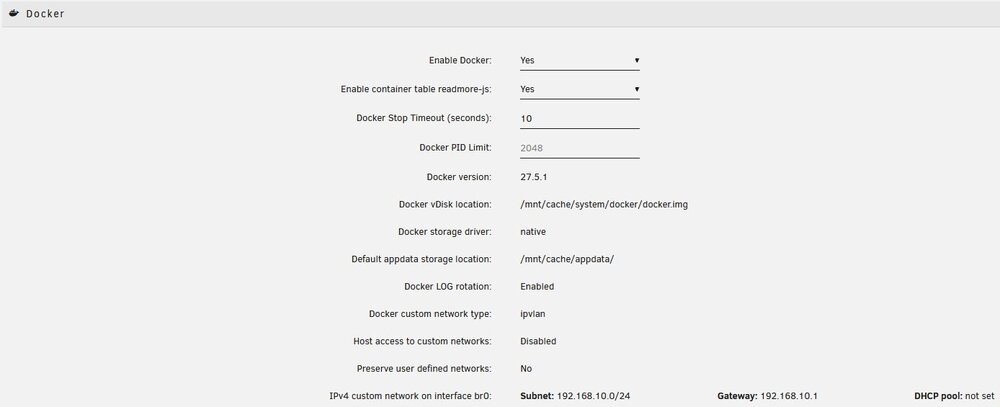
I'm new to Unraid and now seeing i'm not doing things correctly so any help would be appreciated, first issue started here i think i fixed that issue by changing the docker install settings but i could be wrong but i don't have the error anymore. I want to make sure the cache for appdata and system are correct as well as docker so i don't have issues in the future Attached are screen shots that i think are needed to figure things out with someones help if anything else is needed please let me know. ill even start over if i have too. Like i said im new to this so please bear with me



-
So do i need to redo my docker containers to then point to "/mnt/cache/appdata/" instead of "/mnt/user/appdata/"Not quite sure how to fix this but im getting this error within the plugin but dont see the option its mentioning to fix "Default docker appdata location is not a cache-only share" any help would be appreciated nas-diagnostics-20250817-2202.zipThat did it thanks


