johnmzimm
Members
-
Joined
-
Last visited
Everything posted by johnmzimm
-
If I may jump in. My appdata is on the cache drive which is on an SSD drive. Is that a problem? I do notice that the these both are listed as unprotected.
-
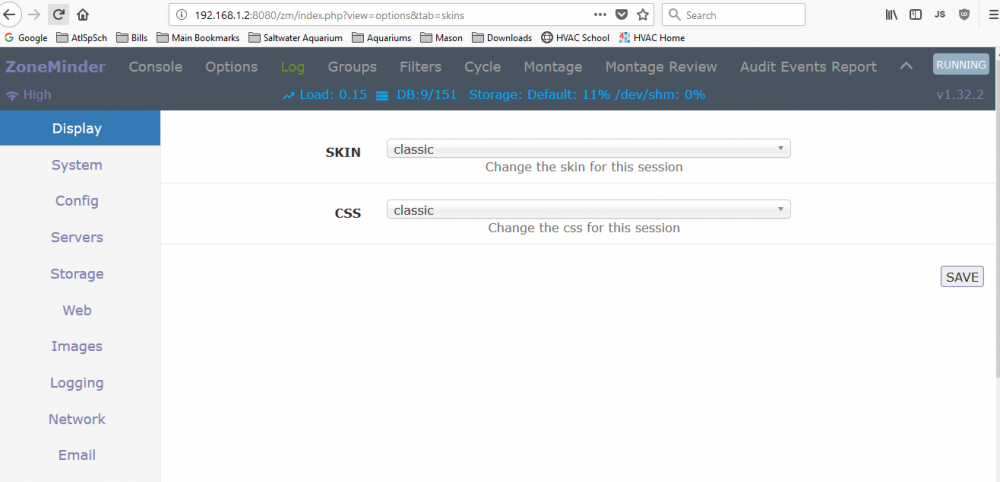
Thank you, I did the following after connecting to the internet: Deleted Zoneminder share Deleted Zoneminder folder in appdata Ran Safe Permissions Ran Update OS Ran Update dockers Ran CA Cleanup Appdata Started Mover Ran Fix Common Problems Ran Parity Check And did a server restart And Now it works! Thanks again for the help.
-
Here you go. Thanks so much, by the way, for continuing to help. tower-diagnostics-20181021-1708.zip
-
Still can’t get to the webgui. But I can see that it running. My network and server are not hooked the the internet, is that a problem?
-
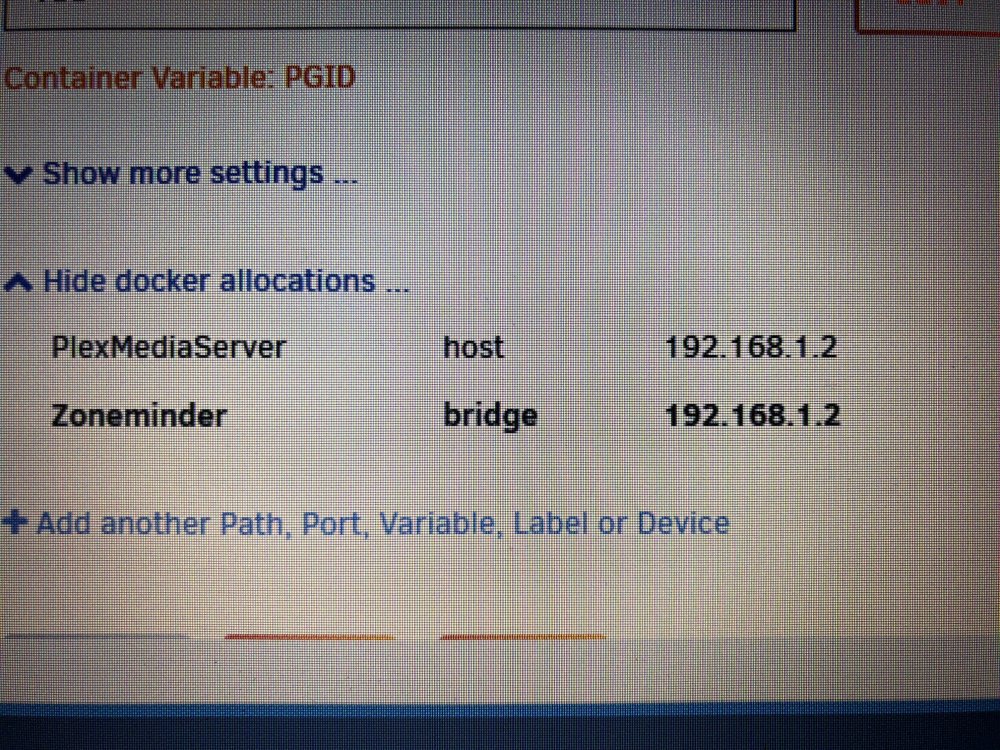
docker allocations...

-
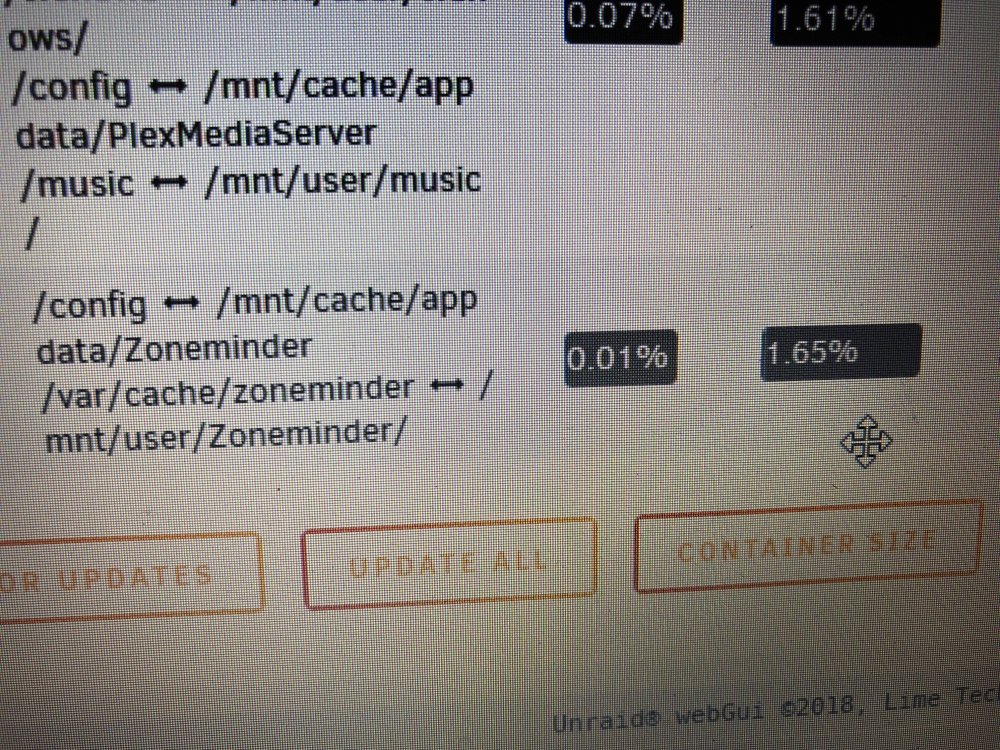
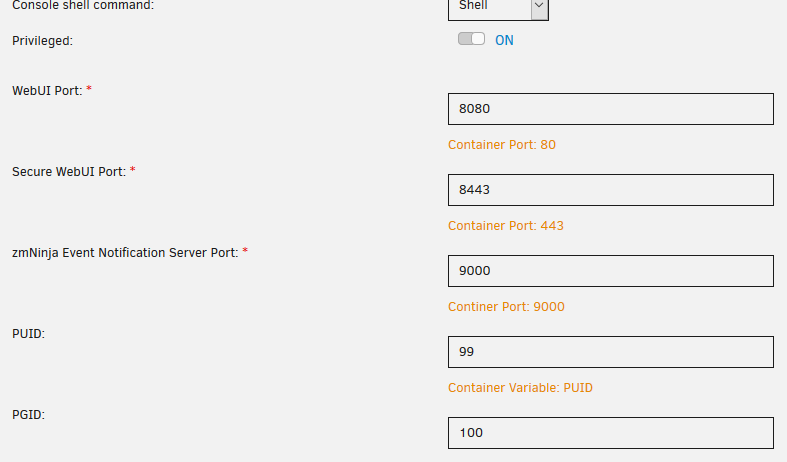
Port Mapping screen shot.
-
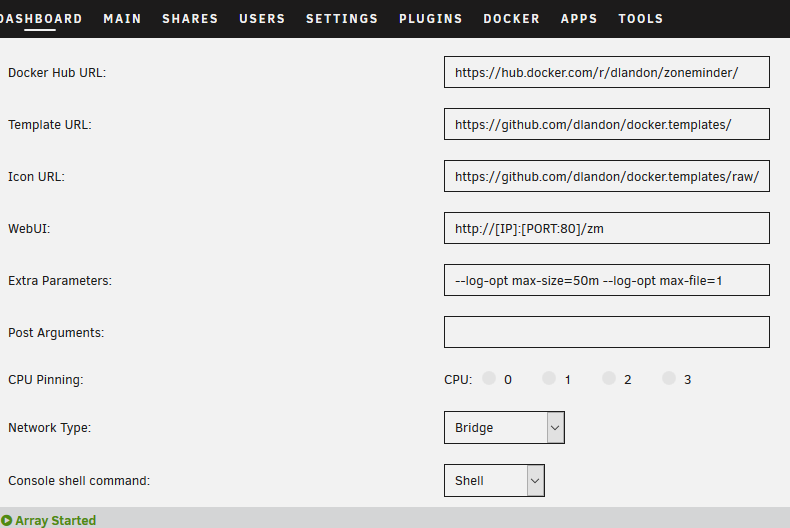
When I click to go to the WebUI it still takes me to "http://192.168.1.2/zm". Even after I did a full install and deleted the XML file. I can not get to it via this either... (IP Address):8080/zm/index.php
-
This is the same exact thing that I am stuck on. New install, no changes, and the web GUI from docker takes me to unraid GUI. And I can't get there by going to port 80.
-
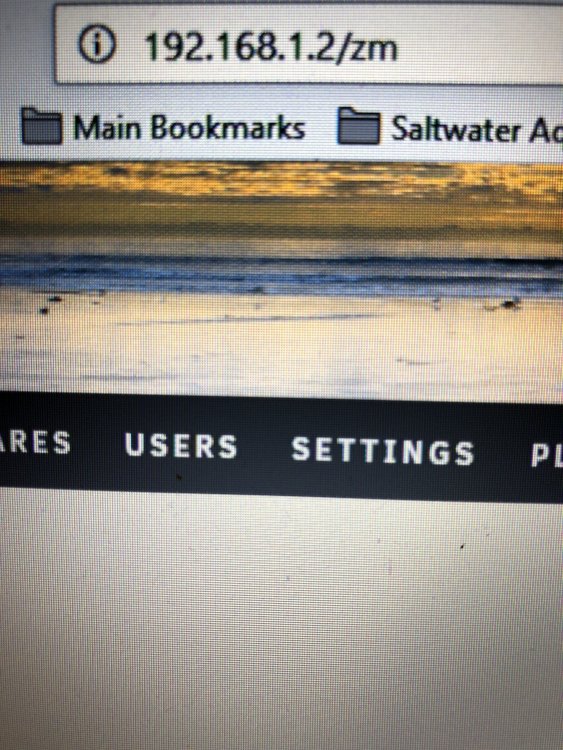
Sorry, I should have said I tried that first. When I do that it takes me to 192.168.1.2/zm
-
I am new to this stuff, and I had the exact same issue. But when I added the new share and connected the path to it... it worked. But I can not log into the Web UI. I have it set to "http://[IP]:[PORT:80]/zm" So what would I enter as the url? I tried http://192.168.1.2:80/web/index.html, http://192.168.1.2:8080/web/index.html, and http://192.168.1.2:/80/zm

-
Thanks.
-
Thanks... I looked everywhere for it... well, almost everywhere.
-
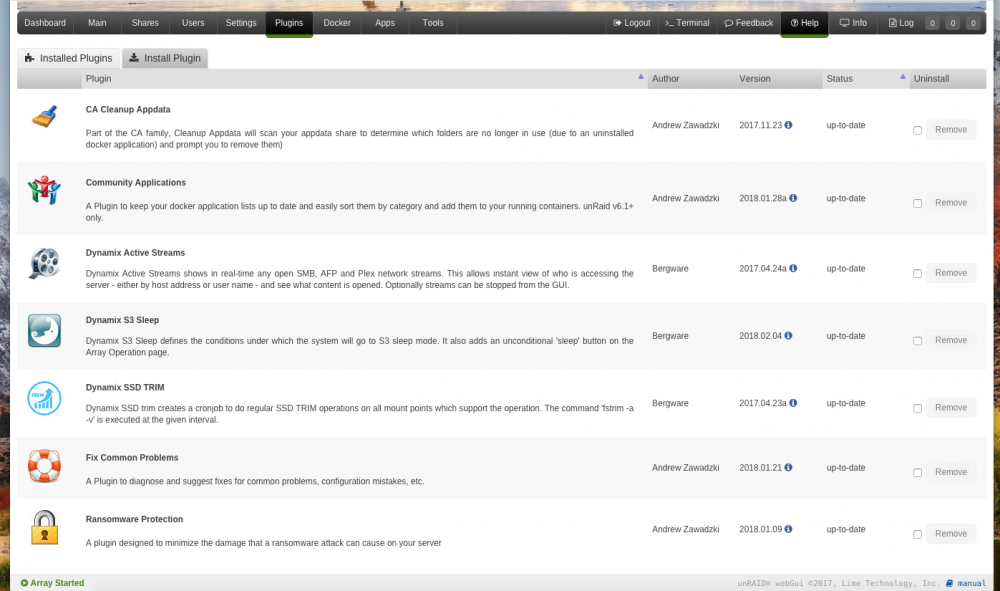
I can no longer see Limetechs Unraid icon under the plugins ... I noticed it when I went to see if there were any updates like I normally do. Can anyone help me with this? Thanks