






ich777
Community Developer
-
Joined
Everything posted by ich777
-
Sorry, but did they update anything, that issue was over a year old which I overlooked. If you are on the latest Unraid version you should also have the newest driver version.
-
How does the plugin page look like, do you have some php errors on there. If you have php errros on the page please follow this procedure: Remove the plugin Reboot Install the plugin again Go to the plugin settings and select the 580.x driver and click Update & Download Reboot Diagnostics would also always help.
-
This was not a question to determine if the system is overloaded or not, this was a question to get the actual number how much resources the container is using to make a conclusion if it's running or not. What is wrong about that? Are you talking about the dedicated server? These settings usually come form the dedicated server itself.
-
Please ignore those, these are just normal when running a game server. The more important thing is, how much resources does it consume (CPU, RAM), usually it just runs fine and you have to not worry about those messages. Did you try to connect yet with your SERVERIP:7777 in your game?
-
Oh, I completely overlooked that sorry, I had a few tabs open with a few other PRs However if the driver is not working for you I would recommend creating an Issue on GitHub in that repository with your exact details and possibly also Diagnostics.
-
Exaclty, from now on only Enhanced Edition is possible for that container.
-
Yeah, seems like it's not working for many people. If that PR is merged please let me know and I'm happy to compile a new version for you to test.
-
This is not an issue per se, this is just a power limitation from your card to not get damaged. However since it seems you are using Ollama this question would be best suited in the support thread from the container. However as said, that's just normal and nothing to worry about. The script that you've linked is for VMs and not needed when running applications in containers.
-
I don't understand. Go to the Plugin page Click Check for Updates At the Nvidia Plugin click Update Done Nothing more needed. However this update was a really small change which only changed a console output on boot. If you have issues, please post your Diagnostics and what's not working exactly.
-
Probably backed in subtitles, these are a nightmare for your CPU. Transcoding is actually Throttled by Plex, meaning it transcodes a batch, then ends the process, transcodes a batch and so on... in between you won't see any processes.
-
These where no errors, just warnings, nothing to worry about. Your docker run command? Do you see the card in your Plex transcoding settings?
-
Did you do a reboot also in between? Please try it without that "fix" since this is already in the plugin. It should be actually okay to use the old way described in post 2 of this thread, or also --gpus all If possible please try again after a reboot, since this seems a bit overcomplicated and it should now work right OOB.
-
I don't support that old Unraid versions, please upgrade to version 7.2.5 However, I don't see any indication that the driver isn't working.
-
Sorry about that, you won't see those message anymore with the plugin update 2026.05.07, this was displayed by accident. Where did you test that? In the browser or on a native app? Does the card show up in your Plex transcoding settings? Please post your docker run command. It is a common issue that transcoding won't work if you force a transcode in the WebUI from Plex when using Nvidia Cards.
-
Please post your Diagnostics for further help since it seems you are not on the latest Unraid version.
-
Did you follow those steps: https://forums.unraid.net/topic/79530-support-ich777-gameserver-dockers/page/501/#findComment-1621342
-
I look into that. EDIT: ConanExiles Enhanced Please update the container itself and open up the container logs, there will be instructions on what to do.
-
Don't know, what is not working? Do you have logs or a bit more in detail what is not working? Has the container pulled the update? If not try: Stop the container Remove the steamapps folder from your conanexiles directory Start the container Open the Logs ans see if it pulls the updates
-
This is sometimes an issue with the FPGA which doesn't reset properly and was reported a few times in this thread and not only DigitalDevices cards are affected. To solve your issue please do the following: Shutdown your server Pull the power plug from the wall Press the power and reset button a few times (to empty the caps) Wait for at least 1 minute Plug the server back in Start the server
-
Please downgrade to Driver 580.x and reboot.
-
Oh okay, that would be maybe better suited in the correct subforums for the containers, since if you've passed through /dev/dri to the containers everything should work since I see that you have /dev/dri/card0 and /dev/dri/renderD128 in your Diagnostics.
-
I think your iGPU is working as expected: 00:02.0 VGA compatible controller [0300]: Intel Corporation Panther Lake [Arc B390] [8086:b080] (rev 04) DeviceName: Onboard - Video Subsystem: Intel Corporation Device [8086:0000] Kernel driver in use: xe Kernel modules: xe However Intel GPU TOP is not compatible with the XE driver.
-
I'm not 100% sure since you didn't post Diagnostics but the GPU drivers are bundled with the base OS, Intel GPU TOP is just an executable that shows usage from the Intel GPUs (not working across all GPUs AFAIK).
-
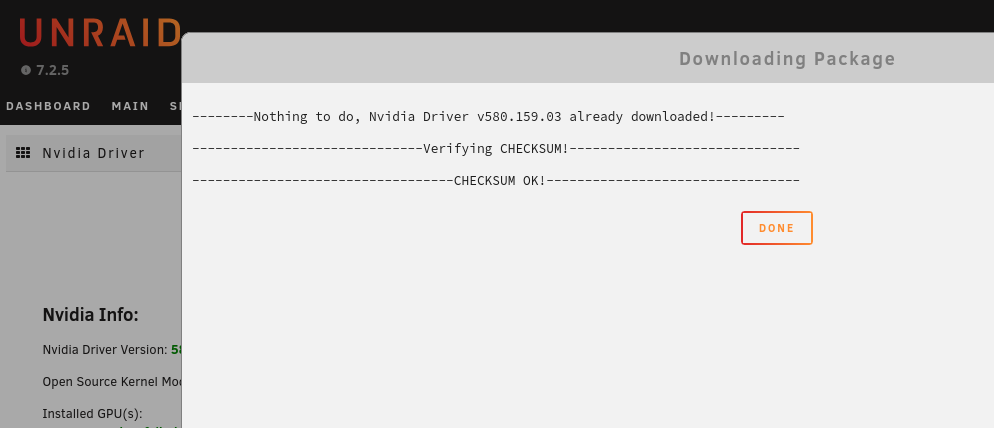
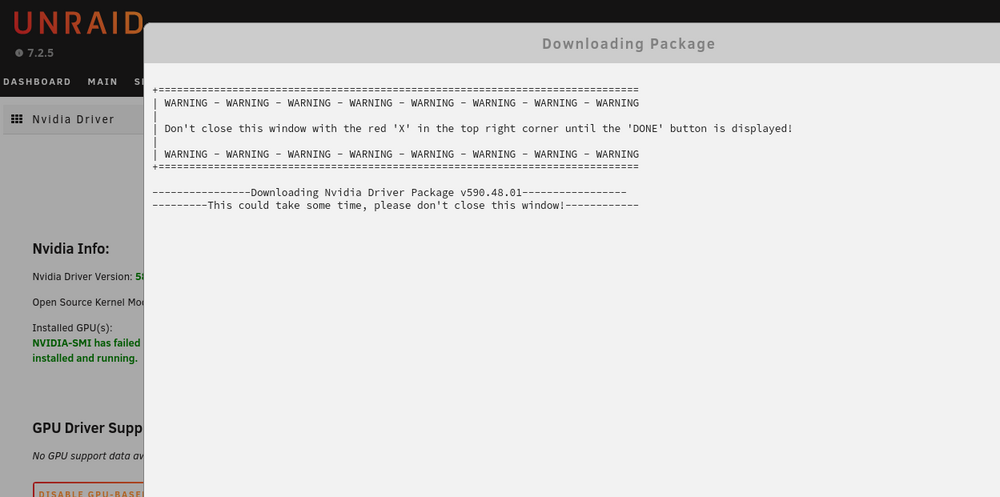
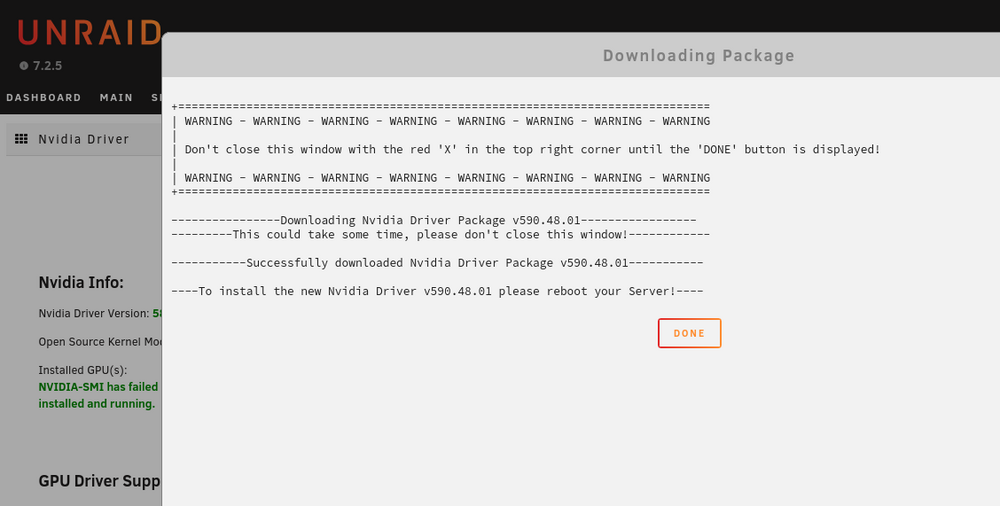
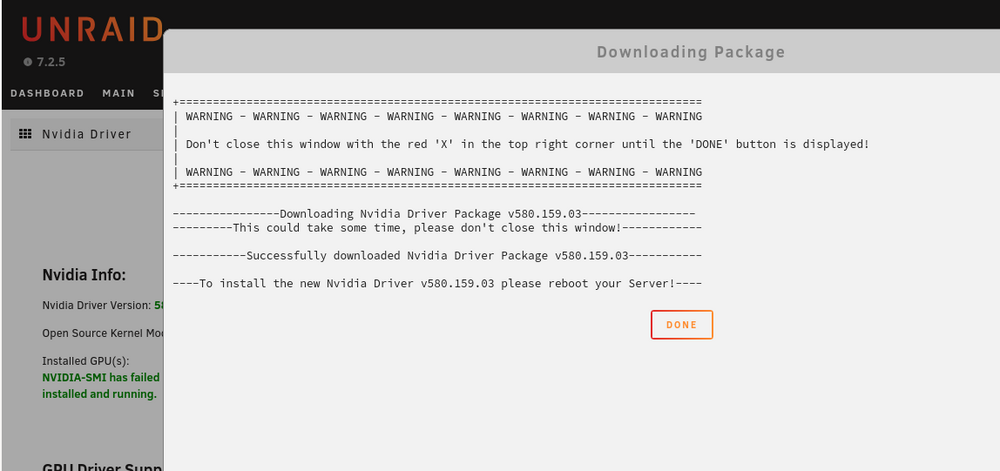
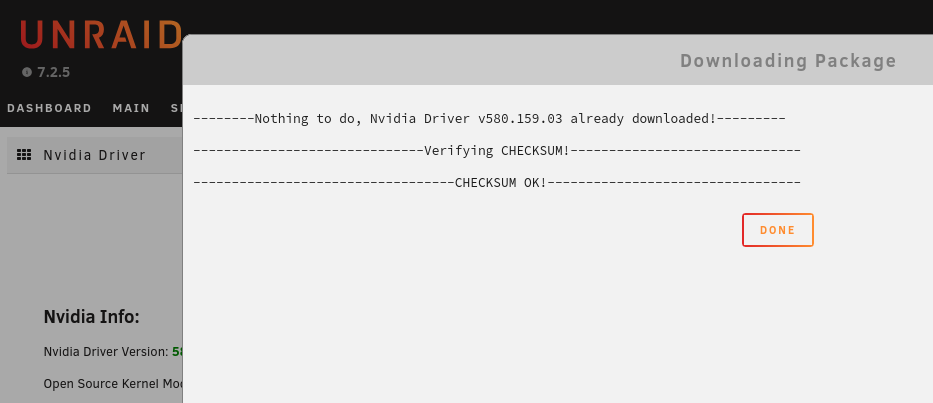
The fix should work with the next Unraid upgrade, if not please report back (I've just pushed another fix in the Plugin Update Helper). There might changed something but did you actually wait until it showed some text: I just tried it and it works over here, granted that it took some time, however it looks like it's working as expected, do you possibly have an adblocker or something like that in use in your Browser :
-
Please don't try it from the browser, this is a known issue with Nvidia and Plex that it will only show a black screen if you change the quality in the browser, please try a native app or set the quality directly in the settings to force a quality change when playback starts, this will also work in the browser, but please don't forget to reset that in the settings since you would always force a transcode if you leave it like that. May I ask what script that is: May 3 13:09:54 unRAID1 emhttpd: /usr/local/emhttp/plugins/user.scripts/backgroundScript.sh "/tmp/user.scripts/tmpScripts/Nvidia Powersave 2/script" >/dev/null 2>&1 I see also that you have this in your go file: # nvidia-persistenced From what I can see, the driver should work fine. Can you please post your docker run command?




