StevenD
Community Developer
-
Joined
-
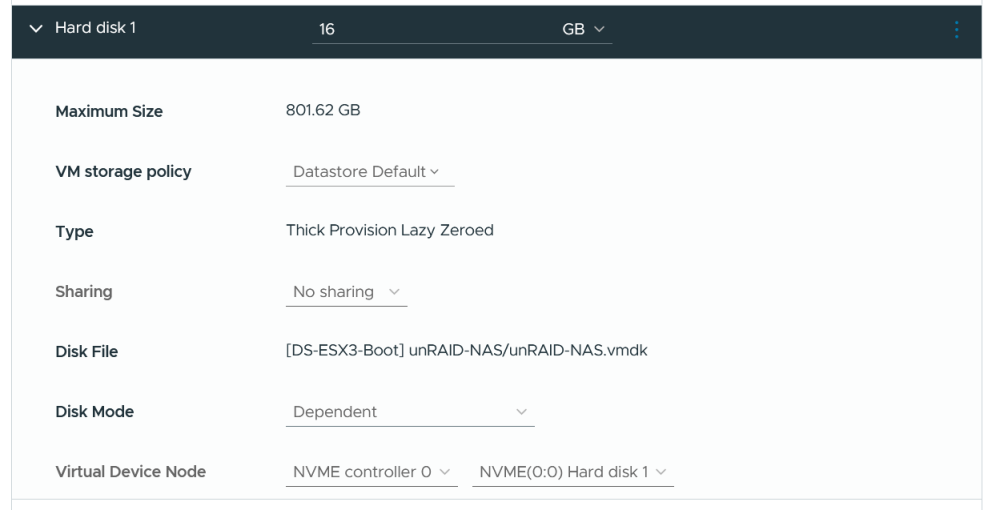
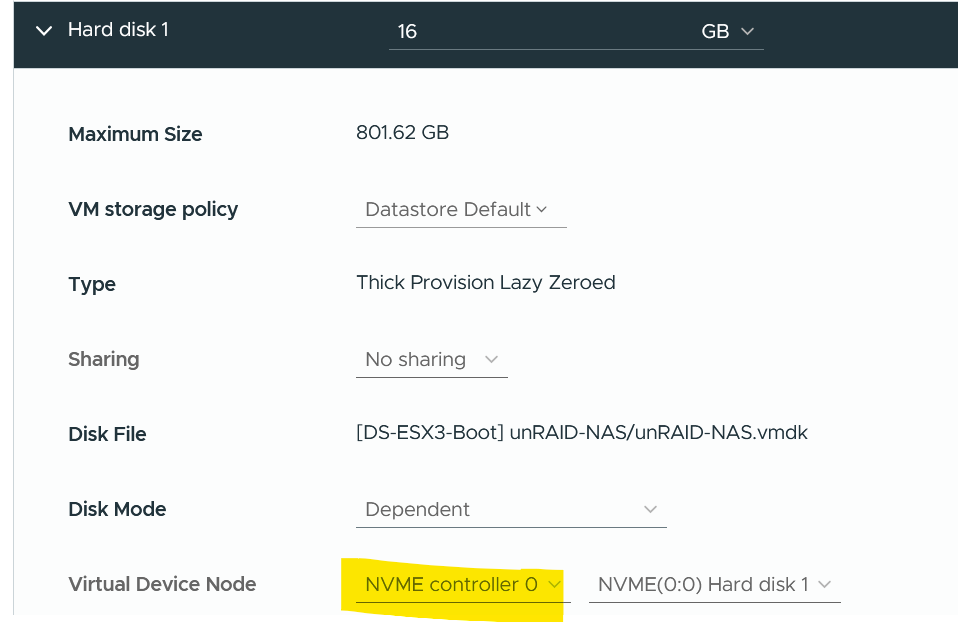
Yep! Works great. You have to use an NVMe controller. It hung while booting with a SAS controller.
-
I am happy to report that Internal Boot on v7.3.1 works great with a virtual NVMe drive! It did not work with a SATA drive on an LSI controller. It would boot half way and then die. I added a new NVMe controller, and attached a 16GB disk to the NVMe controller and it works perfectly. I have been running this config on my test unRAID server since the 7.3.0 betas with no issues. I migrated my prod server this morning. I can still boot off of my USB if there is a need. I just need to find a way to keep internal boot and the USB in sync. There is an issue with the temperature, but that's easily ignored.

-
Just as a data point, I had the same issue on 7.3.0, with internal boot. Manually editing /boot/config/domain.cfg allowed me to disable it. unraid-disable-vm.mp4g
-
Please see the new thread:
-
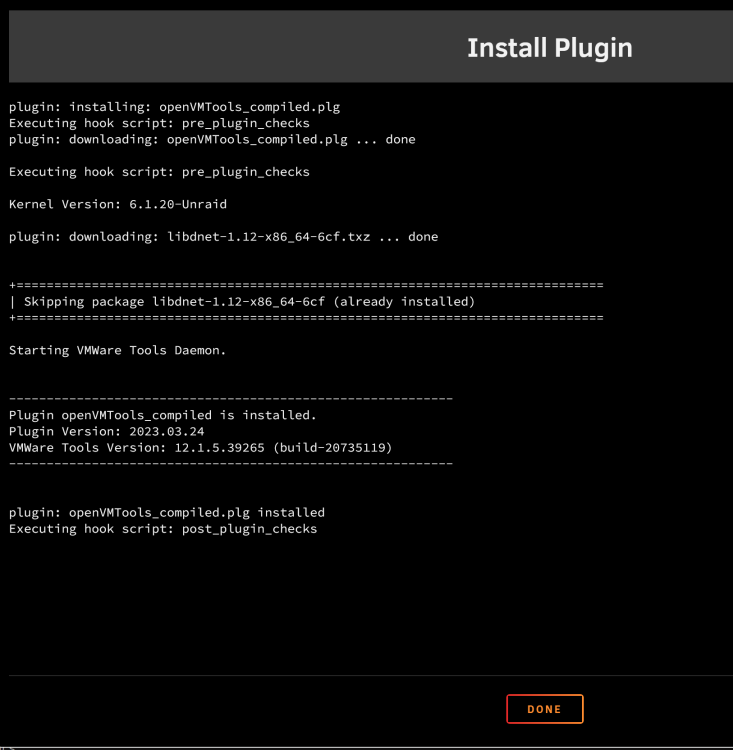
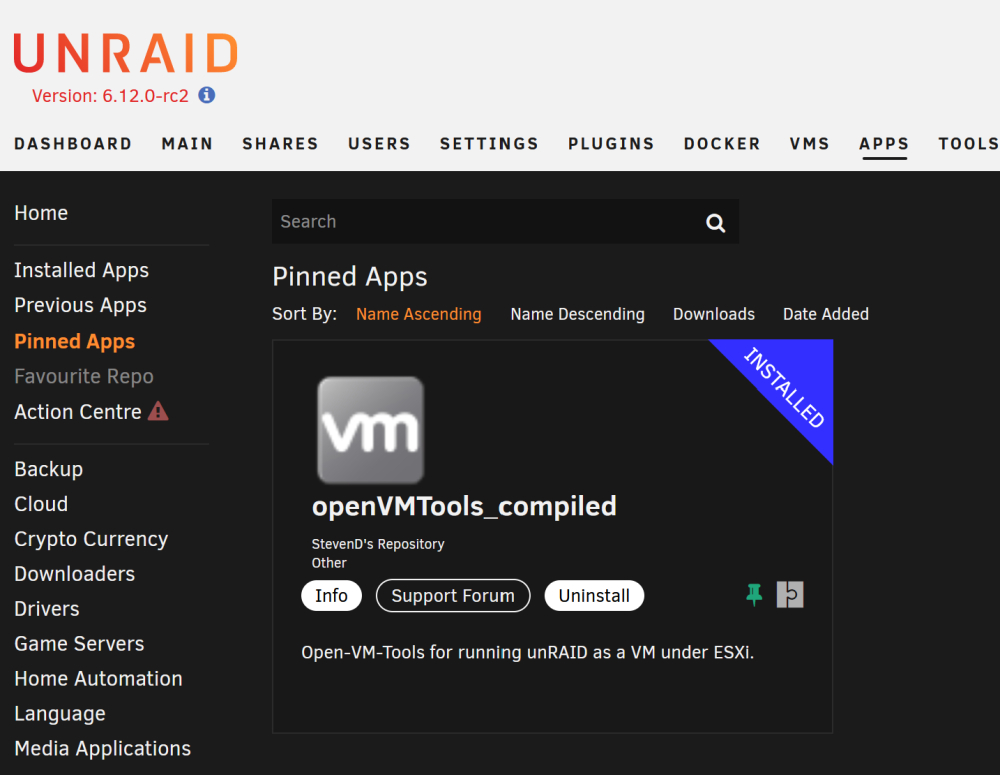
I decided to open a new topic for openVMTools_compiled. Zeron is no longer involved and the old thread specifically mentioned unRAID 6. This plugin also works with v7+. I finally got around to compiling a VMWare Tools 12.5.0 package. It only works with unRAID v7.0.x. v6.10.0 to v6.12.15 will use the previously compiled packages. I simplified the plugin script and removed support for unRAID versions prior to 6.10.0. If you are running a super old version of unRAID, you can use this plugin: https://raw.githubusercontent.com/StevenDTX/unRAID-open-vm-tools/refs/heads/master/openVMTools_compiled_prior_to_v6.12.0.plg
-
I finally got around to compiling a VMWare Tools 12.5.0 package. It only works with unRAID v7.0.x. v6.10.0 to v6.12.15 will use the previously compiled packages. I simplified the plugin script and removed support for unRAID versions prior to 6.10.0. If you are running a super old version of unRAID, you can use this plugin: https://raw.githubusercontent.com/StevenDTX/unRAID-open-vm-tools/refs/heads/master/openVMTools_compiled_prior_to_v6.12.0.plg
-
Zeron hasnt been involved in this plugin in years. I will update it when I have time. The current version works fine with all supported versions of unRAID.
-
The current version of the plugin works just fine with 7.0.0-rc.1 .
-
Compiled a new version with VMWare Tools 12.3.5 and tested it on unRAID 6.12.7-rc2. I also finally was able to add a status page under the Settings tab again.
-
I finally got around to playing with that. Unfortunately, its running a really old version of VMWare Tools (10.1.5). It does work though. Ive never built a Docker image before. Maybe I'll play with it. It would likely be easier to keep upgraded, Thanks!
-
Combine them in a single file in this order: private cert fullchain Config unraid with that single file.
-
I dont actually do that any more. ESXi 7 allows you to pass through individual USB devices. So, my unraid flash drive is passed through to the VM and it boots directly now. However, the VMDK method worked for many years, but i would always forget to update it when I updated the flash drive. No matter what, you cannot get away from having a flash drive tied to a license. There are plenty of motherboards with on-board USB that would be fully within the server itself.
-
unRAID notifications via Gmail still work just fine.
-
I upgraded to -rc3 today and it failed as yours did. I found a typo in a variable and updated the plugin. Thanks!
-
How are you installing it? I just reinstalled it through CA and it installs just fine.