





Dstubbs28
Members
-
Joined
-
Last visited
-
Where are the logs for UPS activity held?
-
So, someone I suggested to use unraid misplaced his root password and told me about this. Please fix this, as it should not be that easy to gain full access to your entire server.
-
Yes. I just realized that since this started happening I also now have a mariadb docker running, I have that running on 3307, but the default port is 3306. Could they be conflicting?

-
My password no longer works on guac, tried the default un/pw as well (thinking config reset) and still nothing.... How do I fix this?
-
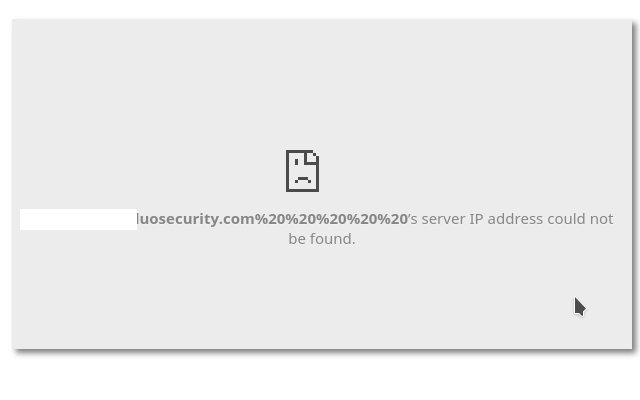
Trying to set up duo... Ive put all the relevant info into guacamole.properties but I get the following error when logging into guac: I can curl ipinfo.io/ip so i know that the docker can at least access the outside world, and /var/log/* does not show any kind of errors (I dont know which one i should of checked, so I checked them all, none of them have any error relating to this...)
-
What is the default username and password?
-
This is awesome, and confirmed it worked for me. Thank you!
-
Yeah im not sure why hes so against a password.. its just a VNC server, and with no UN/PW all you have to do is be on the network to get root access. Mind you all you could really do is mess things up and not get data off it... but still I dont want some malicious person getting in and deleting all my stuff due to a lack of a pw on VNC.

