





shaunmccloud
Members
-
Joined
-
Last visited
Everything posted by shaunmccloud
-
@JorgeBSince I am not good at reading the logs, which drives had the issues? I have 4 on one controller and 8 on another one right now. Knowing which drives would help me narrow down which controller.
-
Should have said, one of my SAS controllers is onboard. So to be able to replace both of them I would have to get a 16 port controller. But I will replace the one I can with my cross flashed H330 (IT mode) as a start. If I have to, I will pick up a new 16 port HBA and new cables (since most 16 port I can find on eBay use the newer connector type).
-
I can replace one of my controllers, but not both of them. I am out of PCIe ports to swap out two controllers
-
I've had unraid running for a couple of years now, never had a single issue when running a parity check. The latest parity check showed 900+ errors. Ran a correcting parity check then another non-correcting one and the same amount of errors even though the correcting one fixed said errors. Do I have a parity drive dying? Diagnostics is attached. bb-8-diagnostics-20230606-0905.zip
-
Since I stated having disk errors, I've had issues saving settings. Which is why I thought it might cause the disk issues.
-
What about the inability to save settings? Tonight I will be pulling my nVidia card out of my server as it worked fine until I added it.
-
@JorgeBDo you think it is possible a USB on its way out could cause these errors?
-
I'm currently running a new pre-clear on it. Once it is done I will do that. Although my thought is if it finishes the pre-clear successfully, it shouldn't be a connection issue (i.e. I am wondering if it is from the Nvidia card, even though I have an 850 watt PSU in it).
-
I am trying to figure out why I have a disk disabled. It has been working great, but is now being disabled. Diagnostics are attached. I did recently make some hardware changes, including adding a Nvidia Video card for Plex transcoding. bb-8-diagnostics-20230214-1352.zip
-
Thank you, once I get my internal USB 2.0 header extension cable so I don't block a PCIe slot, due to the horrible design on my SuperMicro server motherboard. I'll submit a request to transfer it.
-
Any way to see when I last did it? I cannot remember when I did it.
-
I know I have migrated my license once in the past. I have recently acquired an enterprise USB device (one that plugs into one of the front panel USB header) and I want to know if there is a way I can transfer my license again now without having to request additional support.
-
After rebooting my cable modem & router I was able to update plugins. Not sure why that was the cause but oh well.
-
I am running pfSense as a vm on unRAID, but it has never been an issue before.
-
For some reason, I am unable to install plugin updates on my unRAID box. I get notifications that they are available to install, so that is working but when I go to the Plugin tab it just sits and says checking until I close the browser. I am currently having IPv6 issues at home, could that be part of why it isn't working? I am running 6.10.3.
-
6.9.2
-
I have a Seagate Enterprise Capacity 6TB drive (ST6000NM0034) that will not spin down. Anything I can provide to help determine why I will do my best to. I see the following in my syslog.
-
Any idea why I'm getting this from Docker Folders on the VM tab but not the Docker tab?
-
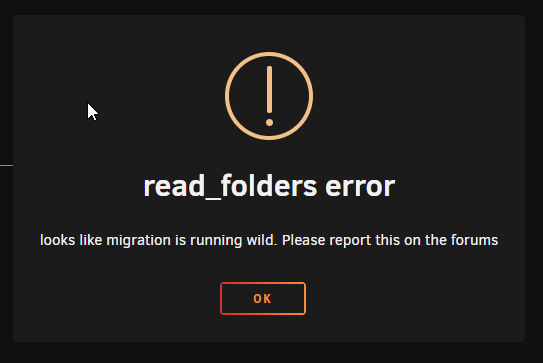
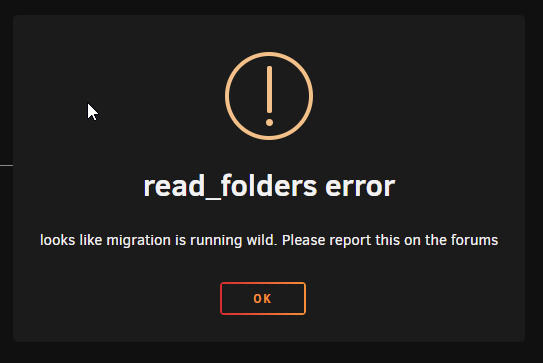
Last night I went to start a VM I accidentally stopped. I got a "read_folders error. looks like migration is running wild. Please report this on the forums." Rebooted and it is back again today. diagnostics are attached as is a screen shot of the error. bb-8-diagnostics-20210714-1245.zip
-
6.9.0-rc1 runs fine on my server, when I upgrade to 6.9.0-rc2 I get a kernel panic shortly after boot (around when the array starts up) every single time. I have attached a video of the crash occurring using the IPMI on my motherboard. Reverting to 6.9.0-rc1 lets it boot without issue. Crash.avi bb-8-diagnostics-20210207-1214.zip
-
Got my install sorted out, but if I try to login with my Apple ID I get "Could not communicate with the server." and I did follow the steps to verify it should work.
-
Here you go.
-
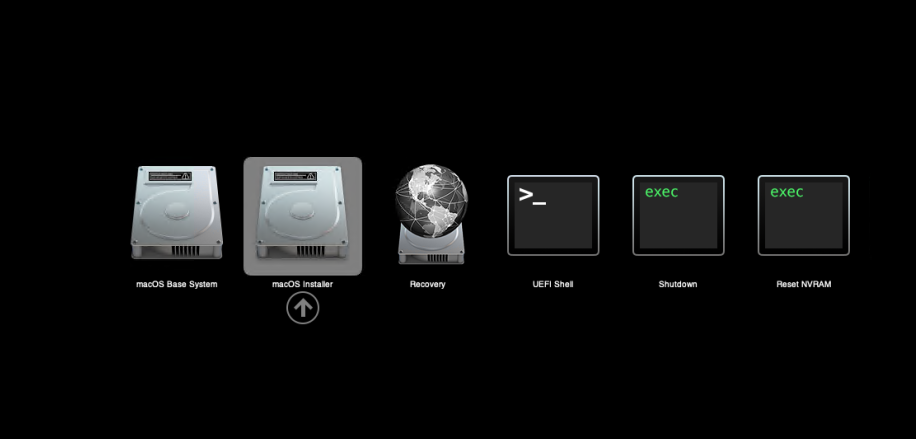
Got into the macOS recovery utility, but I cannot boot into Big Sur after running it. Keeps rebooting into the recovery utility. I did set FIRSTINSTALL to no.
-
Follow this File -> Add Connection Check "Connect to remote host over SSH Leave Username as root Set the hostname to the IP of your unRAID box Check "Autoconnect" If you get a prompt for the SSH key, type yes and then click OK Enter your root password and click OK Be confused as the Macinabox VM doesn't yet exist
-
Can't wait for the video on how to use the new version. Right now I cannot get it added and fumbling through isn't the easiest.

