torch2k
Members
-
Joined
-
Last visited
-
I'm a bit of a tinkerer and I'm interested in giving FreeNAS a go right now. Is it reasonable for me to think that I could fire up my server with a FreeNAS boot disk and have it import my zfs pool I currently have on Unraid without any hitches? What if I wanted to come back to Unraid later on?
-
Sounds right. Would be great is you guys (LSIO) rolled out an alternative like NOIP, etc.
-
Anyone else having issues today? It appears that DuckDNS is offline this morning.
-
Is there any way to mount with rclone but have the mounted files owned by nobody:users? I'm not able to see anything over SMB/shares due to the ownership of mounted files being root.
-
@dlandon what is the correlation between using UD's "mount" and "auto mount" buttons, and passing through a device to a VM? I currently have a new ubuntu install that follows the same steps as earlier, but this time on reboot, the drive did not corrupt. As far as I know, the only different is that this time, I've booted up the VM and have left both UD devices as unmounted on the main unraid screen. I'm afraid that if I click "mount" in UD it will break everything. Any thoughts?

-
I've repeated this a third time, but now by using a different SAS drive to ensure it wasn't the SSD failing.
-
I've just repeated this again. It's like on reboot, either Unraid or UD is splitting and corrupting the MBR on the ext4 drives.
-
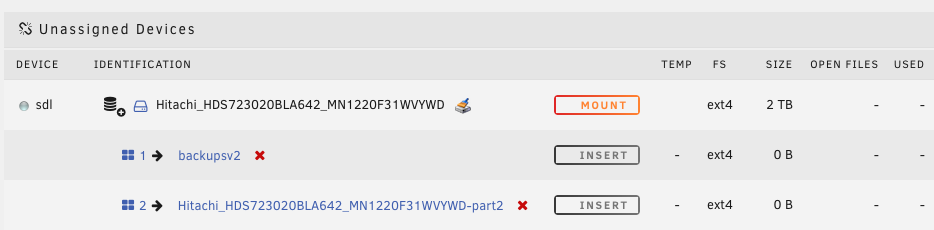
I have reformatted the drives and can now recreate the issue on command: 1. Format SSD and SAS drives as EXT4 using UD 2. Create new Ubuntu VM with both drives attached (using VirtIO) -- everything works fine, vm works -- 3. Reboot Unraid server 4. Both drives corrupted and VM will not load Please see attached logs Drives are /dev/sdl1 and /dev/sdu2 I would very much like to find out if this is user error on my part, or if I have faulty hardware, or if UD is broken in some way. tower-diagnostics-20200128-1553.zip vm.xml
-
Trying to salvage this still. sdu2 appears to be mounted and has the entire Ubuntu drive intact. I can see the entire server filesystem. sdu1 appears to be corrupted and I believe would be the EFI parition. It won't mount (and previous to this boot, didn't show up on UD) The VM starts and immediately wants to re-installed Ubuntu. Is there any way (i know, off-topic of UD) for me to configure this to run the VM off of some other EFI parition and still access the server?

-
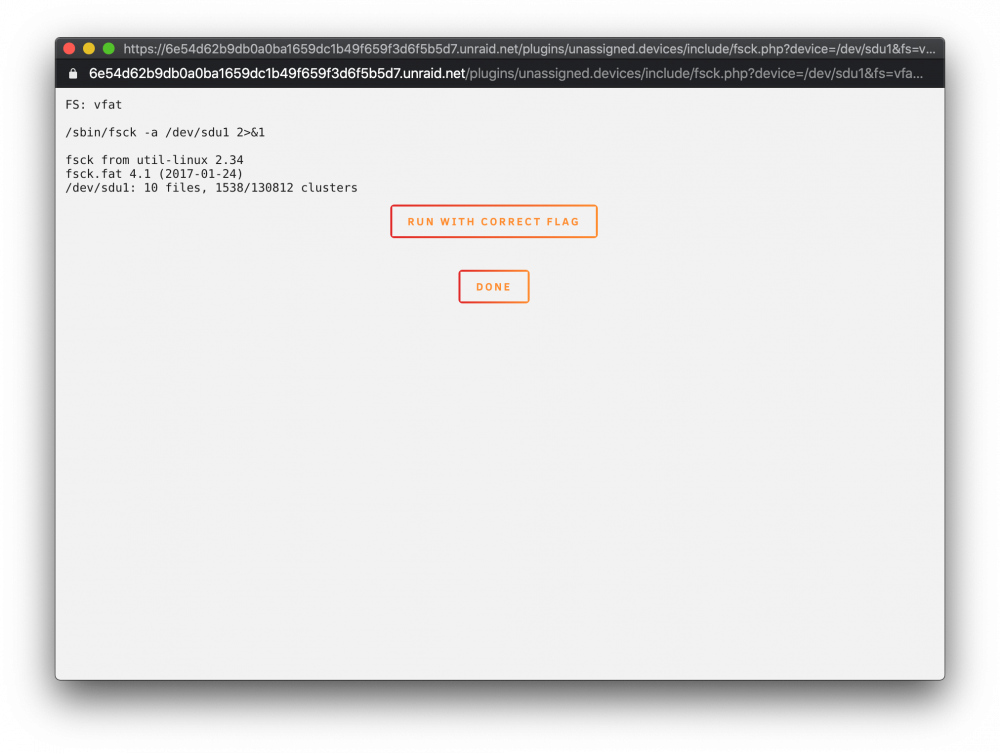
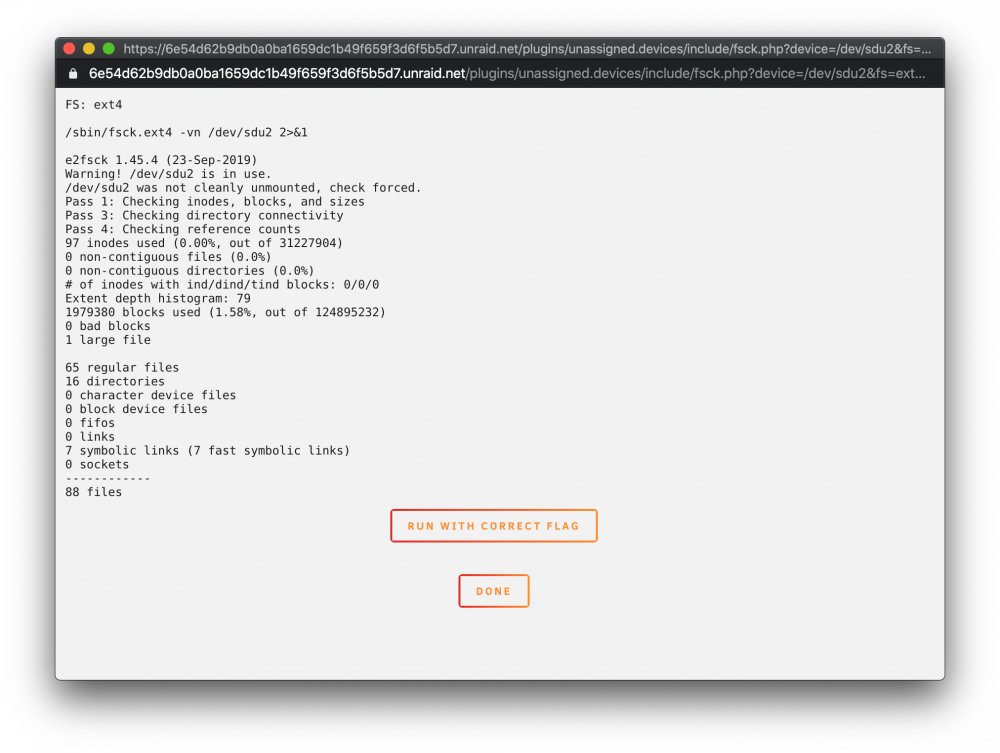
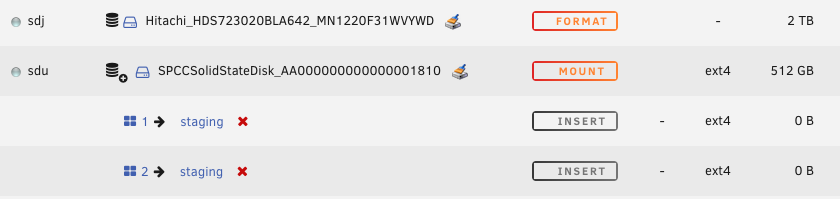
The system was running fine this morning. Updated Unraid to 6.8.2 and upon reboot this all happened. sdj was also formatted as ext4. Ran a check with UD on sdu, getting this (attached). Is it currently wiping out my drive?
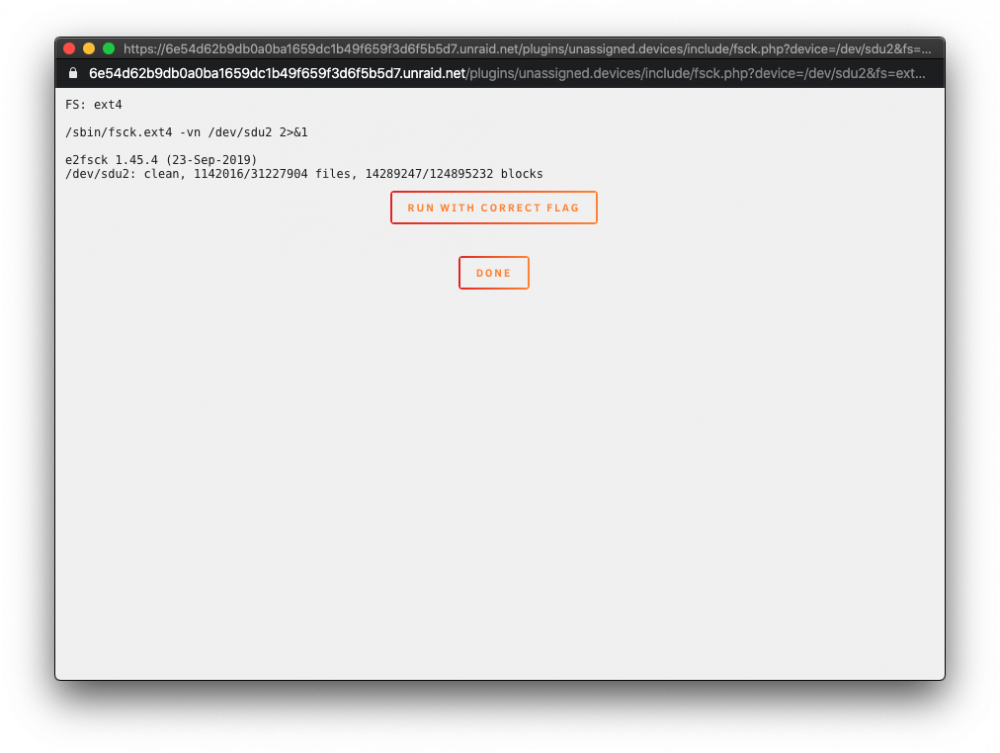
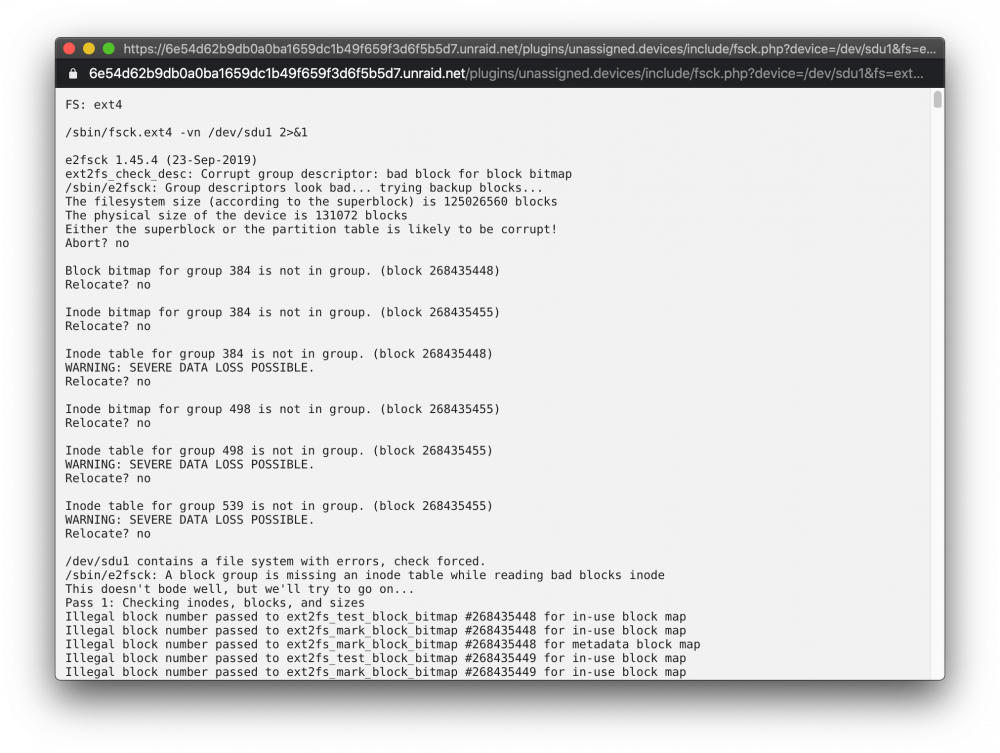
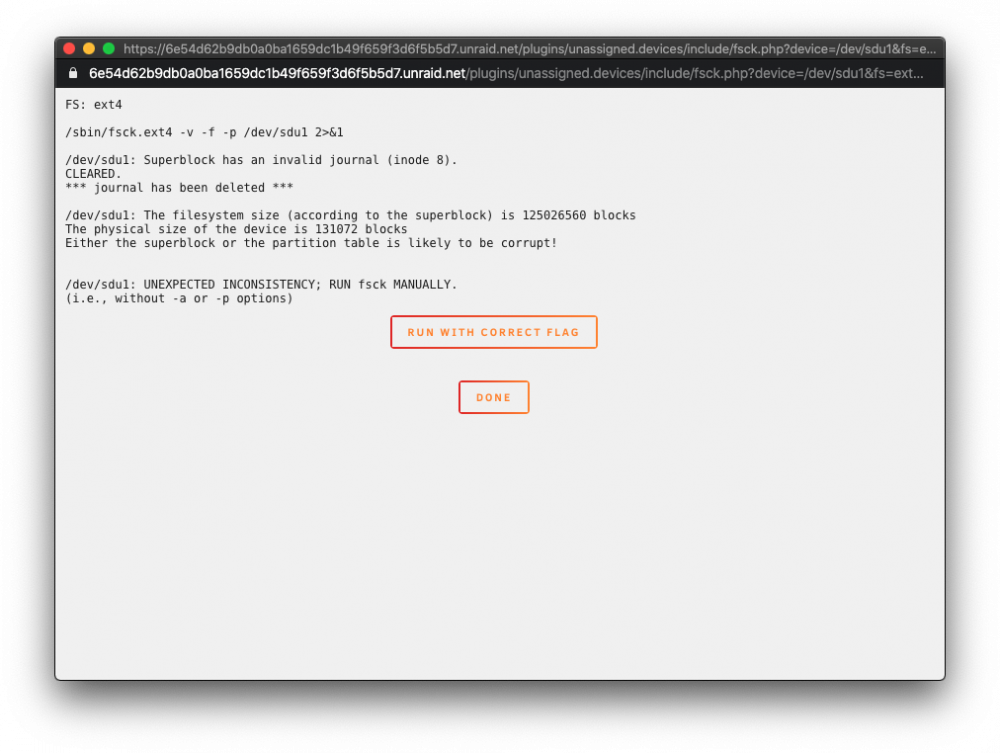
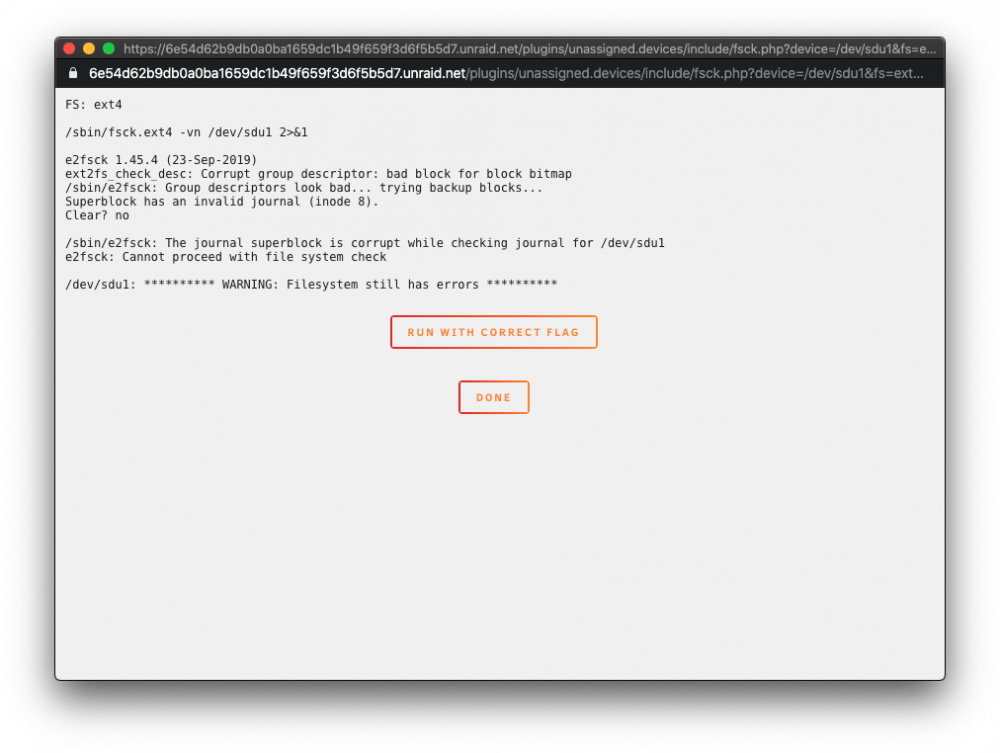
-
It appears that my VM drive is also showing errors. I just tried an xfs_repair on it, results: root@Tower:/dev# xfs_repair -v /dev/sdu1 Phase 1 - find and verify superblock... bad primary superblock - bad magic number !!! attempting to find secondary superblock... ...Sorry, could not find valid secondary superblock Exiting now.
-
Thank you. I've repaired disk1, restarted the array. Here's a new set of logs. tower-diagnostics-20200128-1156.zip
-
are you referring to sdm as Disk1? What log file are you looking at? sorry, I'm still somewhat of a newb.
-
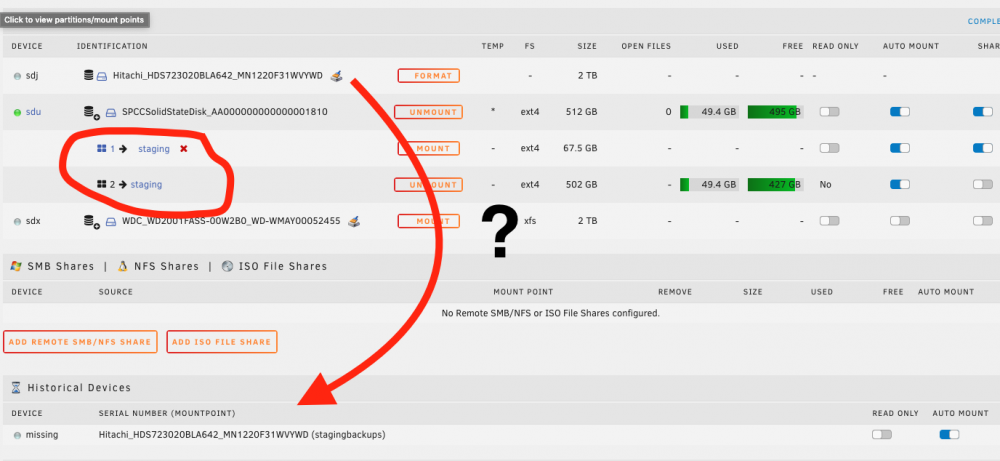
I am very concerned right now as after my VM running on a UD disk crashed and wiped out the other day, I completely rebuilt it and after the 6.8.2 upgrade it has crashed again. I'm completely at a loss. This time, I actually mounted a second 2TB SAS drive to the VM to use for backups, and it has gone "missing" according to UD. The VM is doing the same thing it did last time as well - on startup, Ubuntu wants to run a fresh install. Logs attached. Pls help?? tower-diagnostics-20200128-1100.zip
-
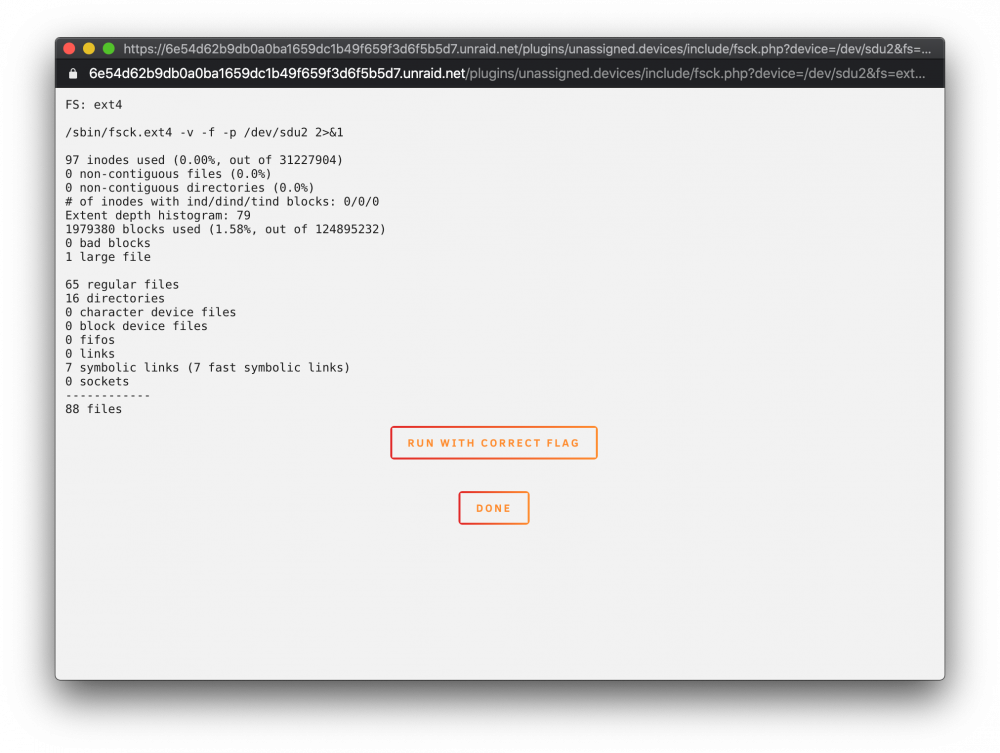
Ran on both paritions, see attached. It looks like /mnt/disks/staging will show up but it's just empty. It should be about 8GB of Ubuntu + a bunch of websites and databases, etc. Ubuntu keeps wanting to re-install now. Do I need to be looking at data recovery now? If so, any recommendations?