





Proxykn
Members
-
Joined
-
Last visited
-
Yes, they share a transcode temp volume on both containers. The old backup app turned off all apps when doing backup and i don't mind it so i can keep doing it this way🙂
-
I changed setting to stop all containers and then do backup and no errors now. my guess is the tdarr node doing something with the main tdarr when closing and doing backup one by one. all seems to be working fine now, thank you!
-
Hey, first thank you for your work on this app but i seem to have a problem and i can't find out why the backup failes. i get and error whit the backup of tdarr and i dont know whats wrong with it all the others seem fine. ab.debug.log
-
Hey, seems i got banned from discord because my phone was sending out links to buy nitro boosts, my phone was doing that while i was unaware of this so is it possible to unban me?
-
yes it was in GUI mode
-
1 more question i had about the iGPU, i have small screen where my server sit but when i downloaded the Intel-GPU-TOP the screen went out, i guess you can't have both giving picture to my screen and transcoding? i'm sorry if this is not the right place to ask.
-
i wil try for sure, might not get it done today got other things to attend to. if the iGPU is this good then it wil cover my needs perfect and might put the 1060 back in it's box (poor thing) but i wil see if i can get the 1060 to work first before i do that thank you for pointing me to this option had no clue this was possible, stil a newbie in the unraid world
-
GPU works fine, did stress test and all is good, fans ramp up when temp go up and then are steady at 100% use i had this gpu laying around and wanted to use it instead of laying in box getting old and doing nothing:) i got the Intel-GPU-TOP working but not sure how powerfull it is at transcoding but i wil work with it for now and see, but i would like the 1060 to work also.
-
I got a 550W power supply only 3 HDD, 2 SSD connected and Network card. CPU is i5-9600k so don't think that GPU is not getting enough power. i only have 1 pcie 16 slot and never used anything in that slot. GPU worked fine when i pulled it of old rig and put in its original box with packing but i wil test to make sure.
-
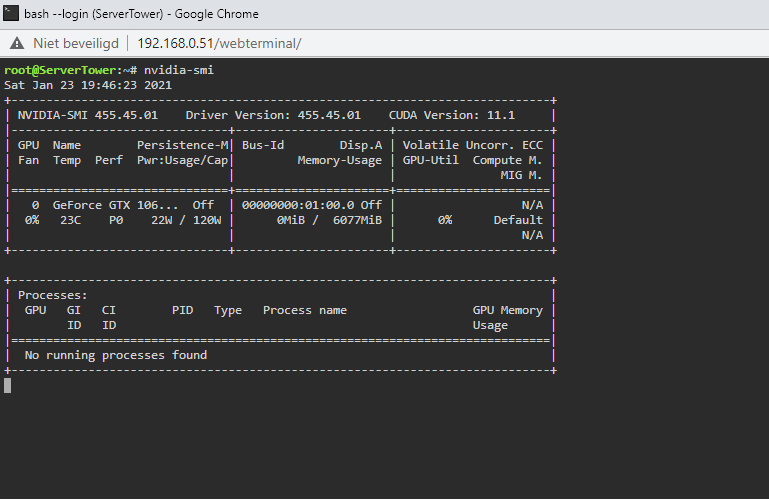
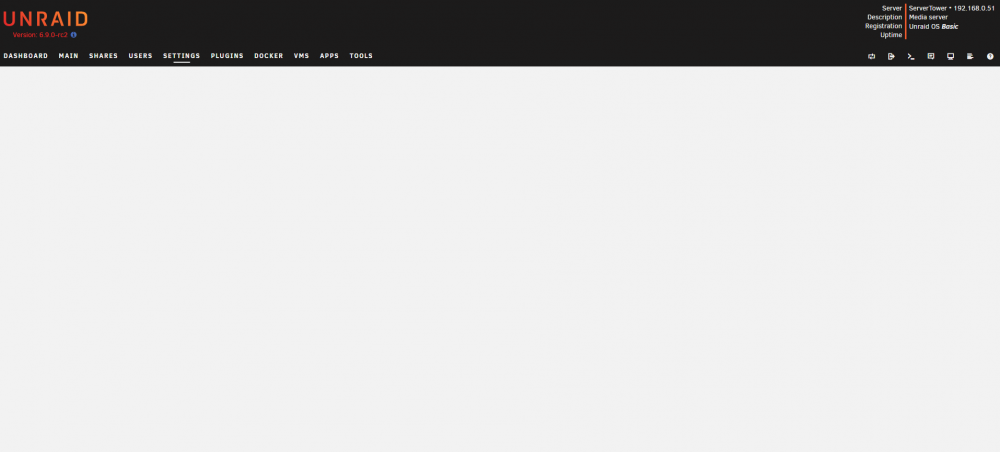
sorry for the lack of info in my first post i put a gtx 1060 in my unraid rig that came from my older gaming pc, first time to try transcoding with gpu in my unraid server. when i use nvidia-smi i get this when i try to run the nvidia-smi again in terminal nothing happens this is the driver plugin page it just keeps loading and then it stops i have not bound my card to VFIO i did everything in first post until step nr4 nr4 does not show up for me.
-
hey, I installed the nvidia driver from Community Applications, download and install was ok so i press the done button, then went to check nvidia driver in the setting tab and open it from there but nothing happens, it's just a white screen. in system log i get this error Jan 23 18:37:13 ServerTower nginx: 2021/01/23 18:37:13 [error] 5348#5348: *739 upstream timed out (110: Connection timed out) while reading upstream, client: 192.168.0.221, server: , request: "GET /Settings/nvidia-driver HTTP/1.1", upstream: "fastcgi://unix:/var/run/php5-fpm.sock:", host: "192.168.0.51", referrer: "http://192.168.0.51/Plugins" i'm stuck at this point and dont know what to do about it

