





tasmith88
Members
-
Joined
-
Last visited
Everything posted by tasmith88
-
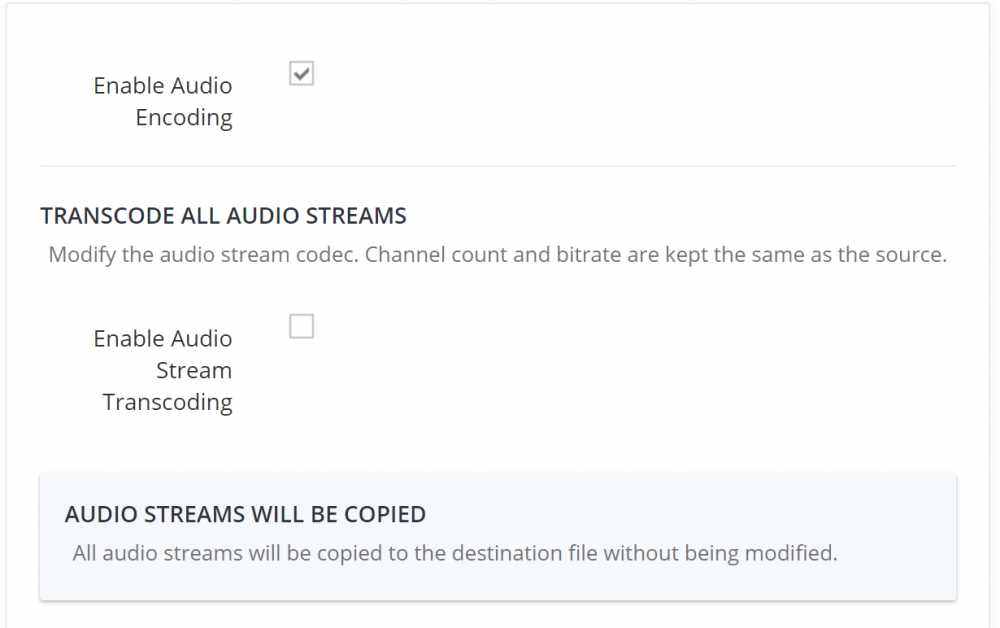
I basically turned off all audio encoding. Thus far it's been working fine. I am hoping that there is a fix in the making.
-
@Josh.5 Seems like i'm not the only one having this issue. Any way to figure this out and resolve?
-
@Josh.5 Hate to say it, but its doing it again. High Ram and CPU usage. Will work for a little while, but then go into high usage mode. Am I the only one is having this problem?
-
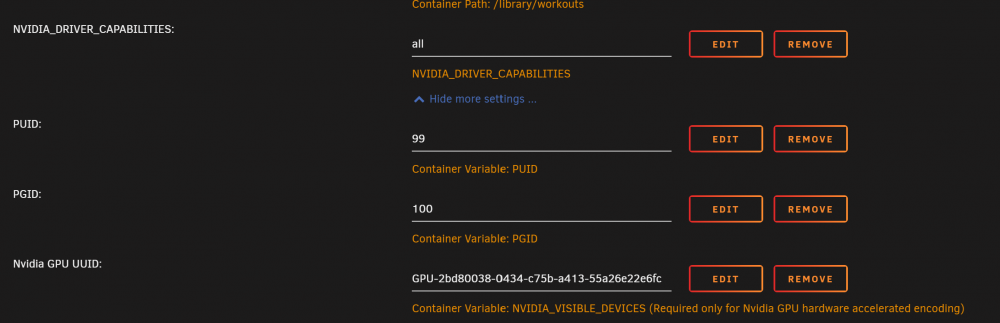
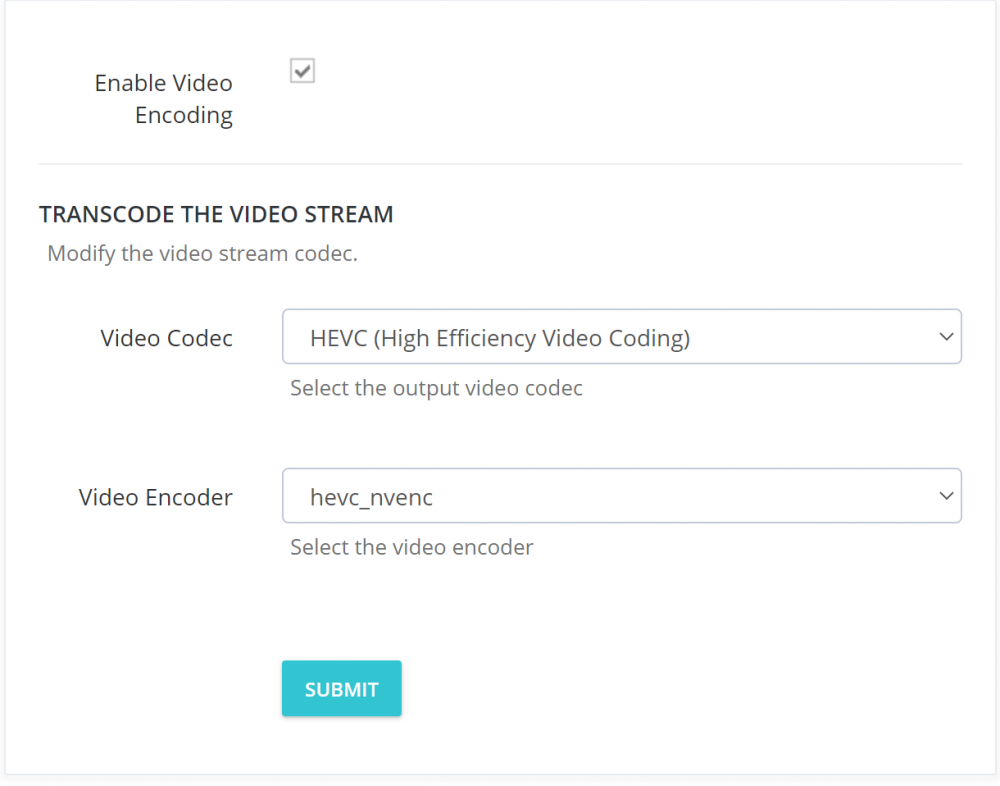
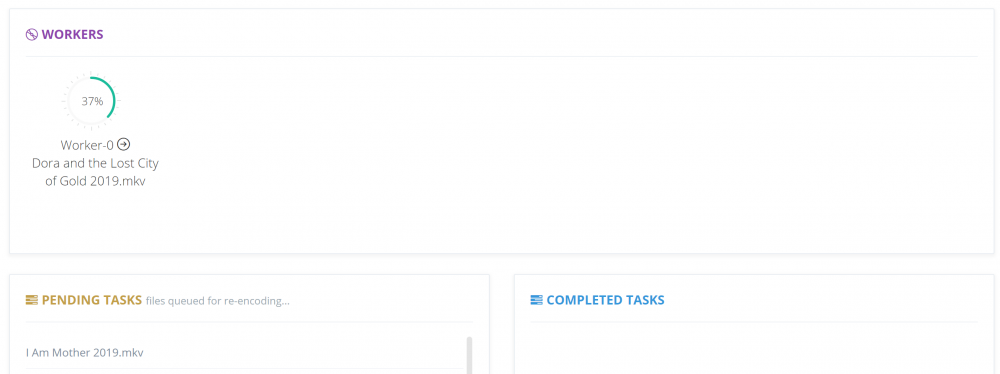
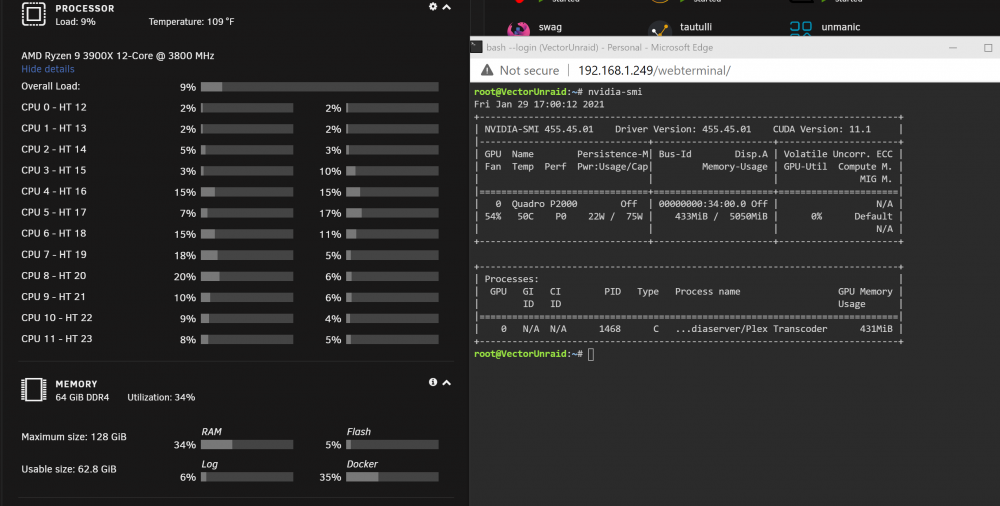
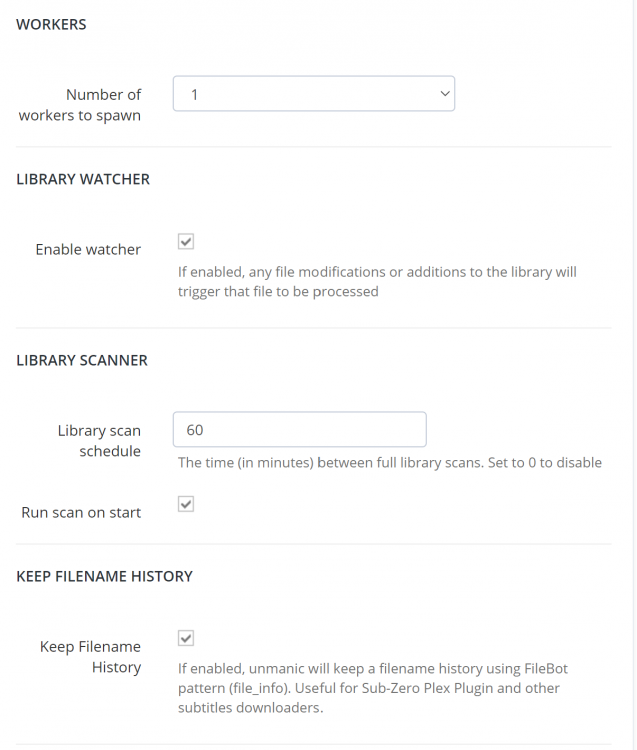
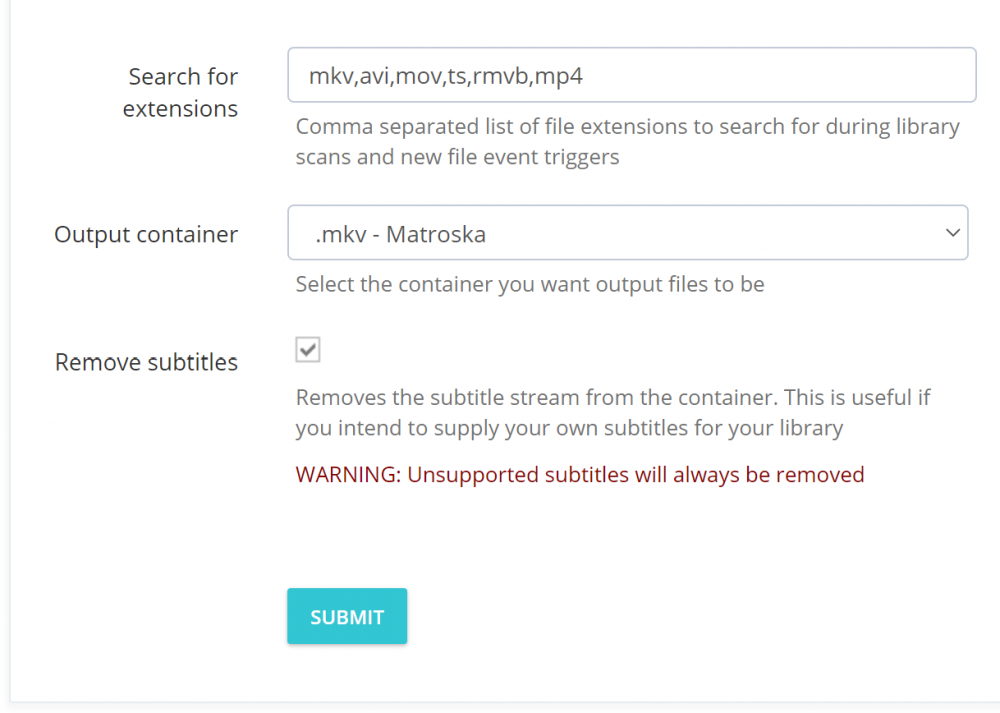
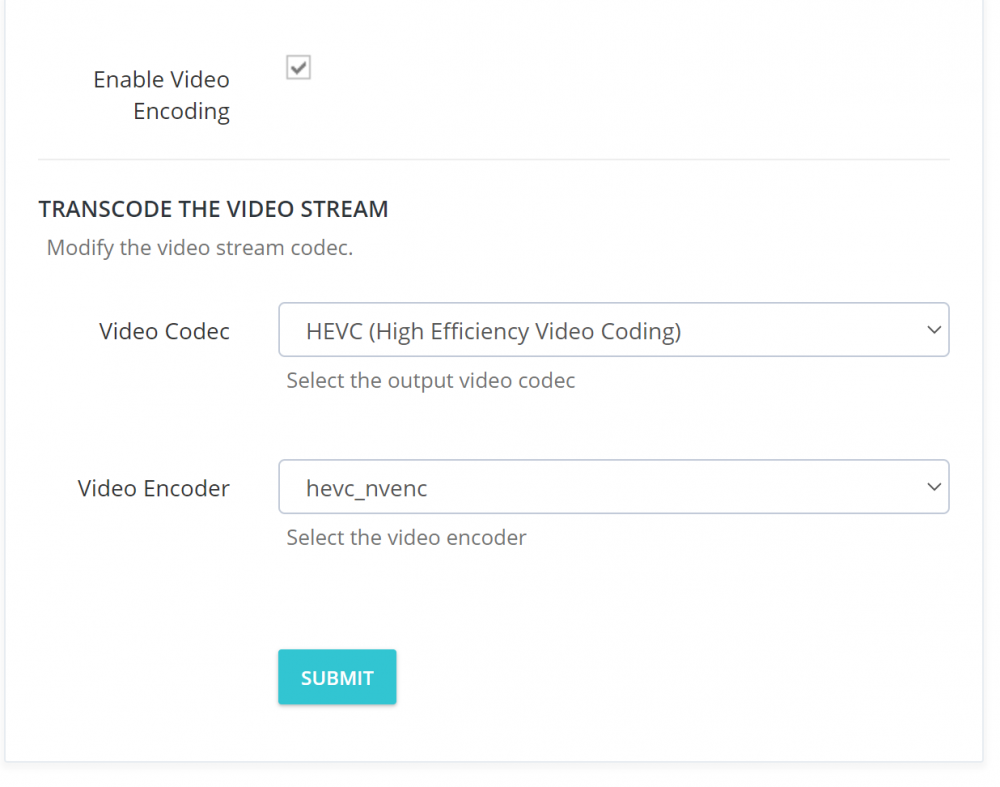
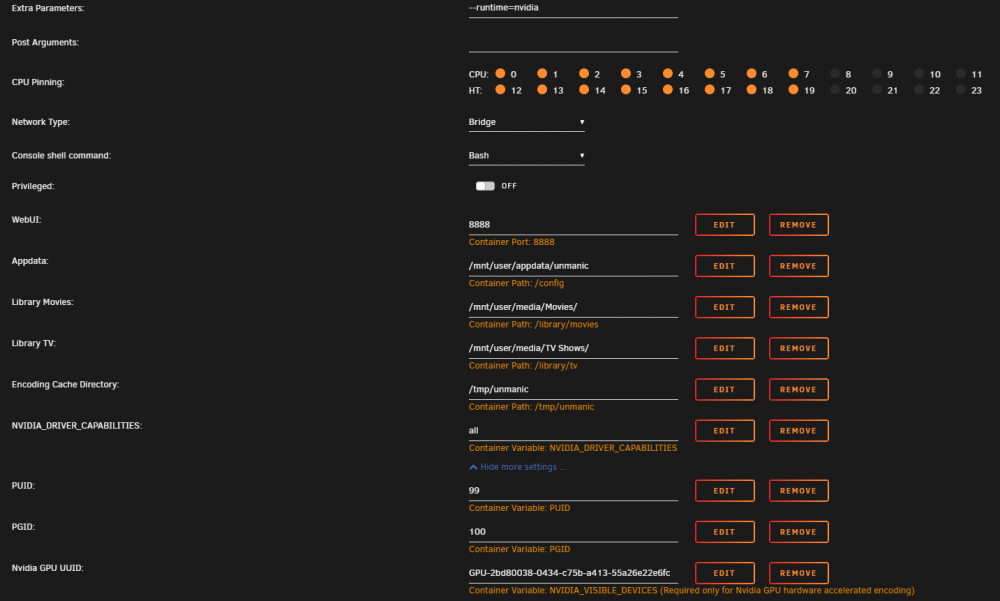
@Josh.5 So I completely deleted the container and the folder and reinstalled. So far so good, however, now my hardware transcode is not working. Current settings, but I thought this was correct.

-
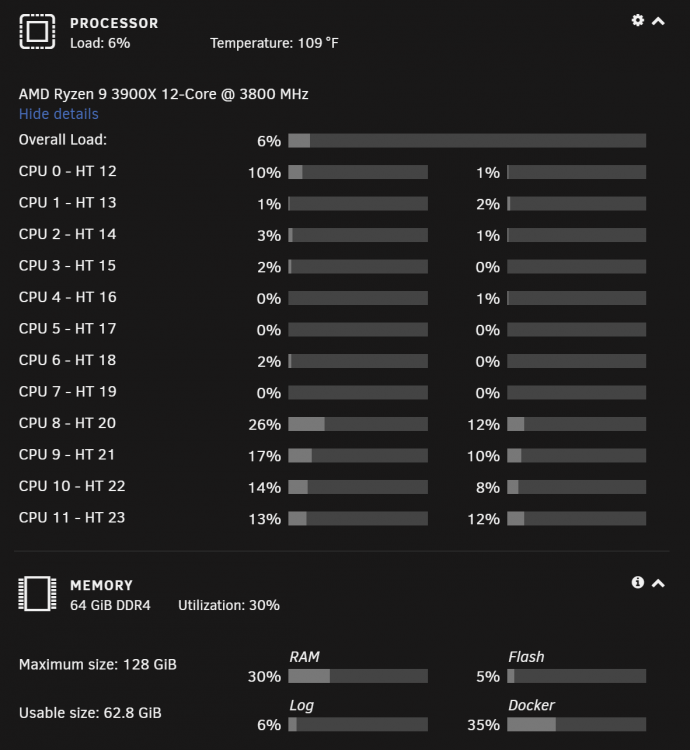
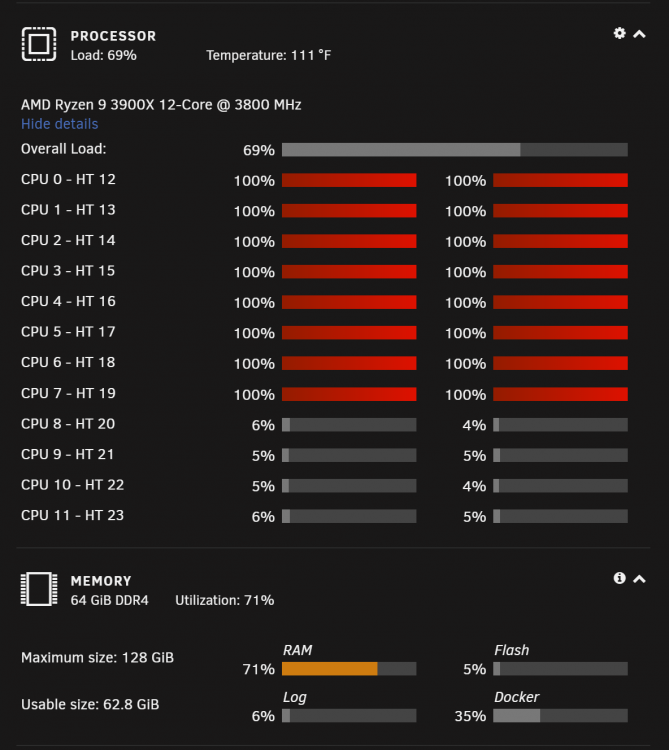
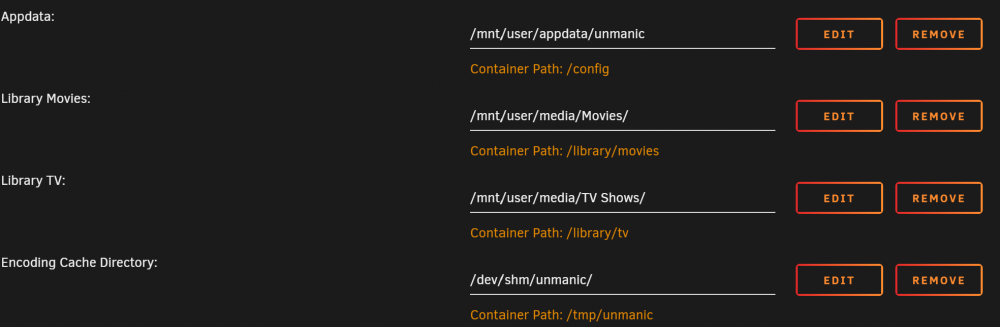
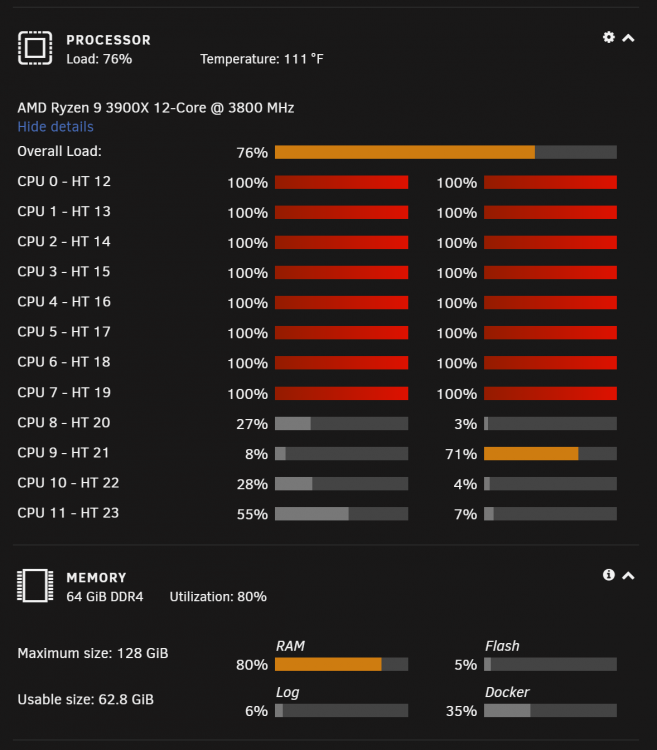
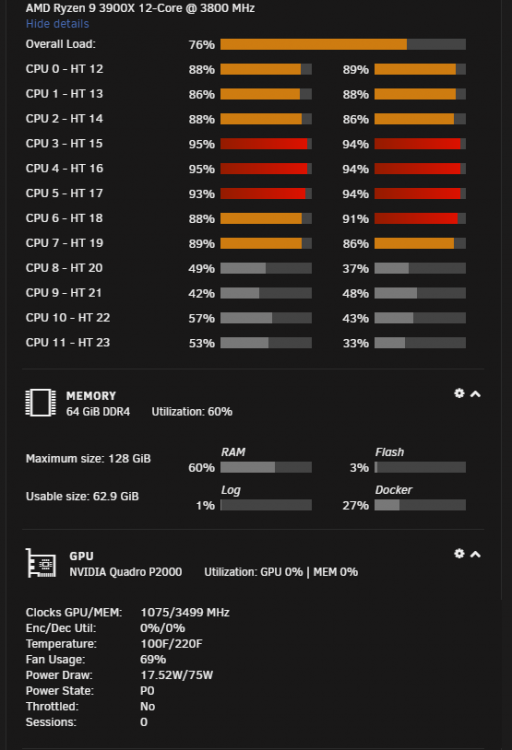
@Josh.5 Exactly! My CPU and RAM spikes to 100% when unmanic is running. This wasn't happening in before so it's crazy to me where the issue is coming from. Love unmanic and want to continue using it...just need to figure out how to get it running properly again without killing all resources and processes. On a separate note, where should the transcode be running? Should it be through the ram or somewhere else? I have 2TB cache and as you see 64GB of RAM.
-
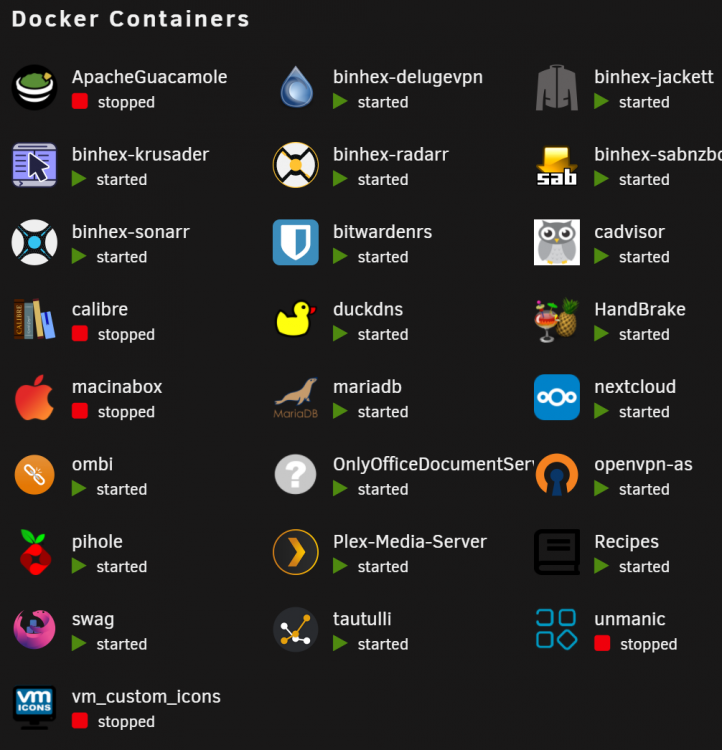
While it's not running, it looks like this...
-
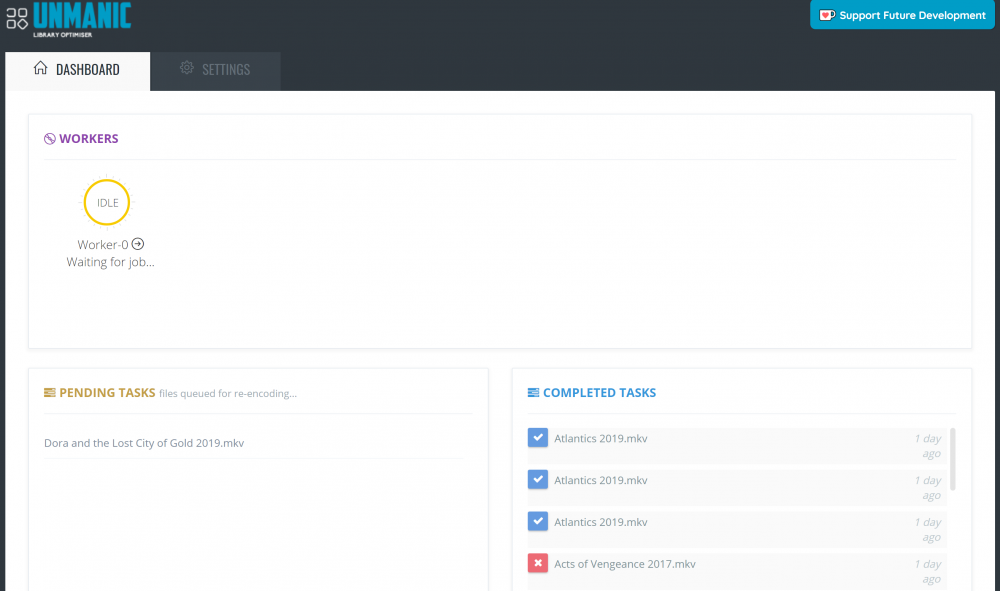
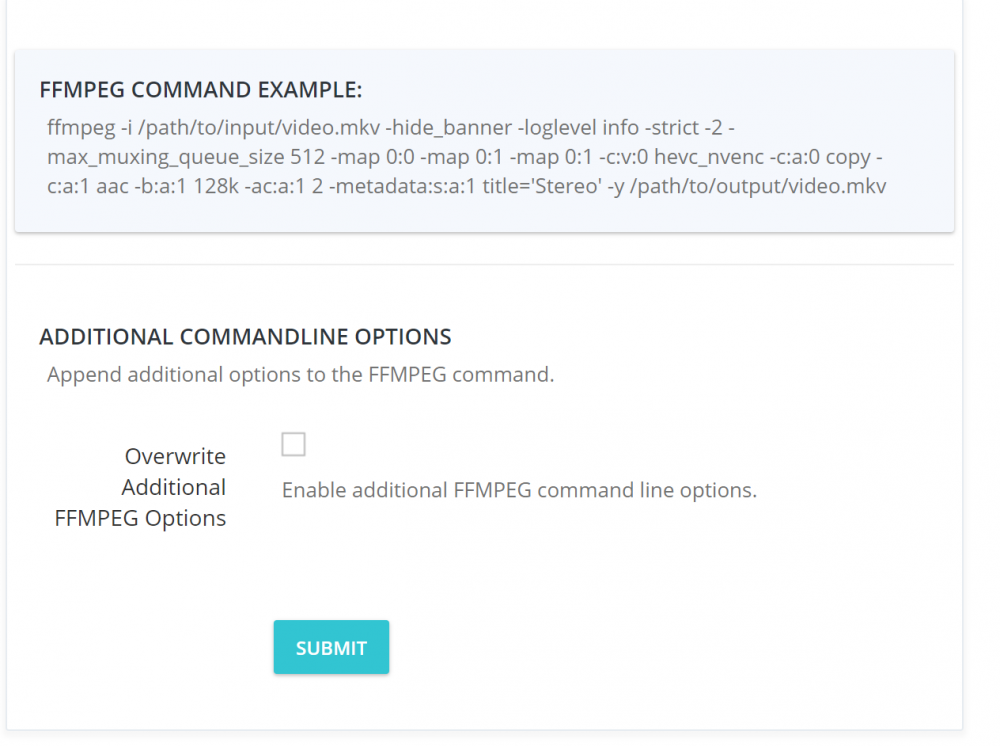
Completely agree and have done the same thing based on your intial posts of CPU limiting and hardware acceleration setup. When I start unmanic, however, resources still shoot up. Above is the current setup that I have. Below is what happens when I start unmanic. I have also attached my settings to make sure I'm not going crazy...

-
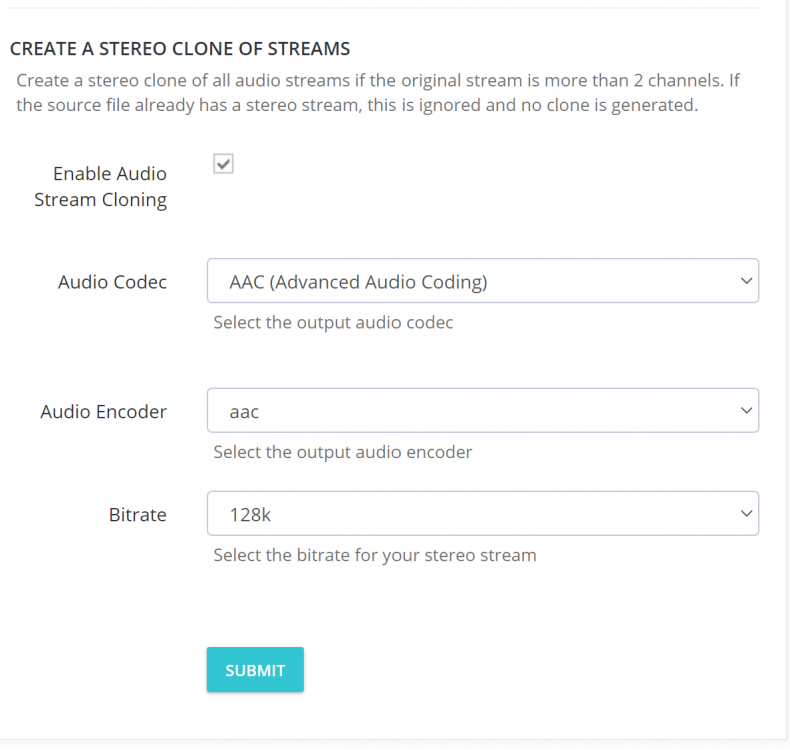
I tried the cloning process, however, it still gives me the same overload of the resources. it may not be as long, but it is still slowing everything down. In addition, I am noticing that it hasn't transcoded the videos for my tv shows. They are currently sitting and keeps trying to just do movies. I don't know what is going on here.
-
What is the consequence if audio transcoding isn’t checked? How does it affect the file from a playback perspective?
-
Had to stop the docker as it was slowing my computer and freezing it. Has there been a fix as to keeping it from overloading the CPU and Memory, while making sure that it is encoding through the gpu?
-
Has anyone ran into the problems where you request a movie/tv show on the mobile app, but you receive an error stating: "cannot deserialize the current json array (e.g. [1,2,3]) into type Ombi Mobile.Models.Ombi.V1.RequestResult..." Looking to get this working on the mobile app. It works fine in the browser.
-
Is there a way to use unmanic with Plex Live TV/DVR? I have run into the issue that the docker will start converting the video file as it is still recording onto the folder. Don't particularly want to use Handbrake at this point.
-
How do we blow it away?
-
Hey Guys! I am recording shows through Plex DVR. As it is recording, Unmanic is watching the folder and starts to convert it to a mkv file. The problem is that I will get an error after it is done recording. I am wondering is there a way to keep unmanic from starting the conversion until after it is finished? Do we have to use a post process script to make this work? Any information and direction would be appreciated.
-
Random question. I use plex live tv/dvr and as a show is recording to the folder in .ts, it is being processed by unmanic. The problem here is that when it is done recording, I get errors. Is there a way or post-processing script to make sure that you are able to successfully record, convert (through) unmanic, and then post to the plex library without issues? I've seen post-processing scripts for Handbrake (which I don't know how to use or implement), but I would prefer to use this docker instead (if possible).
-
Hey...Sorry for the late response. I had used this blog to help figure out how to get it working on my end. Let me know if you have any questions. https://kmwoley.com/blog/controlling-case-fans-based-on-hard-drive-temperature/
-
I was able to get mine to work by inputting the following in my go file: modprobe nct6775 force_id=0xd120 Hopefully this works for you!
-
Appreciate the info. Thank you! I will give it a go.
-
I appreciate you very much. Worked like a charm. Got 12 workers going! you just saved my RAM and CPU.
-
How were you able to make it work? I am still not showing any hardware encodes happening and my RAM is getting eaten alive with this as well as my CPU. Any suggestions? I attached some screenshots.
-
Look back at my earlier post if you are looking to get the system temp.
-
Check my earlier post. It may help you!
-
Once you go to SystemTemp plugin, it should give you the choices you need to choose from.
-
After a good month of researching, I was able to get mine to work by inputting the following in my go file: modprobe nct6775 force_id=0xd120 Hopefully this works for you!
-
I am new to Unraid. I have a MSI Prestige Creation X570 motherboard with AMD Ryzen 9 3900X CPU. I am using a pwm controller through my Fractal Design Vector RS. After installing SystemTemp and Auto Fan from Dynamix, I am unable to detect the sensors nor the pwm controller for the fans. In SystemTemp it shows the drivers, but won't load the nct6775 as it says no such device. Any help would be great!


