





Dondo70
Members
-
Joined
-
Last visited
Everything posted by Dondo70
-
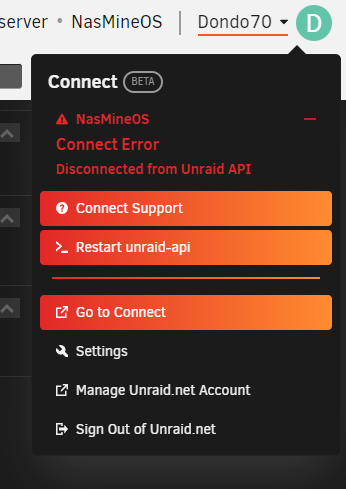
I have a strange error, and I follow the suggestions above but it solve partially my problem. Some one can help me please? logs.gz
-
I have solved with change the cache drive, move everything to the array and move back to the cache. I running some test on the old ssd and the internal nand was corrupted. I think I will try to put two cach drive in a raid 1 to have more reliable drive in case of failure, my problem I don't know how to due it.
-
That controller was working fine from two years ago, I can try to buy a different controller but now my docker is . I can change the connections on the mainboard controller but I think my SSD start to fail. I try to change the SSD but the Docker.img is corrupted and I scare to lose all my Docker like nexlouid an pihole. Do you have any suggestion I can save these?
-
Hi all, This morning I found my server during the Parity Check with the Docker Image and Cache locked. I attached the Diagnostic file here. My Nextcloud server is down, and I need it for job. Would someone be able to help me with that? nasmineos-diagnostics-20230501-0926.zip
-
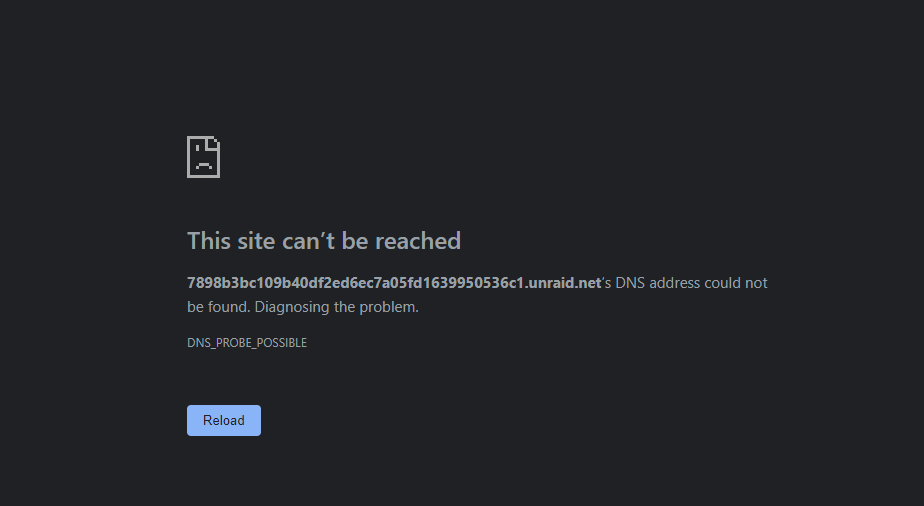
I found the solution before your answer. I changed the net name on the router, after the upgrade the server change from unraid.net to myunraid.net, that simple change lock the access to it from pfSense. I suggest to put this information for the community to be aware of this beaver. Many thanks for the info by the way.
-
After the last update, I lost the remote connections from a remote PCV in the same network. I already lost the connection server from the Internet caused of my rooter pFsense. I can only access the UI from the server directly. Does someone have a solution for this issue, especially from the same network?
-
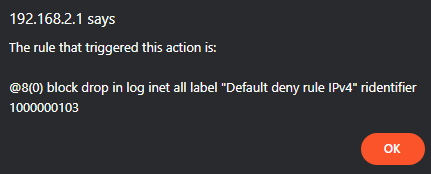
I can not fund a rule in PfSense to allow the traftrafficick to my WebGui of Unraid server. Can someone help me, please?
-
Same here after upgrrade to 6.10-0 Rc2 keep unsing and is not easy
-
-
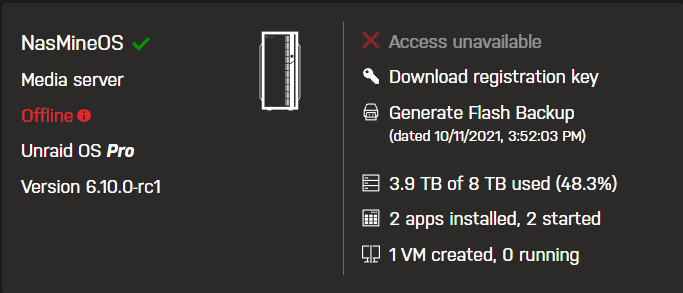
I have this situation, but the server is running well. I will try to restart the API and I let you know if is going good or not.
-
I forgot on beginner the upgrade the service docker an VM wasn't running before the system did not find the right path.
-
thanks I will check on disk1, I hope I will found everything on it
-
the old mounting point for the Docker or VM was in mnt/usr/apdata/...., on the new vbersion is in /mnt/cache/appdata/ that is the one.
-
was the same the locations of the V M, the root directory was different and to fix that I change these directories to match the new version.
-
That was append after the upgrade, but when I downgrade the docker appear again. I fund a different pointing mount, when you upgrade the old mnt point disappear from the drive.
-
It's a strange now I downgrade end install again the new version after three times I see the Share but I still lost all the Docker Container. I attached the Diagnostics ZIP file nasmineos-diagnostics-20210822-0837.zip
-
That was enabled
-
I already try that, just lost all share content, still all in the disks but not in share sections
-
After several try to update at the new version I lost all the docker container, force me to discover the a new root folder for the VM and lost all the shared folders. Can someone have an idea to fix? Or I need to wait the stable release?
-
Hi Peter, I have problem to enter remotely from internet. I open the fort on the modem. I downloads the .ovpn file. I try with the .p12 file. But still don't work, the connections refused.
