stepmback
Members
-
Joined
-
Last visited
Everything posted by stepmback
-
Does that mean my only option is to copy over the network?
-
I am building out a new Unraid server 6.8.3. I am a newbie. I have 16 or so disc of media data from a previous storage server (Flexraid) that I need to migrate to the new server. My plan was to use unassigned disc and Krusader to add each disc and copy files from the disc to the shares instead of over the network. However I have run into a problem. If I go into Krusader I only see the PPU portion of the disc which is full of old flexraid junk meta files I no longer need. If I take the disc out of the array and attach it to a separate windows machine I see all the media file, so the disc looks good. When I mount the disc the only secitoon that mounts is the PPU2 portion. The WDC xxxxx is grayed out. How can I mount this portion of disc in unassigned, which appears to contain all the media data I want.? Also posting diagnotics... if that helps. Here is a screenshot: Hoping I am doing something stupid because right now I am copying files over my network and that is no where near as fast. Remember I am an newbie so if you need me to post some files, please point me in the right direction. spanky-diagnostics-20200704-1737.zip

-
I got it working. I ending up resetting everything and starting over. Not sure if that fixed because at the end this time I bounced my router...... when it came back up I got my iphone, turned off cellular service and setup VPN again on wireguard app. I got in, then tried my 10.253.0.2 address and the loggin for unraid popped up.... logged and can see all the areas.... great. Maybe I just needed to reboot my router.... anyway I am in and wanted to share in case anyone has not bounced their router enough....:)
-
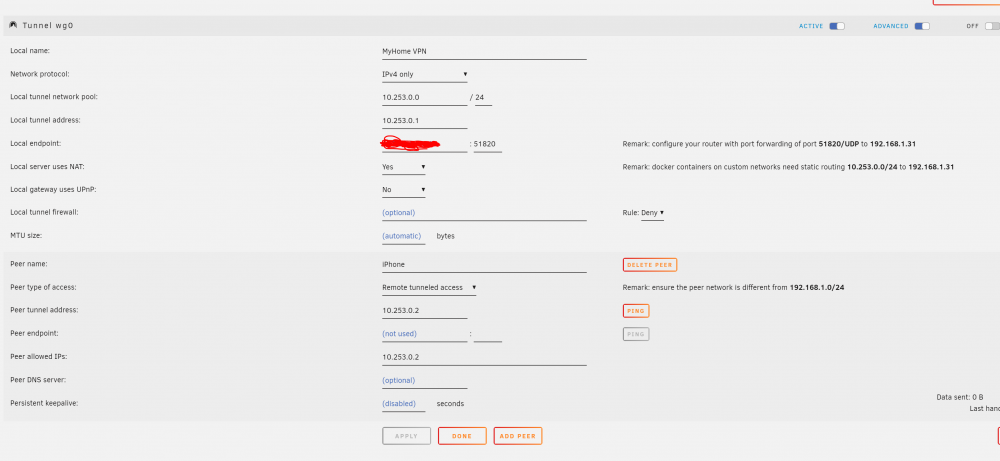
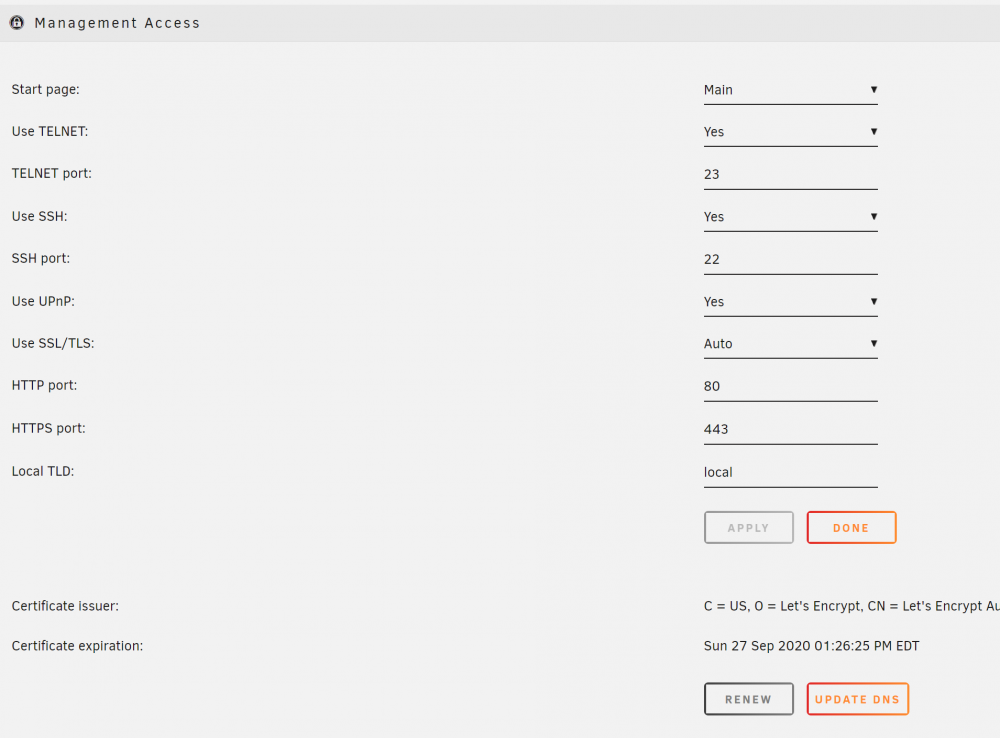
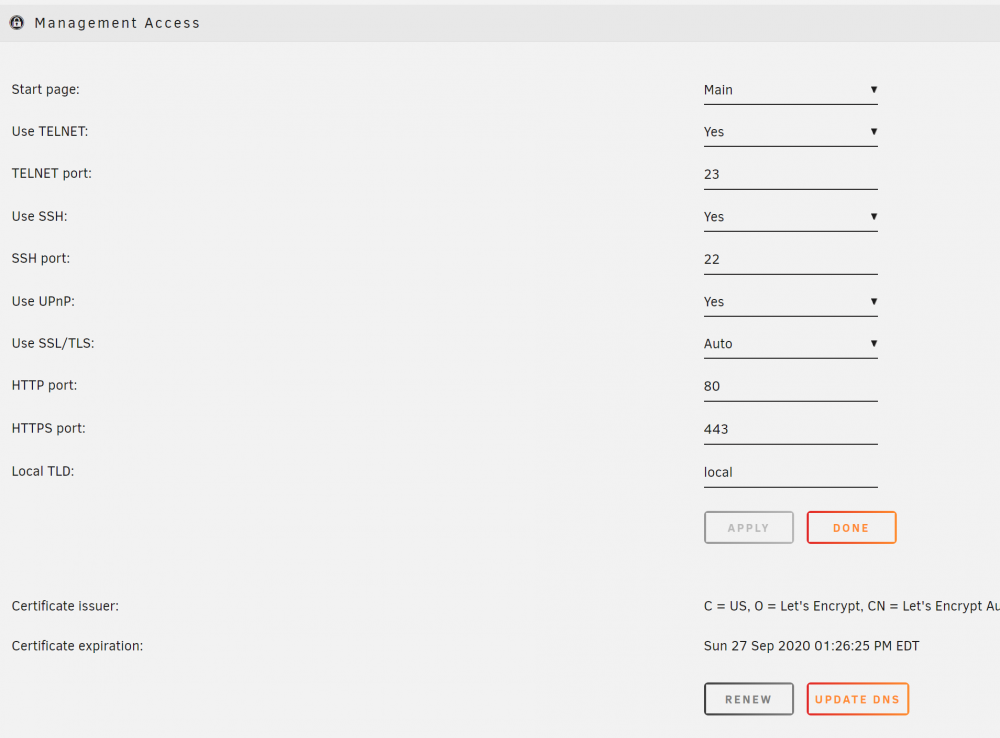
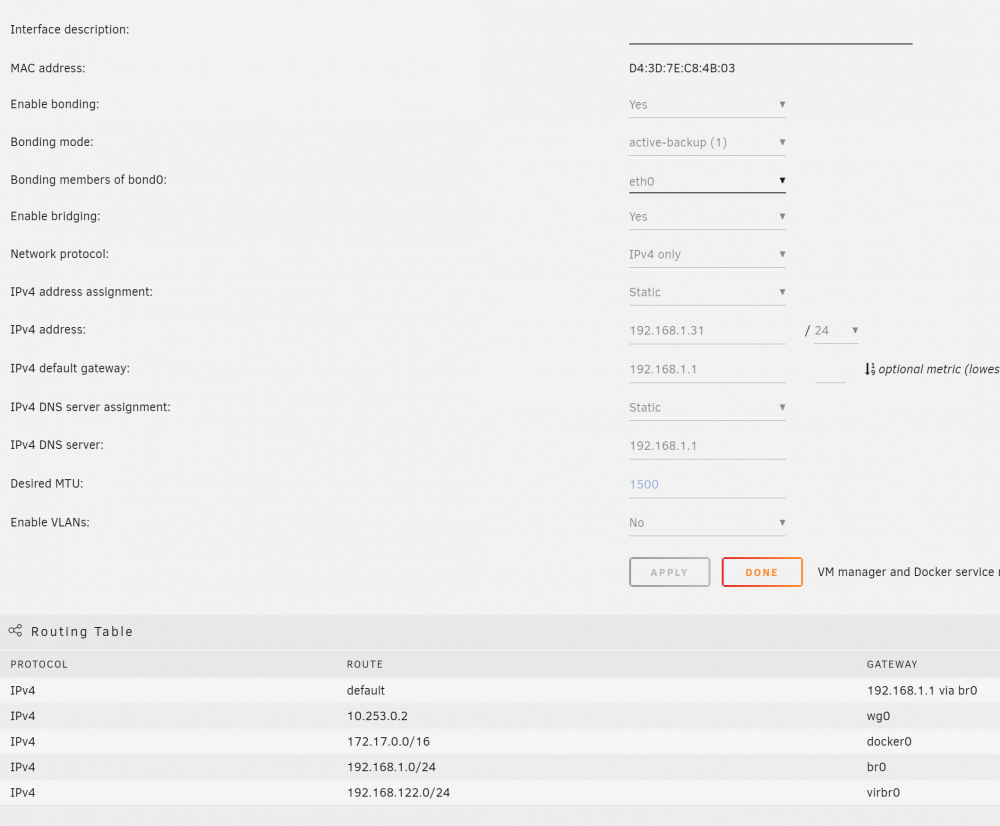
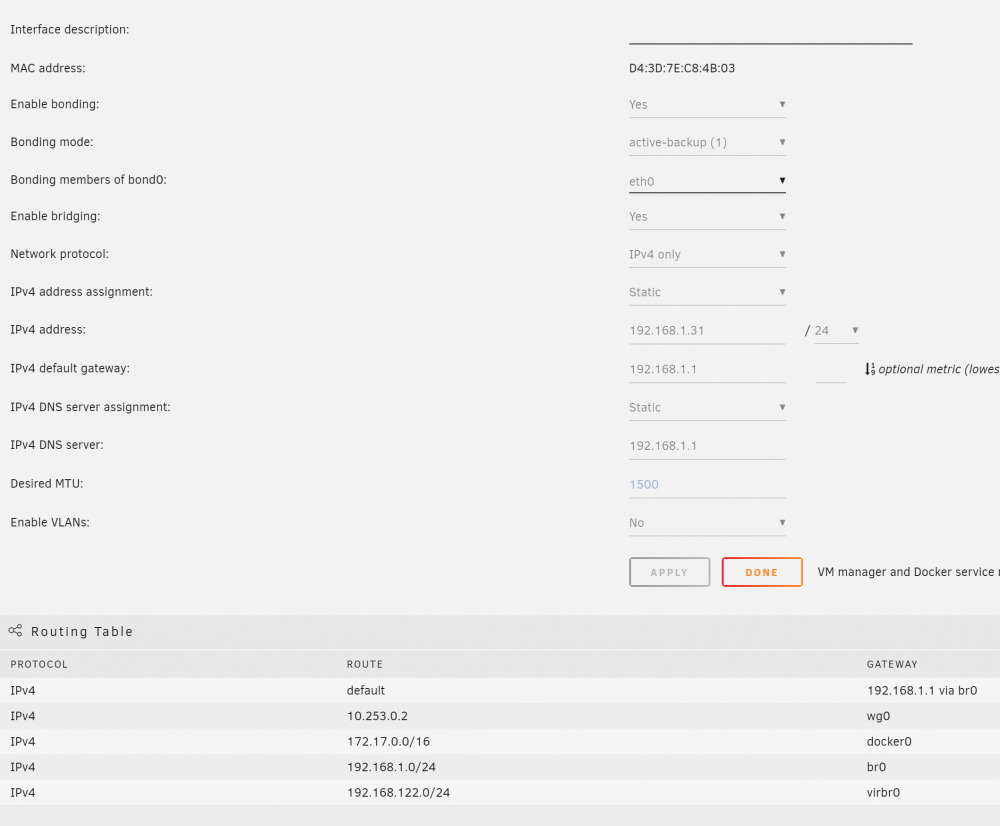
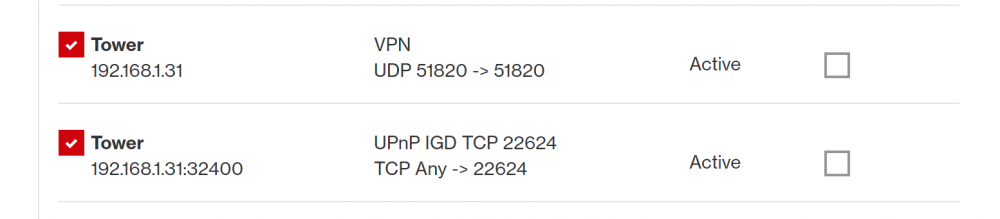
I am very new. Just built my first demo UnRaid server before I convert my existing file server to UnRaid. I was able to install and setup WireGuard plugin (2020.02.23) on my server and I was able to get my iPhone to connect to the VPN using the wireguard app and . However I am not able to access the server URL via chrome on the phone to access the server. When I try this phone on the cell carrier, not on wifi.. but stil no luck. I have tried url 10.253.0.0, 10.253.0.1 and 10.253.0.2 with no luck. Am I not using the correct url? I am running version 6.8.3 with a certificate on the server, which creates this type of url "https://xxxxxxxxxxxxxxxxxxxx0f70a3509e8cda340.unraid.net/Plugins". My disk are not encrypted. I have done the port forward, I believe correctly on my FIOS router. the 32400 is for my Plex. I might be giving you more info than is needed but figured better safe than sorry. Any help is much appreciated.