






UnBeastRaid
Members
-
Joined
-
Last visited
Everything posted by UnBeastRaid
-
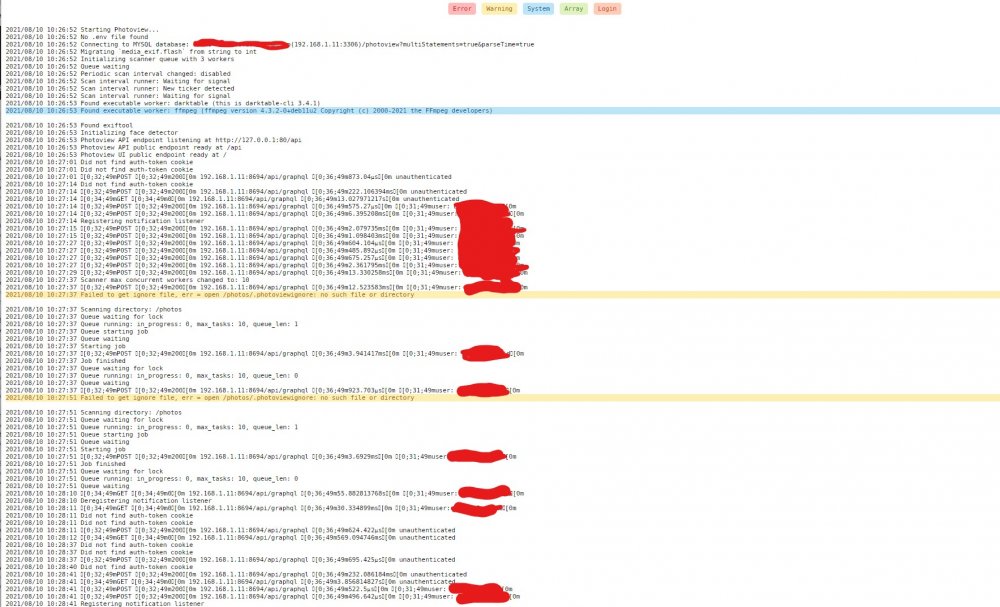
Hello All, Thanks for reading into my isssue. The first time I setup photoview, it ran fine and imported all my media. However, all the RAW's that were imported, did not display correctly. This is when I stopped mid import and used this modification below which helped fix the RAW photos displaying. PHOTOVIEW_PUBLIC_ENDPOINT: http://IP:8694/ However, after restarting the photoview server, I started getting weird errors and none of my photos showed up anymore. I completely deleted Mariadb and Photoview and set it up all from scratch again. I am now getting the errors in the attached. Can anyone help me out? I also added setup screen Thank you
-
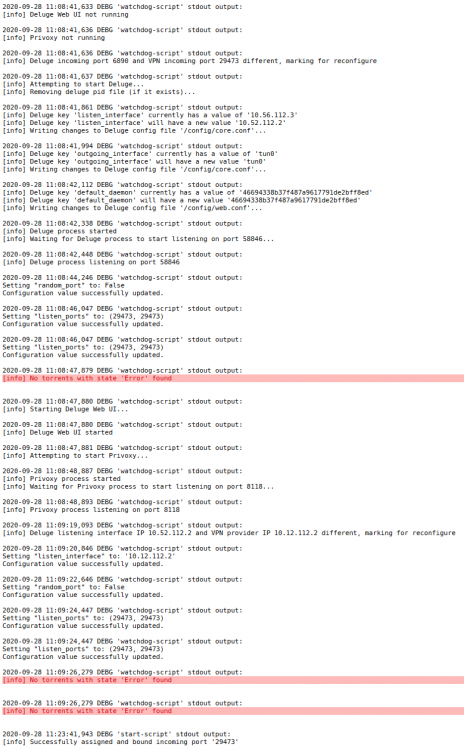
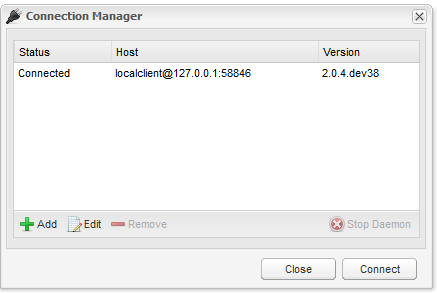
Not sure what is going on with my Binhex Delugevpn. Docker was working flawlessly in :test connected to Montreal with next gen config. I was getting up to 10MB/s down speeds. Unfortunately, I had to restart my Unraid server, and upon bootup and re-supplying the VPN files to reconnect, Delugevpn would establish a VPN connection, I would login to the GUI and input URL for download, however, nothing would happnen. Torrent would stay at 0.0% indefinitely. Any help is greatly appreciated. Here is partial log screenshot of established connection: Progress stays halted: Client connection: - Thanks

-
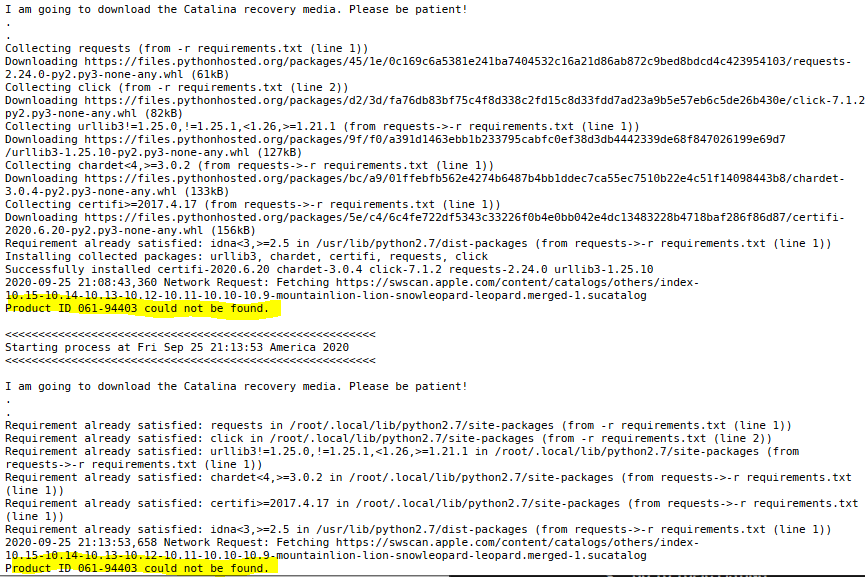
Spaceinvade One has confirmed that Macinabox has been updated with the latest product Id's! My Macinabox has pushed through and started downloading.
-
I am having the same issue as well, the "product ID cannot be found"
-
I have successfully connected to Montreal via PIA. Thanks @Binhex!! One question: How do I know what my VPN IP is? I remember before that I saw my IP in the lower right hand corner of the Deluge GUI. It now says "N/A" after success with VPN connection. EDIT 1 - Disregard question. When I started downloading, the VPN IP popped up. All is in good order and I am downloading at 10MB/s - Thanks
-
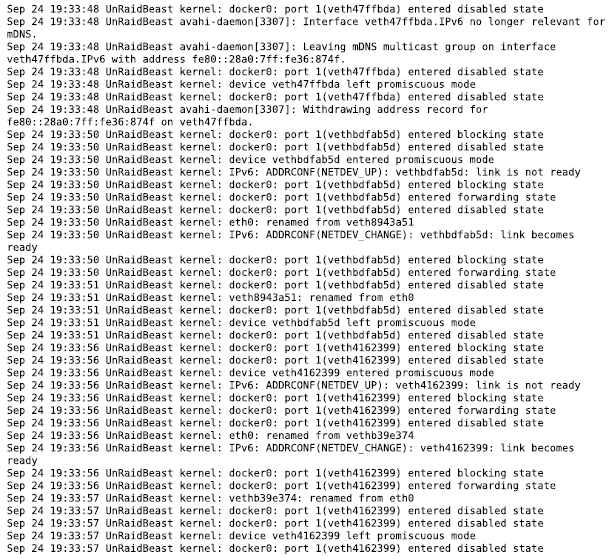
Hello, I posted about my Deluge issues elsewhere, and did not get the answer I was looking for so I will try this thread. I have binhex-delugevpn installed, and it works like a charm when the "VPN_ENABLED" option is disabled. However! when I do enable VPN_ENABLED option on startup, the deluge docker never starts up. I get log errors reminiscent of the below (and attached). What Is the reason that I am seeing IPv6 references in the log? I have PIA ovpn files in the ovpn appdata folder as required. I think I have in there the "next gen" option. Like I said earlier, when the VPN_ENABLED option is set to NO, everything works, the docker starts, and I'm able to get into the GUI. There is no point to use deluge to download torrents unless I am connected to a VPN. Any and all help is very appreciated. Thank you! -Eli Deluge_Log_09242020.pdf
-
Thanks dukie. Have you tried this? I'm not sure where to plug these files in.
-
I have removed port forwarding from the container, however, I am still having trouble getting inside the GUI. Kind of stuck, not sure what else to try. I have changed my PIA password to make sure there are no special characters because some users were having issues with this. I have also changed the OpenVPN config files several times, in the hopes that this might be the issue, but still no luck. Here is the updated log after removing the port forwarding requirement: - Thanks Updated_Log for_ binhex-delugevpn.pdf
-
Hello, Thanks for reading into my issue. The main problem I am having is that I'm not able to start the DelugeVPN docker. See screenshot of log below. It says "No OpenVPN config file located in /config/Openvpn/" I have the file downloaded from PIA, but I have NO CLUE where to put it. EDIT1: So, I figured out where to place the openVPN configuration files. However, even with the files in place, when the webGUI is clicked, I do not have any success of entering the GUI. Can someone please help??? EDIT2: Updated log file - Thanks Log for_ binhex-delugevpn.pdf
-
This information is GOLD: 1. Open the registry editor and go to Computer\HKEY_LOCAL_MACHINE\SYSTEM\CurrentControlSet\Services\LanmanWorkstation\Parameters 2. Double-click on AllowInsecureGuestAuth 3. Under "Value data:", change it from 0 to 1 Helped me solve a two week issue trying to access my network shares. Thank you


