





bud26
Members
-
Joined
-
Last visited
-
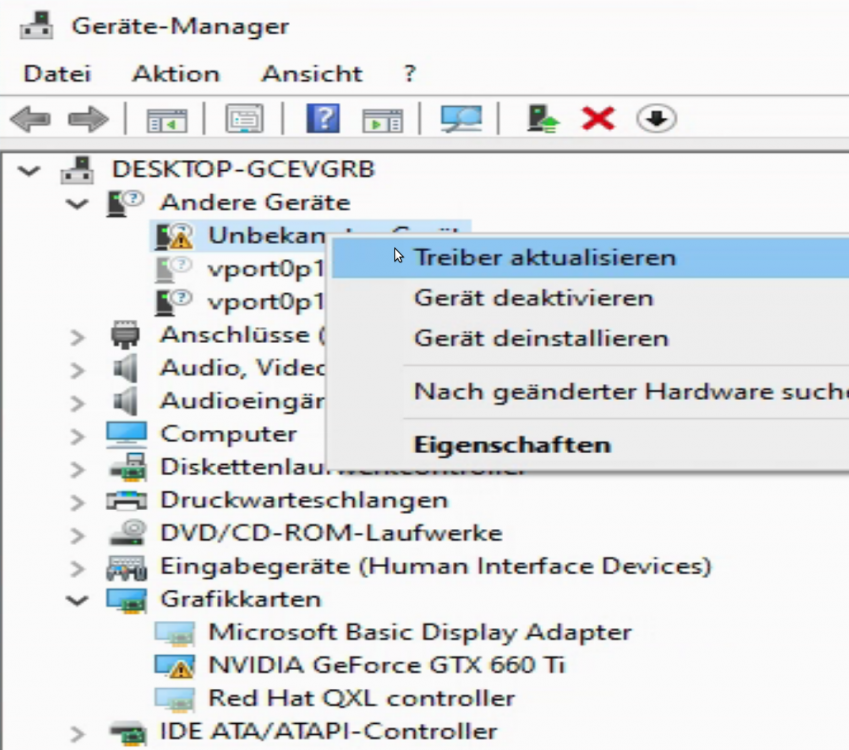
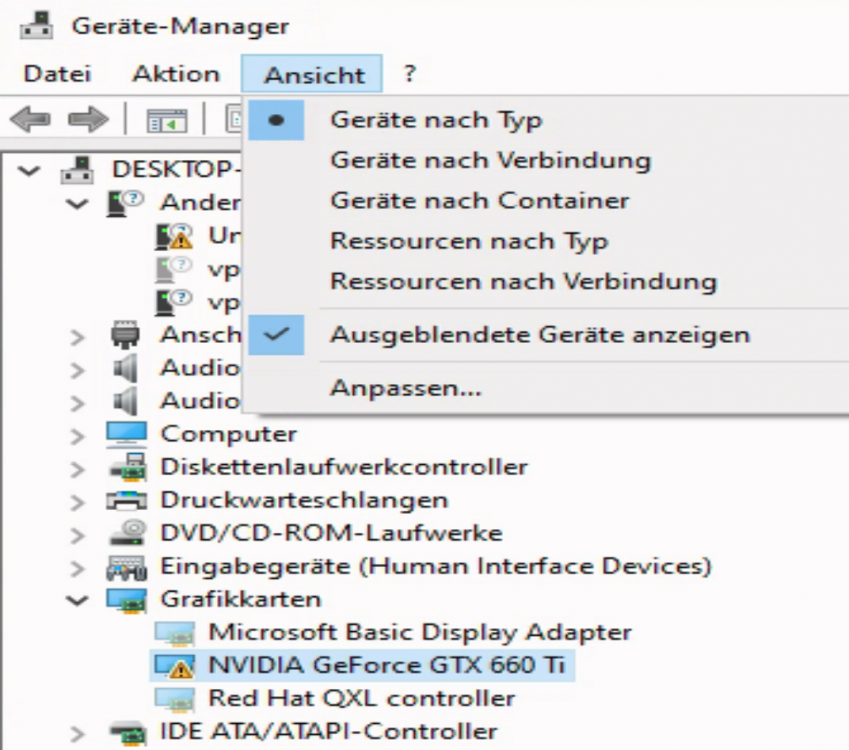
You saved some days for me. This ^^ was the key for me! Due to the fact that I had 5 VMs installed until know I know this and the actual NVIDIA driver from official homepage works for me in Win10 and Win11. Things I had done before without "any success" Code 43 in windows: Add multifunction='on'/> to the GPU set sound to the same PCIe Slot. Thx to @SpaceInvaderOne ROM from: https://www.techpowerup.com/ Thx to @SpaceInvaderOne --> Removed header as shown here: Changed the <hyperv> section as described. Thx to @RiDDiX for the post here:
-
Due to other priorities no progress with my build. I am also still questioning myself what is the best build in terms of idle watt usage...
-
Does anyone knows a cube case with many 5,25 Trays??
-
In welchem Gehäuse ist der Unraid Server?
-
Swapping is possible with this but is not my main focus. The on/off button is my main focus. To have the data completely offline while server is running but the disk stays in place. With USB drives i have several bad experience while moving them. And for me it is not necessary to move my backup anyway.
-
Hi, I am planning a home system to have a powerful system over the next 5-10 years. So enough Cores, RAM for now + space to extend, 2 GPUs maybe a thrid or fourth over time. Fast disks for the OSs and slow cheap disks for the mass storage. Would like to have some electronic connected to switch on/off HDDs. Mainboard: Mainboard Gigabyte WRX80 SU8-IPMI - 7 PCIe 4.0 x16 Slots for Multi-GPU - 8-Channel DDR4 RDIMM 8 x DIMMs - Dual Intel® Server 10G LAN and GbE LAN - Multiple storage interface: 4 SATA3 Ports, 3 SlimSAS ports (NVMe and SATA are available) - Next-gen transfer speeds: Dual M.2 (NVMe and SATA mode) and 6 USB 3.2 Gen2 including 1 Type-C https://www.gigabyte.com/de/Motherboard/WRX80-SU8-IPMI-rev-10#kf CPU: 16/32x 3,9 GHz AMD Threadripper Pro 3955WX - 16 Cors to have enough resources https://www.amd.com/en/products/cpu/amd-ryzen-threadripper-pro-3955wx Grafik: ASUS NVIDIA GeForce GT710-SL-2GD5-BRK Grafikkarte (Nvidia, PCI-E 3.0, 2GB DDR5 Speicher, 1xHDMI, 1xDVI) https://www.asus.com/de/Motherboards-Components/Graphics-Cards/All-series/GT710-SL-2GD5/ RAM (ECC): Samsung M393A8G40AB2-CWE Speichermodul 64 GB https://www.idealo.de/preisvergleich/OffersOfProduct/200897356_-64gb-ddr4-3200-cl22-m393a8g40ab2-cwe-samsung.html Case: Define XL R2 computer case https://www.fractal-design.com/products/cases/define/define-xl-r2/black-pearl/ Power: Ion+ 860W Platinum https://www.fractal-design.com/products/power-supplies/ion/ion-platinum-860w/black/?fbclid=IwAR1mpMsGt5cFgAIBzdLQ4qqBFonDOIjf6-nqAcnWwK52CvyLbGnnaRm2nhg HDDs: Very fast Disks for 2-3 OS installations: 2x WD Black SN850 NVMe SSD 1 TB https://www.alternate.de/WD/Black-SN850-NVMe-SSD-1-TB/html/product/1625868 Online HDDs if Data or Diskspace needed: 2 x Western Digital Red Pro SATA III 14TB (WD141KFGX) https://www.idealo.de/preisvergleich/OffersOfProduct/6949477_-red-pro-sata-iii-14tb-wd141kfgx-western-digital.html Offline-Backup. Staring once a week for offline backup. 1 Disk each week to have a gap of 2 weeks. 2 x 8 TB HDDs 2 x flexiDOCK MB795SP-B https://www.amazon.com/ICY-DOCK-flexiDOCK-MB795SP-B-Tray-less/dp/B07K8QRBVD Questions: - Do you have other ideas to have a offline backup? - For the RAM. Is it better to have one module or 2? The board can hold 8 DIMMs.
-
How do you control you cold data backup disk? I was looking for some disks i can spin up for offline backups once a week. Unitl now i found this one here: flexiDOCK MB795SP-B https://www.amazon.com/ICY-DOCK-flexiDOCK-MB795SP-B-Tray-less/dp/B07K8QRBVD


