





Jamaica1985
Members
-
Joined
-
Last visited
-
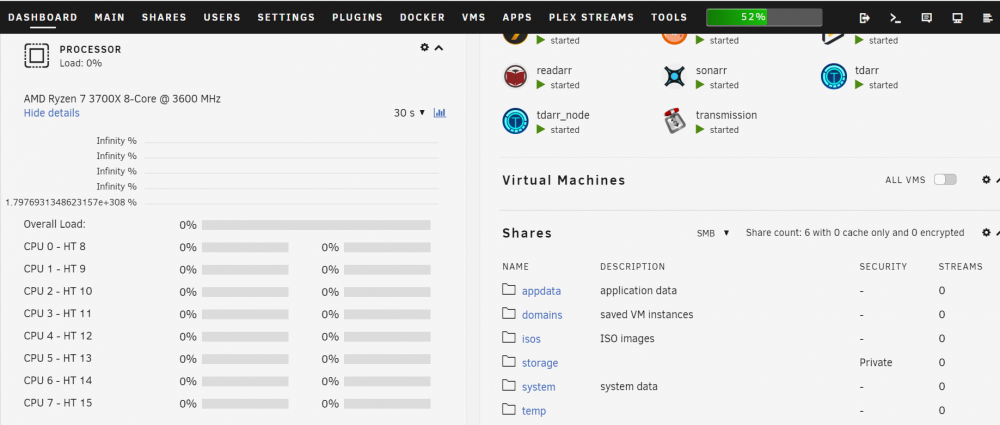
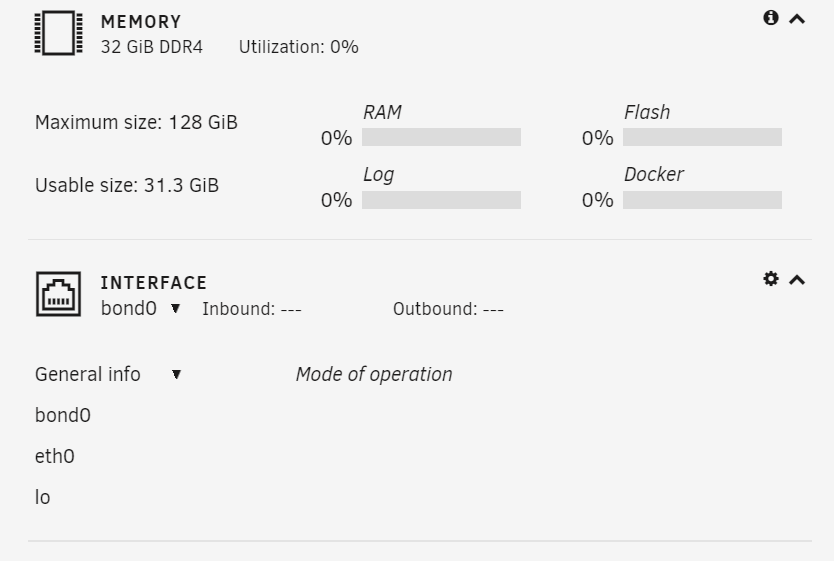
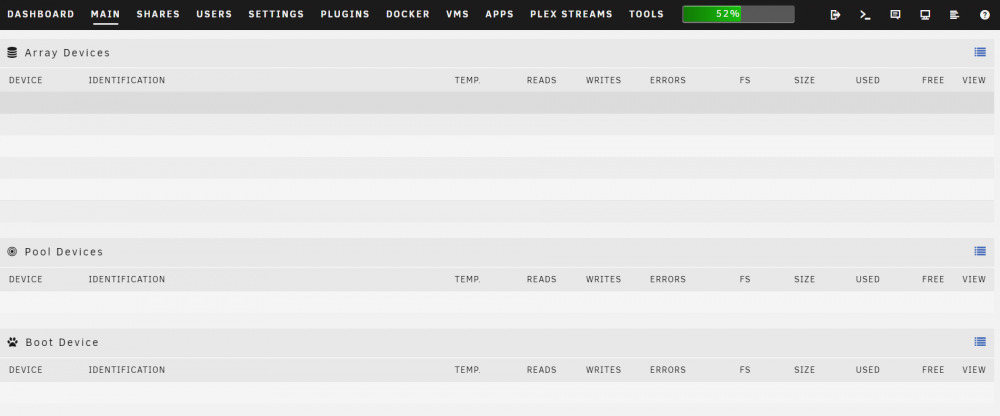
Everything works as expected however, both the main page and the dashboard show no hardware information whatsoever. I see no disks, no CPU stats, no Fan stats, no array however everything else is working just fine. Not sure where to start to troubleshoot this...
-
I just cant seem to get this working. What I have done so far: 1. Installed the docker Myst 2. Configured with my ETH wallet token + Mysterium API code. 3. Configured ports 50000-50200 in Myst and my router The connection part says "Most" and cannot seem to get it to All. I have been waiting for hours but nobody is connecting. Anyone else got an idea?
-
I´d like to assist censored people accessing the rest of the world, but in reality how would this affect the usage of my connection (I dont mind a lot of usage but I do mind people using the Tor network to do illegal things) is there any way TOR relay "providers" can be held responsible for what other users do through your internet connection? Anyone here that is knowledgeable about this? Thanks
-
This docker works fine. Just a note though.. When using this on a TP-Link ER605 it completely removes all the config from it if you hadn´t configured Omada on it before yet. Mine was a stand alone config through the device web interface but it completely removed and defaulted all WAN/LAN/FIREWALL/VPN settings. I had to set it up all again. Thanks for the docker though.
-
That Did the trick CorneliousJD!! That is a wierd bug... I never experiences a crash though, maybe something happened me not knowing about it. Thanks so much again!
-
Great idea, I´ll go ahead and do that. Other than this particular issue I have this app is awesome, just what I was looking for. Also it is great that notifications can be sent through telegram. This really helps me as often I am away and do not have the time to continue monitor it Thanks again for your assistance
-
Unfortunately I am not able to ping the host from the command line either. I can ping the host fine from other devices in the network though. It is really odd
-
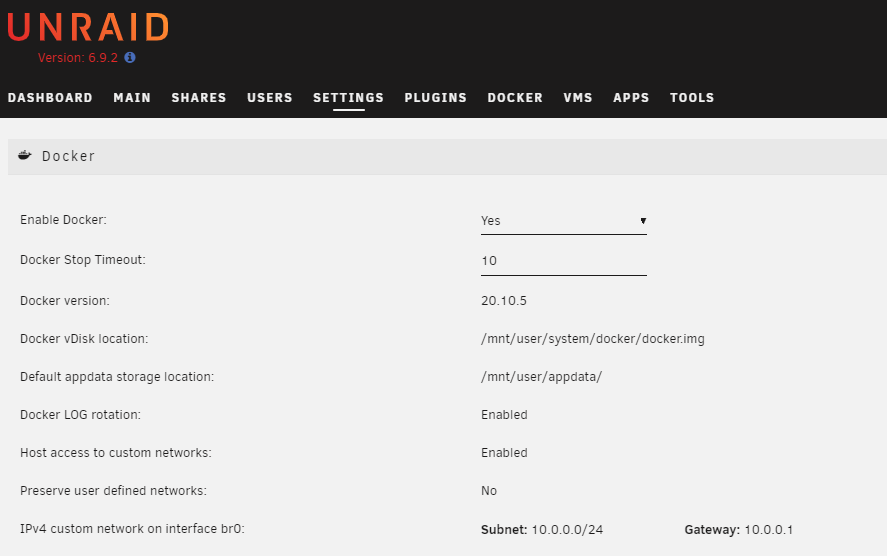
As a matter of fact it is enabled and was actually the first thing I checked out: Host access to custom networks: Enabled Still no go.
-
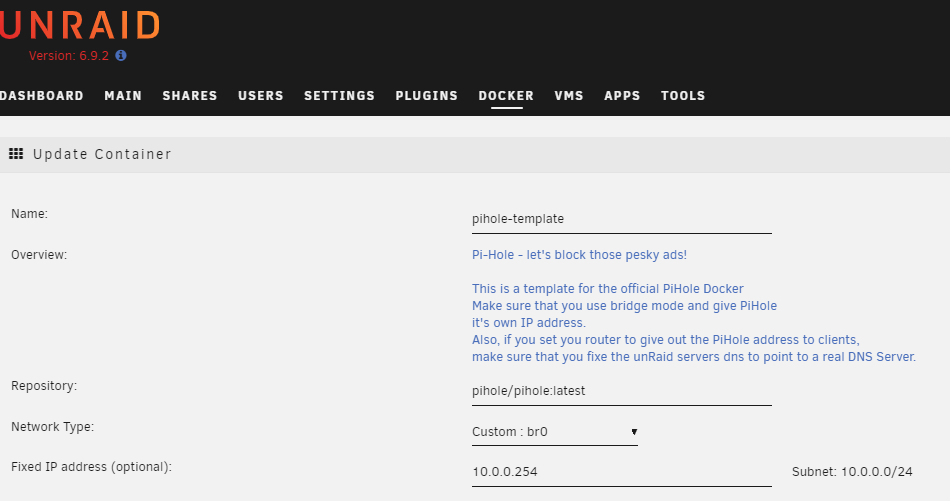
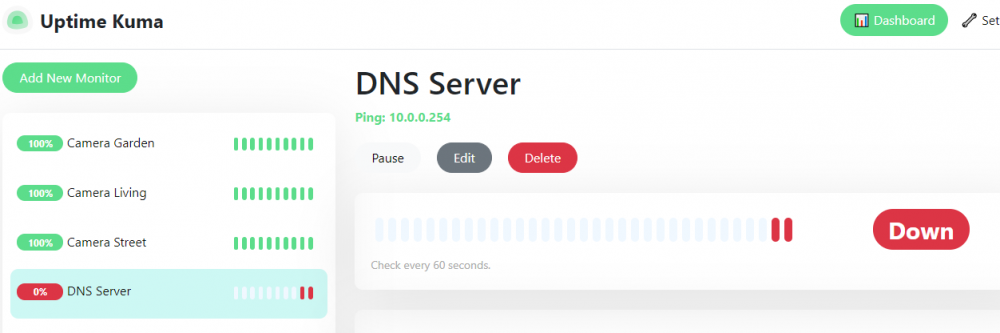
Hi for some reason I am not able to monitor mi PiHole docker with its own IP address on Br0 is this expected. If so, is there something that can be done?


