





jpimlott
Members
-
Joined
-
Last visited
Everything posted by jpimlott
-
It would effect the power consumption calculations. As that drive is always spinning.
-
I might try this as I have an virtualbox machine running that I want to move to unraid. I have tried and can not get the VM to boot KVM at all. I this might work. Kinda killing a fly with a sledge hammer. john
-
the VM works without using 9p for networking I followed the instructions but it starts in emergency mode when using the 9p network addon. john
-
Thank you for the links. It fixes the issue and I am preclearing now. john
-
I just put a new 4 Tb Seagate SHDD in the system. The five year warranty is great even if the sdd part of drive is not used. The problem I am having it is saying it is busy when I try to start a preclear process. It has never been part of the array or formatted. Reboot does not help. I can be chosen as a array drive but I want to preclear it first. I checked the reported capacity and it is the same as the normal 4 TB drives. john
-
I did find this error message the time of the file is currant VBoxSVC.txt
-
I tired both of those things and it still will not start.
-
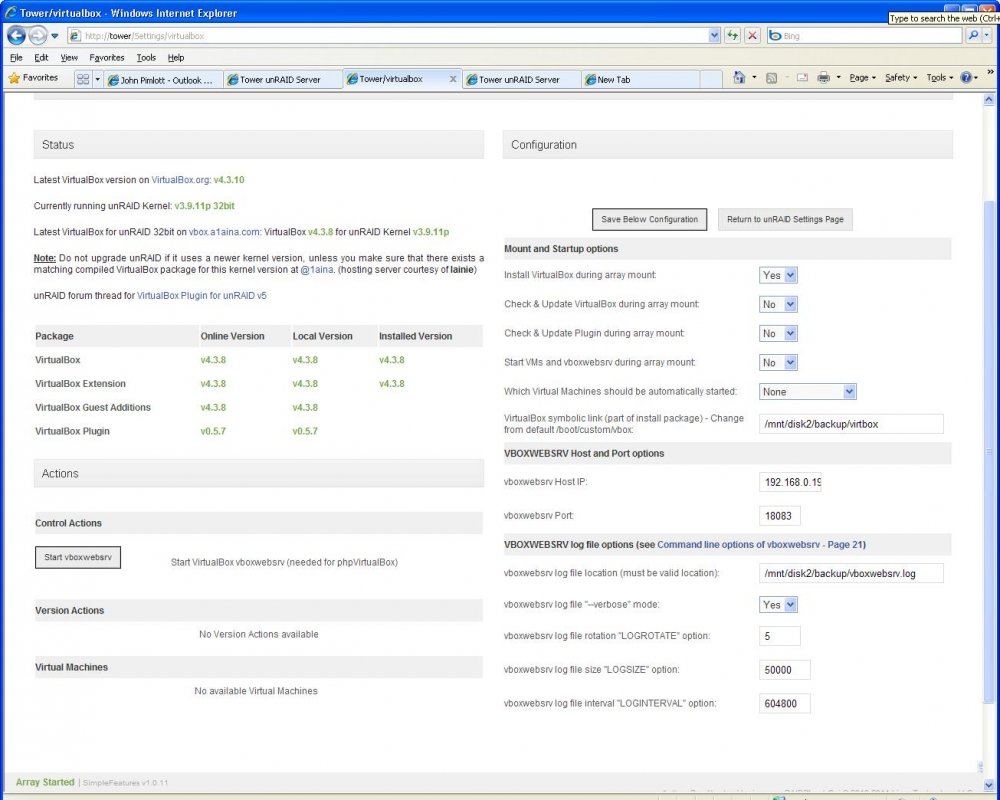
the bottom half
-
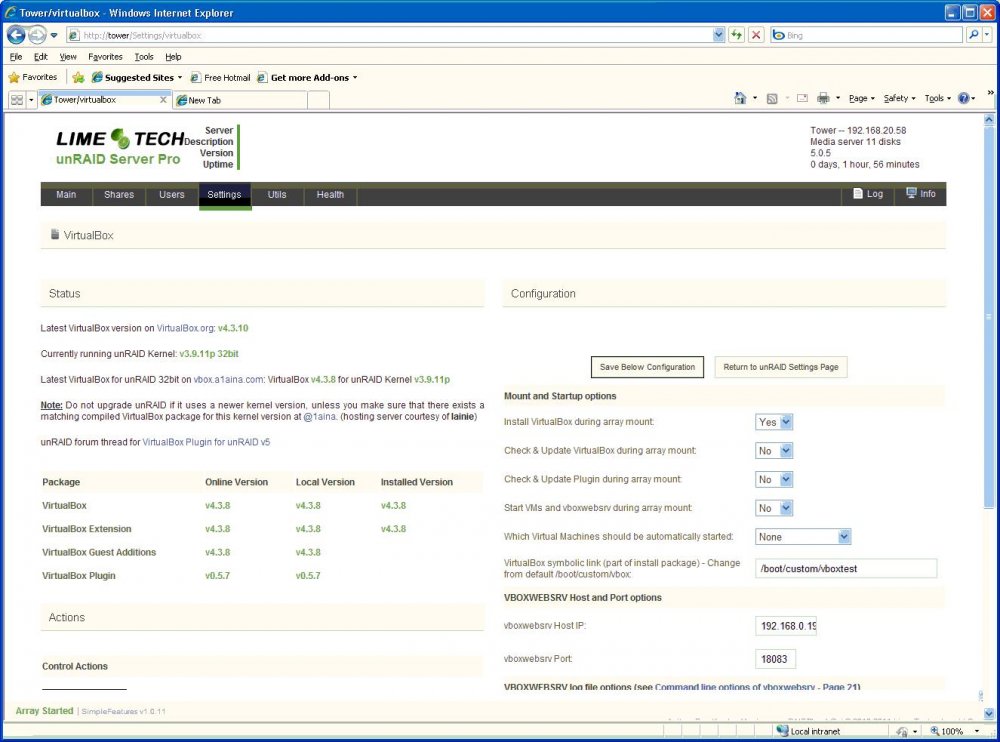
Here you go processes-032514.txt
-
Thank you for helping so far but no dice. I checked that and even tried it one of the array drives /mnt/disk2/backup It did the first time after I updated it from the old ver then I tired importing a VM got part way and crashed. I restarted and now will not start at all.
-
I just restarted the server. It was running 5.0.0 syslog-2014-03-25.txt
-
I just installed 5.05 and the vbox upgrades and now the vboxwebserv will not start. It tries to start when I hit the button them comes back not running Where do i look next to trouble shoot?


