





QuestForTori
Members
-
Joined
-
Last visited
-
Bad news, this worked last night but broke today The logs don't show anything unusual, but I can no longer access the container via the local or tunneled web UI.
-
Thank you so much, that did the trick!
-
I'm also trying to use a wireguard VPN with binhex-prowlarr since my ISP seems to be blocking certain indexers. I already have my VPN set up with the qBittorrent-VPN container - is there a guide for piggybacking off of that wg0 config for Prowlarr?
-
I recently started getting an error where Sonarr will finish downloading a file, but will keep it as a .lnk file and be unable to import it due to a permission error which looks like this: 2025-03-02 10:35:54.5|Error|DownloadedEpisodesImportService|Import failed, path does not exist or is not accessible by Sonarr: /downloads/tv-sonarr/Invincible.S03E07.1080p.AMZN.WEBRip.AAC5.1.mkv/Invincible.S03E07.1080p.AMZN.WEBRip.AAC5.1.mkv.lnk. Ensure the path exists and the user running Sonarr has the correct permissions to access this file/folder This happens for nearly all new downloads for torrents and usenet, but mainly seems to affect torrents as far as I can tell. What could be the issue here?
-
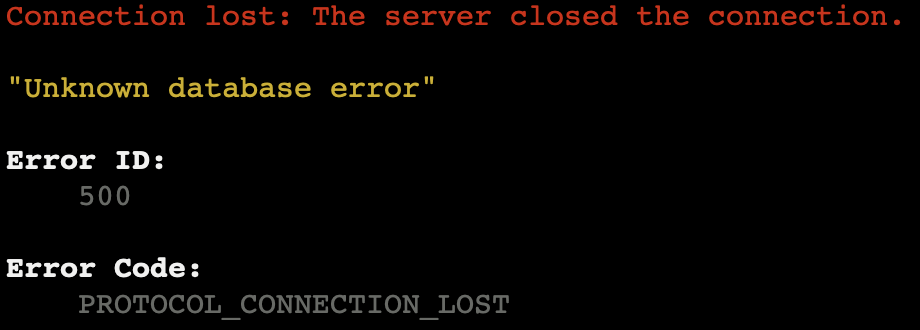
Thanks! I put that variable in, but now I get a different error: (I'm sure that the database container is running and accepting connections, on the same virtual network as MySQL
-
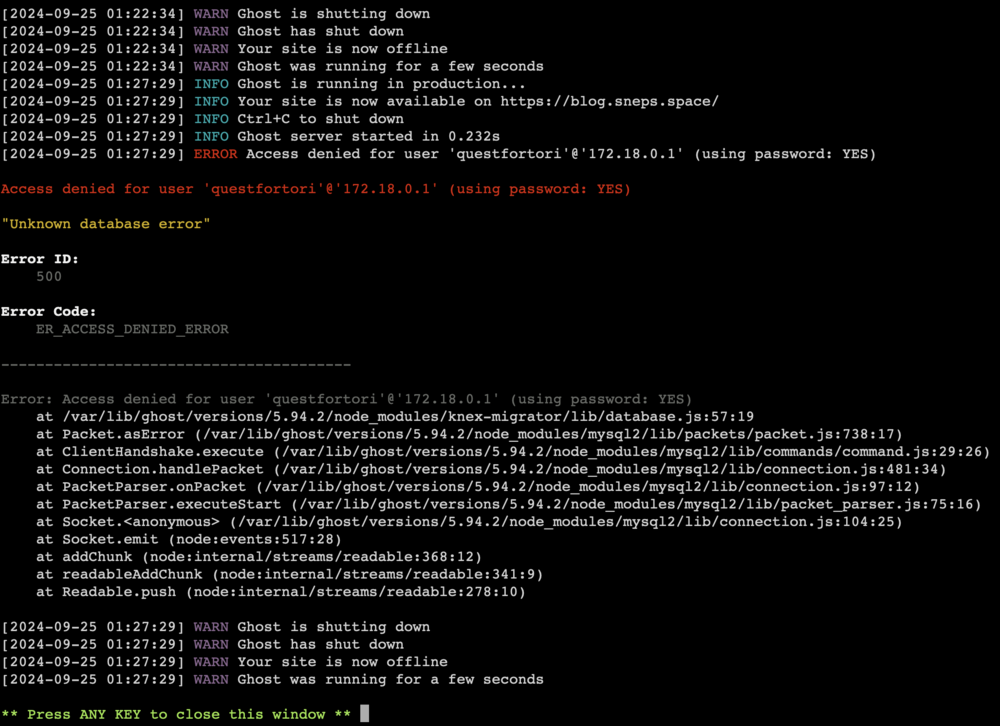
Having some trouble getting the Ghost docker container set up. I set up a MySQL8 docker to act as its database and set the username, password, and database name in the Ghost docker definition. The only thing I had to change is the port of the MySQL container since it uses the same port as my MariaDB container. I changed it, but the Ghost container doesn't have a place to specify a port for the database IP, and adding one seems to cause a connection error. When I use the raw IP and the correct login info, I get this error when starting the Ghost container:
-
Thank you so much, I look forward to it!
-
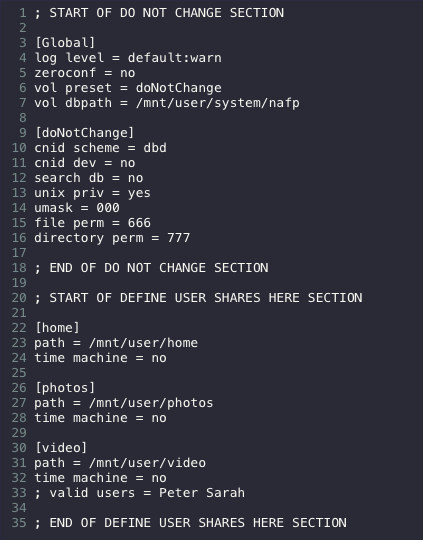
Sure, thank you for the help! When looking in the Chooser, I don't see any servers appear.
-
Has anyone successfully gotten this working with classic (Pre-OS X) versions of MacOS? I'm trying to get the share to appear on System 7.5.3 but the shares don't appear in Chooser.
-
Looks like turning off AdGuard and rebooting made the errors stop! I'll probably go and ask around specifically about the AdGuard docker, then - this seems like it might be a bug in the container.
-
Gotcha, here you go: skaianet-diagnostics-20231016-1051.zip
-
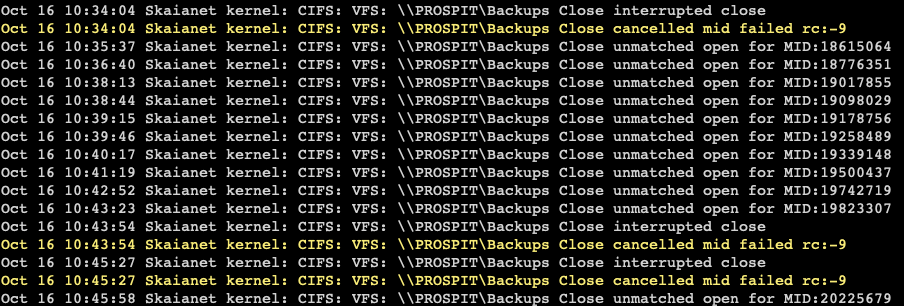
Hmm, I'm still seeing these same errors in the logs after switching to ipvlan, should I still be worried?
-
Thanks for the tip, I'll give that a try and I'll report back if I keep getting crashes!
-
You mean I should just run the command umount /var/lib/docker after upgrading?
-
I already did upgrade to 6.12.4, then I tried downgrading to 6.12.3 to see if it would fix the problem, and it didn't. Is there anything else I could try?


