






Querzion
Members
-
Joined
-
Last visited
Everything posted by Querzion
-
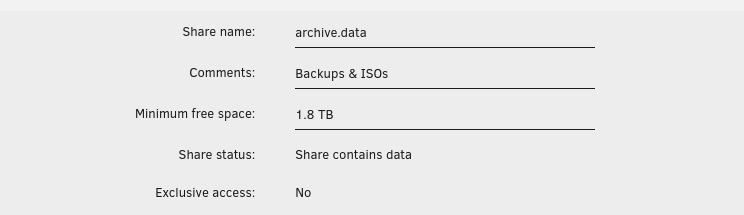
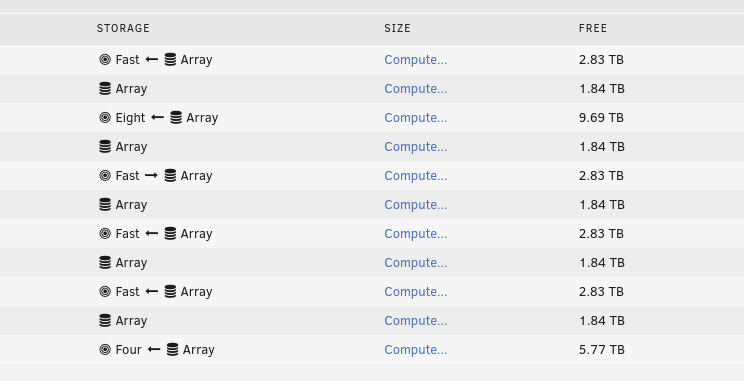
Seems I have been very conservative setting it up, 1,8 TB 10%? What should I set it too instead? What's the absolute bare minimum I can set it to? Also, How do I force the mover to actually start moving the files I told it to move about 5 days ago? I had to manually move the dockers, and I thought things like that was going on in the background, but nothing happened so I ended up just moving them manually. When I tell it to move, I kind of expect it to force move the files directly. "/
-
I have no Idea. It was on by default when I enabled SMB. You should ask unRAID about that. ;P
-
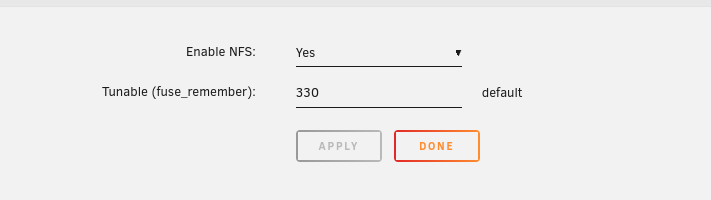
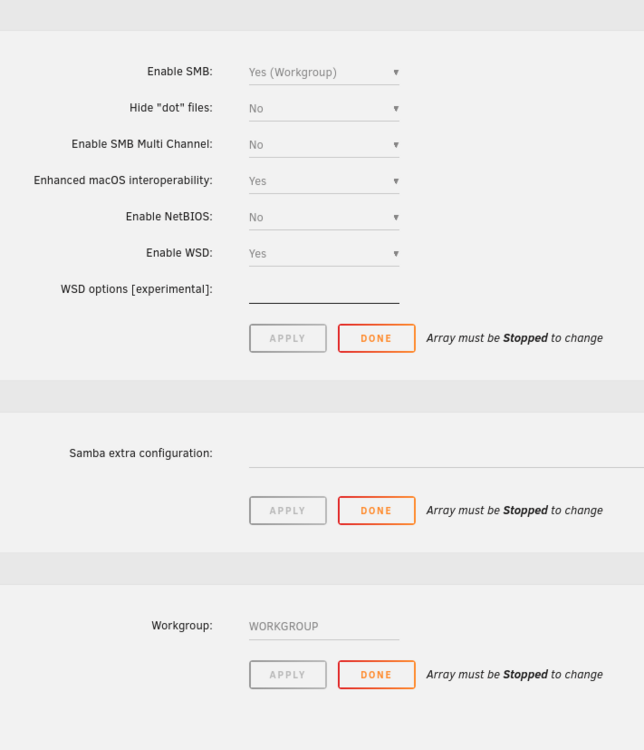
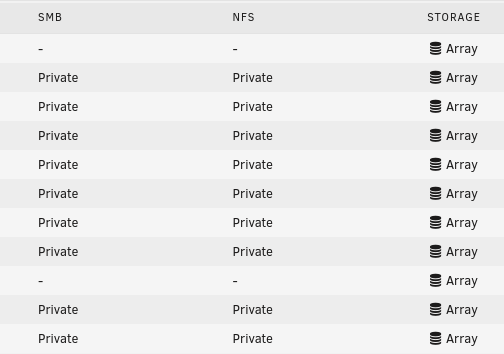
The features for smb is started on the windows computer, but as soon as I try to connect to the computer it wants to diagnose instead. The network is up and running, I can access it via Linux without a problem. Reading this. https://docs.unraid.net/unraid-os/manual/shares/network-access/
-
So I'm watching THIS VIDEO, because I got really into having Starr dockers from Hotio. . . and in it he has a custom network type that he's named 'mediaserver' and it's especially created for the dockers in mind. He's however forgotten how he created it, and his search frase isn't really helping. I'm pretty sure others will want to know this too, sooner or later. Where can I find a guide to create a custom network bridge in unRAID? SOLUTION HERE > docker network create 'name of network' I made one extra that failed. . . "docker network create qStarr" How do I delete networks that I don't need?

-
Amiga OS is really easy to set up actually. It's been years since I did it last but first! Get a hold of an AMOS ISO. Archive.org might have one. And then it should be smooth sailing, it's based on Linux, but uses Amiga files. Here is a video of a person installing Amiga OS 4.1 in QEMU. Here's another install of this : https://amiga.vk3heg.net/?p=1
-
Seems I can login if I use Firefox, but not Brave. "/
-
How? I don't use SSH, and it was a new USB creation. I'm creating a new stick with a earlier version instead.
-
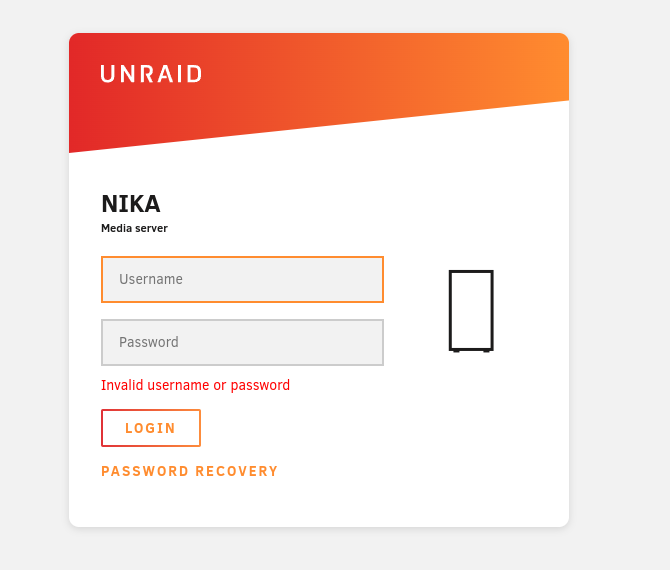
When I login to the server from the server, it just works, but when I try to login to the server from the https://serverip/login page, it doesn't work and it refreshes the page. It's also strange, why does the server give me a different local IPv4 address then what the computer actually has? Local IP 192.168.0.3 IPv4 address: 169.254.xxx.xx It's totally off the ribbon, it changes the local IP every other reboot, between the local and the other. "/ It's a newly created USB stick too, with unRAID 7b2. "/ EDIT: I tested out resetting the password, and changed it to the same, and rebooted, and it's still not working. "/ EDIT2: Sooooo, it's Brave that is the problem. "/ I can login with Firefox without a problem. Why doesn't it work with Brave? It's been working on Brave with my other stick without a hitch.
-
I just got a new 18TB rust spinner, so my thoughts is to switch over to a new USB stick that I bought, and basically redo the whole unRAID setup. Never done it before, the old USB Stick is old, and is basically the main reason I want to switch over, the new is also a lot smaller, so it's going to be less chance of me breaking it while moving the computer around, which has been happening a lot lately, cleaning it and adding parts moving stuff around in it etc. First of, I have no Idea what I have done with my unRAID over the past 18 or so months that I have been using unRAID, and I kind of have to redo it with the new USB stick. I don't know how to move over the license to the new stick either. "/ Next. I want to put the 18TB in the parity pool, and then move the 12 TB data from the other two drives over to it without them being in the parity pool. . . Is that possible or do I have to have them in that pool, I was thinking of creating a separate zfs pool with the old drives, and have them be used for something else. I will be expanding with a new 18TB drive every other month and have the next one I buy as a parity drive. The thing is that I have had some issues with how I set up the shares, and I kind of want a do-over, clean slate basically. What should I think about doing while setting everything up again? What's the easiest path regarding moving all that data from multiple disks to one single disk?
-
"vm_custom_icons" community app.
-
Jag vet inte om det är så att de delarna inte var med, eller om det är så att jag missade något medan jag höll på. "/ Märks.
-
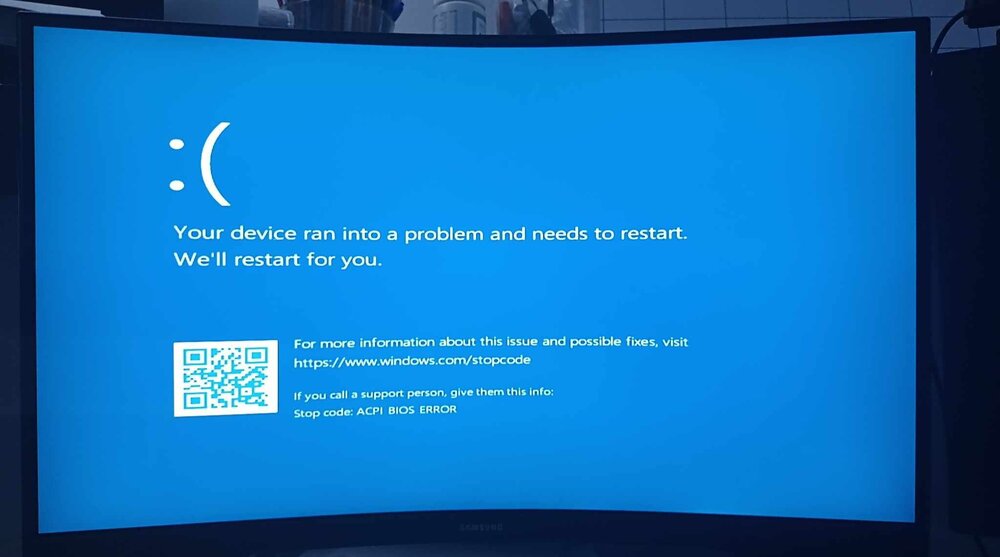
I get a bluescreen as soon as it starts. I have no Idea why that is. Maybe I should create a new VM, and use the harddrive again. Here is the xml file : https://pastebin.com/aFYHS59H
-
I have yet to test if I can get it working, but I'm on the Win 11 install now. I had problems even starting it from the m.2, went into the bios and set the integrated graphics to auto instead of forced, because when I had it on forced, it would give me some glitchy graphical errors starting Win11. Now I'm going to restart into unRAID and test if Win11 will start again.
-
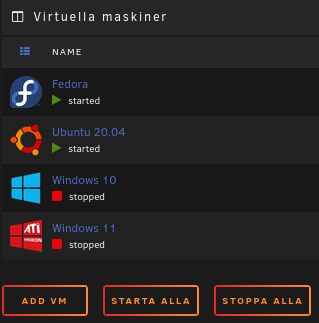
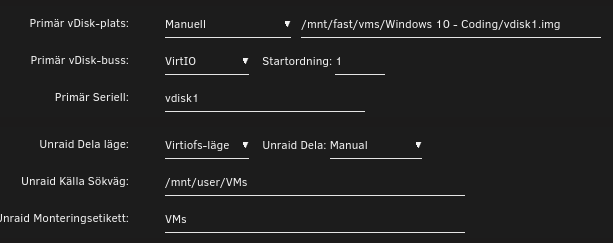
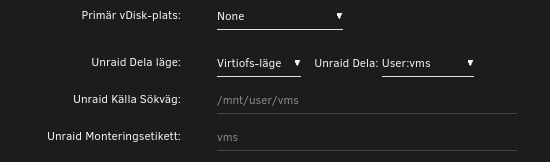
I stopped the Array, while being in the VM, which isn't the problem. The problem is that I changed the names of all the shares that I had made back in April 2023, from a blend of capital and small letters to all small letters, totally forgetting about Linux having problems with such things. haha After I stopped the Array, I couldn't get my main VM going or any of them for that matter. I could get the Ubuntu one starting quite easily, but the rest was basically dead in the water, so I deleted all of them and in order to get in here, I created the Fedora one that I'm on now. I usually set the source pathway to the VMs share, but what I noticed with the other one's before deleting them was that they were in the domains path, don't know why it was like that. Windows 10: I can probably get Win10 working without a problem since I could throw it a bone to where the vdisk image was, but Windows 11 on the other hand doesn't have a vdisk, it's installed on a m.2 NVMe disk that is passed through directly to the VM. So I can't find any vdisk info and thus not getting it to start at all. Windows 11:
-
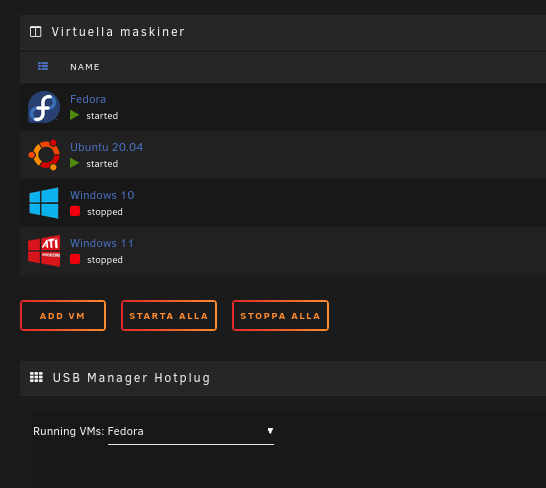
There still seems to be some missing translations. If they are added, I'll sit down and fix that, and change pre-existing annoyances regarding the words I have used. Titles might need to be in Capital letters too. I don' know if this is something that you can change in the code so that it automagically makes titles capital letters, or if it has to be done manually. The source files for translations might need some more comments here and there to state which area it's pertaining. ex. Add VM should be "Skapa VM", and the title would look better if it was all in capital letters. "started" should be "VM - Startad/Körs/Igång" and "stopped", "VM - Stoppad/Körs inte/Inte igång", there was a bunch of things that is still not translated. Especially if one want's the whole system to be in Swedish. I will work on it more, if there are some added words in the files so that I have something to go on. ^^
-
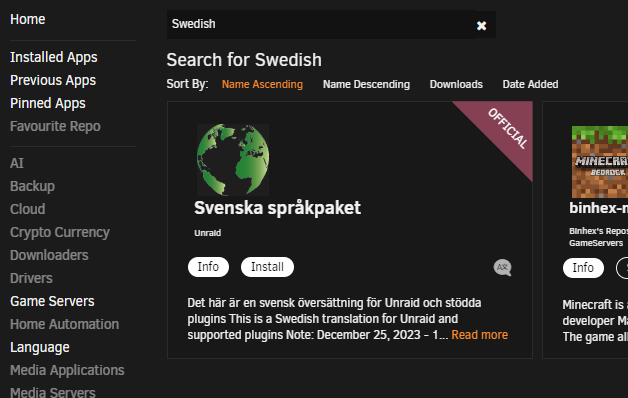
Jag lyckades installera språkpaketet innan den här posten kom, så jag vet inte om jag sitter på den gamla översättningen, den förra startade ju inte förens jag hade startat om datorn, så det blir att starta om den igen för att se vad som sker.
-
When I had more things passed through, they also was on the left side. It's only the m.2 that I pass through that is in the place that it should be.
-
Går ju att installera den som finns och sen vänta på att den blir uppdaterad.
-
Om översättningar behöver ses över, så uttryck gärna vart det skulle vara en knepig översättning, så sätter jag mig och ändrar det i en ny pull request. ^^
-
Fick ett mail 23:32, där Spencer från unRAID uttryckte att skulle ta en halvtimme. Så det bör vara uppe nu eller snart. ^^
-
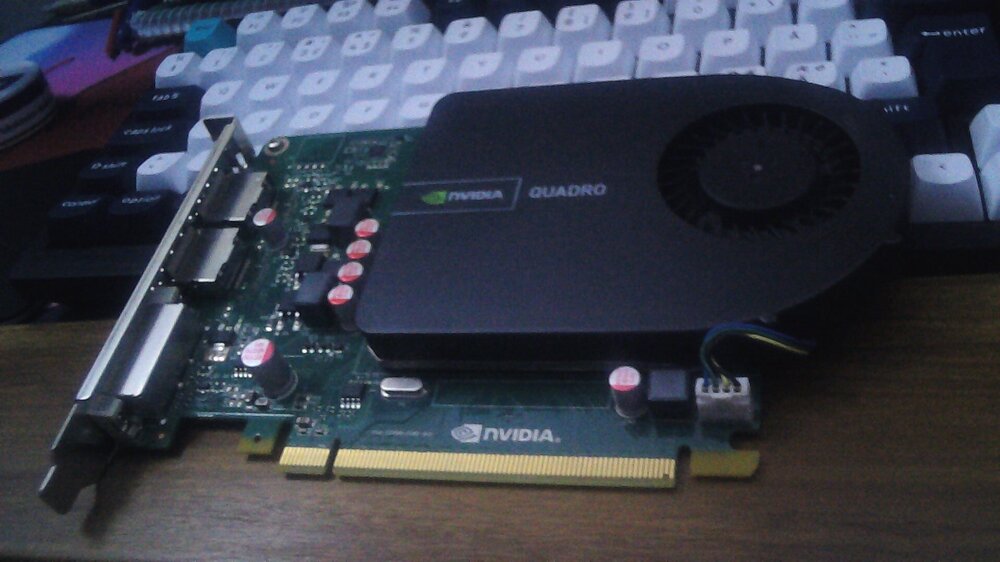
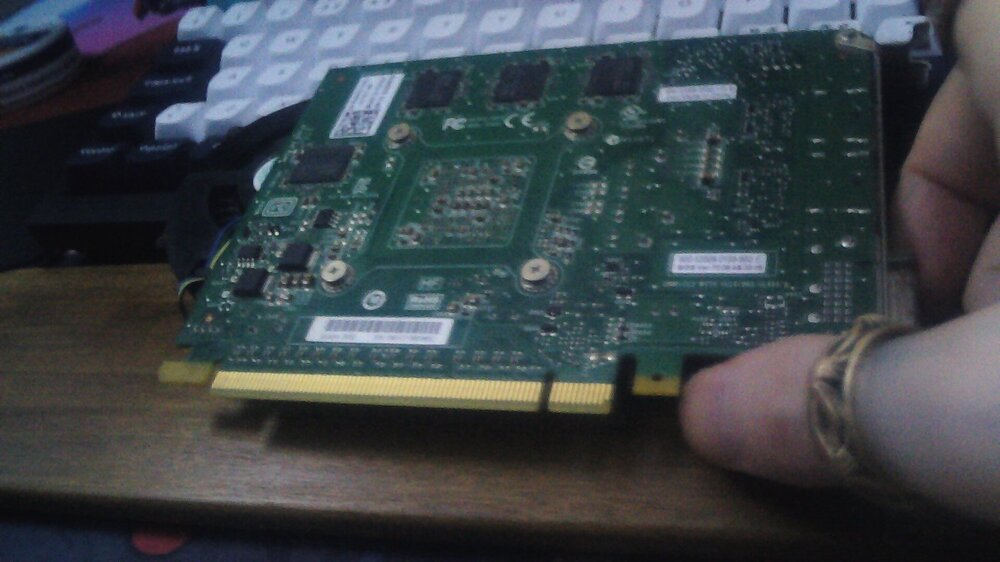
I have an old "nVidia Quadro 2000" Gen1 PCIe GPU, that I want to use and pass to a smaller Linux VM, but last I tried I thought it was broken because the output was just black, but I heard something about adding text in the xml, and it would solve black screens on older GPU's.
-
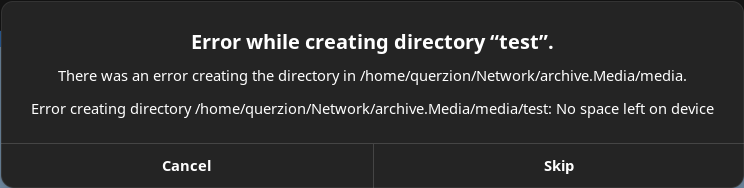
It's worked up until I got the fine Idea of renaming all the shares. After that they just stopped acting as they should when it comes to the write permissions for a bunch of the applications I use. When I go directly to the folder and move files to it, it's no problem, and I can create new files without a hitch. I first noticed that my printscreens are no longer saved on the shares, but instead they are saved in the documents folder, and I can't change it because there seems to be something going on with that application (Lightshot (I can't change the directory where files are stored. "/)) I don't have write permissions to the users share, and I can't save to the normal share because it's 'too little space'. This is how it looks like for the users share, and NFS isn't showing the individual user permissions as SMB does. I don't know If I should keep on using both or just one of them. Been having both of them going since I created the unRAID boot stick basically, and it's working since up until now. After I changed the name from USERs to users, it became a new object, and the ownership got lost in the process. It's fixed now.
-
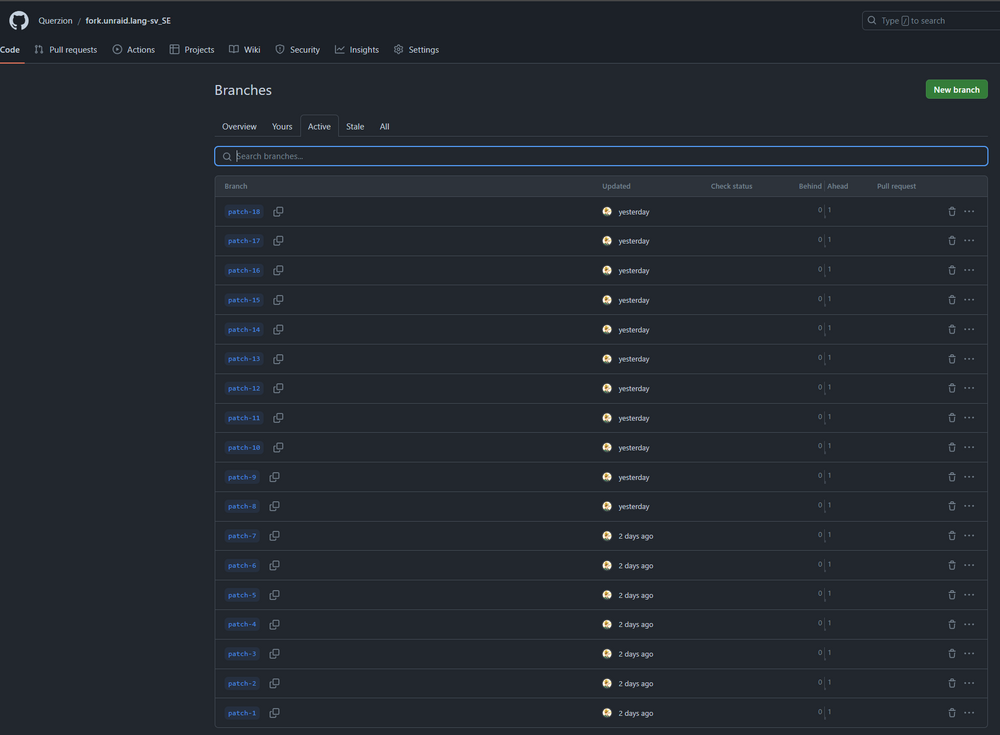
I made a fork of it, and they are kind of not merged at all with my fork, I started all the changes on unRAIDs GitHub, but if they are not accepted, I won't have any backups of it maybe. . . Or are the changes going to stay in my fork?
-
Let me know if I missed something. I didn't have the energy to sit with the helptext though. So It's going to have to be in English for the time being, If people could use unRAID without Swedish before, their probably proficient in English enough to live with the workaround. And those that aren't can hassle someone to help translate the rest.
-
Thanks! I will check that out, It would had been better to just being able to add it to the flash-device itself though. "/ Not too many, I just don't want to have a docker installed/running or not extra just for something like Icons. So basically it would be msDOS-Win11, AmigaOS, and basically every Linux distro logo that I can get my hands on, preferably the most used to begin with and then some off-shoots, I can't really state how many that would be, but I use Arco Linux a lot, and that logo was not in the VM Icons Docker, and Bazzite, Nobara is also something that I test out from time to time. So in addition to the one's that were in the Docker, I would perhaps add 10 more or so, maybe a lot more, since there are a lot of Linux distros out there, but not the obscure and barely used one's though. Best thing though would be if unRAID had a lot more system logos from the get go, and changed the Create VM box so that it's ARM-RISKV OS Logos and then PC+ Logos Apple/Microsoft/FreeBSD/Linux/Other categories.








