ChrisCross
Members
-
Joined
-
Last visited
Everything posted by ChrisCross
-
also für die Installation und initale Config nutze ich die Docker funktionalitäten und auch die community in unraid. Manchmal ist es aber einfacher spezifische Einstellungen des Dockers in Portainer anstatt Unraid durchzuführen, wie z.b. den Netzwerktraffik über einen spez. Docker container laufen zu lassen. Das sind in Portianer 2 klicks innerhalb der UI und in Unraid muss ich einen Befehl in die Extra Parameters einfügen, daher gehe ich den Weg über Portainer. Auch lassen sich Stacks in Portainer einfach erstellen, wüsste gar nicht wie das mit Unraid boardmitteln geht. Konnte das ganze ein wenig eingrenzen. Wenn ich einen Container recreate, bin ich nur im loop wenn ich auch das docker image ziehe. Setze ich den haken nicht, läuft es schnell durch.
-
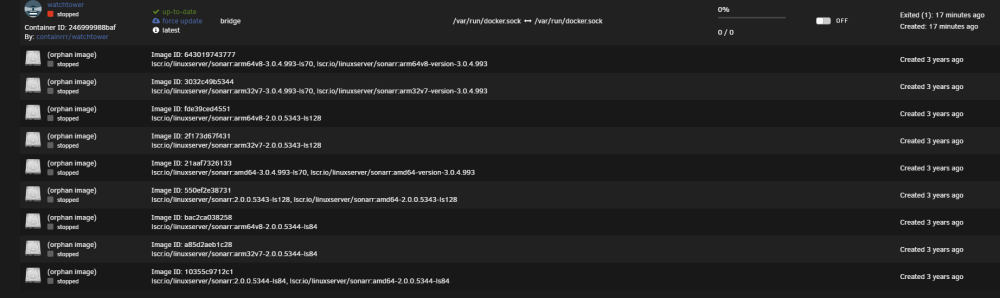
Hallo, ich nutze zur Verwaltung meiner Docker Container Portainer. Seit gestern verhält sich Portainer allerdings sehr seltsam. Wenn ich einen Container recreaten möchte, bzw. Änderungen vornehme und den Container dann neu deploye, hängt Portainer in einer Art Schelfe und kreiert ununterbrocken neue image dateien, ohne dass das deployment fertig gestellt wird. Die images sehe ich dann in Unraid => Docker oder eben auch in Portainer unter Images. Ich kann den Prozess nur stoppen, wenn ich den Portainer Container restarte oder stoppe. Bringt mich grad zur verzweiflung. Habt Ihr ideen? Anbei das Diagnosefile homeservercs-diagnostics-20240111-1148.zip
-
I also have the same issue, and was trying lots things (connect, disconnect, reading through unraid, but nothing works). I also got the same error like ashmeckenzie. Any ideas? I'm on the latest unraid version and the latest connect version.
-
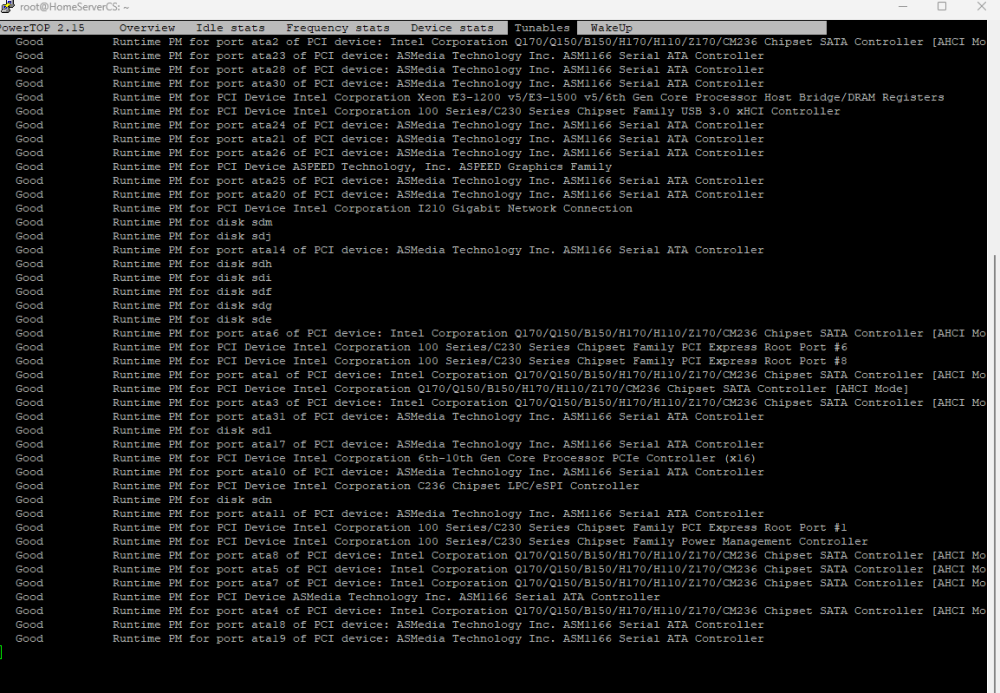
I was hoping each will consume more likely 0.4 watt in spindown, already reduced to 9HDD + 1 SSD This is fine, fist because my mainboard didnt go higher than C7 (can't change higher values in BIOS), and with all the HDDs i need that card. I already did my research and the ASM1166 is one of the best in terms of watt-usage Yes WebGUI is closed and I also wait couple of min before i check Ok ,so that means if I'm over 20 Watt it make no sense to try it out. Maybe if they will be getting more and more available again, i will order one and try it out. uff, this would be expensive. If my server would consume in idle 100+ watt I would take this in consideration, but for 4-8 watt less, this make no sense from an economical standpoint One last question: how can I integrate Autotune permantenly without adjusting the values everytime manually after reboot? would be great to get some advise, I'm a newbee at Unraid and at the linux world.
-
Thanks! Still on 6.11.5, because I’ve seen lots of trouble with 6.12.2. Will wait a couple of weeks before upgrading
-
is the new appdata backup still in beta? I can only finde the old 2.5 version under app in unraid
-
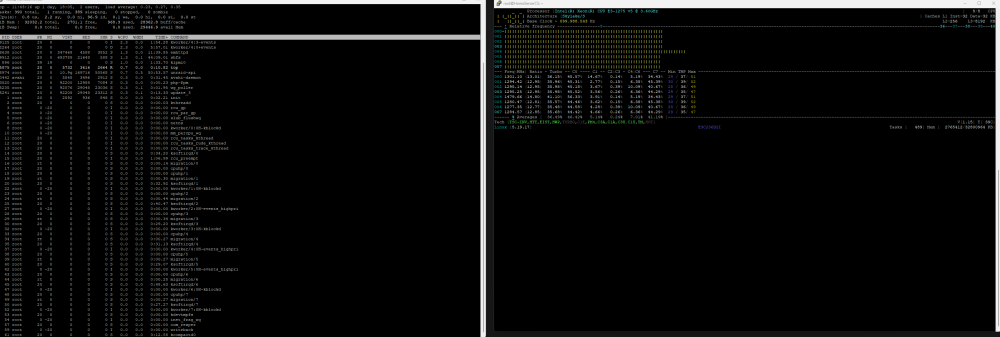
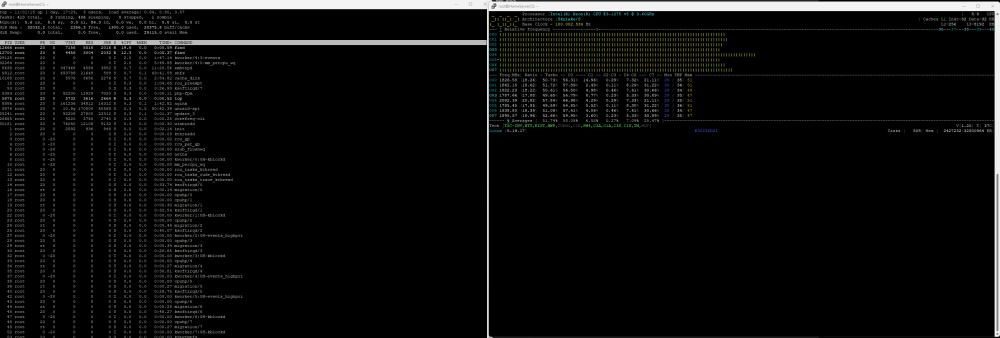
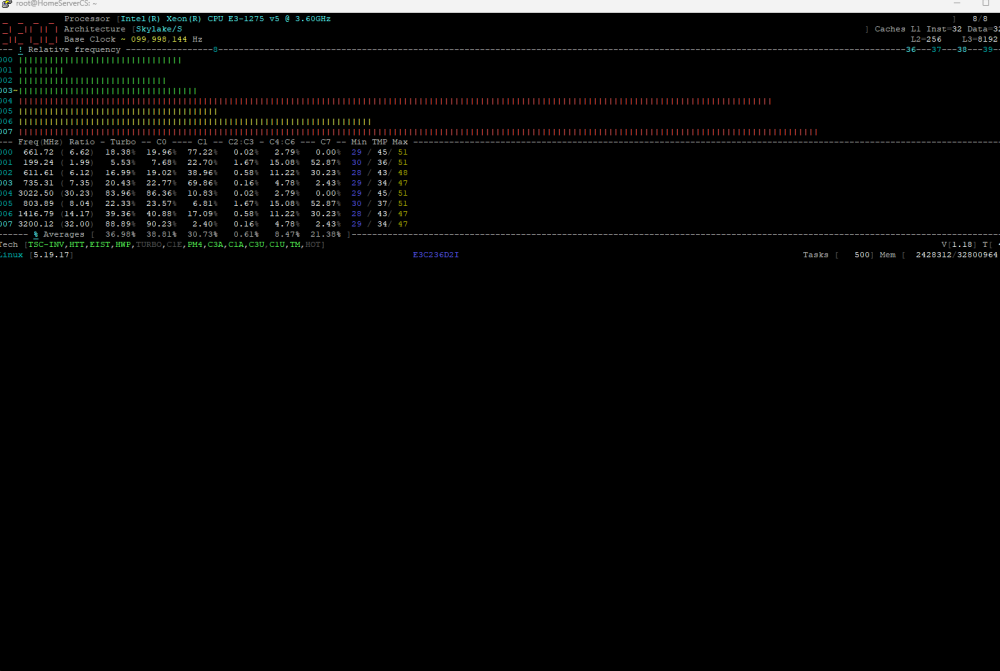
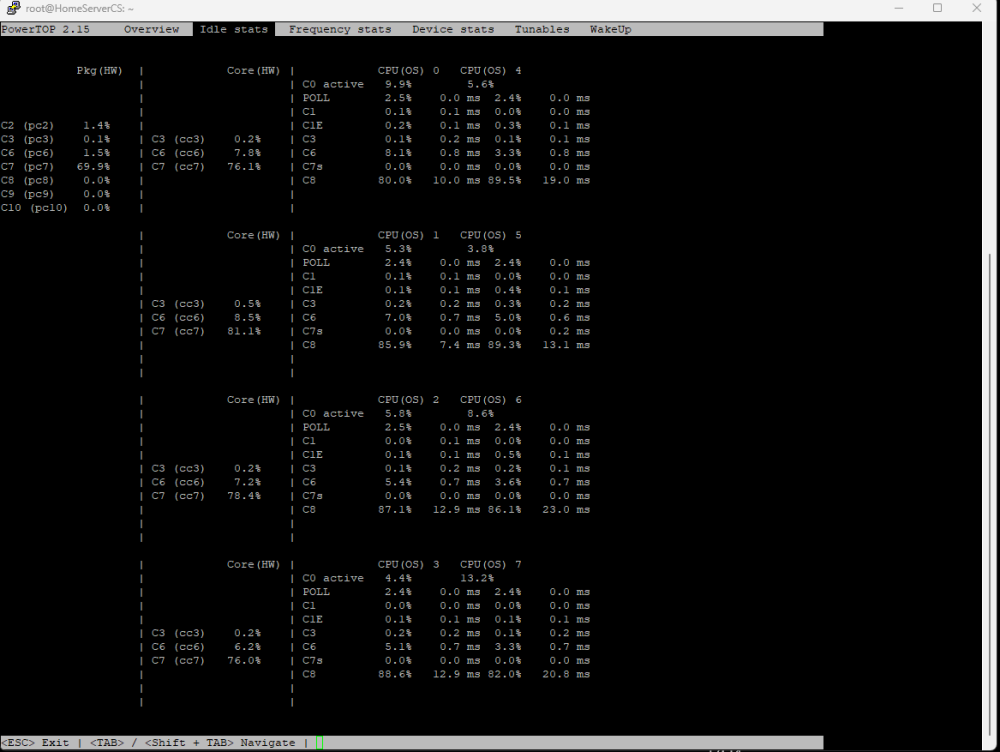
Hey guys, hope you have some tipps, how i can get idle even lower. Current setup: - Asrock E3C236D2i - Xeon E3-1275 V5 - 2x 16GB 2133 DDR4 Ram - Corsair SF450 SFX - 7x Noctua Case fan - 1x CPU Noctua FAN - Silverstone ASM1166 Controller, latest firmware - 10x 7200 SATA drives (between 8TB to 20tb) - 1x SSD Cache Samsung evo - iGPU active What I have done so far: - Autotune on - C-State on: already reaching highest level C7 - Enable ASPM - disable second 2.5GB network card - disable Turbo mode - CPU Governor: Powersaving mode on Current Idle: - 23-27 Watt - no docker container active - no VMs active - unplug 6 HHD fans only drop the power about 1 watt, so no real impact, but HDDs will stay cooler I've seen at the "sparsamste Systeme" (https://docs.google.com/spreadsheets/d/1LHvT2fRp7I6Hf18LcSzsNnjp10VI-odvwZpQZKv_NCI/edit?pli=1#gid=0), that some people with the nearly the same CPU but Pico PSU reaches values of under 10 Watt at idle. I know I will not reach that level because not having a pico and it's not possible with the amount of HHDs but a value around 15 Watt would be awseome. If I change my powersupply to an Corsair 550 2021, will it have a valuable impact on my idle watts? There is a strange behavior, that in deep idle my CPU jumps every 5-10 seconds to a high clock rate, without anything running in the background (as far as I can see - no docker or VMs active). Any Idea what it could be? It seems that the following process causes spikes: - Find ( 2 processes jumps up to 12 to 18% CPU usage) - kworker event 4:3 and 4:0 - powertops jumps up to 10% usage (its open in a ssh session) - after closing the ssh session its gone Solution: - disable cache dir resolved the cpu peaks with "find" - is there a way to enable it but smooth the cpu usage? User dirs already disabled - Kworker still creating peaks with 2% CPU usage but the clock rate goes up to 2-3 GHz for a view seconds, this causes a jump in watt usage from 24 watt to 36 watts