siron1992
Members
-
Joined
-
Last visited
-
This makes sense - Parity Upgrade from 8TB to 14TB, and then replace the failed 2TB Drive with the spare 8TB
-
His Parity is 8 TB, but the drive he has to hand is 14 TB. I think what he's asking is wether or not he can add the 14 TB in (to be 2nd parity for now), then once Parity rebuilt, remove Party 1 (the 8 TB) to replace the 2 TB failed drive? Essentially, looks like he was going to swap the 8 TB Parity for a 14 TB, but whilst this was being planned, he had a drive failure (2 TB). Can't stick the 14 TB in to replace the failed drive.
-
This was a faulty mobo - Replacement see's them fine. First time I've ever had a DOA MOBO!
-
I've RMA'd the Mobo - I'll let you know. Thanks for you help!
-
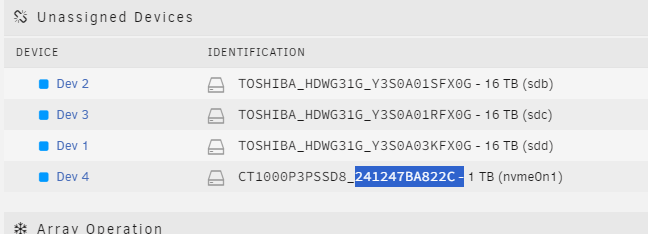
Swapped them around - and it does look like the top M.2 slot is fubar, as the bottom one is working fine again with the other NVME:
-
Here's the new Diag with the one showing (which is the bottom M.2 slot and not the one powered by the CPU, I think) thecube-diagnostics-20240702-1615.zip
-
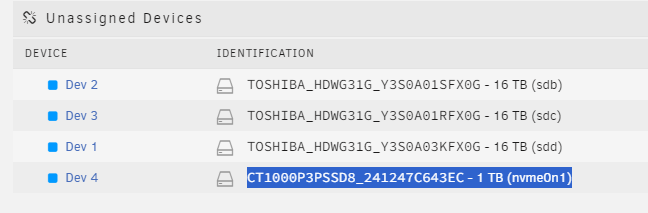
This gets stranger by the minute! So just after I sent you those new logs, I took the drives out - stuck them in a caddy and tested them on my Win 11 Desktop. Both came up fine, so formatted them as MBR and dropped test files on them both - work fine. Stuck them back in the new build, one is NOW showing in unassigned devices, but the other is still missing
-
Heres a fresh one - I think in the last one, I only had one connected. thecube-diagnostics-20240702-1558.zip
-
Having some real issues with a new Unraid build, and not sure what I'm doing wrong/where Ive gone wrong. Both NVME drives are not showing in unassigned drives. I've pulled them out, stuck them back in, swapped them round etc to no avail. Only one shows in System Devices (which is the bottom M.2 slot on the motherboard - no matter which drive is in). Its an Intel i5-12400F on a Gigabyte B760M DS3H DDR4 Mobo - The NVMEs are Crucial P3 Plus (1 TB and PCIe 4). As far as I can tell, they should be compatable with both the CPU and Mobo as PCIe4 devices. thecube-diagnostics-20240702-1515.zip
-
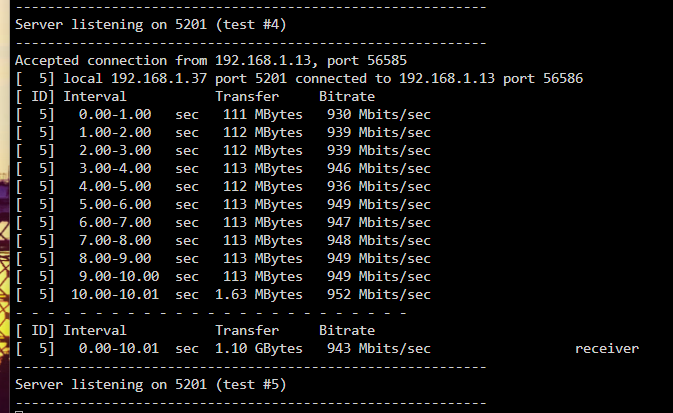
Changed cable and much better!
-
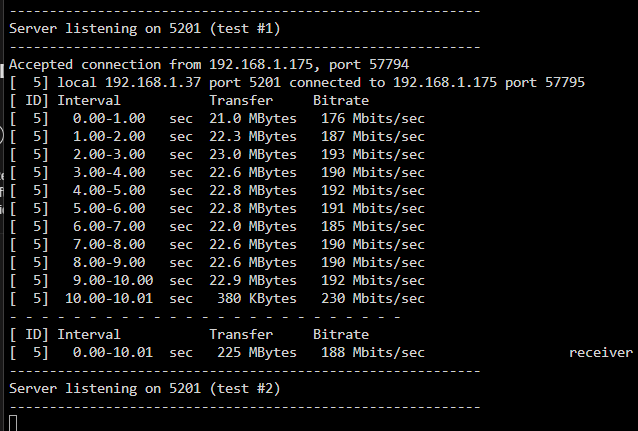
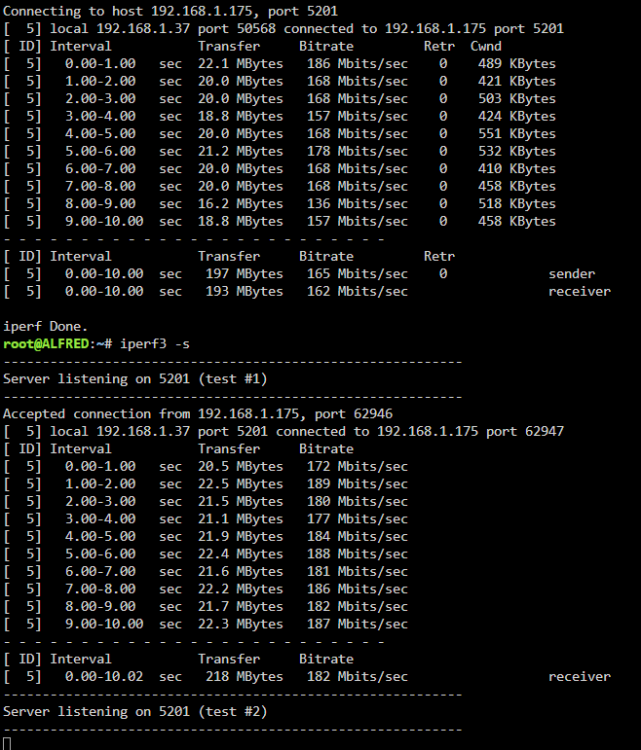
Turned bridging off as per the below, but still no change. @JorgeB any ideas? ipref results both ways with Driver Plugin and Bridging off. but
-
Sorted this be clearing teh network.cfg file! Back to slow speeds again haha
-
Pretty confident - other desktop on Wifie 6E has the same results. Was just tring to turning bridging off as sugegsted in another post, added the router to eth0 and now unRAID is inaccesable. Think I've just bricked my entire NAS...
-
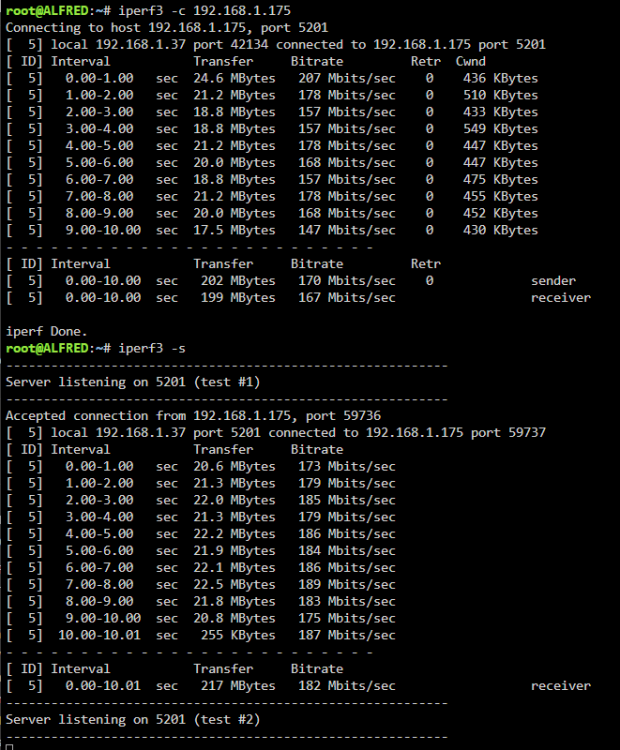
Just done a both ways ipref and still the same with the Plugin and a New Cat5e Cable - 4 pairs.
-
No success unfortunatly