rogales
Members
-
Joined
-
Last visited
Everything posted by rogales
-
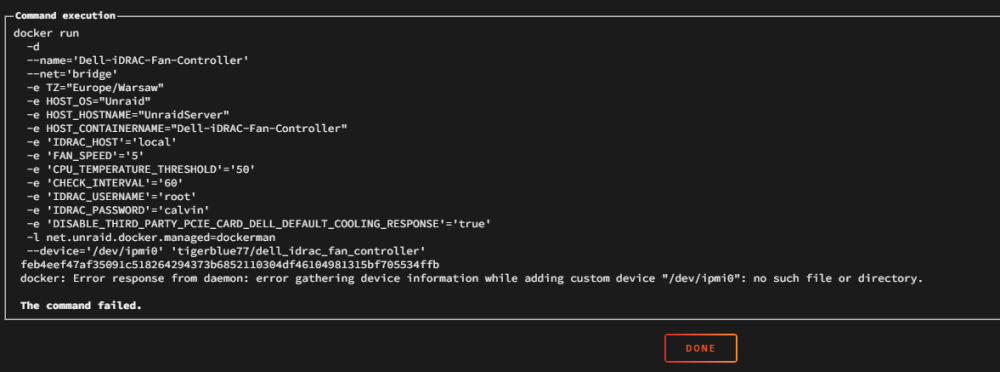
I really appreaciate Your help, but i can't even install dhis Dell-iDRAC-FAN-Controller. I don't have such directory in my /dev folder.
-
@ich777 thank You for Your quick response. I'll try to manage my problem with IPMI tool. I've found pretty similar topic, so I try to find my answers there. thank You.
-
Hello there, I would like ask You if this docker plugin will work with my Dell PowerEdge T30 Unraid server? Here is my diagnostic file; (im a newbie to this system, so sorry for such questions) thank You unraidserver-diagnostics-20231030-1031.zip EDIT: I've installed IPMITOOL from NERDPACK and its up to date. Now I have this problem: "Could not open device at /dev/ipmi0 or /dev/ipmi/0 or /dev/ipmidev/0: No such file or directory" So after that I foound this page; https://serverfault.com/questions/480371/ipmitool-cant-find-dev-ipmi0-or-dev-ipmidev-0 but it does not help. After pasting "modprobe ipmi_si" command I recieve "modprobe: ERROR: could not insert 'ipmi_si': No such device" and now I have no idea what to try next. Thank You.
-
Here is my diagnostics file. unraidserver-diagnostics-20231030-1031.zip
-
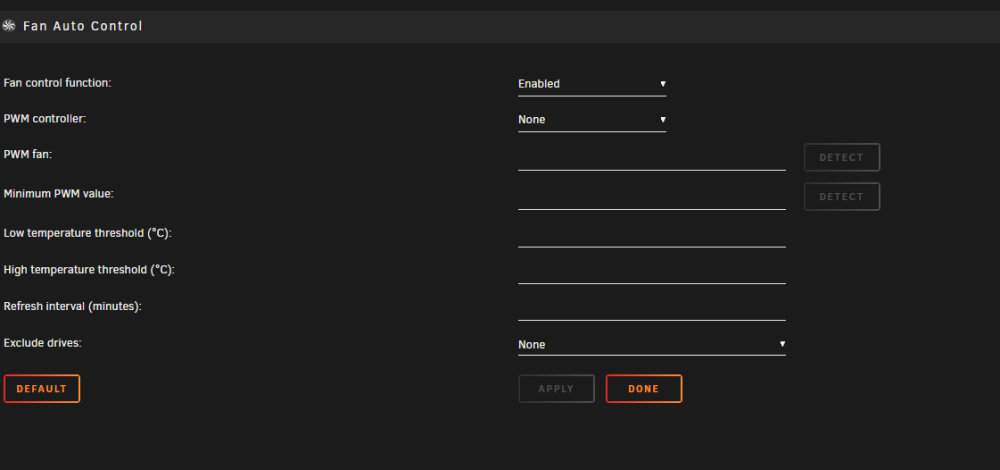
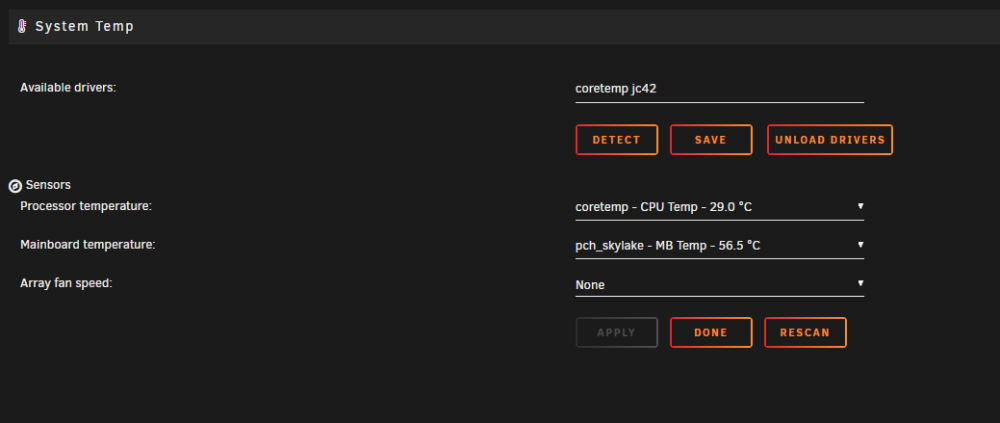
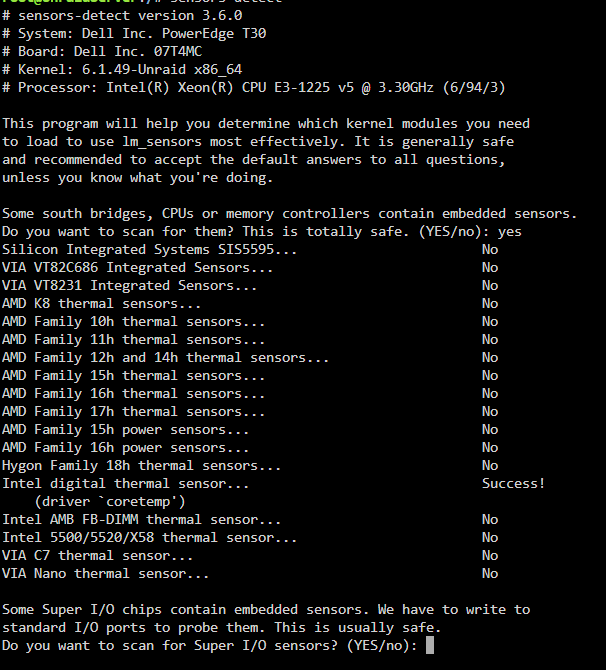
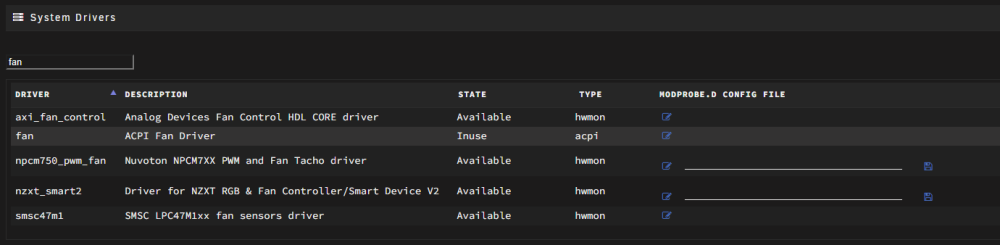
Hello there, I know its quite old topic, but I'd like to ask you for help with my problem. My CPU and additonal fan keeps running on full speed. I cant do anything about it. I've installed: 1. 2. 3. but nothing seems to work to have control on speed of those fans. Is there any way I can configure it? Any help would be much appreciated. Ohh btw. thats my unraid server setup: