





Midas_Tech
Members
-
Joined
-
Last visited
-
Thanks for the link 👍
-
Thank you for your message. Perhaps I am confused because of the (current) version 1.4.4 of the software to be installed on the computer? I am very sorry for disturbing you here. I am relieved to hear that if there is an update, it will be offered directly in UNRAID as with all other items, phew. Thank you again. 👍
-
One question—perhaps it has already been asked here, but I couldn't find it. My apologies if I am repeating it. How do you update “RustDeskServer-AiO”? Is it automatic? (I don't think so, because I have never received such a request.) Thank you for all your help and comments 😄
-
Hello, Thank you for your message. I've installed this latest version and can confirm that it's OK again! THANK YOU!!!
-
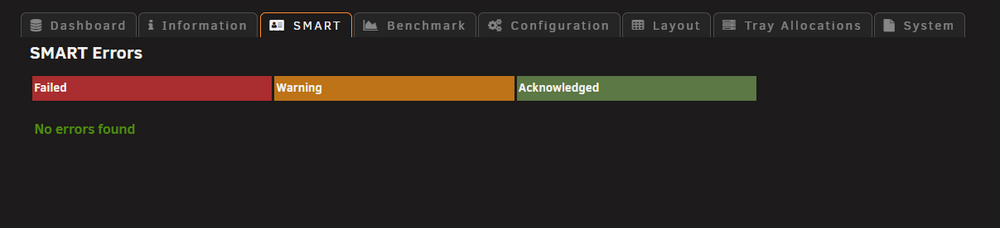
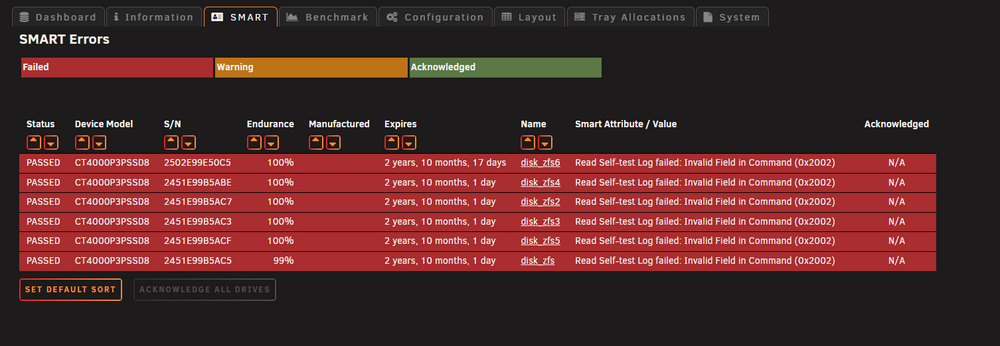
Hello everyone, I've got this alert and I didn't have it before, so it's not a problem for me. I'm posting a message here to let you know and, if necessary, to help.
-
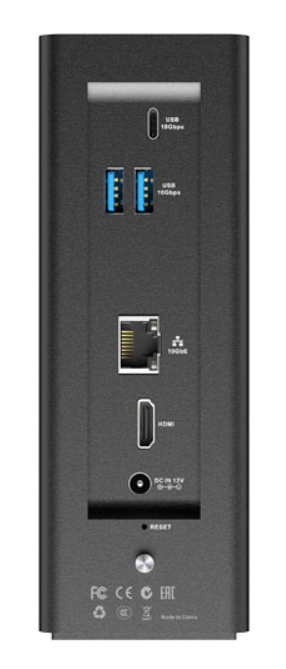
TerraMaster F8 SSD plus

-
Confirming I was also able to get this to work on my Terramaster F8 Plus using @Vexz's guide. Thank you
-
Hello "Pirat", For my very first post on the forum, I wanted to thank you for this one. I've just installed it to make it easier for me to create snapshots with Sanoid (it's installed but I'm stressed about using the command line). Your interface is just perfect for me! I can see that I do have snapshots appearing in the “ZFS Master” plugin. As I write these lines, I haven't yet tried to restore a snapshot. I'll have to get on with it. See you soon



