





Hitchcock
Members
-
Joined
-
Last visited
-
Es gibt wohl doch ein Problem, hab ich vorhin erst festgestellt. Meine ganzen "Regeln" Heizungsteuerung usw. von Homeatic Ip sind nicht mehr vorhanden, da ja alles auf Rasperrimatc zugreifen will, nun hab ich aber auf openccu umgestellt und kann nun kein Gerät mehr über die HomeAssistent App steuern, gibt es eine Möglichkeit das schnell zu "reparieren" Hier ein Paar "von vielen" Fehlermeldungen. Interface RaspberryMatic -VirtualDevices nicht erreichbar Warnung · Von Homematic(IP) Local for OpenCCU gemeldet Interface RaspberryMatic -HmIP-RF nicht erreichbar Warnung · Von Homematic(IP) Local for OpenCCU gemeldet Interface RaspberryMatic -BidCos-RF nicht erreichbar Warnung · Von Homematic(IP) Local for OpenCCU gemeldet..... und noch viele mehr Gruß Andreas
-
Ja war ein Irrtum Meinersets, Das Rasperimatic Addon ist nicht mehr da, dafür aber inzwischen openccu, hab gewechselt und wie es scheint ging alles gut. Von Rasperimatic ein Backup gemacht und dann sicherheitshalber erstmal nur Deaktiviert, dann OpenCCU über Plugins Installiert, das Backup reingespielt und wie es scheint läuft alles, Alle Homatic IP Geräte sind wieder da, Gruß Andreas
-
Grüßt euch Leute Ich habe seit 2 Jahren Homeassistent +rasperimatic Perfekt am laufen "als Vm + Docker "HomeAssistant_inabox" seit neuestem gibt es ja nun Homeassistent nicht mehr und wurde in Openccu umgenannt . Seit ein paar Tagen kommt diese Fehlermeldung und ich habe null Ahnung wie ich das Korrigieren kann..... Das Add-on RaspberryMatic CCU wurde aus dem Repository entfernt, aus dem es installiert wurde. Dies bedeutet, dass es keine Updates erhält und Backups möglicherweise nicht korrekt wiederhergestellt werden, da der Home Assistant Supervisor möglicherweise nicht in der Lage ist, die erforderlichen Ressourcen zu erstellen/herunterzuladen. Wenn du auf OK drückst, wird dieses veraltete Add-on deinstalliert. Alternativ kannst du in der Home Assistant-Hilfe und im Community-Forum nach Alternativen suchen, auf die du migrieren kannst. Kann jemand von euch helfen, vielleich eine neue VM mit Openccu mit Rasperimatic zu Installieren, ein full Backup hab ich mir sicherheitshalber in Homeassistent schon gemacht. Gruß und Danke Andreas
-
Gruß in die Runde Ich habe das heute versucht, hab aktuell die 10.15.2 auf unraid, der updater zeigt mir an das ich auf 10.15.3 ubdaten kann, Checking System wird wunderbar durchlaufen "mit grünem Haken" aber bei Creating a checkpoint, bleibt er stehen und der "spinner" läuft dauerhaft und es erscheint dann irgendwann Server error 504: error Message: See your webserver logs for details.? Gruß Andreas
-
habe ich derzeit auch, ich denk einfach warten. in der php.ini kommt diese Fehlermeldung, keine Ahnung ob es damit zusammenhängt. [18-Sep-2025 15:42:32 Europe/Berlin] PHP Fatal error: Uncaught TypeError: trim(): Argument #1 ($string) must be of type string, array given in /usr/local/emhttp/plugins/community.applications/include/exec.php:311 Gruß Andreas
-
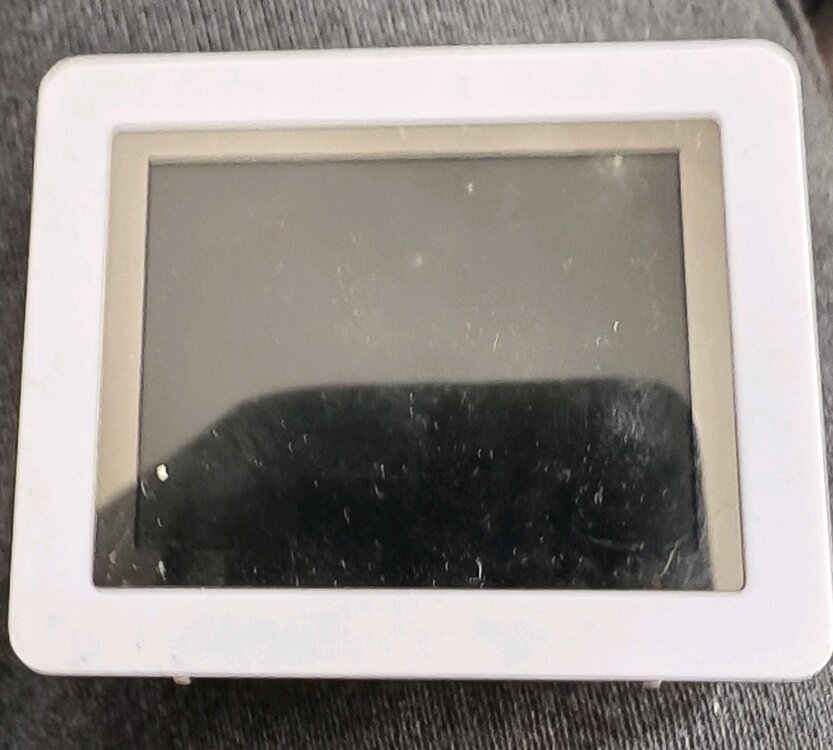
Sorry, ich kann nur auf Deutsch Ich habe ein "altes" Display gefunden "siehe bild" Funtioniert das auch unter dem LCD Manager in Unraid ? Gruß Andreas
1.thumb.jpg.0480ccf7def9f5e3077f98d9e945d23d.jpg)


1.jpg.763359d0c6cc3bae03a419a559176019.jpg)