elco1965
Members
-
Joined
-
Last visited
Everything posted by elco1965
-
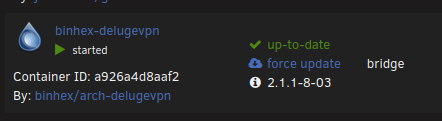
Migrated from version 2.1.1-8-03 to test this morning and it seems to be working as expected.
-
I followed the directions in the provided link, and for reasons I cannot explain, I can know access the web ui running v2.1.1-8-03. Thanks for the assist.
-
That's what I have. But I still cannot reach the web ui.
-
I am having the same issues as reported by others. I have been running the Deluge for a number of years now. The docker was restarted and now I can no longer access the web ui. I can also hit the pia endpoint via website from my PC. I attempted to roll back to version 2.1.1-8-03, however this did not fix the issue for me.
-
trurl, I have rebuilt the failed drive and made the changes as suggested in "Dealing with unclean shutdowns". The server now shuts down and restarts without error and does not initiate a party check once restarted. Thanks again for the help.
-
Thanks for the suggestion. I actually I saw that yesterday when I was searching the forum and attempted to make some changes but nothing I did in gui would take. I will take another look after the disk is rebuilt.
-
Sorry I missed that yesterday. I have navigated to flash/config/disk.cfg set start Array to no. When you say "force a reboot" do you mean via command line or the button on the mail page? I haven't tried the main page button yet but I am wondering if the array will respond and I will get the same error. And thanks for your time. Your help is appreciated.
-
I get the same error as I try to change disk settings. Swapping auto start from yes to no will not take. Jan 5 19:22:40 BlackHole nginx: 2024/01/05 19:22:40 [error] 3170#3170: *135011 connect() to unix:/var/run/emhttpd.socket failed (11: Resource temporarily unavailable) while connecting to upstream, client: 10.10.20.20, server: , request: "POST /update.htm HTTP/1.1", upstream: "http://unix:/var/run/emhttpd.socket:/update.htm", host: "10.10.20.12", referrer: "http://10.10.20.12/Settings/DiskSettings"
-
Its been a while since I made a backup. I was using unRAID Connect but had trouble with it also. I cannot change the Management settingd like UseSSL/TLS to Strict for manual port forwarding. The same error pops up in the log when hit apply.
-
I have unplugged all devices aside from one desktop. I know there is nothing accessing the storage on the server. I still cannot stop the server and I still get the same error.
-
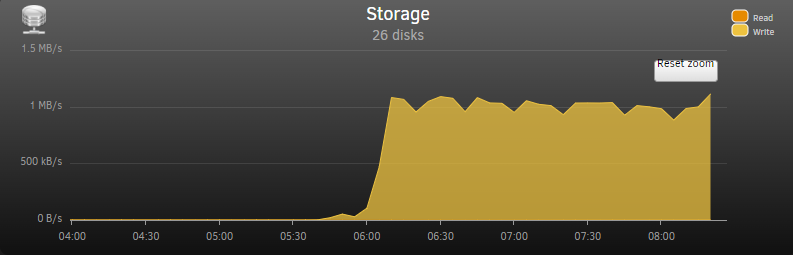
That is a negative. But I just noticed the failed drive, disk 13 with the red X is also showing up under unassigned devices.I don't think there is anything accessing the storage drives. I disabled the docker and VM service. And there was no terminal open to the server.I have noticed I get the above mentioned error when trying to, unsuccessfully, make changes in the array's settings.Hello everyone, Recently a drive failed. I have a replacement and when I attempt to stop the array to replace the failed drive with the new one I see the following error in the log and the array will not stop. Jan 5 12:14:33 BlackHole nginx: 2024/01/05 12:14:33 [error] 18699#18699: *6884397 connect() to unix:/var/run/emhttpd.socket failed (11: Resource temporarily unavailable) while connecting to upstream, client: 10.10.20.20, server: , request: "POST /update.htm HTTP/1.1", upstream: "http://unix:/var/run/emhttpd.socket:/update.htm", host: "10.10.20.12", referrer: "http://10.10.20.12/Main" I have had an issue that I haven't found a solution to for a long time now. The array automatically goes into auto parity check after a power failure or reboot. I have found disabling the docker service and the VM manager prevents this from happening, usually. I like to disable these services when rebuilding a drive anyway. But, I am not sure what to do now. Of course I don't want to lose the data on the failed drive. And I cannot stop the array to replace said drive. I am also afraid to reboot the array with the for-mentioned error. Diagnostic file attached Thank you blackhole-diagnostics-20240105-1216.zipThank you for the help JeorgeB. I used the file manager to move the appdata folder and now the mover is running at an acceptable transfer rate at ~ 175MB/s.Thanks for looking. I will stop the money and use the file manager. I will report backMover was moving. There was a slight increase in usage on the cache drive. blackhole-diagnostics-20230713-0933.zipMover is running very slowly. It has moved less than a 100mb in 3 hours. Is there a safe way to stop the mover? Attached are diagnostics and a screen shot from system stats. Thank you blackhole-diagnostics-20230713-0814.zip
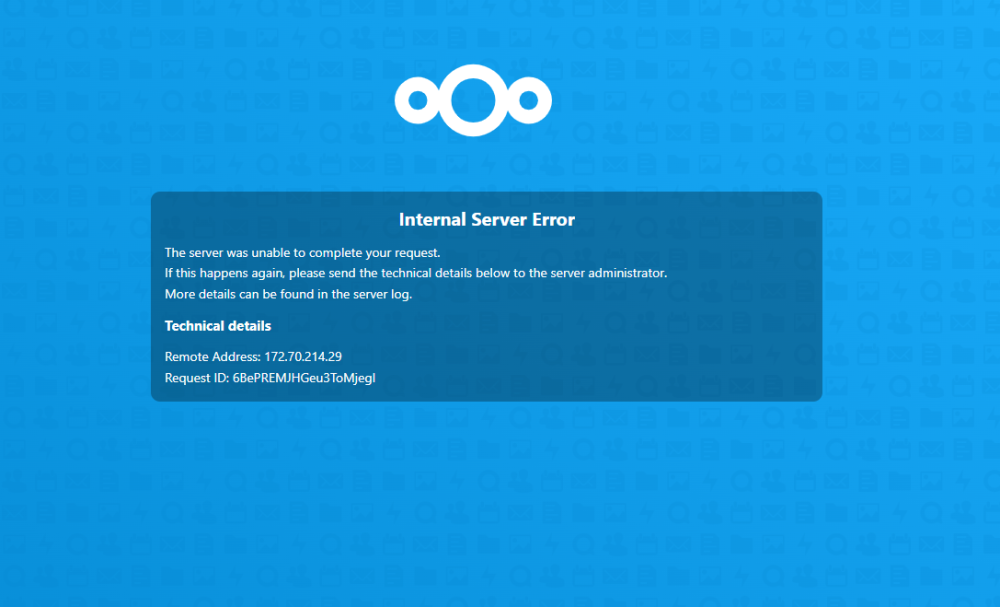
 Having a problem with Nextcloud TOTP. When the app is enabled I get the log error in the attached txt file and cannot open the Security tab in when in the setting. I get the error shown in the attached .png. When I attempt to disable or remove the TOTP app I get a message in the log in screen stating my two factor authorization app cannot be found. I have searched thru the forums but haven't found anything like this yet. Thanks in advance for your time. Error.txt
 This reminds of when my Grandfather would slap me upside the head for saying or doing something stupid. You are correct. I was stuck on a folder that I saw in /mnt. This was one of the things I deleted the other day. Anyway, I was having a couple of issue with Nextcloud as well. I put that share on the cache hoping for a gain in "performance". I will be moving it back to "yes". Thanks again for you're help. As someone who is really out of his league when it comes to the proper use of unRAID, I really appreciate the community here.I think I saw and deleted that folder after your first response. I have also attached an updated diagnostics. It should be gone. blackhole-diagnostics-20221123-1037.zip
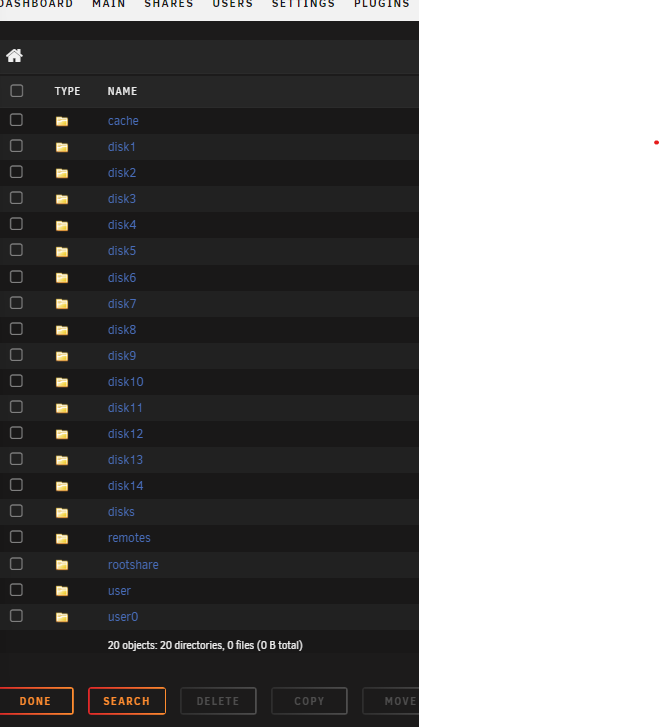
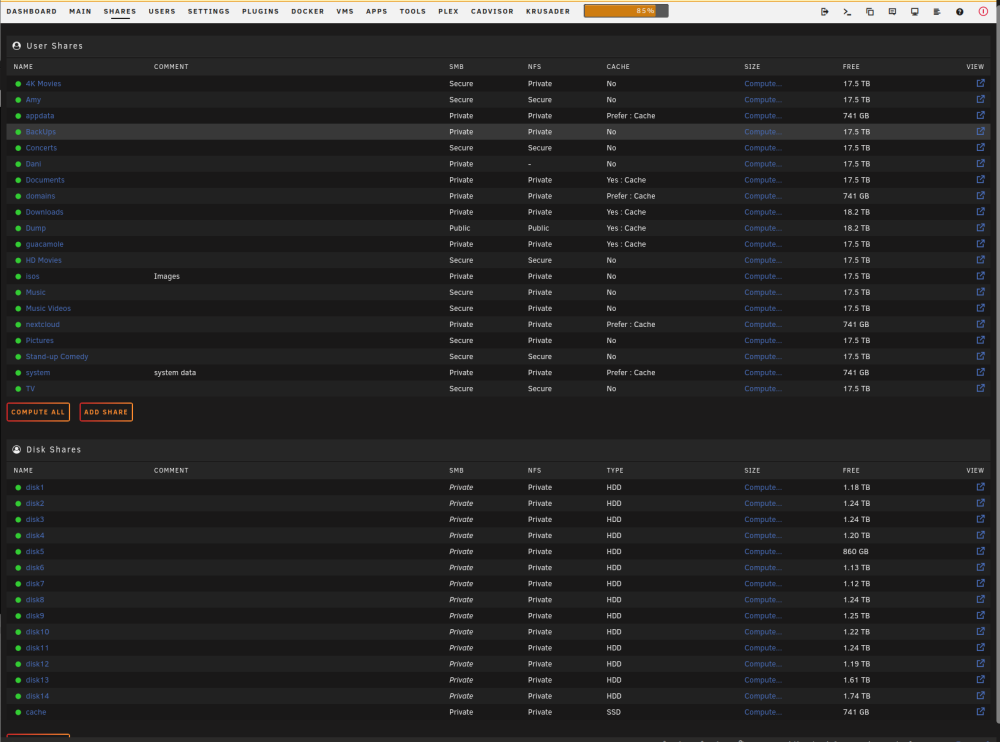 Where would I look for this? I am not seeing it under the shares tab.That is a god question. I don't know.Thank you sir. This was it. I moved the system files from the array and fixed the plex container mapping. Now when I run the "Where can I see what folders are taking up my RAM?" found here it returns the attached and looking much better. I still 2 files that show up as /mnt, 0 /mnt/rootshare and /mnt. I beleive that /mnt/rootshare was created following Spaceinvader One's video about root shares for Windows users. I am guessing it's supposed to be there and looks as if it is using zero memory. I don't know about /mnt Also, when browsing the files using the file browser, there are 2 folders in /root I do not know what they are. "disks" and "remotes". I tried to delete disks but it returns on it's own. I am assuming these are supposed to be there or were created by mistake? Memory Output.txt blackhole-diagnostics-20221122-0849.zip