





Sparkum
Members
-
Joined
-
Last visited
-
A video on setting up plexdrive would be amazing! Its esentially a way of using rclone without hitting google's API limits. https://github.com/dweidenfeld/plexdrive
-
Thanks!
-
Ok done and done awesome thanks. Last question though, is there anyway to hide it in the Dashboard?
-
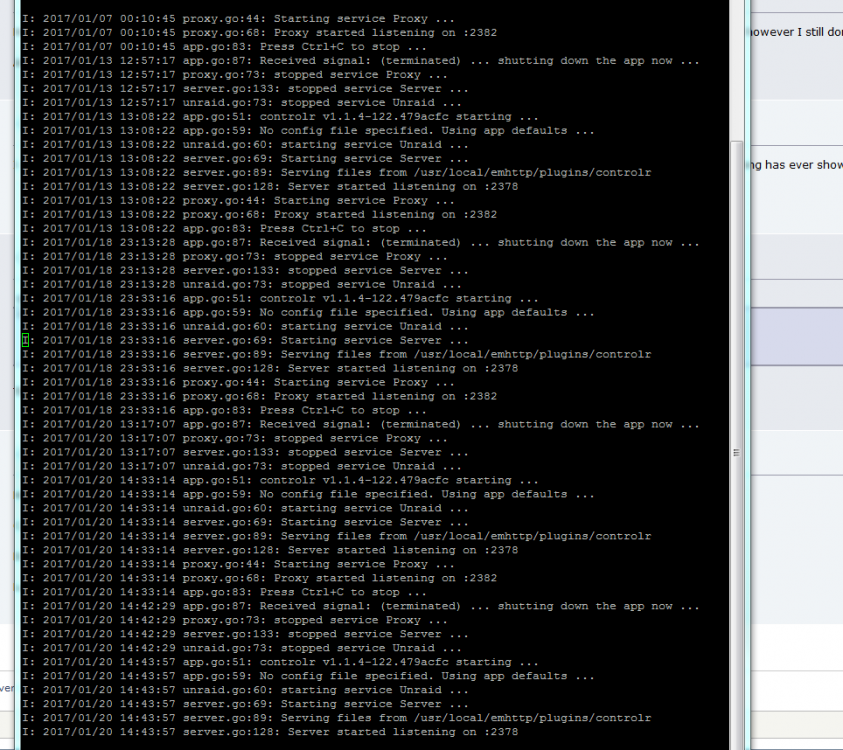
When I log into webgui the log shows Server started listening on :2378 But nothing else and nothing on the app.
-
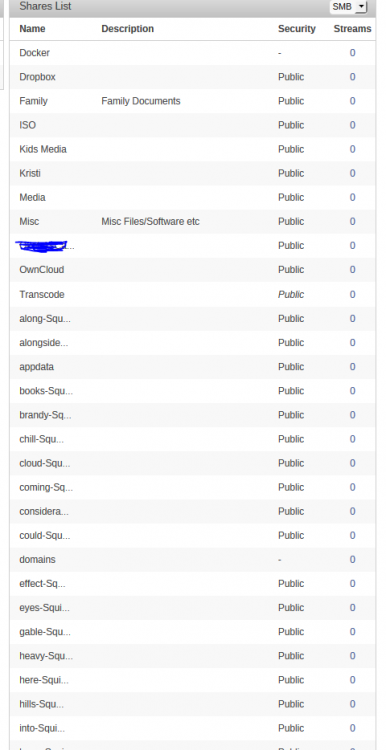
Just installed, not sure if I'm missing something, I have shares and files set to hidden and yet I see them all. Thanks
-
Thanks for the reply. I've attached a screenshot oh what my logs show, this just again and again.
-
I actually came here to ask the very same question. Bought the app roughly 2 weeks ago, installed the plugin 10 minutes later, nothing has ever shown up under logs.
-
But will the drive/vm still function. Yesterday I had to destroy my image (and the only conclusion I can reach) was the drive hit capacity, then the VM would survive for about 30 seconds then die. The second I removed the drive it would run for hours.
-
I am currently using UD to add a second drive to my windows 10 VM However; the drive (showing in unraid) is only increasing, not decreasing. So for example when the drive (in unraid) shows full (even though in the windows 10 is only half full) my VM just constantly crashes. How to I make the .img shrink and grow with the disk? Thanks

