





dee31797
Members
-
Joined
-
Last visited
Everything posted by dee31797
-
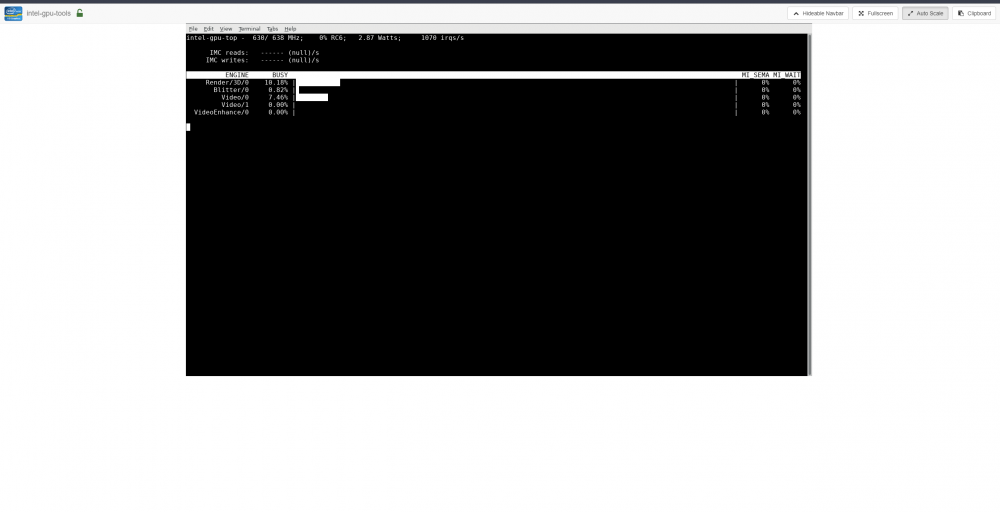
discussion moved here Docker container for viewing the utilization of an Intel GPU. Dockerhub URL: https://hub.docker.com/r/djaydev/intel-gpu-tools If you would like to use an Unraid template, download and place the following xml file in your flash drive's config/plugins/dockerMan/templates-user folder. Then from the unraid UI click add container and select intel-gpu-tools in the template drop down. unraid template link: https://raw.githubusercontent.com/djaydev/docker-intel-gpu-tools/master/unraid/template/intel-gpu-tools.xml
-
@dlandon quick question, will the schedule cleaner delete everything in the .Recycle.Bin folder, even if it wasn't placed there by the plugin/removing from Samba?
-
running 6.4.0-rc9f
-
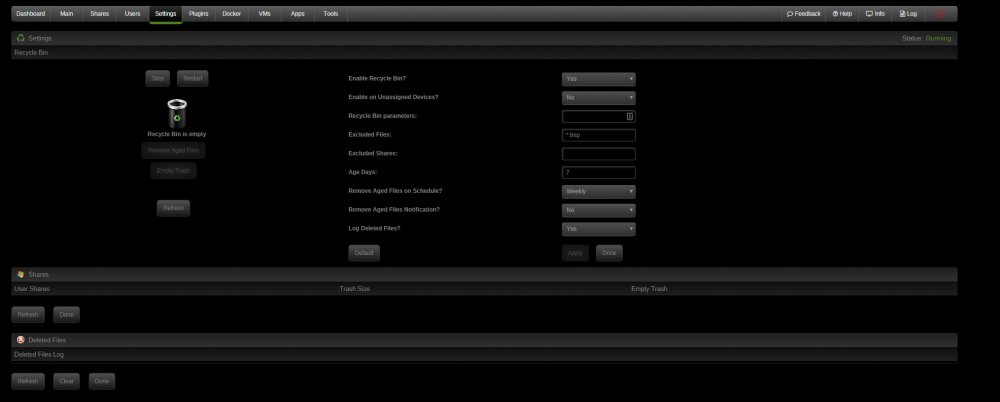
Progress! No errors after running that command. Now my /etc/samba/smb-shares.conf shows recycle bin info below. The rest still didn't work until I ran "/usr/local/sbin/samba restart" twice. Thanks for the help. [flash] path = /boot comment = unRAID Server OS boot device browseable = yes public = yes writeable = yes vfs objects = extd_audit recycle map archive = no map system = no map hidden = no map readonly = yes create mask = 0777 directory mask = 0777 recycle:repository = %P/.Recycle.Bin/ recycle:directory_mode = 0777 recycle:keeptree = Yes recycle:touch = Yes recycle:touch_mtime = No recycle:minsize = 1 recycle:versions = Yes recycle:exclude = *.tmp recycle:exclude_dir = .Recycle.Bin
-
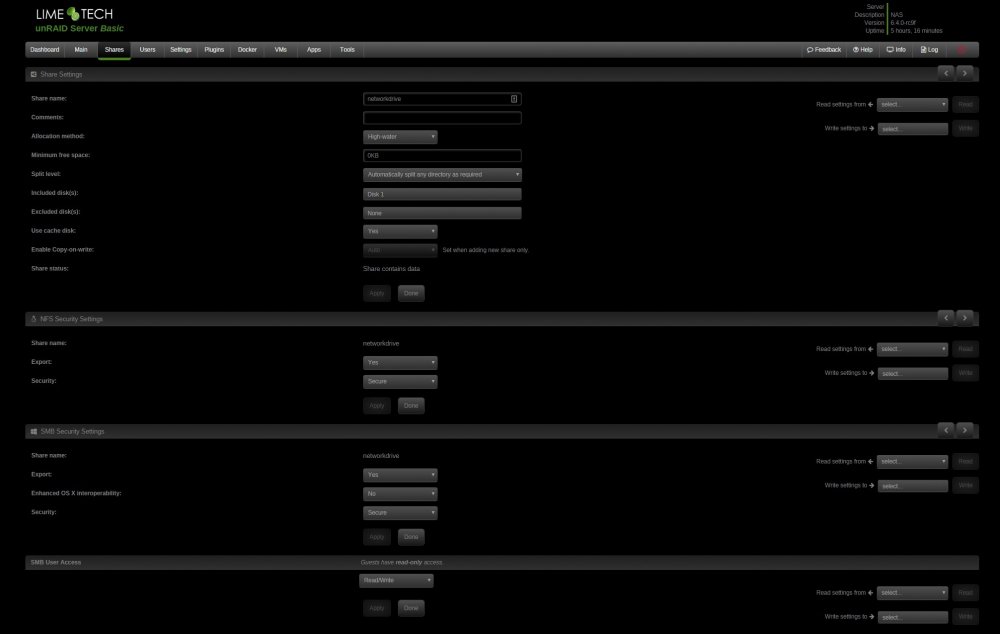
Contains of /etc/samba/smb-shares.conf below. The plugin has done something because there's a new folder in the /tmp called recycle.bin with a script in it called stop_recycle.bin. Still no .Recycle.Bin folders, logs, etc. cat /etc/samba/smb-shares.conf [flash] path = /boot comment = unRAID Server OS boot device browseable = yes # Public public = yes writeable = yes vfs objects = map archive = no map system = no map hidden = no map readonly = yes create mask = 0777 directory mask = 0777 [dockerappdata] path = /mnt/user/dockerappdata comment = browseable = yes # Secure public = yes writeable = no write list = XXXXXX vfs objects = [kidshare] path = /mnt/user/kidshare comment = browseable = yes # Public public = yes writeable = yes vfs objects = [networkdrive] path = /mnt/user/networkdrive comment = browseable = yes # Secure public = yes writeable = no write list = XXXXXX vfs objects =
-
Here's a screenshot of one of my shares. There's no .Recycle.Bin folders in any share. Deleting files don't show in that log. I'm probably just doing it wrong but can't find anything on how to troubleshoot it.
-
Same for me. Ran the restart command bunch of times too. Running 6.4.0-rc9f probably why? /usr/local/sbin/samba restart
-
Figured out something even better. Removed the netdata docker, checked also remove image, then reinstalled it with the my-netdata template. All is well.
-
Same here, it was from a recent update. Pducharme, to get the docker back working go to edit -> advanced view and change the repository from "titpetric/netdata" to "titpetric/netdata:1.5". Takes you back a version but at least it works.


