





Tucubanito07
Members
-
Joined
-
Last visited
Everything posted by Tucubanito07
-
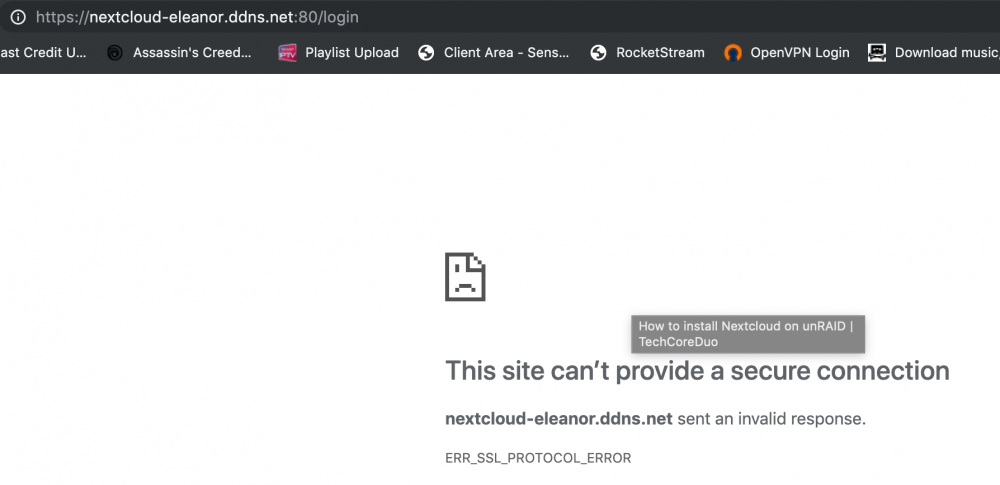
I believe that is what it is. So i change it to this and this is what i get now.

-
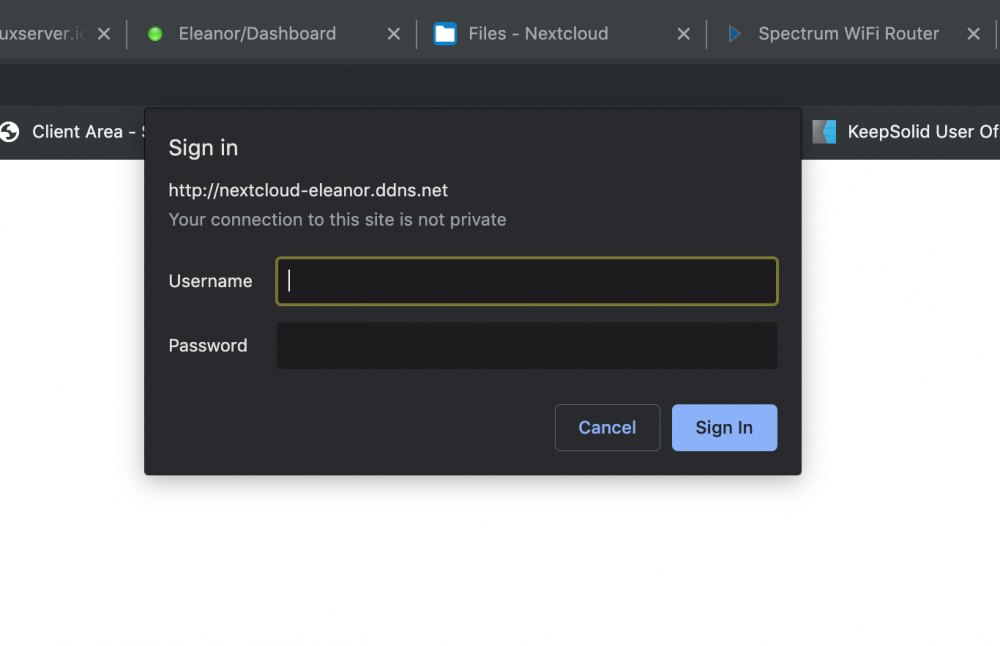
after i port forwarded to tcp 80 and 443 i get this screen. I have input the password and it does not go in.
-
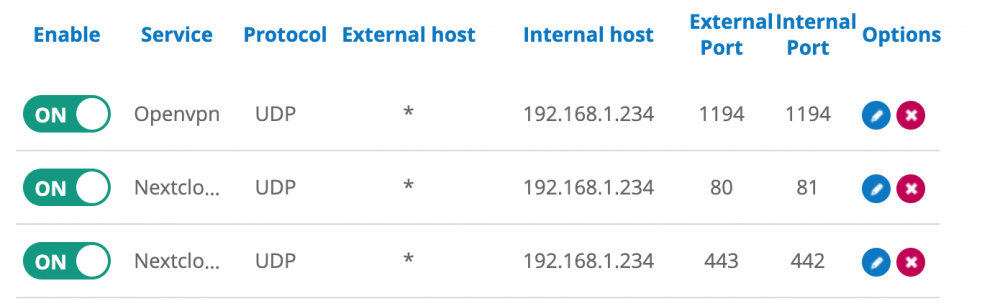
I am using the router from my isp provider. It has to do with the port forwarding ports.
-
I followed his instructions to the teeth and it did not work. I am going to delete everything and restart from fresh again and see if that helps. But I have already done it with space invader.
-
So change my router to port forward to 80 and 443 ?
-
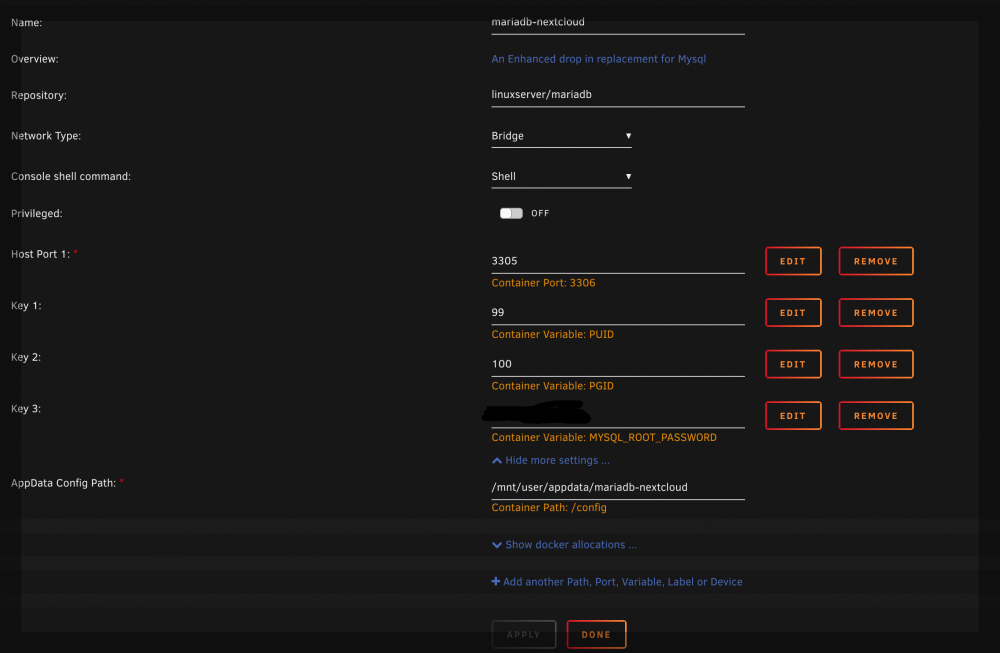
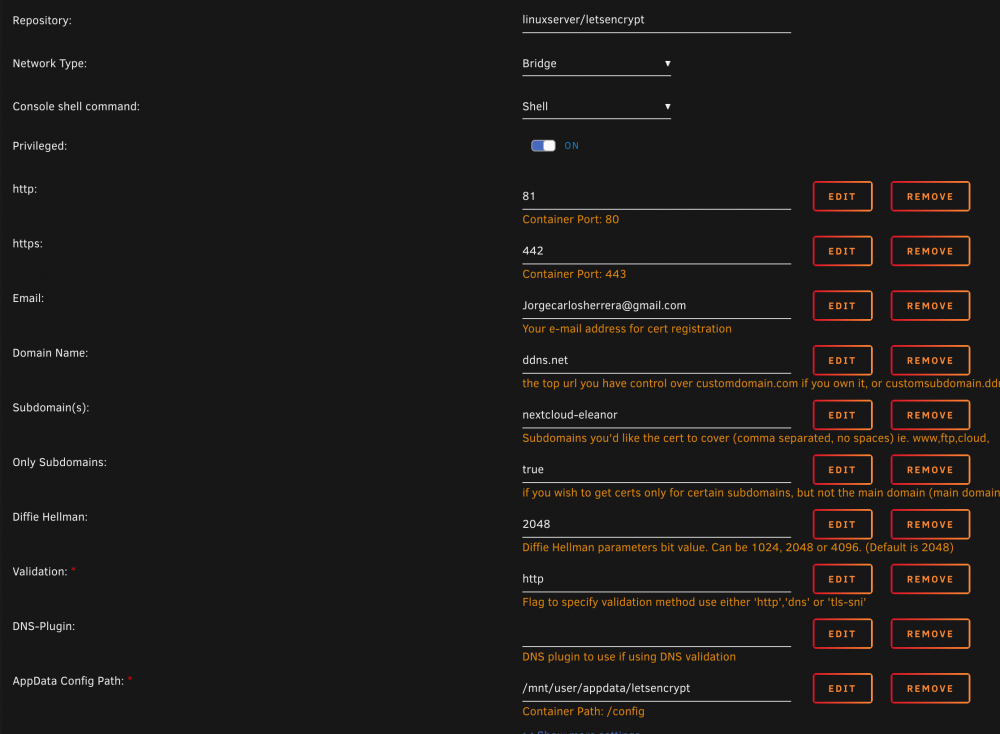
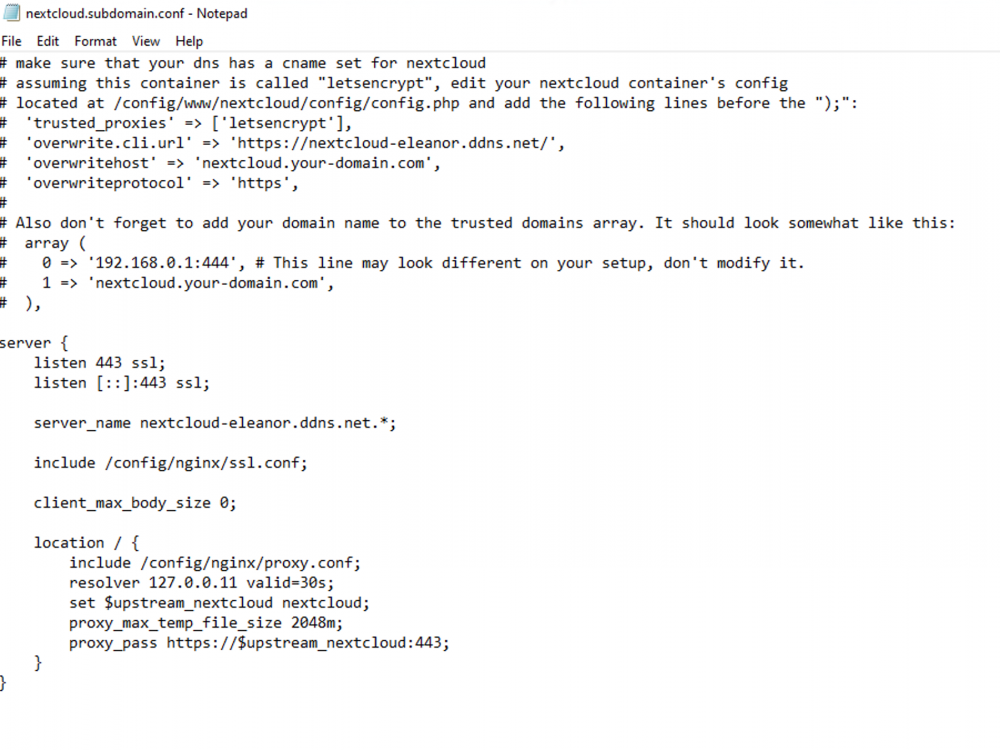
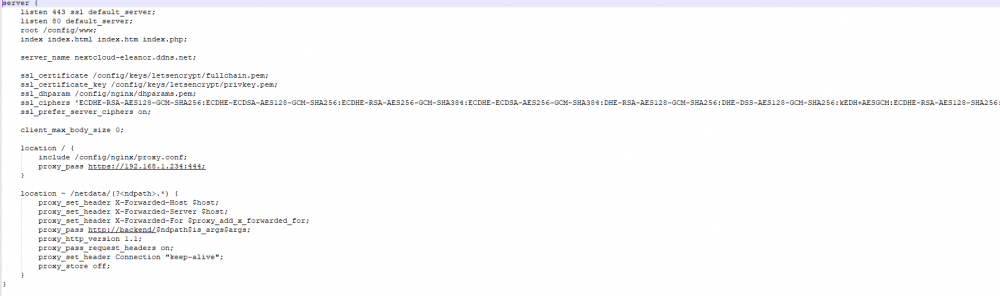
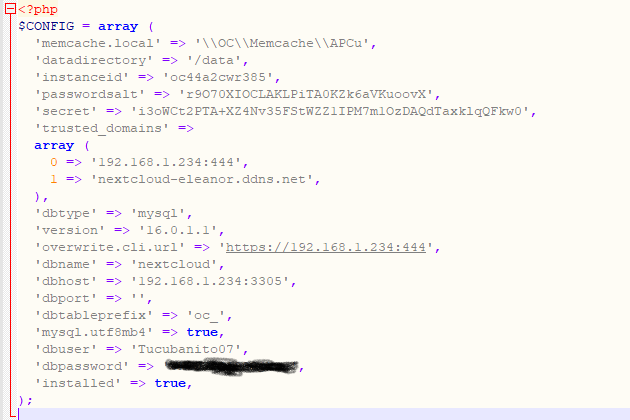
Hey Guys, I need some help. I am getting this on the logs for letsencrypt. Two errors. I have followed Spaceinvader and Techcoreduo and i cant get it to work outside my network. nginx: [alert] detected a LuaJIT version which is not OpenResty's; many optimizations will be disabled and performance will be compromised (see https://github.com/openresty/luajit2 for OpenResty's LuaJIT or, even better, consider using the OpenResty releases from https://openresty.org/en/download.html) nginx: [error] lua_load_resty_core failed to load the resty.core module from https://github.com/openresty/lua-resty-core; ensure you are using an OpenResty release from https://openresty.org/en/download.html (rc: 2, reason: module 'resty.core' not found:
-
-
-
I would love for this to happen. Any info the dev team on this?


