drdebian
Members
-
Joined
-
Last visited
Everything posted by drdebian
-
On a side note, I just figured out how to speed up h.265 encoding by a factor of 10: use Intel Quick Sync Video found in most current CPUs... it's a world of difference... add "modprobe i915" and "chmod -R 777 /dev/dri" to /boot/config/go at the end, then proceed to add the /dev/dri device to your handbrake docker container... lastly, chose the "H.265 (Intel QSV)" codec in the video section of handbrake... profit!! 😎
-
Putting "modprobe i915" and "chmod 777 /dev/dri -R" in /boot/config/go and handing the docker container the /dev/dri device works like a charm on unRAID 6.6.6 running on my i3-8100! Thanks for the help, guys.
-
Certainly, just sent it off.
-
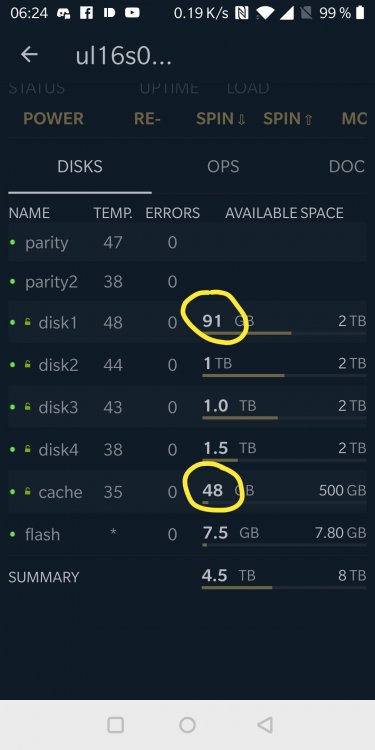
somehow the space used on disks isn't always displayed correctly... the last digit seems to be cut off, regardless of which font size I use... the numbers in the Screenshot should be 912 GB and 481 GB respectively...