Everything posted by LoudRex
-
Okay, thanks Ruthalas. Now I ve got a bigger problem. I get when I try to open the rtorrent/rutorrent page the error"Unable to connect". My LAN is on 192.168.2.x This are my settings of the app:
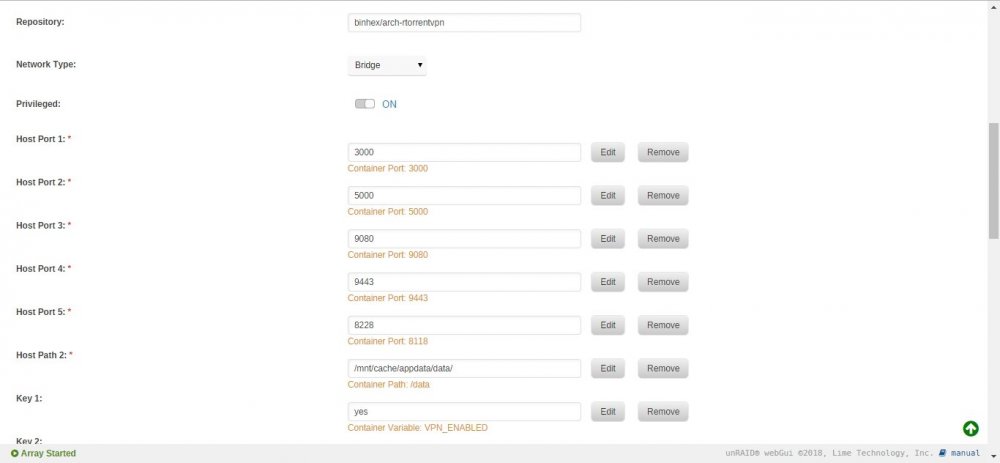
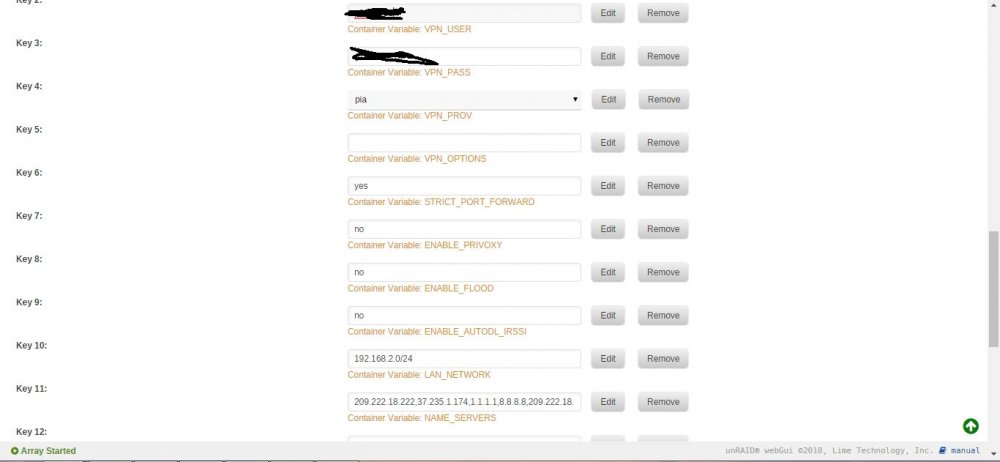
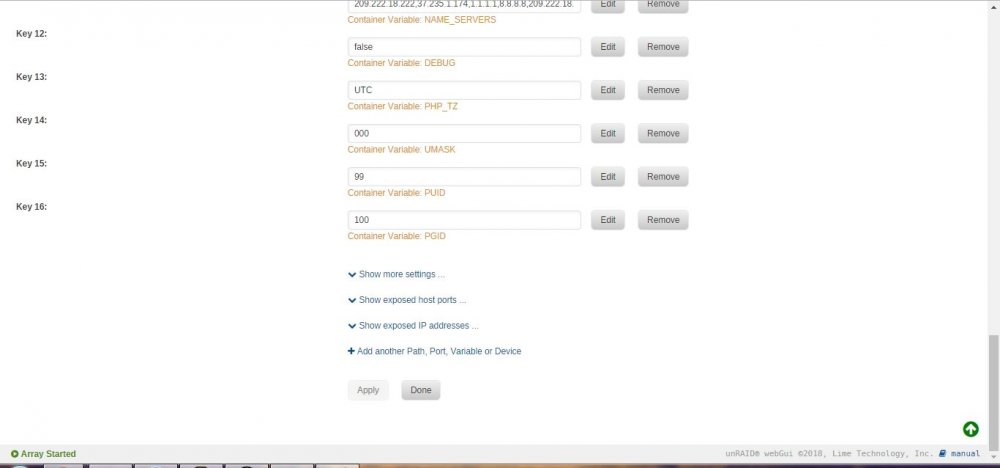
-
Thank you Stanley for your reply. I have now altered the /data path to /mnt/disk7/Usenet DL. And now it comes in /mnt/disk1/docker/appdata/binhex-sabnzbdvpn/\mnt\disk7\Usenet DL\incomplete. I want it to download in disk7/Usenet DL. How do I do that? I get this by searching for a folder.
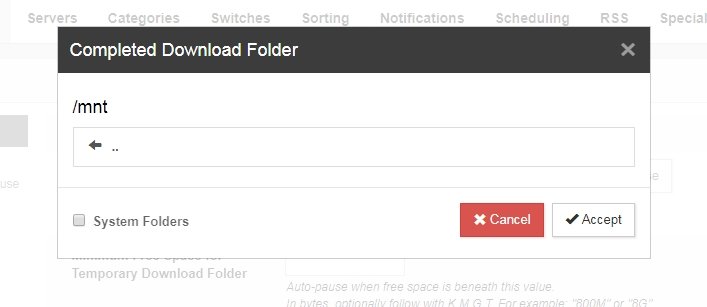
-
I just installed this app on my docker. But now the WebUI is asking for a user/pass. I didn't have to set one, so is there a standard one. Sorry but I'm not very experienced with docker....
-
I just started with docker and have a question. How can I set my DL folder to /mnt/disk7/UsenetDL? I don't see it in SABnzbd > Config > Folders... Because I am now downloading to /config/mnt/disk7/Usenet DL/{Nzb name} And I get this error: "download_dir directory: /mnt error accessing" Sorry but I am not experienced with docker...