





acozad1
Members
-
Joined
-
Last visited
Everything posted by acozad1
-
So what I mean by stopping the array, by stopping the array from the Main menu and by pushing the button to stop the array. That's what used to stop the array and than pushed the same button to start the array again. When I did that it started the parity check without me having the system do this (it did this on its own). So it has seven hours left until its finished this parity check and has found 5 errors. I have the box checked to fix errors during the parity check. I check that box when I first started with UnRaid and have left it checked. Also that box was checked the first time it did the parity check. I hope this information helps. Thank you all for the help on this. I really appreciate it.
-
Hello, I seem to have the same issue here. I stopped my array to make a change and started the array back up and a parity check began. I recently just ran a parity check yesterday and it decided to do it again. It did find 5 errors in yesterdays check. I was going to do it again due to the fact that it found the 5 errors. But UnRaid did it for me. Just not sure if this is a bug or for my protection. I have attached the diagnostics to this post for your help on the matter. I did just transfer all my components into a new home. Had a couple of issues on the reboot but I thought I did a pretty good move. I am currently running 6.8.0. Thanks in advance for your help and input on this. extraodinary-diagnostics-20200102-1846.zip
-
Sorry about that. I will try and never do that again.
-
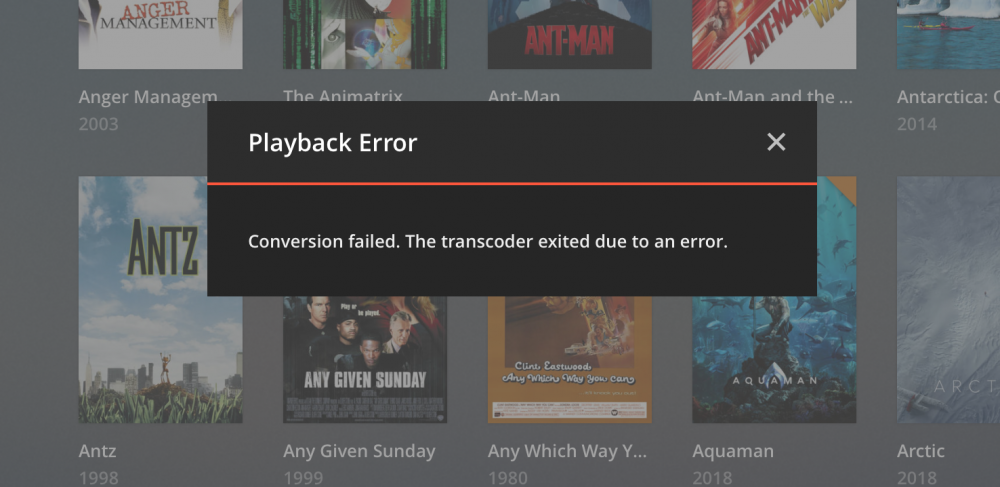
So i have a question. I am screwing up some how on the plex script. I wanted to see if anyone had an idea on how to fix this. Any help would be greatly appreciated. Thanks. I it was working perfect in the unraid rc8 and i had problems with the update and had to go backwards to 6.6.7 and now I am getting this.
-
I know what you mean. I have to reinstall my graphics driver because plex couldnt see it.
-
So I had to downgrade to 6.6.7 to bring my server back up and running. I was running perfect on the RC8.
-
I know this is a dumb question. But how would i go about downgrading without being able to boot into the into anything? I have tried all options at the Unraid count down screening with no luck. safe mode and all those options.
-
What the heck. I am so bummed. O why o why me. So any help to get me back up and running would be greatly appreciated.
-
That didnt work either. Cant boot nothing. My system is down and no plex for me
-
I tried the samething with my boot usb. But have had no luck. I have just downloaded and created a new usb with the Unraid usb creator and now I am trying to boot my server.
-
I have updated my unraid to the new release and now my system will not boot. I get the Unraid count down and then it just reboots. Any thoughts of what I can do? I was running the RC just fine and now I cannot boot. Any instructions, would be really appreciated. Thank you.
