





ripeart
Members
-
Joined
-
Last visited
-
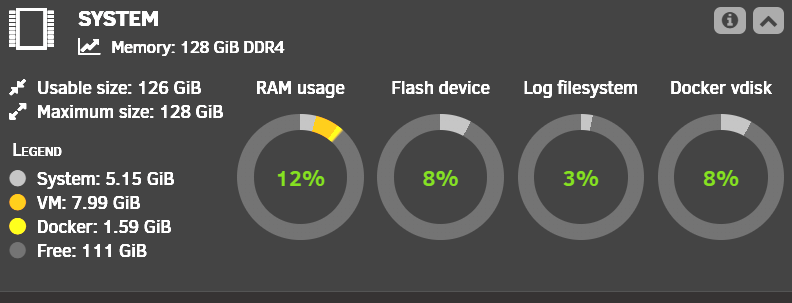
Should I be seeing the "Free:" RAM decrease? I ran the script for 917 media items so that should be about 55GB used.
-
This thing killed my VMs. Had to uninstall the Docker image and reboot the UnRAID server. Beware.
-
Hi I've installed this and unfortunately the container does not respond to DNS queries: PS C:\Users\E> Test-NetConnection -ComputerName 192.168.1.200 -Port 53 ComputerName : 192.168.1.200 RemoteAddress : 192.168.1.200 RemotePort : 53 InterfaceAlias : Ethernet SourceAddress : 192.168.1.150 TcpTestSucceeded : True PS C:\Users\E> Resolve-DnsName -Name carpal.com -Server 192.168.1.200 Resolve-DnsName : carpal.com : DNS server failure At line:1 char:1 + Resolve-DnsName -Name carpal.com -Server 192.168.1.200 + ~~~~~~~~~~~~~~~~~~~~~~~~~~~~~~~~~~~~~~~~~~~~~~~~~~~~~~ + CategoryInfo : ResourceUnavailable: (carpal.com:String) [Resolve-DnsN ame], Win32Exception + FullyQualifiedErrorId : RCODE_SERVER_FAILURE,Microsoft.DnsClient.Commands.Reso lveDnsName My config file looks like this: options { directory "/etc/bind"; pid-file "/var/run/named/named.pid"; recursion yes; allow-recursion { any; }; allow-query { any; }; listen-on { any; }; listen-on-v6 { any; }; }; zone "." { type hint; file "/etc/bind/db.cache"; }; logging { }; Is there some other setup step I need to take? Thanks in advance!
-
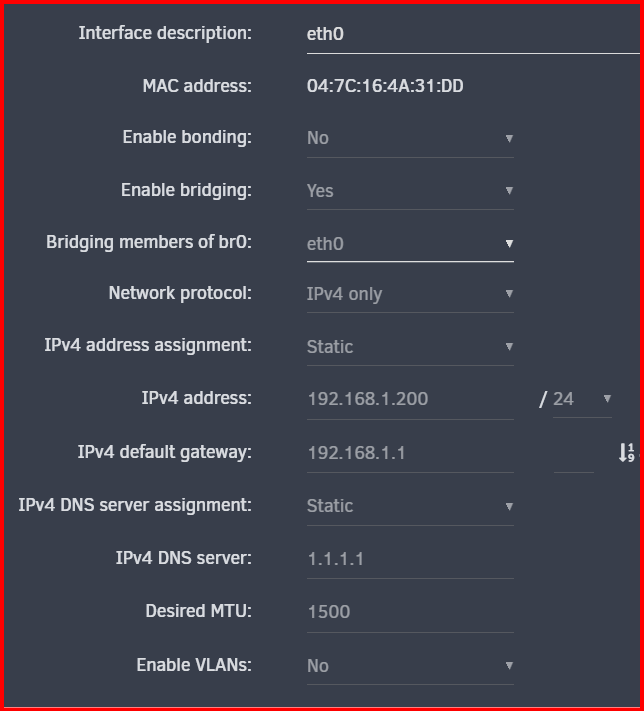
OMG - I may have found the issue. The Unraid box MTU was set to 1492 for some reason. Changed it to standard 1500 and all seems to be well. Is it possible that the upgrade to 7.0.0 would have changed that setting? I don't recall ever changing that.
-
Just one ethernet NIC on the board. It does have WIFI but that has never been in use.
-
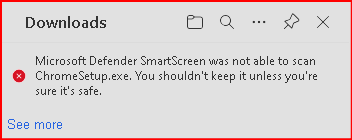
Something is blocking certain types of network traffic and it's driving me a little nuts. I even placed the Unraid box in a DMZ for a few moments to rule out any firewall config issues (firewalla purple).

-
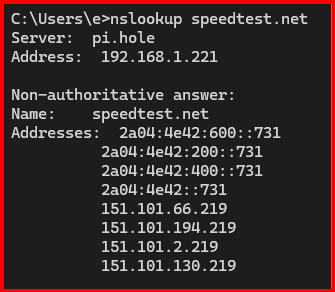
Yes using two piholes as DNS, I've changed the VM DNS to 1.1.1.1 as a test but same issue. I installed a new Ubuntu desktop VM and it had the same issues. I tried enabling bonding as mentioned in another thread but that didn't work either. Everything was great before the upgrade. I should mention that I upgraded RAM to 128GB immediately after the OS update but I can't see how that's relevant. There's something borked with the VMs.
-
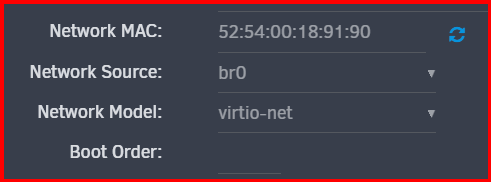
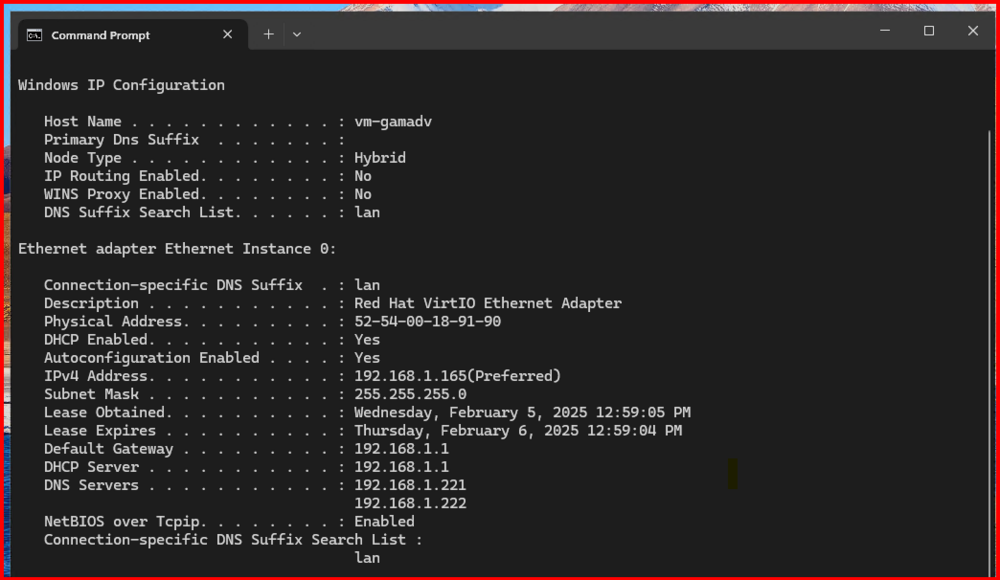
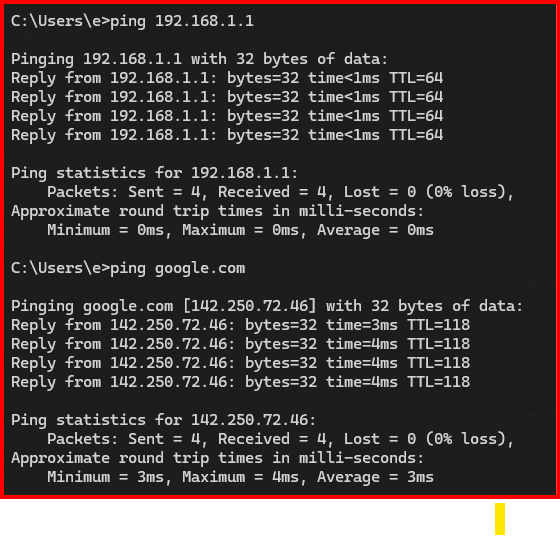
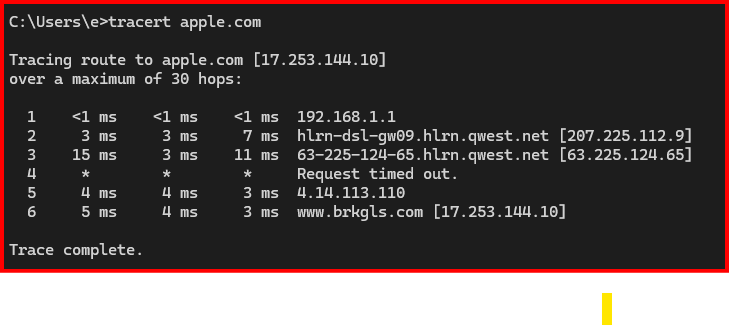
Here they are.
-
Gotcha, thank you and sorry about that.
-
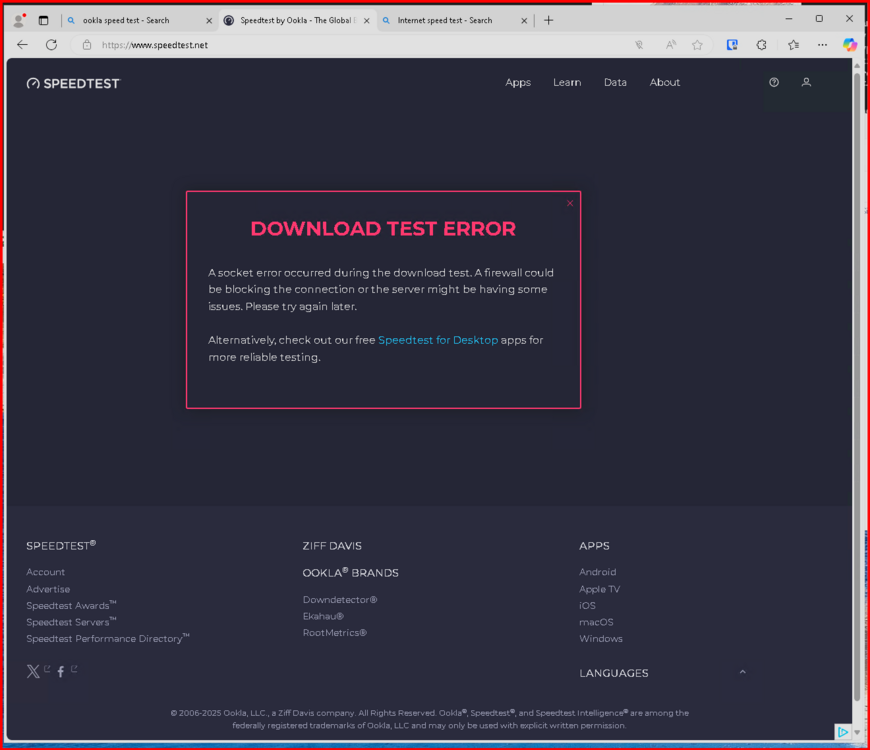
Since I upgraded to 7.0.0 all my VMs are experiencing internet issues. I've ruled out any firewall or otherwise network issues. I am using the latest 0.1.266 virtio drivers. Other machines that are not Unraid VMs are working fine, as well as the Unraid box itself. Any download will not complete, it just times out. Any speed test won't connect. Please help me understand what changed and how I can restore regular internet access to my VMs. Thank you!
-
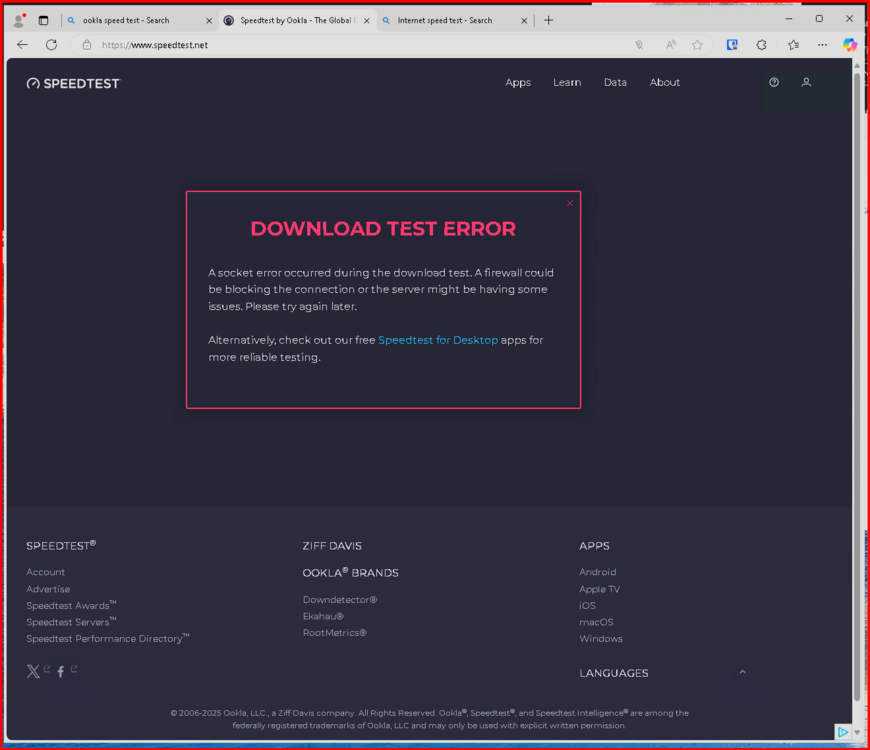
Since I upgraded to 7.0.0 all my VMs are experiencing internet issues. I've ruled out any firewall or otherwise network issues. I am using the latest 0.1.266 virtio drivers. Other machines that are not Unraid VMs are working fine, as well as the Unraid box itself. Any download will not complete, it just times out. Any speed test won't connect. Please help me understand what changed and how I can restore regular internet access to my VMs. Thank you!
-
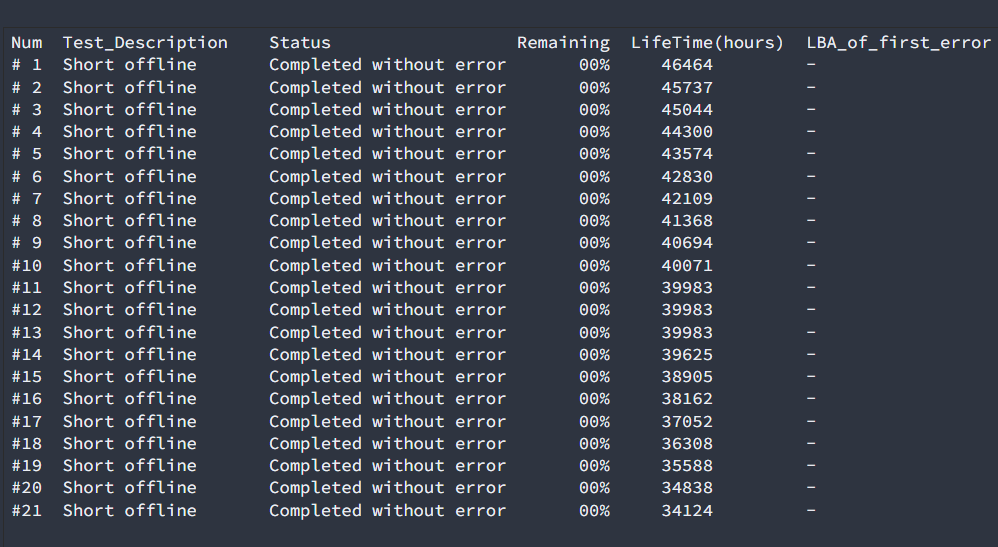
I noticed this alert yesterday and have been searching for next steps but all the threads I've read are regarding a disk that has failed. In my case it looks like the disk is spun up and working, SMART test are ok. Aside from power cycling the box I haven't performed any type of remediation. I've attached logs but I don't see anything problematic there. What should my next steps be? ts200v-diagnostics-20231102-1106.zip

-
When I paste the URL for the Folder Icon for ex: https://github.com/ground7/unraid-animated-svgs/blob/master/Always Animate/nzb.svg The folder icon does not change, just stays a question mark.

-
@Mainfrezzer Just wanted to say thanks, I am back up and running. Though none of my Dockers will start, data integrity is good. I'll look into the "server error" when starting the dockers.
-
On this page (changing the flash device) it says that if I don't remember the exact assignment of each disk and that if I didn't to stop and post here. Welp, at the most inopportune time I experienced a drive failure. My bad I should have made a backup, well, actually I DID make a backup but it is stored on the array. But yeah, should have moved it offline earlier. I have unraid ready on a new flash drive but I wanted to take a breath and understand if I should expect to be able to restore the (100tb) main and cache arrays. Is there a guide that can step me through it? edit: I'm following this guide for now: https://docs.unraid.net/unraid-os/manual/changing-the-flash-device/#what-to-do-if-you-have-no-backup-and-do-not-know-your-disk-assignments Thanks so much for any guidance.


