





nyteghost
Members
-
Joined
-
Last visited
-
Quick question. I created a secondary Binhex-sonarr for just my anime, so i can have TV-Sonarr, and Anime-Sonarr. My question is, is there a way to edit the Anime-Sonarr gui so that i can change it from blue to green and change the logo a little so that i can differentiate easily which one i have open? I am not looking to release it, i just want to do this for my own personal server? Thank you!
-
No it does not. It's just s basic plugin to find and add computers to s list that you can manually wake up. Never added any kind of automation or schedule. It does install etherwake. You can use a script to just run a simple etherwake command. Okay just making sure. Was looking for a way to remote wake up my other pc.
-
Just making sure i understand how this works. Does it automatically send a magic packet without you having to interact with it?
-
All 3 dockers i have from linuxserver keep saying there is an update available but when i update, there is nothing, and then if i run check for updates again. It says update available again. Any ideas?
-
Could have sworn i wrote back yesterday, but thank you! I can not believe i missed that part. Not sure why it started doing it either. I must have changed something and not realized it. Ty so much again!
-
Sorry i word no good lol. Basically i have a firefox docker from jlesage/firefox. If i run that, it opens up firefox as a browser in a broswer. Browserception. I can use that firefox in the webui to access qbittorrent. But if i use my regular browser on a computer on the network, i can not access qbittorent. This only started yesterday. .txt is my supervisord.log file, i redacted any private info such as vpn pass and username. Then the pictures show what i mean by firefox within browser. supervisord.log
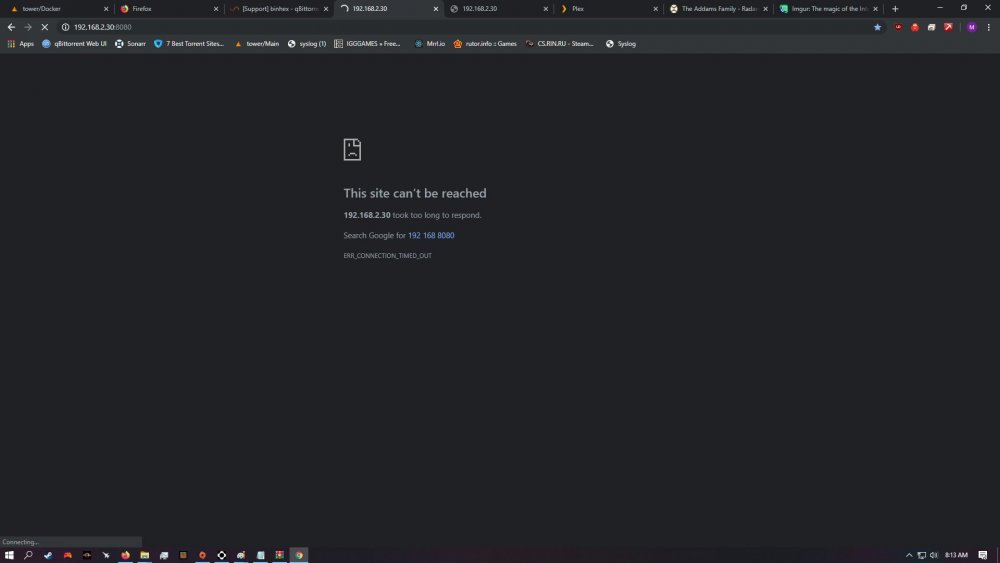
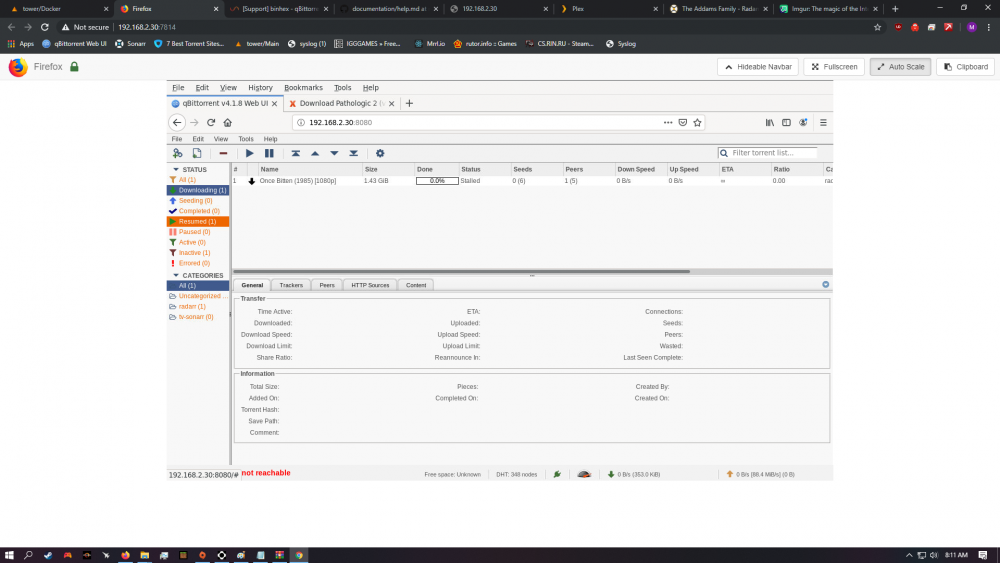
-
I may be having this issue as well. What is the default data directory suppose to be? Just /data? edit: i can not get the webpage to load at all. I reinstalled it 3 times and does not seem to fix. Sonarr and radarr can ping it, and send downloads to it, but i can not load the webpage. Any ideas? edit 2: if i disable vpn the webpage works, but with vpn set to yes, it does not. WTF is going on edit3: so using firefox downloaded from docker itself and going to website, it works, but not from a browser on the network.
-
I installed Bedrock Minecraft server. I am able to access it on lan side. But not by external ip, I port forwarded but keep getting this error when testing the forward, Reason: Connection refused. any ideas?

