






iamgadgetman
Members
-
Joined
-
Last visited
Everything posted by iamgadgetman
-
I wish I could change it but everything in the settings tab is unclickable. The only thing that works is the done button. When I try reset BMC it seems to just reset all the network connections but doesn't change this screen. It's like I'm stuck with this config. I even tried ipmitool but I'm either too naive to use it or there are issues there too, because it kept failing to send commands.
-
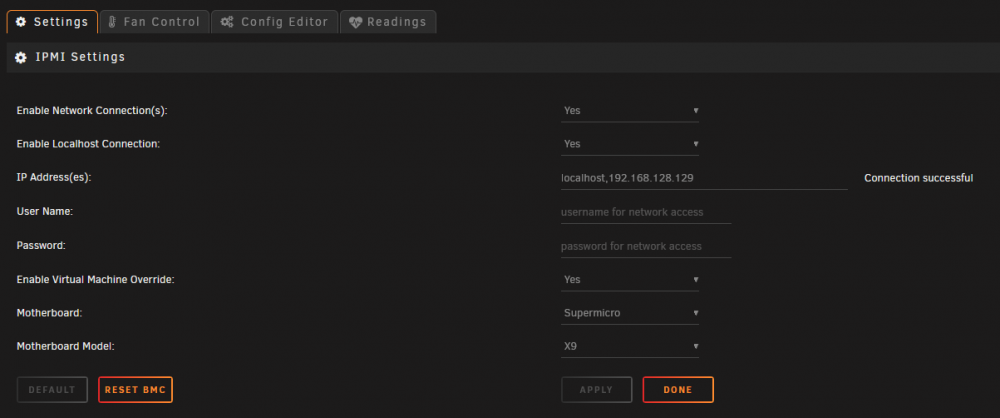
I'm having problems resetting the authentication type to none because I don't think there's a username and password option in my BIOS settings, unless I'm missing something. The username and password fields on the unRAID page aren't configurable anymore. Removing and reinstalling just brings back the old config. I have a SuperMicro X9DRi-LN4F+ and it says that the connection worked but I still get this notification: "Nov 13 14:02:57 unRAID ipmiseld[29964]: IPMI Event: localhost *Warning* Session Audit - Invalid Username or Password." Is it because I had localhost and the LAN IP? I can't reset anything.
-
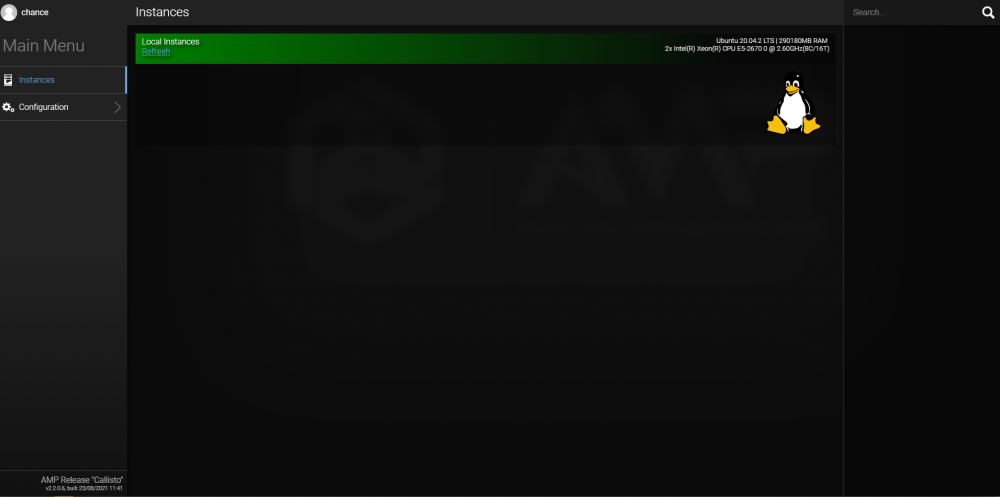
I keep getting stuck with this page and I don't know what's causing it. I've tried 3 different browsers on 3 different devices and keep getting this page. What am I missing? I tried turning off all of my filters, including pihole, to no avail.
-
Dude, that's awesome! I can't seem to get it to work anymore and I'm not sure what I'm doing wrong. I keep getting this error: "PHP message: PHP Fatal error: Uncaught Error: Class "SQLite3" not found in /var/www/html/db.php:8
-
Now if only we could use svg's... 😁
-
It's working great! Thanks!
-
It seems to break when I specify that path in the Docker settings, so that I can access it on the appdata share. When I go to the share folder, it's empty, although there's files on the server. Is that not the right way to gain access to that folder? Sorry, I just really want to use this because it's so simple, yet awesome!
-
How can I add icons? Is there a directory?
-
That did it thank you!
-
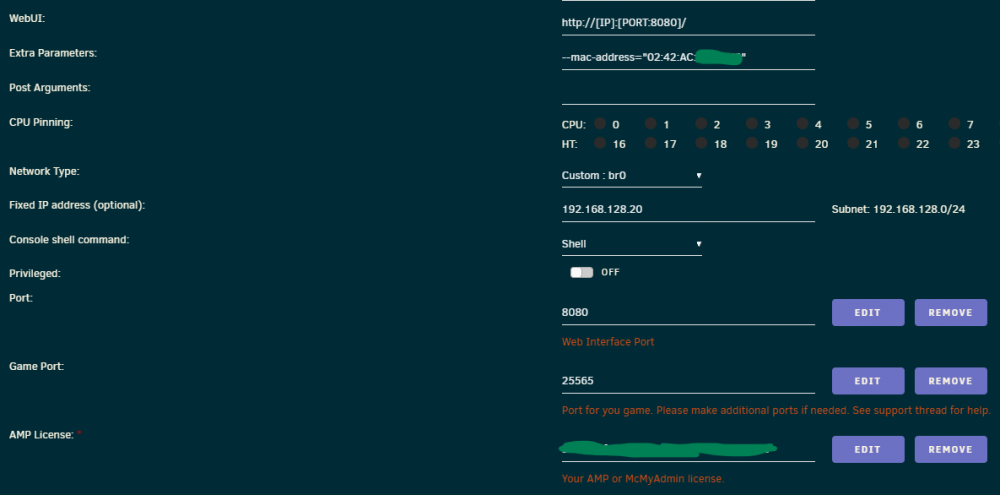
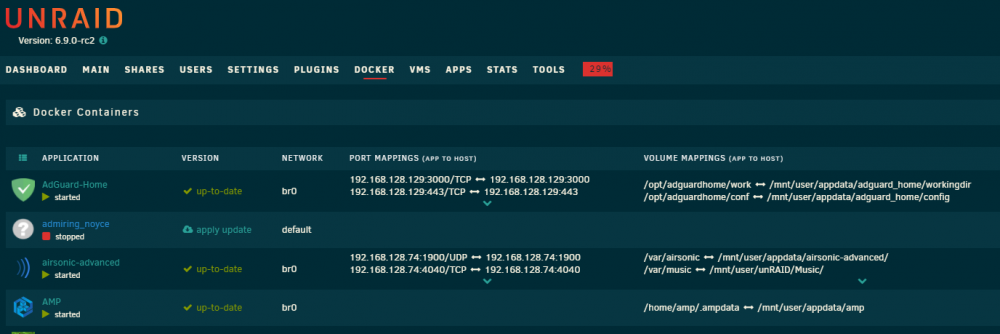
I can't figure out why I'm not getting an IP. Even if I put in a static IP, it doesn't show up in the list. I put in the static mac and my license key. I can't tell what I'm doing wrong.
-
I don't know if it's too difficult but I'd really love to cluster some unraid servers together so I could pool together docker instances and VM resources, as well as have separate physical location for physical drives.




