





AndreB
Members
-
Joined
-
Last visited
-
thanks all for your help, i found the problem, my drive is a Seagate ironwolf NAS 18TB, it's not the 3,3V but a disk failed as i used the Seagate tool Software to diagnostics the drive and it gave me an I/O error and also the a bad sound when starting the computer.. Anyway Thanks for all you're fast respond it is you that gave me the hint to test the drive.... witch i should have done in the first place... my bad. Thanks again now calling Seagate for a replacement. André
-
HI, it does not show in the bios of the two server.... very weird and as for the 3.3V i don't understand... is it the drive that have a problem ?
-
hi thanks for the fast respond, i will check the bios but what it is strange i put it in my to server and did not pop up. i'm getting back for the update... thanks André
-
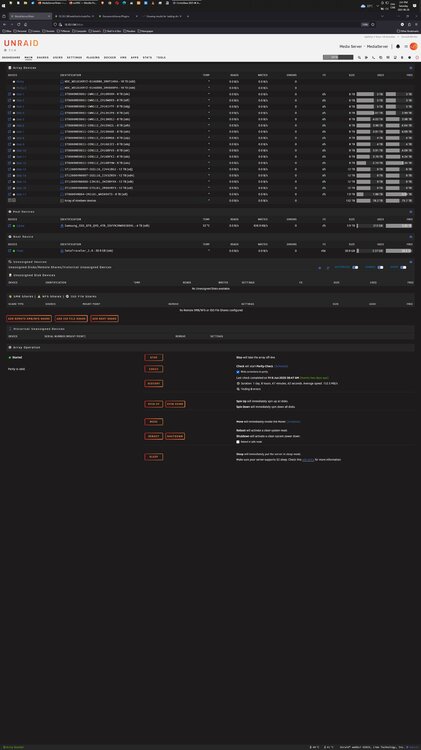
Hello all, i have a weird problem, i'm trying to add a drive to my server and it is not showing up to be added, it's a 18TB seagate
-
it was a plugin the problem... it was unraid-connect that make the drive disappear...
-
@JorgeB You where wright it is a plugin, it is the Unraid connect that cause the drive to disappear... thanks for your help. Andre
-
Yes all five of them, edge, brave, Opera, Firefox and Chrome all the same problem no drive... and safe mode i see all drive but i can't do anything here so i rebooted in and all is the same no Drive
-
i did an update to all my server(3) and one of them lost all the drive, so i revert back to 7.1.1 and still de same drive not showing. Diagnostic is not working.
-
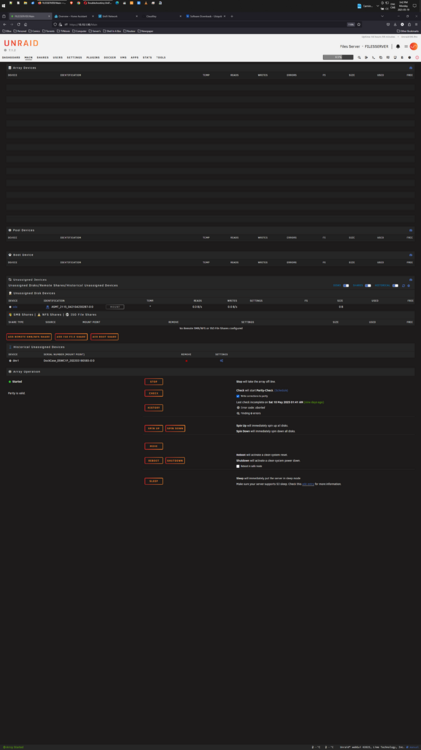
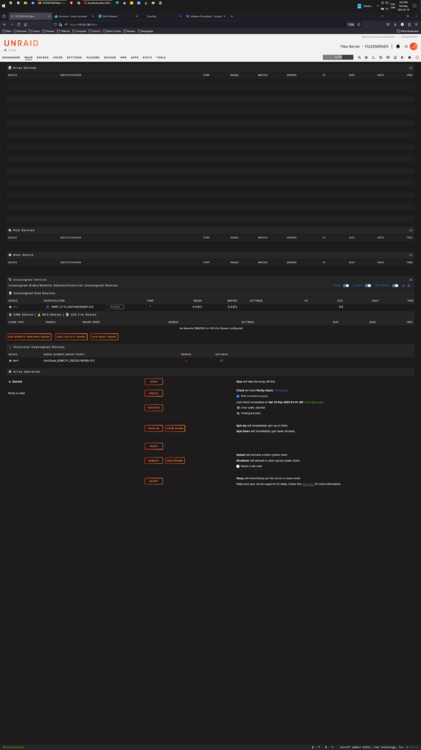
I all, i upgraded my 3 servers and on of them as a problem, i lost all my drive... i need help please, what i did wrong ??? i did revert to the previous upgrade but nothing appeared back.
-
Wow Binhex, All good now with the update... Thanks for the quick fix. you the best....
-
@KZ7 I did have the same problem with my Quadro 4000, if you read previous message you will see some good people answer that same question to me... The Quadro 4000 is not supported by UNRAID anymore due to docker, the only driver you can use now is 470 and up and the one needed for the Quadro 4000 is 390 so you need to do like i did get a GPU that support the minimum Driver Version witch again is driver 470 and up, hope this help you like it did me...
-
@ICH7 Wow cool thanks for taking the time to help me very appreciated... André
-
@ICH77 Ah ok it was just to be used to convert but i get it, i will get a newer card thanks for your help..... all of you. An of topic question.... since ZFS was introduce to UNRAID, is it possible to eliminate the original Array and used only André
-
@ICH77 Hi, i found the driver for my Quatro 4000 " NVIDIA-FreeBSD-x86_64-390.157.tar.gz " but now i don't know where or how to install them in unraid, can you help me please André
-
@ich777 here is the diagnosticmediaserver-diagnostics-20231027-1851.zip




