





MajorTomG
Members
-
Joined
-
Last visited
Everything posted by MajorTomG
-
@minty14 I've just noticed the same issue after using MoverTuning. I disabled it because it was the last change I made before I started getting ngnix errors. I only just went to my shares screen and also saw the same thing. I now need to identify which shares are safe to delete... If anyone has a list of the folders created by MoverTuning, that would be helpful.
-
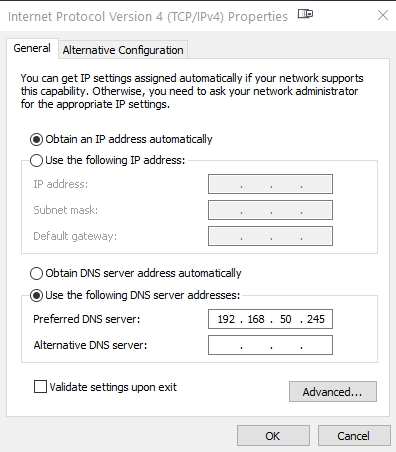
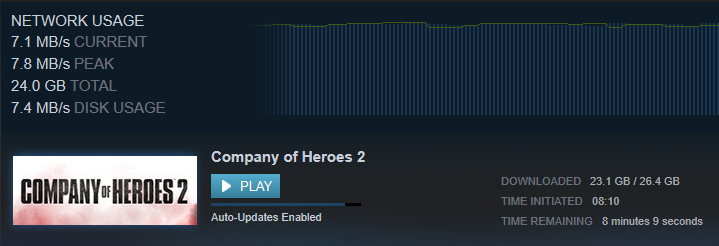
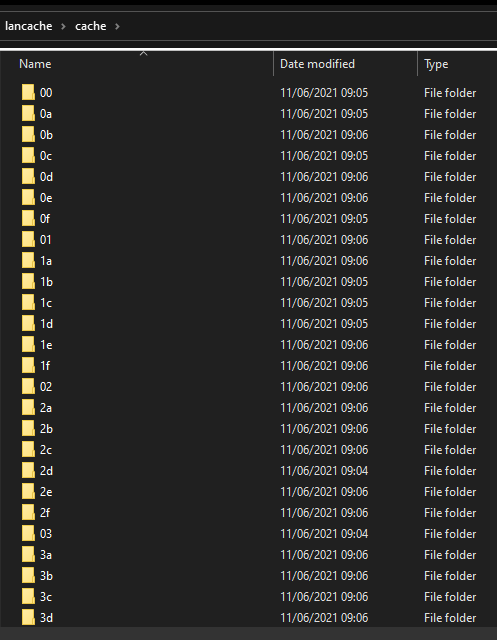
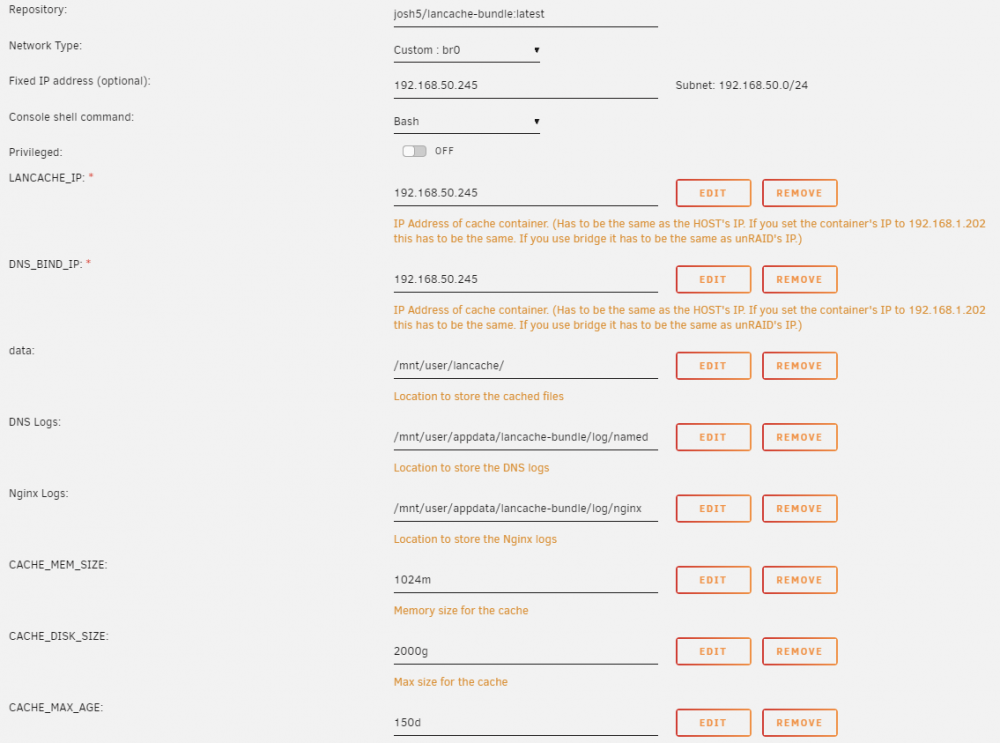
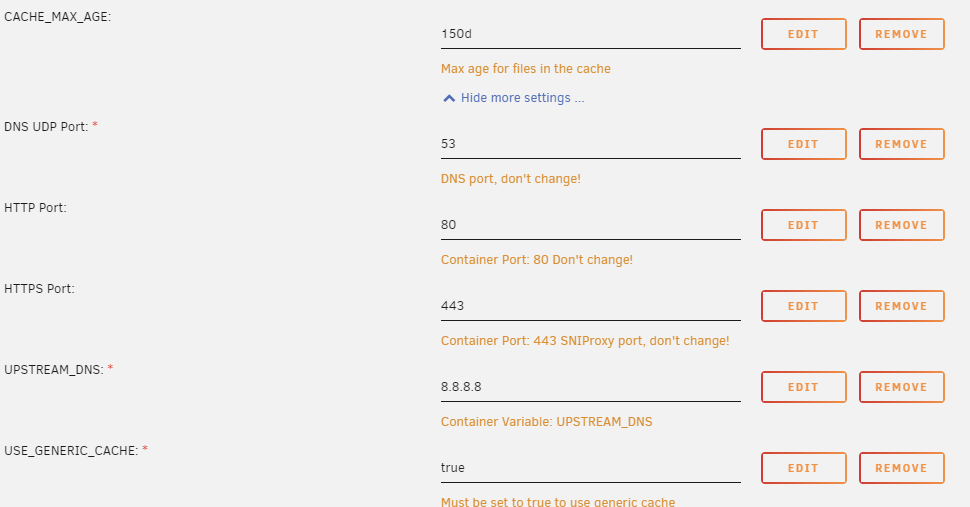
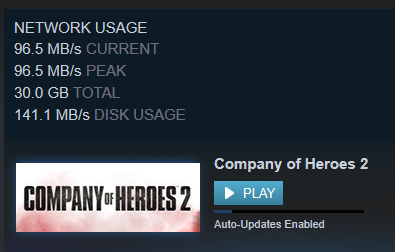
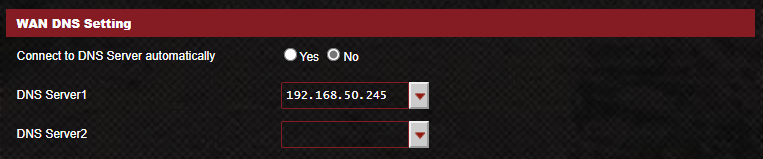
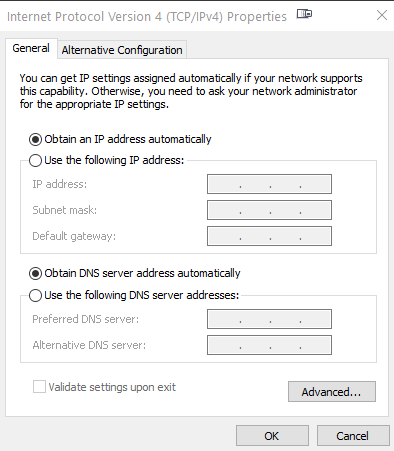
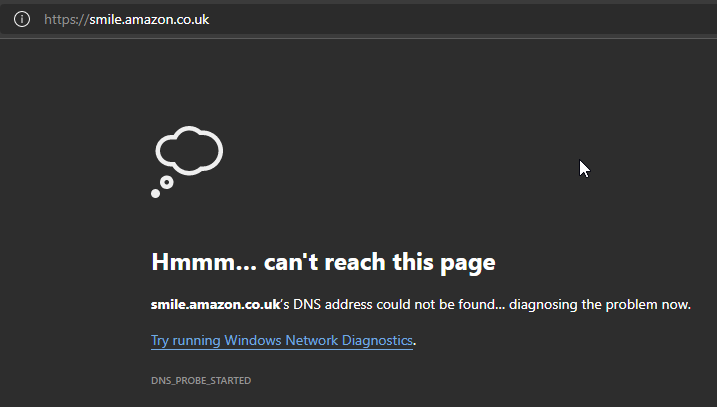
I've had lancache-bundle running on my unraid server in the past without issue. Same server, same router. Just installed it again and it only works if I connect to it directly by configuring my PC's IPv4 settings, but not if I configure my router to point to the docker (which used to work in the past). It sounds as though a few people are having issues so I thought I'd share as much information as I could to see if we can get to the bottom of some of them. Here's my working 1 PC setup (not ideal) Docker config in Unraid Docker config continued IPv4 DNS settings on my PC Router DNS Config (I know this isn't pointing to my lancache docker image at 192.168.50.245 - this is the less than ideal non-router setup) Initial download speeds from steam Plenty of stuff in my new lancache share Re-download speeds that prove the cache is functioning correctly Now if I change the router config to point to the lancache docker image as the DNS it doesn't work and nothing on my netwrk can resolve DNS addresses... Router pointing to lancache docker image Windows told to resolve DNS automatically (leave it to the router) Unresolved DNS So why is it that if I point my PC directly to the docker image it works, but if I leave my PC to automatically resolve, and point the router to the docker image, it does not work? Any ideas folks?

-
This is a huge update! Thanks. Big features so far for me... Easily identify temp plotting directory Challenge view, including the all important Time Taken diagnostic I'll take a look at the monitoring stuff soon too. Nice one.
-
This is cracking stuff, Guy. I'm struggling a little with the logic for the plotting scheduling parameters, and looking for some advice. If I always want plotman to wait before starting another plot on a temp drive that already has a phase 1 plot, will this do the job? # Plotting scheduling parameters scheduling: # Run a job on a particular temp dir only if the number of existing jobs # before tmpdir_stagger_phase_major tmpdir_stagger_phase_minor # is less than tmpdir_stagger_phase_limit. # Phase major corresponds to the plot phase, phase minor corresponds to # the table or table pair in sequence, phase limit corresponds to # the number of plots allowed before [phase major, phase minor] tmpdir_stagger_phase_major: 2 tmpdir_stagger_phase_minor: 1 # Optional: default is 1 tmpdir_stagger_phase_limit: 1 Any help great appreciated.
-
@Trinity You seem to have had exactly the same issue that I'm having. My farm is farming, my current blockchain status is "Full Node Synced", but my Wallet status is "Not Synced". Did you or anyone else find a solution in the end? Only thing I can think of is that I created a wallet on the Windows client, and added it to the docker via the mnemonic.txt method, rather than generating in the docker its self.



-
Thank you! I've managed to corrupt my docker image a couple of times. This is going to be a life saver.
-
I'm new to this and I'm hoping I can use this plugin to call the radarr V3 API. Specifically the /command endpoint ImportListSyncCommand. Is this possible? Where would I start?
-
Hi, New here but came looking for the same thing as b3lc. I've just changed to "dyonr/qbittorrentvpn:v4_2_x", disabled HTTPS in the "Web UI" settings, and I've been able to connect from Radarr v3. Thank you. Download in progress too.
-
I just installed this docker, ran it, and was greeted with "Unauthorized" in my web browser. I am not prompted to login. Any ideas what I may be doing wrong?


