





erasor2010
Members
-
Joined
-
Last visited
Everything posted by erasor2010
-
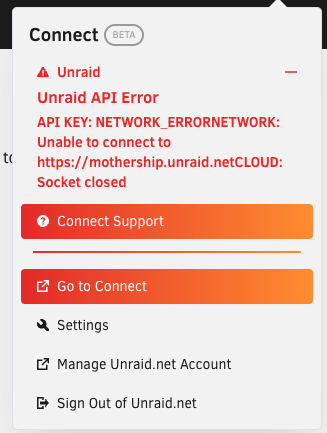
Hey, i have the same Problem. Tried to Set correct Time, that didnt work. unraid-diagnostics-20230515-1854.zip
-
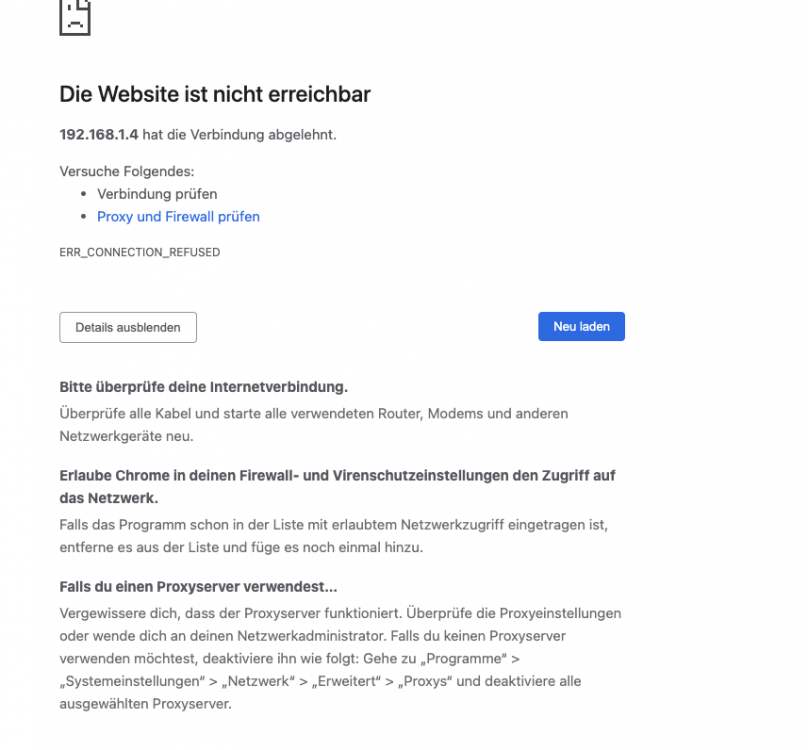
Hey, yesterday my NextCloud worked fine, today i cant acces the Web Interface, Nextcloud app on my Mac Works, can anyone tell me whats going on?
-
Hi, getting an error after rebooting unraid, what can i do internal error: child reported (status=125): unable to open /etc/libvirt/qemu/nvram/4f6effeb-4e36-431a-809f-d016c4aa829e_VARS-pure-efi.fd: Read-only file system
-
Looks more like the servers are down, if you choose method 2 there is this error
-
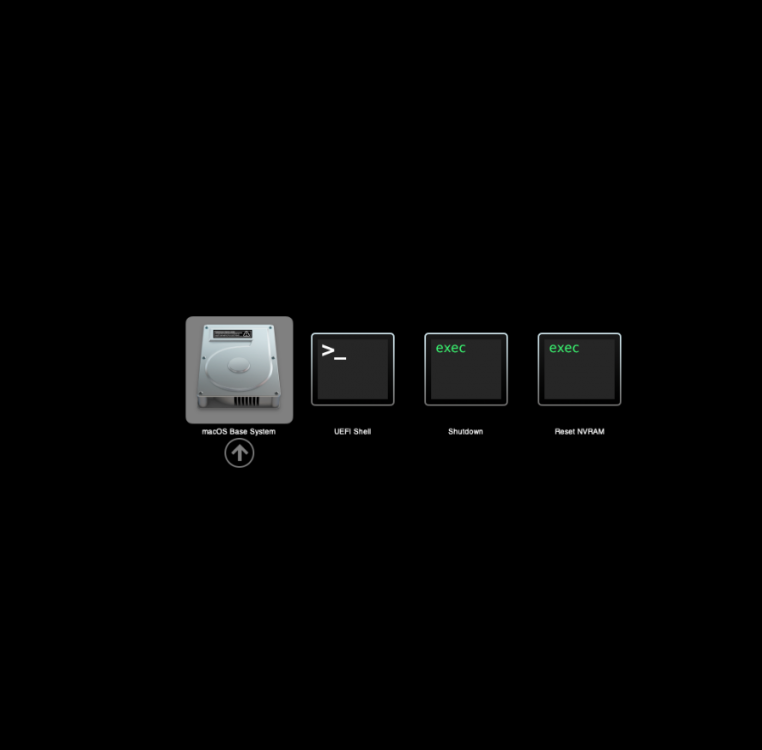
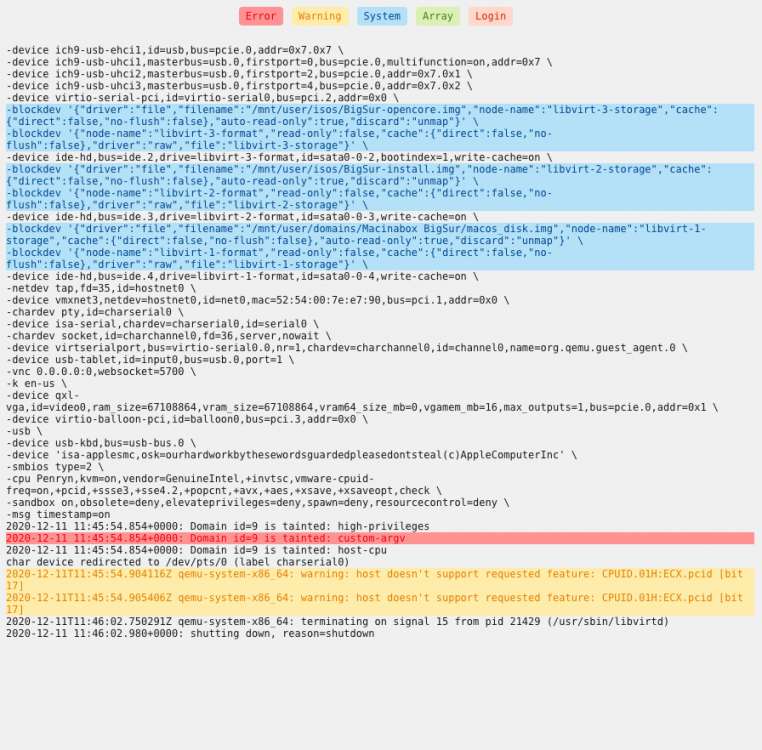
Hi, i tried everything like shown in the video but the install and open core images are not loaded. All files are in the right place @SpaceInvaderOne any idea why the two images are not loaded?
-
Hi, is there any update for MacInABox to install Big Sur? I found this Site where SpaceInvader wrote that he has the update ready an it should be online on November 29th https://www.patreon.com/posts/new-macinabox-44414795?l=de
-
Hi, i am working on moving from synology to unraid. Right now struggeling with Jellyfish and DLNA Server. Wehen opening DLNA Server on a TV i get a lot of folders like newest, genres and stuff like that. Is there a way to not show them, i just want my folder structure to be displayed Thanks


