





Patriot_Unraider
Members
-
Joined
-
Last visited
-
Anyone using Goodsync on Unraid 7+ ? I am having errors where I can't sync at all to my unraid any longer and I can only assume something happened with the unraid 6 to 7 changes. As it had been working fine before.
-
Thank you sir I been trying to fix this for awhile now and you # 2 solution has seemingly fixed this for me. Weird because I am using a tailscale address for the manually added server address but it still caused the conflict to where I could not see my LAN game in iOS.
-
Thank you for this super annoying having these files littered all over my other non-Mac machines. I have had these DS files actually break certain programs when they dump into a configuration folder on certain dockers.
-
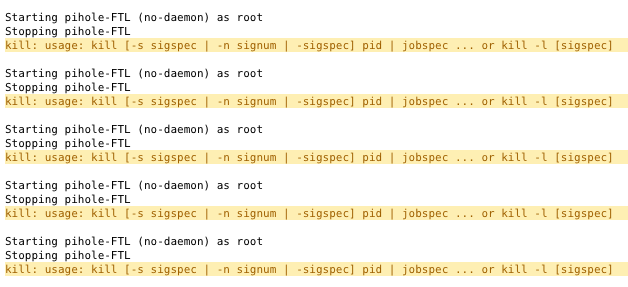
No problem, I looked into it and found others having the same problem with docker installs only Go into your unraid pihole template and where it says Repository enter this "pihole/pihole:v5.6" to rollback for now.
-
Yes mine did too
-
Thanks for doing this! Uninstalled new version and copy pasted that URL into "Install Plugin" under Plugins and worked perfect!
-
Thank you for this! Was just pulling my hair out trying to activate the old docker with version 10 to no avail. You are a lifesaver!
-
I updated and ran the newest v3 release and noticed Drone Factory was gone which I use despite warnings to not use. That is just how my setup is configured and it works. v3 this is gone which I knew was coming eventually. However I rolled back to v2 and cannot login to radarr anymore. Any suggestion on how to get it to login? Don't want to lose my configuration. Thanks

