





Ystebad
Members
-
Joined
-
Last visited
Everything posted by Ystebad
-
I'm not great in either linux or unraid, so there's that.... Made a linux VM and it has a 25G primary partition/disk. Downloading chia blockchain and it's all full and giving errors. I expanded the vdisk in the unraid GUI to 100G. within ubuntu VM I ran parted and tried resizepart (ran as sudo) but it says "Error: The location 50000 is outside of the device" Can you not expand partition of the VM as it's running from within linux? That seems silly. Not sure what I'm doing wrong. Here's what I see in parted (after increasing size to 100GB in unraid): (parted) print Model: Linux device-mapper (linear) (dm) Disk /dev/mapper/ubuntu--vg-ubuntu--lv: 26.0GB Sector size (logical/physical): 512B/512B Partition Table: loop Disk Flags: Number Start End Size File system Flags 1 0.00B 26.0GB 26.0GB ext4
-
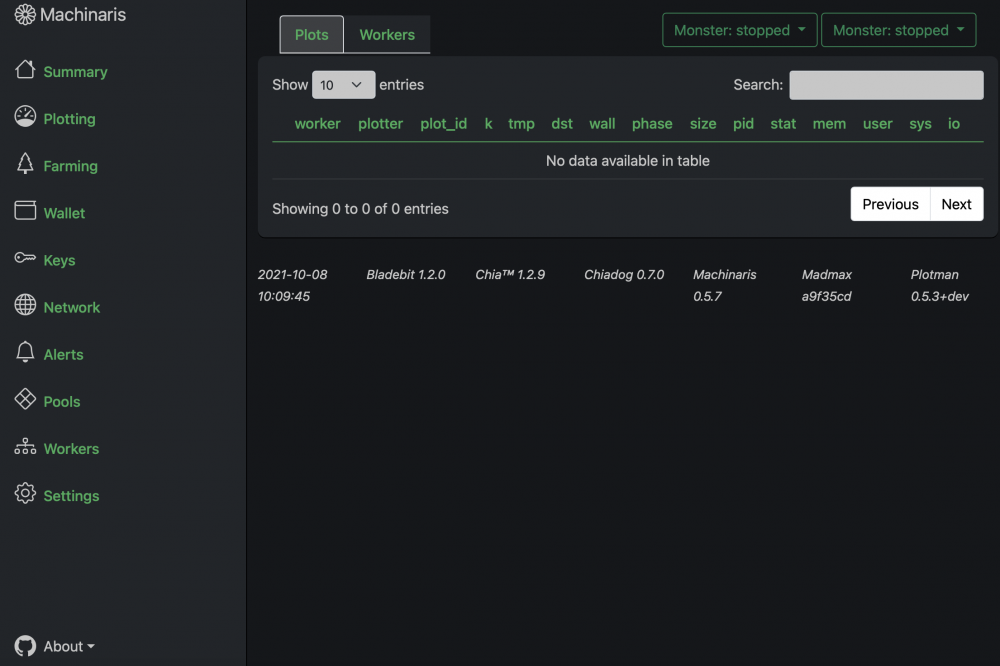
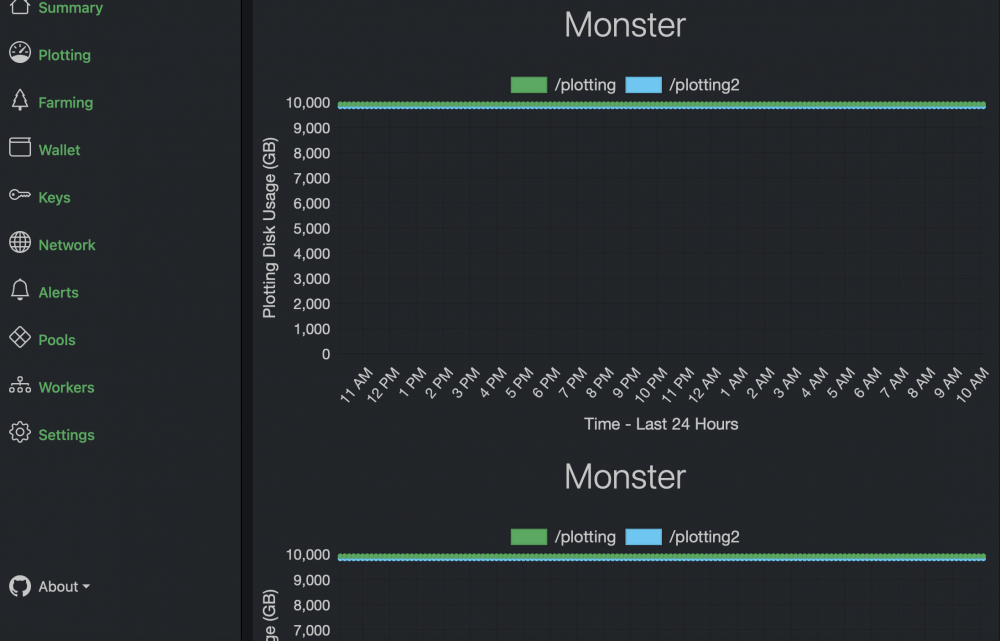
Yes that fixed it thank you! However under plotting and workers I now see two different choices with with same name. Want to start plotting again, but unsure if I should or which one to select.
-
Sorry not sure exactly how to do that - tried to just select and copy but it didn't copy a lot of the fields. Is there a way to export or do I just need to make screen grabs?This also shows up on my "fix Common problems": Template URL for docker application machinaris is not the as what the template author specified.The template URL the author specified is https://raw.githubusercontent.com/guydavis/machinaris-unraid/master/machinaris-hddcoin.xml. The template can be updated automatically with the correct URL. But running "apply fix" doesn't seem to do anything. Trying to open the GUI gives me the same screen noted above but says: This Machinaris worker is controlled at: http://:8926Same - Using safari have issue, using chrome do not. That sucks because safari is my main browser, but at least I can get around it. And no, no themes.Same problem here except the address slightly different. Cannot accessTrying to access the console of a docker container. The same problem seems to occur for all dockers I'm running. I've previously been able to access without any issue. Issue: From docker tab I select "console" A new windos opens up and says "116x37" for a second then is blank. I see no letters or anything except a flashing cursor box. If I type the cursor moves and perhaps is even functioning as if I enter down several times and then type "clear" the cursor will go back to the top. However at not time can I see any of what I'm typing or any results.I guess I'm just too stupid to run an unraid server because after installing this and accepting the Eula when I start the GUI it takes me right to my main unraid server page. doesn't seem to actually do anything.I see one from digiblur which appears to be a self hosted container designed for reverse proxy testing, and one from dmaicias which I installed but appears to have other requirements because it didn't work and it has an exclamation point which says "The script version needs to be set to v0.34 for this plugin to work properly".I'm running my unraid server through a VPN and want to test from inside what the internet speed is as I'm getting some very poor performance from dockers. I did an App Store search from Speedtest but nothing simple came up for WAN testing, everything seems to be either for Lan testing or requires additional scripting that I don't know how to do. There has to be a quick way to test internet / WAN performance from within Unraid - any suggestion?Installed NUT, did autodetect (said done but no specific message or sign that it found the UPS) and despite setting Start Network UPS Tools service: YES and apply it says status: stopped.Yes I do have one USB2 header on MB. Unfortunately it's already in use to power my front of case USB ports which are USB2 only. I guess I can try running a cable all the way around to the front of the case - janky. Isn't USB3 backwards compatible - why can't I use an open USB3 port already in place? Appreciate all your help BTW - thank you very much.Yes.Don't have any MB has only on rear : USB 3.2 Gen1 Port2 USB 3.2 Gen2 Port2 (1 type A, 1 type C)Well this isn't good. I changed my USB cables around to see if it would help and now my server says Unraid OS missing key and all my docker etc are not accessible.I believe it's a USB3 port and I haven't done any specific passthrough for VM but I do have an ubuntu VM setup (but not currently running).That's the exact same model I have and when I enable under Settings/UPS settings the "start APC UPS deamon" setting with option USB cable and UPS type "usb" I get "lost communication" error.Came home from vacation and house was --113-- degrees inside. The AC for some unknown reason switched into full heat mode when it's 90+ outside. Walking in to the home was terrifyingly hot. 4U 16 drive Server case heat alarms were blaring. I just panicked and shut down my unraid server as soon as I could - amazingly still running and was mining ETH the whole time! I -think- I remember seeing drive temps in the mid 50s (like 54) as I was shutting down, but I was too panicked to think to document more. It appears by my electric monitoring that this was going on for about 3 days. I feel so sad for my equipment, but not sure what if anything I should do. Server is still down at this point (12 hours later). Appreciate any advice.UPS setting - my rack mount cyber power UPS is "lost communication" I had a power failure and unclear shutdown with errors on restart so I need this working. Does anyone have a cyber power UPS working where unraid will shut down properly?Ok, ~2500 seemed worrisome to me, and even 1 error in the wrong place could be disastrous. I'm used to Synology NAS and never had any file issues, RAID6 and done.lost power and UPS didn't shut down my server (secondary problem, need to troubleshoot why). Parity check ran which took 32 hours and I have a LOT of errors (almost 2500). Run it again with "fix errors" selected? I mean who knows if it's the parity that's wrong or it's the files that are wrong - isn't that supposed to be what YOU tell me, unraid?As of current version, if plotting is interrupted from a docker restart, are the in-progress plots able to be re-started or do they need to be deleted / lost? I'm looking at automated app data backup and it says it will restart container after running - but I don't want to lose plots in progress.Since I have no idea what you're talking about I would guess no. I just selected "add a VM" from the VM page and went from there. Where would I add the virtio network driver as you describe, is this elsewhere in unraid? EDIT: I was wrong, at some point I have installed this ISO - it's in my ISO share/folder. And it's selected under the windows VM virtio driver ISO section (virtio-win-0.1.190-1.iso) I have not however done anything beyond putting the ISO in the folder and its selected in the windows VM edit section. I'm using Win10_21H1_English_x64.iso as my windows installTrying to setup my first VM - windows10 home selected. I get as far as network but then it says "Let's connect you to a network" but nothing ever comes up Under my VM settings it is default: network bridge br0 and network model: virtio-net I do see options under USB devices that are not selected which include: American Megatrends Virtual Ethernet (046b:ffb0) Not sure what I'm missing here.


