






HHUBS
Members
-
Joined
Everything posted by HHUBS
-
What if I setup a VPN server on the cloud, for example digital ocean? Then I setup my NAS as a VPN client and connect to my VPN Server? Then when I'm remote I can access my NAS using VPN?
-
I'm dead now. No options for me. I'll research for it.
-
Hello, just want to ask. I want to access my unraid dashboard(GUI) remotely and also to setup my owncloud to access outside LAN so that I can sync files even I'm remote. So base on that I found out that I need to setup VPN particularly OpenVPN to do that. To note, I'm on my ISP CGNAT. But I'm confuse where to setup my VPN server. Should I setup it up on the unraid itself or the VPS? Will it work if I'm behind CGNAT. I also have a TP Link router that has a capability of setting up an OpenVPN. If I setup in the router, then my router is the server and my unraid is the client, will it work that way? I have a month subscription to PureVPN to test it but sometimes it's not working and I need to forward ports on the router. Sorry I'm new to VPN. Also I'm a windows guy and have very limited knowledge on linux so ssh or command line is not an option to me.
-
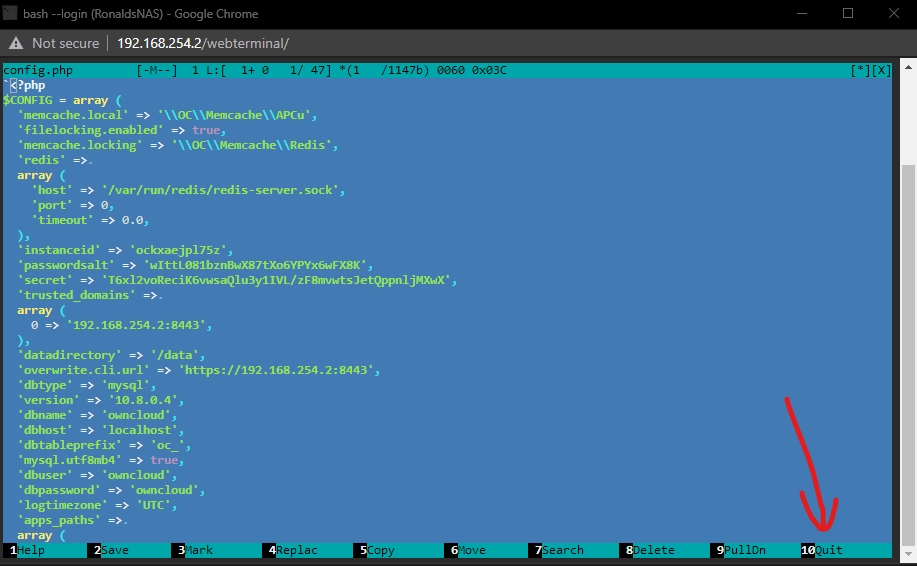
Hello, how about F10 or F11 and so on? If I click F+1+0 it will open the help which is F1.
-
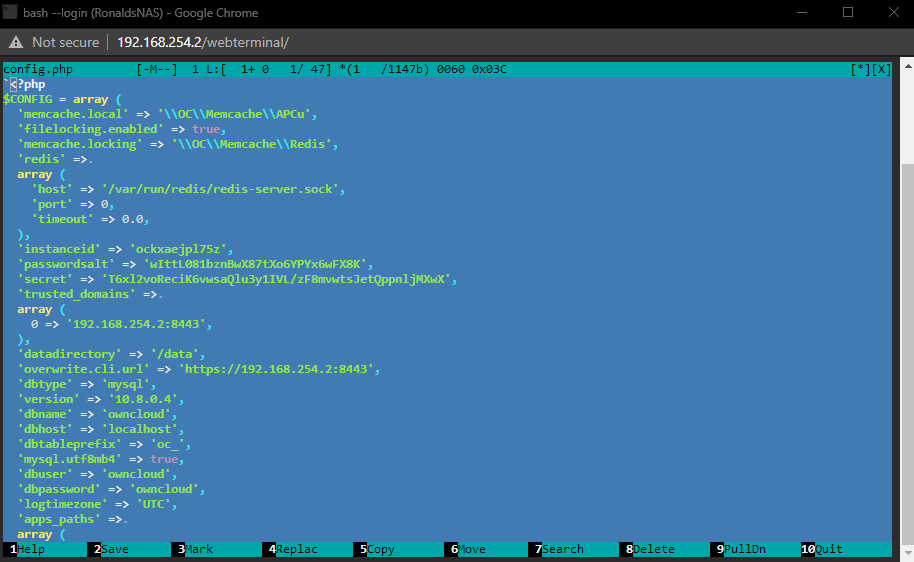
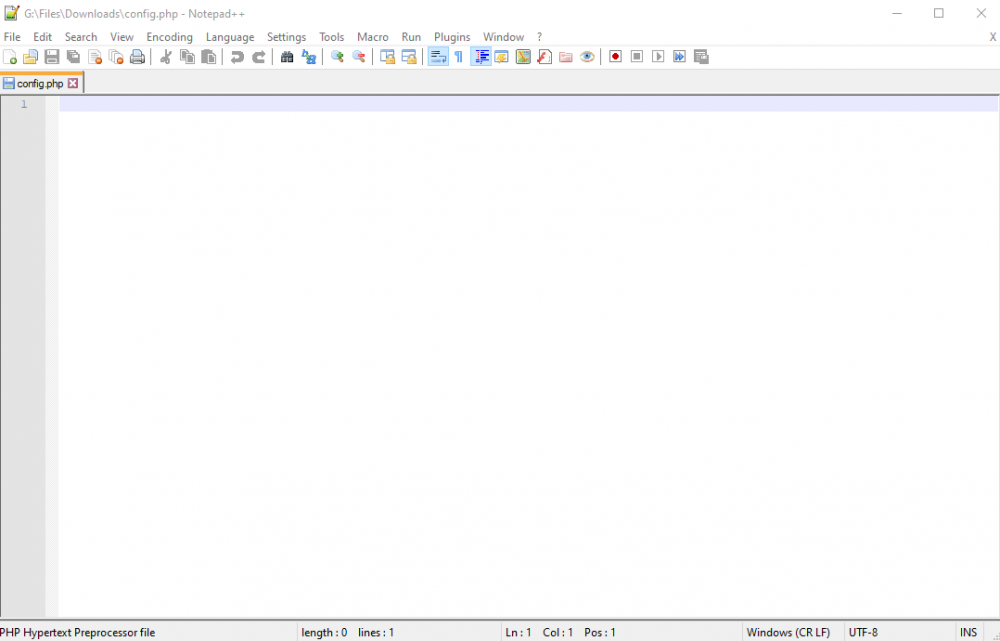
Thank you. Ok I'm a windows guy and have a little knowledge on Linux but I figured it out how to check it. This is what I saw on the config.php but when I try to download it and look at it using notepad++ it doesn't show anything. Can you explain this please? Thank you. The reason why I want to download it and view it outside of unraid is that I want to check if I have made correct changes on the file or if it saved correctly.
-
Hello, I know that this quoted comment was posted in 2017 but just to learn from this I would like to ask question. I'm new to unraid so don't have any idea. You said that I need to add this line to config.php but when I click the file via unraid gui, it will download the file. Now if I add that line, how can I upload back to the server? I just wanna learn how to upload back with the new config file if there are scenarios like this in the future. Thank you.
-
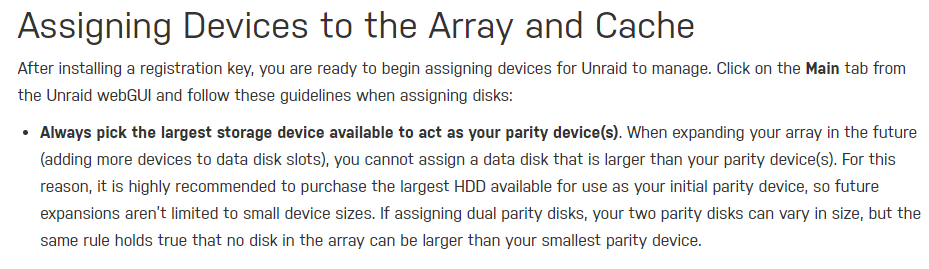
Thank you for your answer but wait.. what? I thought parity should be the largest of all the drive? I'm confuse now.
-
Hello, this is my first time posting on this forum and I'm new to the world of NAS. After some research, I want to try unraid OS for 30 days. Base on the docs, it is recommended to start with 1 parity drive and 1 data drive. But in my case, I don't have the budget to do this upfront. Now the question, can I start with only 1 HDD as data drive with no parity or use that 1 HDD as parity with no data drive? Sorry I'm new to this. If I start with 1 data drive with no parity drive, then my data/files are not protected. If I buy larger hdd for parity, say 5 months from now, can I just install this and protect my data without losing data on my data drive? Because I heard that if I change the array, my data will be lost but I think it's referring to the other NAS OS. Thank you.


