




SonOfTux
Members
-
Joined
-
Last visited
-
FYI, I've just changed the cpu in my unraid server from a 3600x to a 5700g and so far both binhex/plex and unmanic hw transcodes are working fine. Changing from a quadro p400 to iGPU only took about 15 mins and everything 'just worked' Sent from my SM-G975F using Tapatalk
-
Hi, It seems to be being caused by the fan speed script not being able to cope with PWM outputs that don't have an associated enable output, hence the file_get_contents(/sys/devices/platform/nct6687.2592/hwmon/hwmon3/pwm2_enable) failed to open stream: No such file or directory This issue with the nct6687 driver has been an ongoing issue for at least the last 2 years if you look back through these messages and is still waiting to be addressed.
-
Okay thanks, found it now 😊
-
Can't install this on Unraid v6.10rc2. It's saying the max version is 6.9.9. Anyway this can be fixed? or is there a real incompatibility with v6.10 and later?
-
I'm not using a separate handbrake container, it's built into the tdarr container I'm using. It' ffmpeg transcode withing that tdarr container that are failing. Handbrake ones are okay.
-
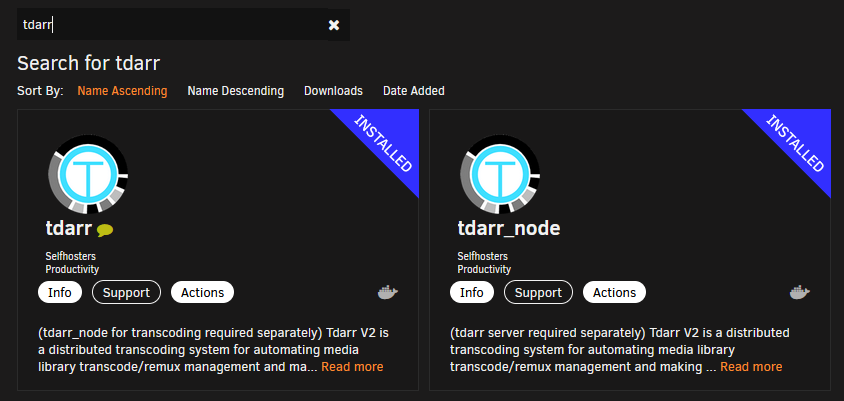
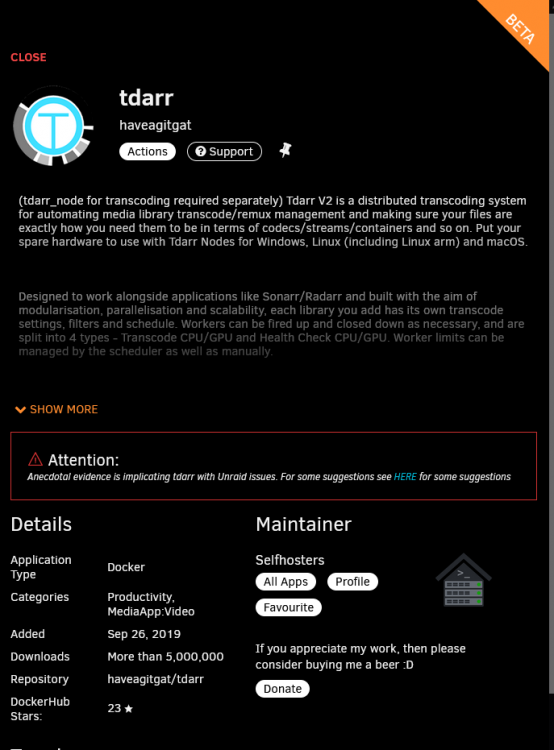
I'm just using the container from CA Apps found using seach for 'tadarr'
-
Strange🤔, I'm using the haveagitgat/tdarr containers from CA App and handbrake transcodes with NVENC seem to be working fine for me - cpu usage is about 5-20% (much lower than the 50-90% for cpu only transcode) and an active app is showing up and encoder usage to going to 100% on the GPU in the dashboard . But as I said, when I do a transcode using a plugin that uses NVENC x265 ffmepg transcodes it fails to find an NVENC capable graphics card.
-
I'm getting a similar issue, but in my case transcodes using handbrake are seeing and using my nvidia P400 but ffmpeg is failing with the log showing that it can't see an nvidia card. Sent from my SM-T970 using Tapatalk


