





sane
Members
-
Joined
-
Last visited
-
Whatever happened to this? It's been about 6 months since the original call, but no logo has (obviously at least) appeared. Even graphic designers aren't that slow, so did this get thrown into the 'too hard' pile?
-
That's fine by me sir, glad you liked it. I wonder when the tame designer lime employed is going to come back with their finalised efforts? And I wonder how many will say "oh no, I preferred ...."
-
One last, very cut down attempt, not busy, from a free font

-
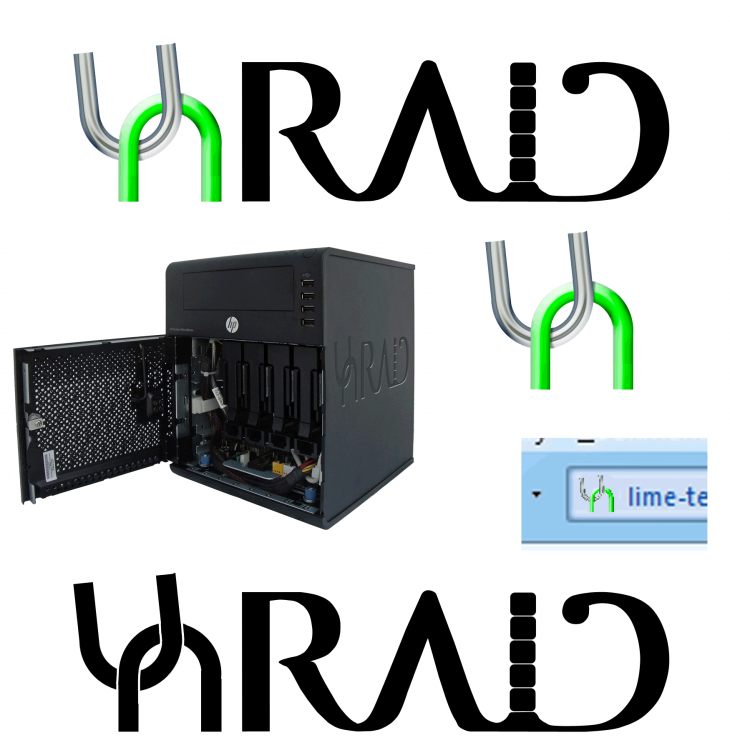
OK, since people were saying nice things, I gave it another half hour. Tweaked the text into an actual path, stylised it, bolted in Lev's box concept for container/disks. Also put the 'un' chain with the U at a slightly jaunty angle which looks a bit better methinks. Still not right, too busy and quickly lashed up, but might help on the ideas front. Also tried some B&W, ico, and NAS box example other looks.
-
If you want the marketing bull, the U & N are supposed to be reminiscent of interlocking chain, and thus subconsciously remind people of security - and can also be abstract enough to run as a icon in it's own right. Or otherwise, in practical terms, it's something to do with U and the N since otherwise they can unbalance things. As I said this was pretty much slapped together - and the RAID part isn't right. Doesn't want to be too busy, and the idea was to merge serifs to give a 'continuous flow', which could be accentuated. But it could certainly also be very different. From a logo design front the only thing that niggles is there is no reflection of the containers or VM aspects - couldn't think of any approach that wasn't naff.
-
OK, this is more slapped together on photohsop to illustrate some concepts rather than anything deliverable - would obviously take more on the rendered elements and tailoring text into something unique - but hey, what do you expect for free !
-
Definitely something screwy on the upload of PNGs. Even with the right size, etc. it refused to work unless I reached in with an SSH session and forced it. Probably need to also mod to give a subtle white outline to the logo/text - otherwise it disappears against a dark background.



