






Salpertia
Members
-
Joined
-
Last visited
-
thanks. the old one did not take into account compose files.
-
@jimrummy101 heads up that the container path for appdata needs to be updated. @rguinn change the appdata container path to "/var/lib/netbird" currently its /etc/ or something time to map (insert number here) services to this new client again. Groundhog Day loop because the appdata path isn't persisting. Here is the play-by-play of the failure: Handshake: "Hey server, here is my setup key. Who am I?" Authentication: "Server says I'm Node-A. Awesome, here’s my access." The Oversight: "I'll just tuck this identity into /etc/netbird... oh wait, that's not a persistent volume? Guess I'll just keep it in RAM. YOLO." The Reboot: [System restarts] The Amnesia: "I have no traces of appdata. I have no key. I am a blank slate. Hey server, here is my setup key... who am I?" The Result: The dashboard now shows Node-A (Offline) and Node-B (Online). Rinse and repeat until your dashboard is a graveyard of ghost nodes.
-
same here. invest in some other game that doesnt treat you like garbage for not being stereotypical gamer with one operating system.
-
far beyond me to tell your friend they shouldn't use unraid if their level of tolerance is sub optimal. far as i know templates (after you create them in unraid) are saved On the USB at /boot/config/plugins/dockerMan/templates-user maybe you take from your templates and tweak according to their paths?
-
what does this stand for?
-
make sure to take plenty backups
-
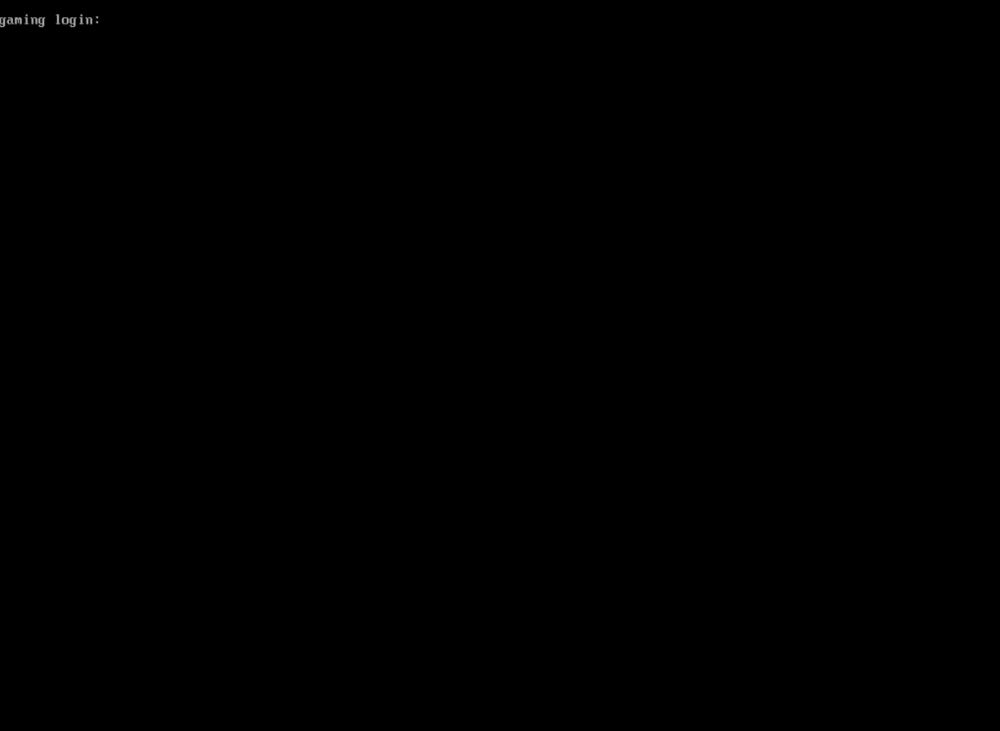
so that initial fix helps you actually install the iso, however upon leaving the desktop in a reboot (after installing nvidia drivers) it goes back to doing the black screen again and giving sudo login prompt (ctrl+alt+f2) (the default is root/regata) if you tried the previous post not following the steps and doing it the "normal way" this is giving me brain rot so i'm gonna move to something else. cheers if you figure it out. have a great day.
-
maybe this will help? https://answers.microsoft.com/en-us/windows/forum/all/what-is-the-x-drive/422e5340-b6dd-4676-ac69-9e6a69a66a4a Edit: that should be normal when in the install/recovery phase.
-
Salpertia changed their profile photo
-
been trying to abandon windows (gaming) for quite a while. i found i could not install the regata iso the normal way (Install ISO path:) as i would get a black screen regardless of what bios i had used. the only change was that i could get to the grub page BUT would spit back "you need to load the kernel first" So here's how to fix that. (if you happened to not have a usb inserted into the host already and have to do this remotely) --TLDR if you have a secondary laptop just download the iso, flash it, then before you run the VM make sure to attach the USB to the vm) -- SUCCESS 1. setup (or already have) a VM with a secondary drive with the bus set as USB (5GB) 2. download the iso while running that vm and flash it to that secondary drive you setup (make sure you check the disk manager to create a partition/format the disk so it can be seen by the flash program of choice) 3. make a second vm and direct it to use that 2nd vdisk you just flashed 4. no longer be infuriated when you get a black screen with a mouse (because if you followed this it should not happen anymore. this has been the skullbashing setup fix tutorial for regataOS i now have a headache, take care. What i tried https://userbase.kde.org/Troubleshooting/Black_Screen What Put me in the right Direction:
-

