





HomerJ
Members
-
Joined
-
Last visited
Everything posted by HomerJ
-
Ok, so when I setup the HP server I'll be able to map it via this. Awesome. Thanks for your reply!
-
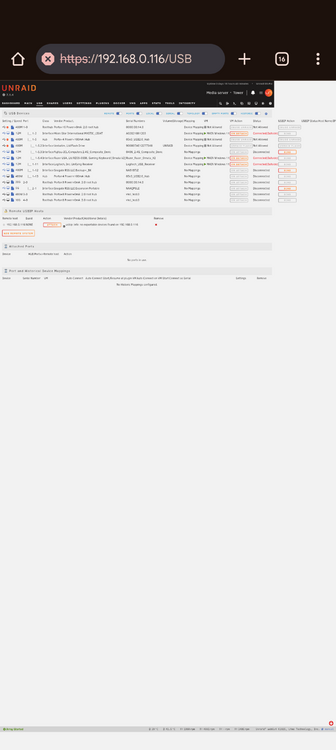
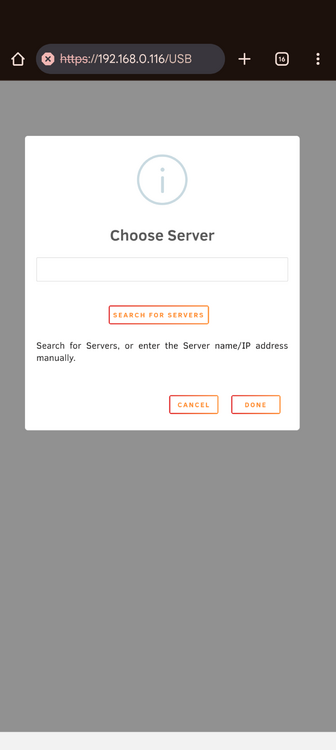
Hi all I'm fast running out of space, but I've been given a HP Proliant Microserver and I'm in the process of trying to figure out a way to use it for media storage as an extension of my unRAID server. I was just playing around in unRAID and found something interesting that I don't understand, but I'm hoping it might help me with my goal. I clicked on the USB menu: And on the left hand side you have the option to ADD REMOTE SYSTEM: Can someone explain with this is for? Thanks in advance for your help!
-
Hi all I was just doing a little housekeeping on my unRAID server, and was checking out the Fix Common Problems plugin and there was a message saying that the server was running out of memory and to post here and share my Diagnostic file. The server has been running great for some time. Last night though I was tidying up my desk and accidentally I cut power to the server, so major unclean shutdown. Then my VM's wouldn't start automatically and when I did start them myself I wasn't able to access the unRAID GUI and had to do another unclean shutdown. Eventually all was good, though I noticed that my Windows VM initially was very laggy, but it's all good now. I also had an issue with the Docker service and had to delete the Docker file and then reinstall all the apps, but that went smoothly. So the only issue I seen to have now is this memory issue that unRAID is reporting. I considered shutting down the server to reboot but I don't know if this will clear this message. Thanks in advance for your help! tower-diagnostics-20250709-1131.zip
-
Thank you for your response
-
Hi all I've had my unRAID server up and running for a while now and things have been going well. I'm fast running out of data space and while I do have some free sata ports, I'm running out of power connectors. A friend gave me a HP ProLiant Microserver which already has 3 drives in it. Going by how it looks, it appears to me that it's Gen 7. What's the best way to set this all up so the drives in this will be viewed to my unRAID server as the same as the drives which are in the unRAID server? I hope that makes sense. I would like the drives to be part of the array and can take advantage of the parity drive that I have. I have done some searching and found that the suggestion of setting the Microserver as another unRAID server and then mounting its drives on my main unRAID server, but I don't know if that is the best way to move forward, so thought I'd ask all you experts here who know far more than me! Keen to hear your thoughts! Thanks in advance!
-
Thank you for your post! Your suggestion is exactly what I will do.
-
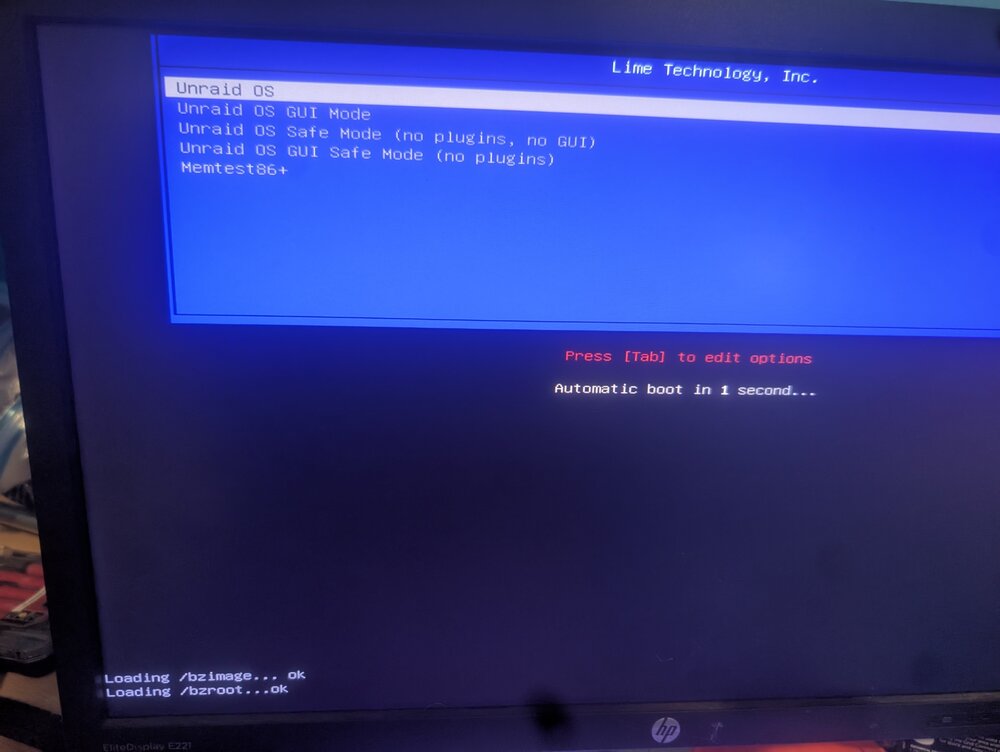
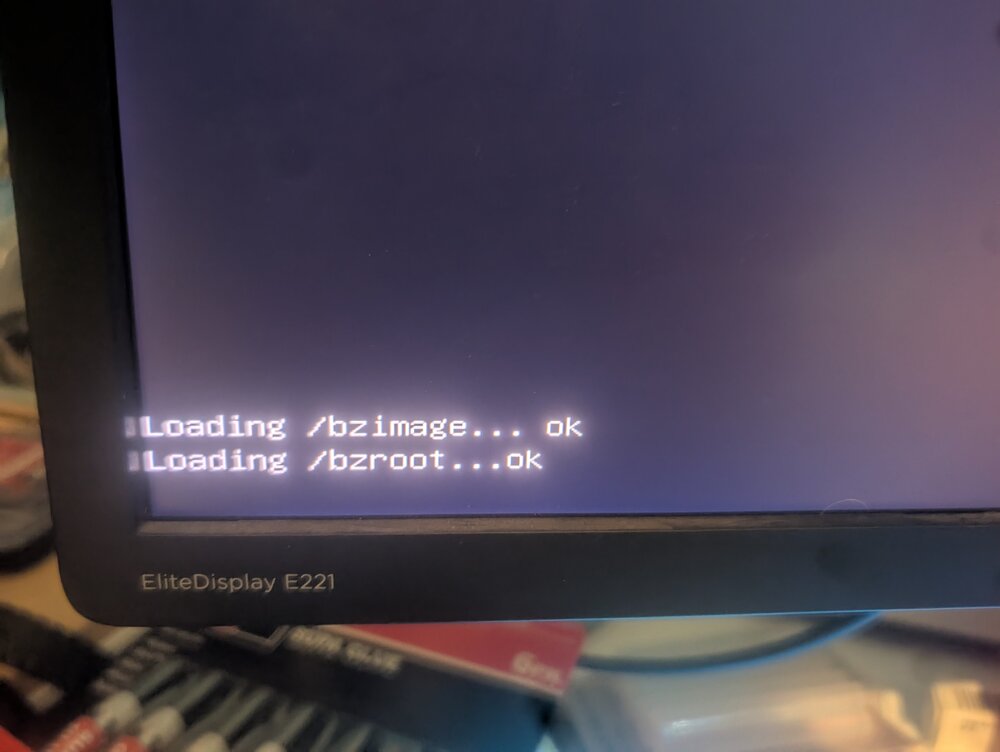
Hi all A couple hours ago I updated from 7.1.2 to 7.1.3. The upgrade went smoothly. I later noticed that there were a couple dockers waiting to be updated. I tried updating 2 of them, but each time it never actually updated. I waited a very long time before I moved to another screen within unRAID. Then I tried installing an app. It showed that it downloaded stuff in the update window but it never actually finished. I remember it saying something about a file couldn't be find locally, it something similar to that. I'm the end the UI become unresponsive so I had to turn the server off and back on again, but now it won't boot up. The server tries to start, but then gets stuck. I'll share two pics if what I see, my apologies for the quality, the camera part of my phone is damaged. This all happened just before I was going to sleep, but I thought I'd share this in the hope that greater minds than me will share their thoughts on this while I'm sleeping. I can't share the Diagnostic.zip as I can't get it to boot. If I was able to stay awake I was going to copy the important stuff on the USB boot drive, recreate the boot drive and then try booting the server up again after transferring back the important stuff, but that will have to wait until tomorrow now. It does seem to me that updating/creating a docker app has contributed to this issue, which wasn't present until the update. Thanks in advance!
-
I'm guessing the answer to my question is it can't be done.
-
Hi all I have one of my old 3D printers sitting next to my unraid setup. I would like to run Klipper but didn't have a Raspberry Pi. Been trying to do this using a Debian VM but haven't been successful yet, so I starting thinking that maybe I could create a VM using a Raspberry Pi image. Is this possible? I did a search and everything I found was a couple years old. I'm running the latest version of unraid. Thanks in advance!
-
Just a quick question. Here is a screenshot of my XML detailing the GPU. Would someone be able to check it and confirm that it's correct and that there are no errors which would stop video and audio from being passthroughed? I followed a post a few pages back to check it and make changes, but it looked to me that no changes were required, which might be related to the fact that I'm running the latest unRAID beta. Thanks heaps!!
-
Hey all Can someone sort of explain how I update the config.plist file? I tried doing it using the Opencore Configurator but I couldn't figure it out.
-
Instead of installing on a vdisk, how do I install onto a physical drive that I passthrough? I can't seem to get it to create the VM without also creating a vdisk.
-
Thought I'd provide an update just in case experience can help someone else.... I HAVE IT WORKING! I made some changes to the BIOS. Said no to 4G cryptomining, and told it to use the Internal graphics. I also swapped the GPU's and it looks like the reason why one starts with a number and then other a letter is because instead of using a '10' it used a letter. Started the MACOS VM and this is what showed up on the screen: Weird looking, isn't it?! I saw this as an improvement coz there was a change. Then I remembered I created the VM using a virtual display and a GPU, so I removed the virtual display and WOOHOO, it now works!!!
-
Hey all Would it help if I shared additional information? At this stage I'm probably going to swap my NVIDIA and AMD GPU's around to see if that makes any difference, but I can't see why it would. If someone can suggest info that might help solve this, please let me know what that info is and I'll share it. On the meantime, I will share the diagnostic zip, which is below. Cheers! tower-diagnostics-20241005-1106.zip
-
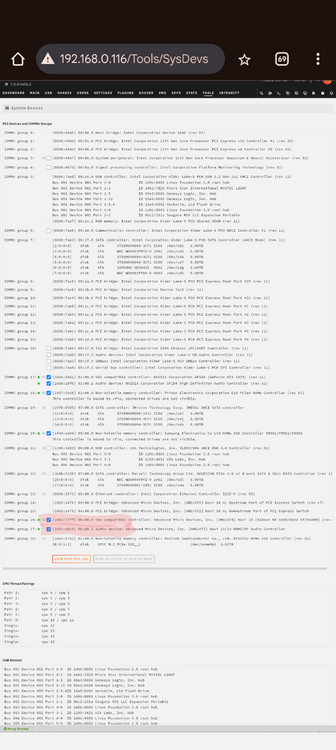
I'm so pleased that I sort of have a working Sonoma VM!!!! 😁😁😁😁😁 What I'm struggling big time with is passing through my AMD GPU. I have no idea what I'm doing wrong. Does the highlighted section in the pic look wrong? Other devices start with a number but this starts with a letter; does that matter? Since I don't really know what I'm doing I'm looking for anything that seems odd to me.
-
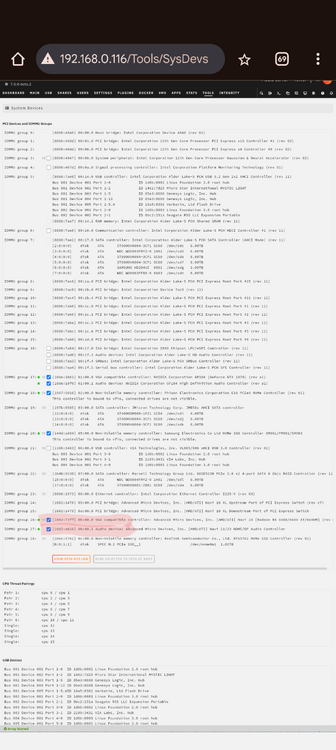
I thought I'd actually explain what exactly is concerning me. Below is the same screenshot pic as above but I've highlighted what is concerning me. The others start off with a number but this starts with a letter. Since for some reason I can't get the GPU to work in a VM I started thinking that this might be the reason. Is it an issue that it starts with a letter instead of a number? Sorry for the noob question.
-
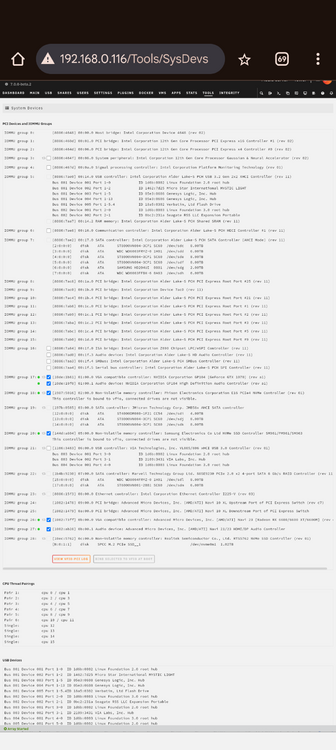
Hi all Does this look correct? I'm trying to use the AMD GPU in a VM but it never works. The video card definitely works coz when I boot into the BIOS it displays through it. Thanks!
-
I'm also having issues deleting the VM. I tell it to delete VM and disks and nothing really ends up happening.
-
I'm also having issues deleting the VM. I tell it to delete VM and disks and nothing really ends up happening.
-
I'm also having issues deleting the VM. I tell it to delete VM and disks and nothing really ends up happening.
-
I'm also having issues deleting the VM. I tell it to delete VM and disks and nothing really ends up happening.
-
Thank you so very much for putting all the extra time and effort into this!! I will give installing this a go very soon!!
-
Hi all I'm trying again to setup a Wireguard tunnel so I can remotely connect to my server from my phone. Unfortunately I've tried a few times so I have a few tunnels created. Is there a way to I can delete all of them and start from scratch? During this most recent attempt I've been following this guide: https://docs.unraid.net/unraid-os/manual/security/vpn/ but when I do it unRAID asks for different information. Is there a better guide? I have a static IP address so I have one thing that isn't going to mess this up lol I just can't get the rest worked out. Any help is very much appreciated!! Thanks!
-
Have you managed to have any success? I'd like to do the same as you, plus have a little fun with Garageband. I managed to boot into BigSur and updated it to Sonoma, but now it gets to the log in screen and won't accept any input. If you have a look at the Macinabox thread, towards the end you'll see some references to an earlier post that I found useful. You might too. It involved a couple small changes to the XML. Let me know how you go!
-
I still seem to have an issue. All plug ins have been updated and I'm on the latest beta.2. Even when booted into safe mode Mover won't work.


