





Sebastiansuisse
Members
-
Joined
-
Last visited
-
Hi, looking back on my old posts the main issue was the docker network config using MacVlan. As of now it is no longer the default configuration, so if you built your server before version 6.12.4 make sure to change it for peace of mind. Hopefully anyone with the same issue atleast can try this.
-
Was kind of a shock when i opened the forums. But new gui looks good.
-
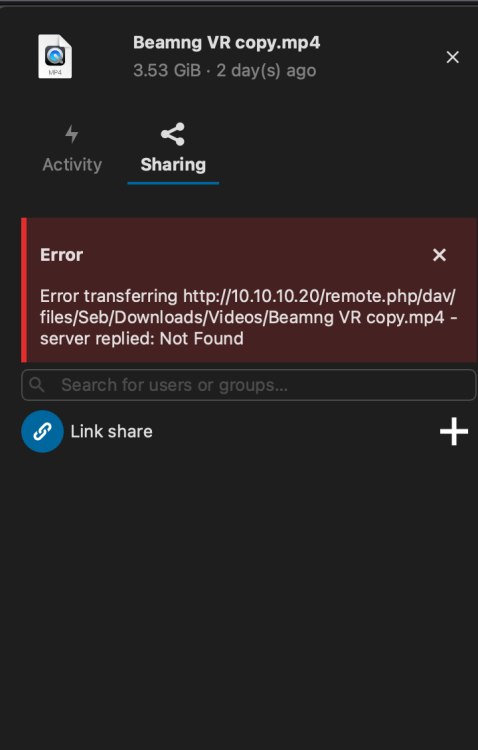
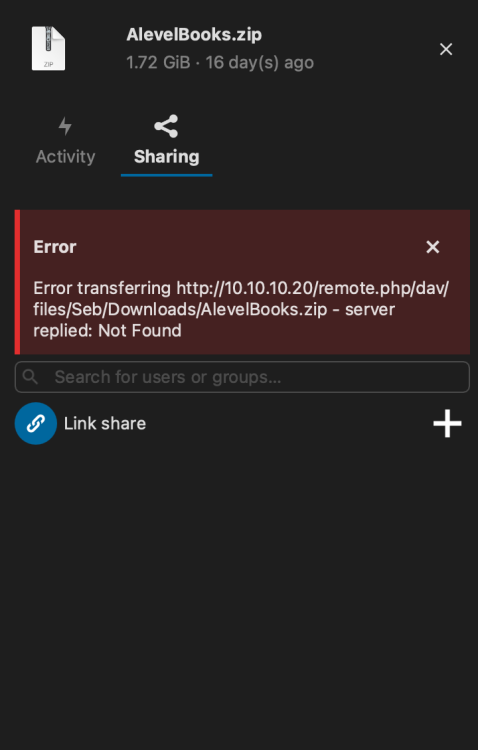
I have no reverse proxy it is all over lan. Even with the same config as you. I tried with upload limit as 0 and 25G and still nothing... I tried the exact same order like this : -e PHP_MEMORY_LIMIT=1G -e PHP_UPLOAD_LIMIT=0 unraid also puts a user to run it as which goes before, I dont imagine this affects anything: --user 99:100 Even for a 1.7gig file it cant
-
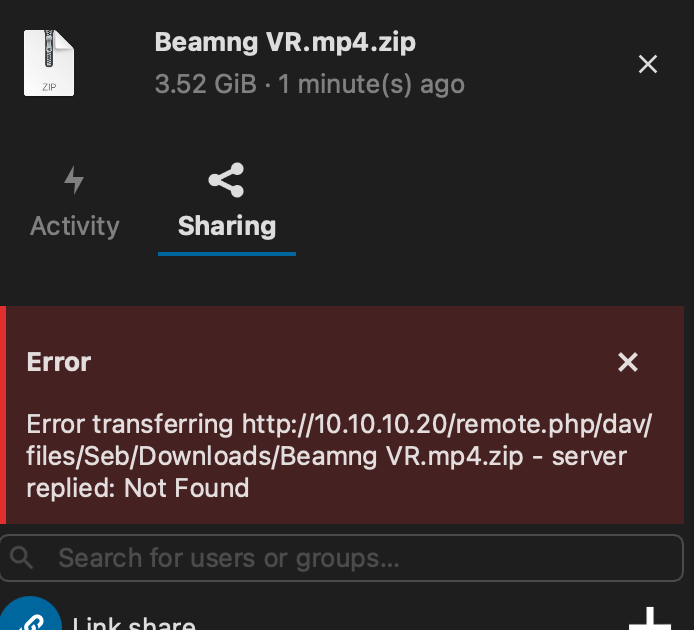
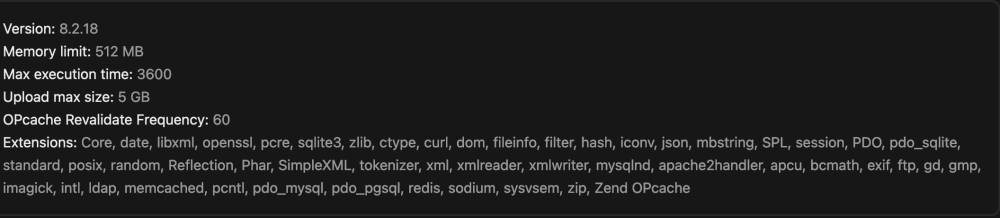
Thanks, some progress, nextcloud sees the change in max upload size but I still cant upload files bigger than 1gb, i tried with a 3.7gb file and it failed. I imagine you have to increase the memory limit also, i guess you put the args in the same place right?
-
I tried both PHP_UPLOAD_LIMIT 5G and PHP_UPLOAD_LIMIT and also PHP_UPLOAD_LIMIT = 5G and nextcloud crashes and refuses to start, I cant even open logs if I have any PHP arguments. Im lost sorry.


-
sorry i dont know where to add the parameter. Do you mean in the docker arguments or in the config.php?
-
Sebastiansuisse changed their profile photo
-
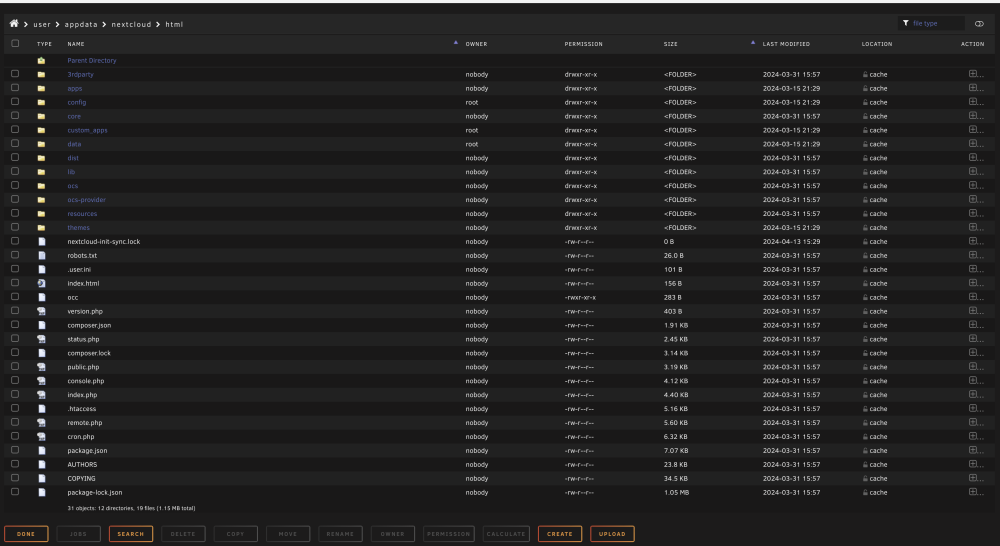
Hi, new user here so sorry if this is a dumb question. The issue Im having is that I cannot upload beyond the default file size (512m think) and I was looking to figure out how to solve this and I found you need to increase the max_stream_size to a suitable value in the php.ini file. The problem is that I cannot find the php.ini file anywhere in unraid. I have a bone stock configuration apart from maraidb as my database. I have been using it fine for the last month but ive now needed to upload some larger files and im stuck. Thanks in advance.

-
Well at least you are honest and straightforward about it.
-
bump so i come back here.
-
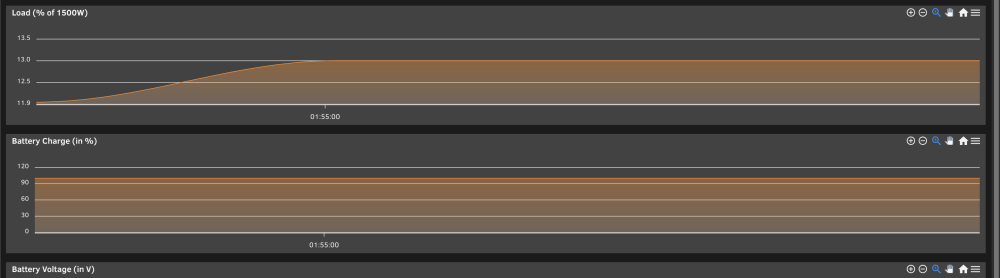
Hi, sorry kind of a beginner question. In the statistics page is it possible to somehow multiply the UPS load value as it is given in a percentage but it would be a lot easier to have it given in watts.
-
Ive enabled syslog server and assigned it to its own share on my cache but I dont see any logs being written to it... On the other hand I also enabled write to flash and I can see the logs being written to my usb. Will all the logs be saved or will they be overwritten when I restart the system, its just a question if i pull the usb when its unresponsive to retrieve the logs or I can wait until its booted into unraid.
-
Hello, sorry for the generic post title but ive been having issues with my unraid server freezing randomly over the last couple months. The issue: Server will become unresponsive after a undetermined amount of time (no ping, no gui access no shares access but physically still on with fans on and power light on and has to be forcefully restarted with the power button you cant even press the restart button), it has been as short as 2 days and as long as a month and a half. Not sure what is causing it to freeze (what im trying to figure out). What I have tried: Testing if it is a c-states issues by applying a constant load to the server in the form of dockers. Making sure there is no physical power issues by firmly plugging in all the power cables. Updating bios to latest version for my motherboard. (Version 1.D0) as reported in unraid. And most recently just disabling docker as I fear it might be a ip issue System config: https://pcpartpicker.com/list/spmvzf Unraid version: Version: 6.12.4 In the future I will prob need to disable c-states in bios. I also just enabled write to flash on my usb after it froze today. With write to flash it should keep a copy of the logs even if the server freezes right? Also when the server freezes how do I retrieve the copy of the logs before it froze do I go into the usb share?




