





ZarZ
Members
-
Joined
-
Glad you are chasing what makes you happy @ich777 , just sad about the enormous hole it will leave in plugins and containers 😅
-
I will reinstall it with that version when i cget home from holiday vacation. thank you.
-
I'm running the 7.3 Beta on a Ryzen 9 7945HX, since being on Beta/RC every couple days the server will crash and the syslog is spammed with CoreFreq. this never happened before 7.3, This is what its spamming about 20 times a second till the server crashes Apr 25 03:48:40 Garmr kernel: CoreFreq: AMD_SMN_Read(0, 59b08) TryLock Apr 25 03:48:40 Garmr kernel: CoreFreq: AMD_SMN_Read(0, 59b08) TryLock Apr 25 03:48:40 Garmr kernel: CoreFreq: AMD_SMN_Read(0, 59b08) TryLock Apr 25 03:48:40 Garmr kernel: CoreFreq: AMD_SMN_Read(0, 59b08) TryLock Apr 25 03:48:40 Garmr kernel: CoreFreq: AMD_SMN_Read(0, 59b08) TryLock Apr 25 03:48:40 Garmr kernel: CoreFreq: AMD_SMN_Read(0, 59b08) TryLock Apr 25 03:48:40 Garmr kernel: CoreFreq: AMD_SMN_Read(0, 59b0c) TryLock Apr 25 03:48:40 Garmr kernel: CoreFreq: AMD_SMN_Read(0, 59b0c) TryLock Apr 25 03:48:40 Garmr kernel: CoreFreq: AMD_SMN_Read(0, 59b0c) TryLock Apr 25 03:48:40 Garmr kernel: CoreFreq: AMD_SMN_Read(0, 59b0c) TryLock
-
I haven't had connect installed since the white header flashing issue, BUT i did upgrade to 7.2.2 tonight and now my notification slide out is light mode with darkmode text to not readable. Have cleared cookies, temp internet files, etc. also tried 3 browsers. Edge, Chrome, and DuckDuckGo. My webui is set to Dynamix Black theme, so the text is respecting it, just not the background, which is similar to the last header bug. I'm guessing based on the amount of darkmode issues i see myself, and others post in discord I am wondering if testing on darkmode is not occuring. There have been quite a few lately and I know everyone is working hard and likely on deadlines, so I hope there is time to clear this up.
-
I have a 13th gen Intel 13900HX CPU in the server, and it does not display the E and P core markers in the CPU Tile
-
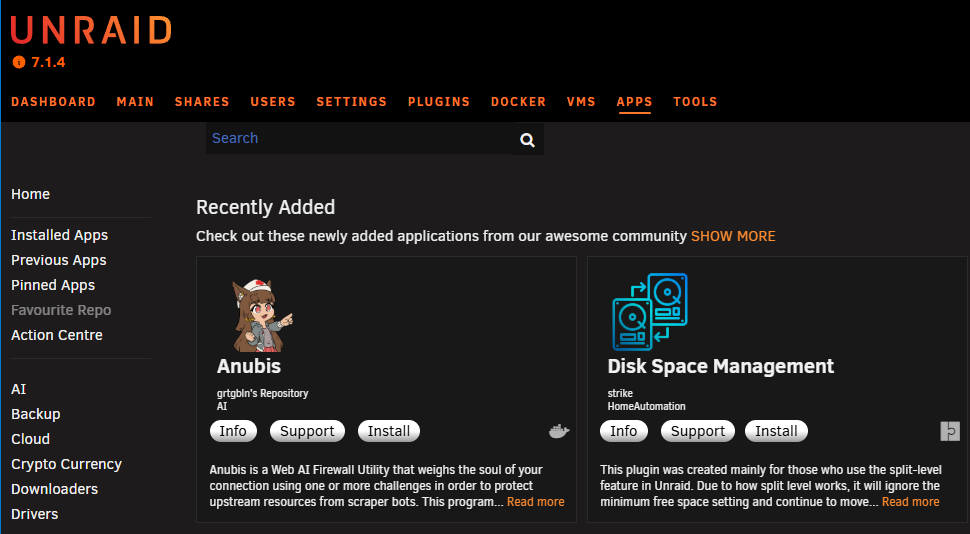
Just changed font to Normal (left theme engine off) and the box is dead even with the edge of the navigator bar now.
-
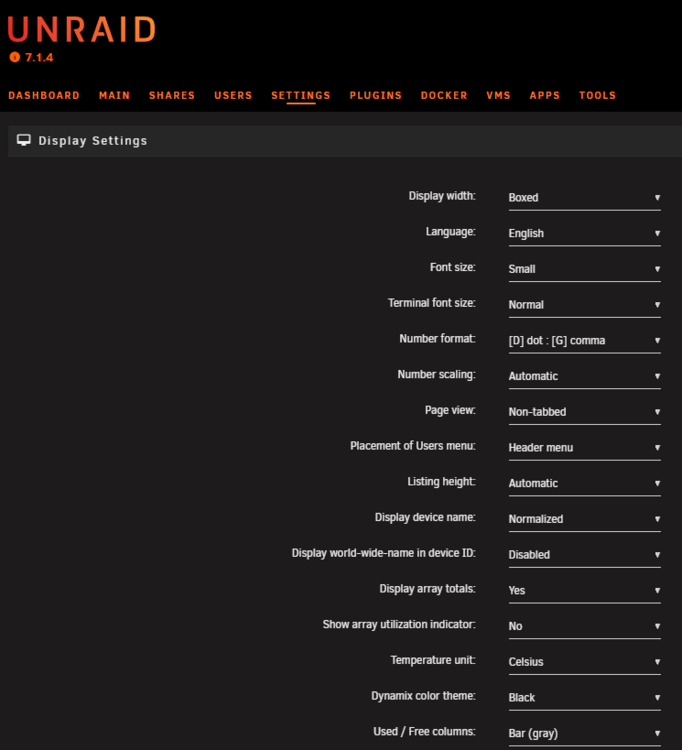
With Theme Engine disabled still like that. Font is small.
-
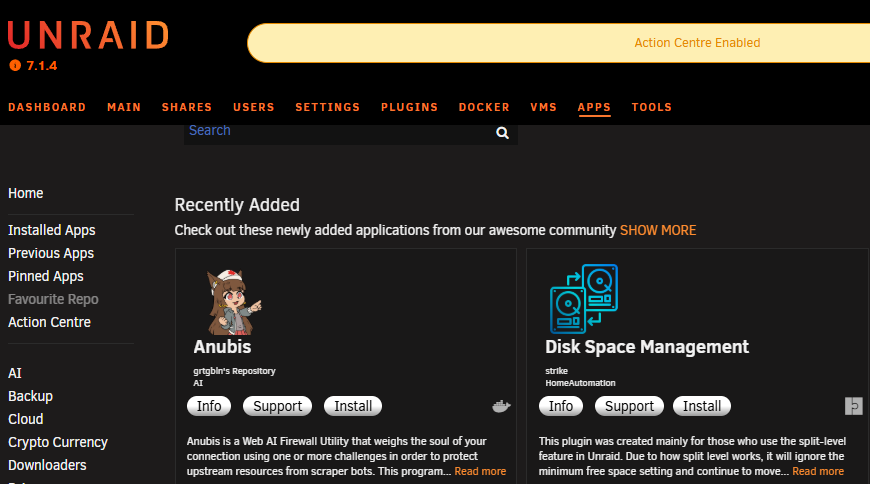
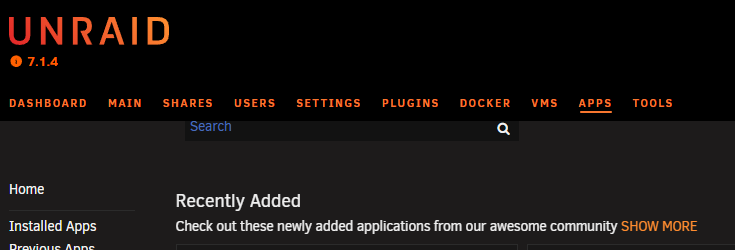
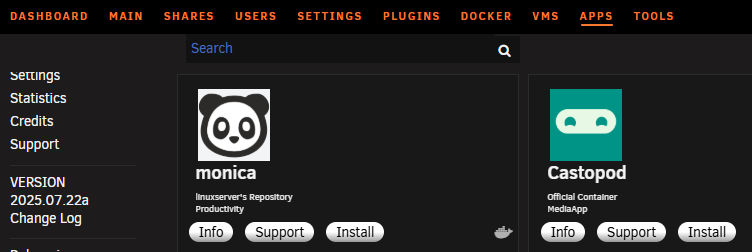
I Did the update to version 2025.07.22a, and I have the search box, but its partially covered when all the way at top. However if i scroll down the page it uncovers some. Not sure if this is same issue as the missing box, or something else.
-
here are the settings I have currently asweel. If its an issue with old hardware or versions of Unraid, I would be willing to revert if i found a path to do so.
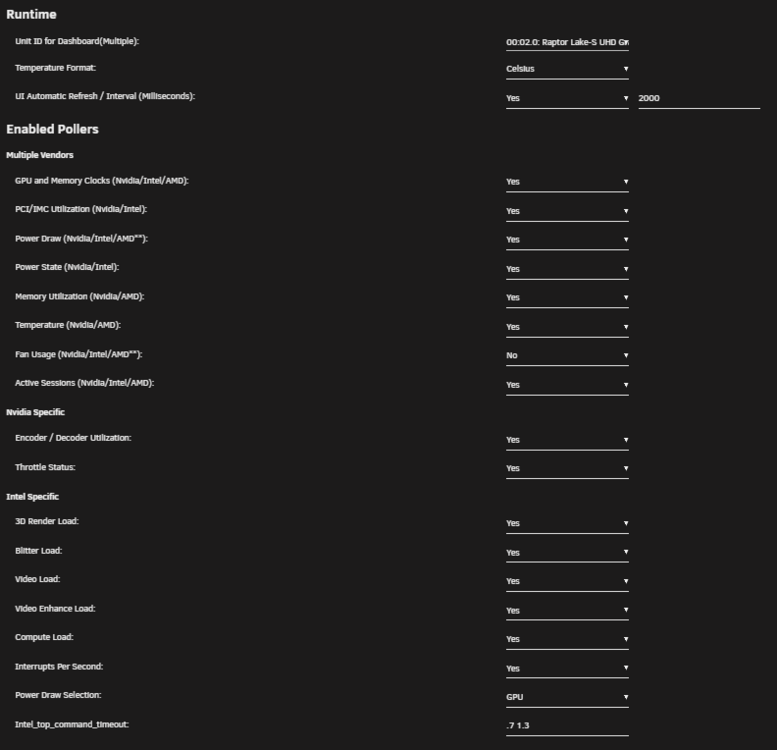 Simon i know you were asking in discord for feedback. my iGPU with newest as of today TOP and GPU Stat does not upgrade. I dont know if its run out of updates before it stops, or if its updating so slow i'm not seeing anything. I knew a few versions ago i have to reduce refresh rate from 1sec (which i prefered) to 2sec to get it to work. I am on iGPU 770 Unraid: 6.12.15 Intel-GPU-TOP: 2025.03.15 GPU Statistics: 2025.03.29 and my se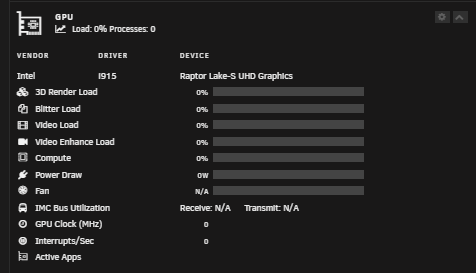
 Is there a way to force this? mine will NOT find any drivers at all, and manually typing "coretemp" did not do anything.Sadly when i first set it up I was dumb and assumed if all is zeroed, all is valid. Live and learn. Glad it was a me dumb moment and not actual unraid problemFolow up, Last Time I tried Parity Swap as we discussed it didnt work, and you were 100%. I once again am upgrading disk sizes from 24TB to 28TB, and because I did a fresh build of parity it made that partition that i accidentally skipped on initial build. It is now properly copying Parity for swap. Thanks for the help and wanted to confirm your suspicions were correct. Lesson for me and anyone else, even if starting with all fresh disks, do NOT shortcut and click "Parity is valid", let it build so there is a partition created.
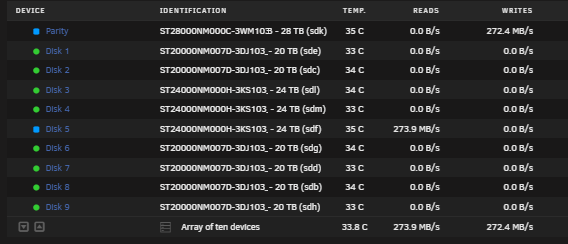 Nice, ya the bad drive is still hanging in there, hasnt gave out yet, so just needs like 12 more hours to finish and hopefully my next parity swap will work



